An AI agent that uses tools and completes multi-step tasks, running offline with zero API fees. The stack is simpler than you'd think: Ollama plus a framework like CrewAI. Here's how.
You pair Ollama (to serve a local model) with an agent framework like CrewAI or n8n (to give the model tools and a task loop). That's the whole stack: Ollama exposes an OpenAI-compatible API, and frameworks built for OpenAI — CrewAI, LangGraph, AutoGen, Cline — plug straight into it. An AI agent is just an LLM in a loop with tools and memory: the model decides which tool to call, your code runs it, and the cycle repeats until the task is done. Run it all locally and it's free (no API fees), offline, and private. Here's how to get one working.
The stack, and why it's simpler than it sounds
'AI agent' sounds intimidating, but the architecture is genuinely simple. At the bottom is Ollama, which runs your local model and exposes an OpenAI-compatible endpoint at localhost:11434. On top sits an agent framework that handles the loop — giving the model a set of tools (web search, run code, read files, query a database), asking it what to do next, executing the chosen tool, feeding the result back, and repeating until the goal is met. CrewAI is the easiest framework to get working with local models — it orchestrates 'crews' of agents in a few lines of Python. n8n is the pick if you prefer a visual, no-code workflow builder; since version 1.28 it has a native Ollama credential and an AI Agent node, so you wire up local agents by dragging boxes. For most people starting out, Ollama + CrewAI is the fastest path to a working agent, and everything runs on your own hardware.
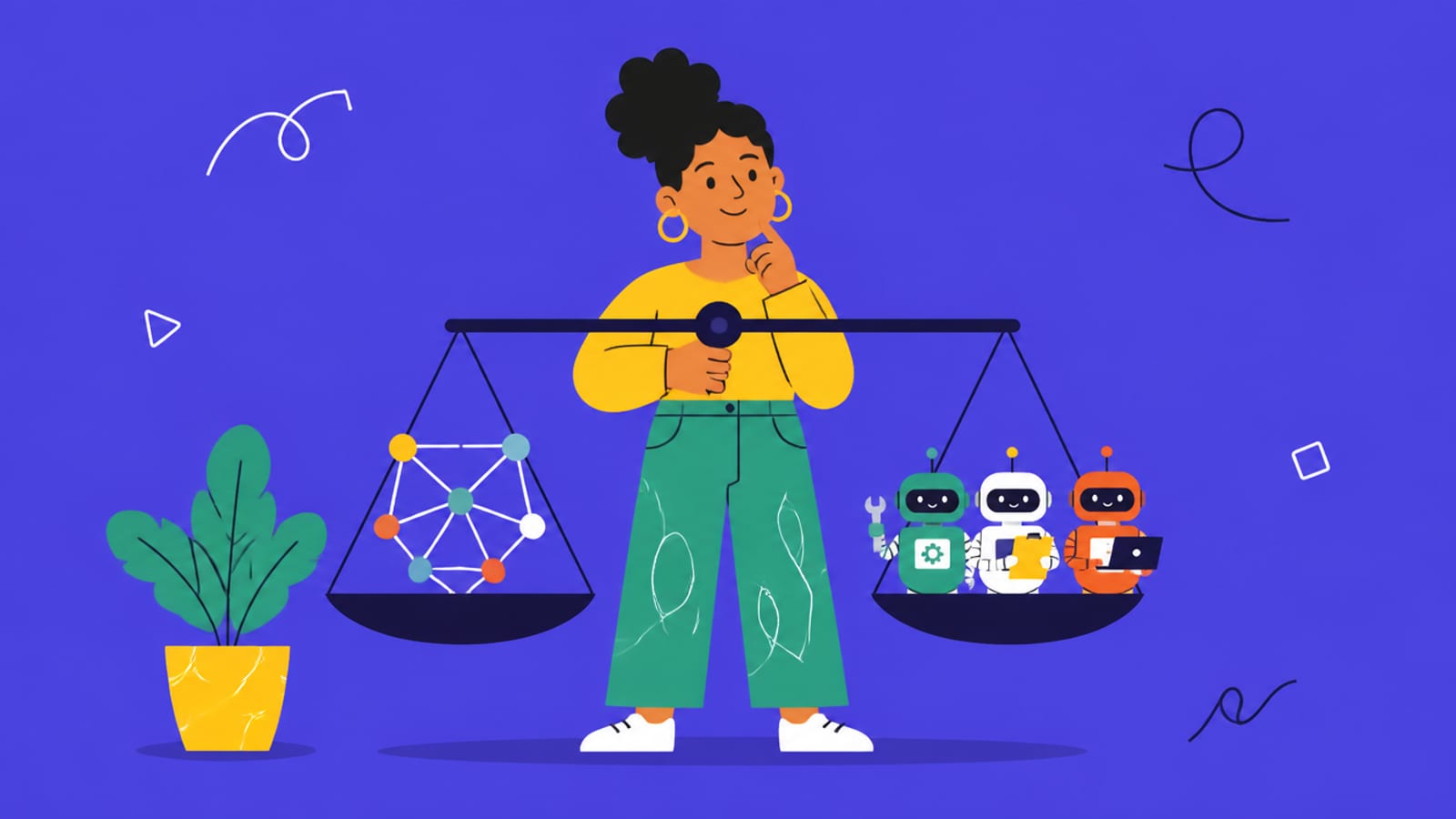
A local agent is an LLM in a loop with tools — Ollama serves the model, a framework like CrewAI runs the loop. · Unsplash
The model and hardware you need
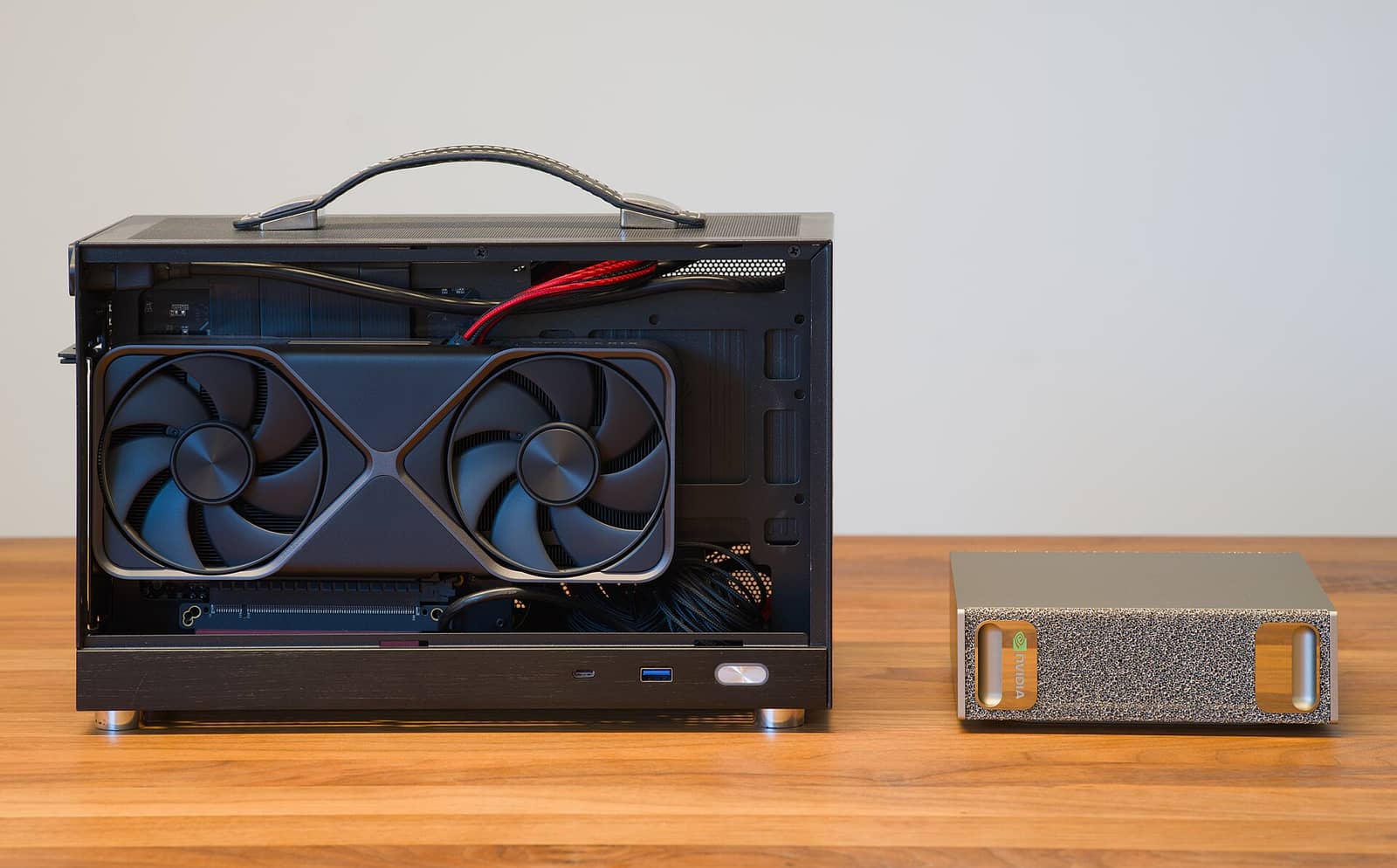
Two things matter more than anything else for local agents. First, use a tool-trained model — this is the mistake beginners make. Agents work by having the model emit structured 'tool calls', and a base model that wasn't trained for function-calling won't produce parseable calls, so the agent breaks. Stick to models explicitly trained for tools: Qwen3 8B or 30B-A3B, Llama 3.1/3.3, or Mistral Small are all solid choices. Second, have enough RAM — agents are hungrier than a single chat because you're often running a model plus an embedding model plus memory, sometimes multiple agents at once. 32GB of system RAM is the practical minimum for multi-agent workflows; a quantized 8B model uses ~6GB of VRAM, but two agents plus an embedding model will choke 16GB. So the honest requirements are a tool-trained model, enough VRAM for it, and 32GB of RAM to keep the whole loop running smoothly. Get those right and you have a private, free, autonomous agent.
Quick answers
How do I run an AI agent locally?
Pair Ollama (which serves a local model via an OpenAI-compatible API) with an agent framework like CrewAI or n8n. Install Ollama and pull a tool-trained model (Qwen3, Llama 3.1/3.3, or Mistral Small), then use CrewAI (easiest, Python) or n8n (visual, no-code) to give the model tools and a task loop. The agent decides which tool to call, your code runs it, and the cycle repeats until the task is done. It all runs offline, free of API fees, with your data staying on your machine.
What model should I use for a local AI agent?
Use a model explicitly trained for tool use / function-calling — this is critical. Good choices are Qwen3 8B or 30B-A3B, Llama 3.1/3.3, or Mistral Small. Base models that weren't trained for function-calling can't emit the structured tool calls agents rely on, so the agent will fail. Beyond that, match the model size to your VRAM. A quantized 8B tool-trained model is a great starting point for local agents and runs on modest hardware, though multi-agent setups benefit from a larger model and more memory.
What hardware do I need to run local AI agents?
32GB of system RAM is the practical minimum for multi-agent workflows, because you're often running a language model plus an embedding model plus memory, and sometimes several agents at once — 16GB tends to choke. For the GPU, a quantized 8B model uses about 6GB of VRAM, so an 8-12GB card handles a single agent well; larger or multiple agents want more. In short: a tool-trained model, enough VRAM to run it comfortably, and 32GB of RAM to keep the agent loop running smoothly.
Local agents are more approachable than they look — Ollama plus CrewAI, a tool-trained model, and 32GB of RAM. Serve the model via a local API, pick a tool-capable model, and size the GPU. Source: CrewAI and Ollama.
This is the hands-on, local side of a bigger topic. For the full practical picture — what AI agents are, what they can't do reliably, the frameworks, and using them without the hype — see our AI agents explained hub.