Gemma 3 comes in sizes from tiny to 27B, and each has a very different hardware requirement. Here's exactly what you need to run each one — and which fits the card you already have.
Google's Gemma 3 is one of the most popular open model families for local AI, partly because it comes in a range of sizes — from tiny models that run on a laptop to a capable 27B — and each has a very different hardware requirement. The confusion is that 'can I run Gemma 3' has no single answer: the 27B needs a 24GB card, the 12B fits a 16GB card, and the 4B runs on almost anything. Here's the Gemma 3 hardware requirement for every size, the VRAM math, and which model fits the card you already own.
The VRAM by size
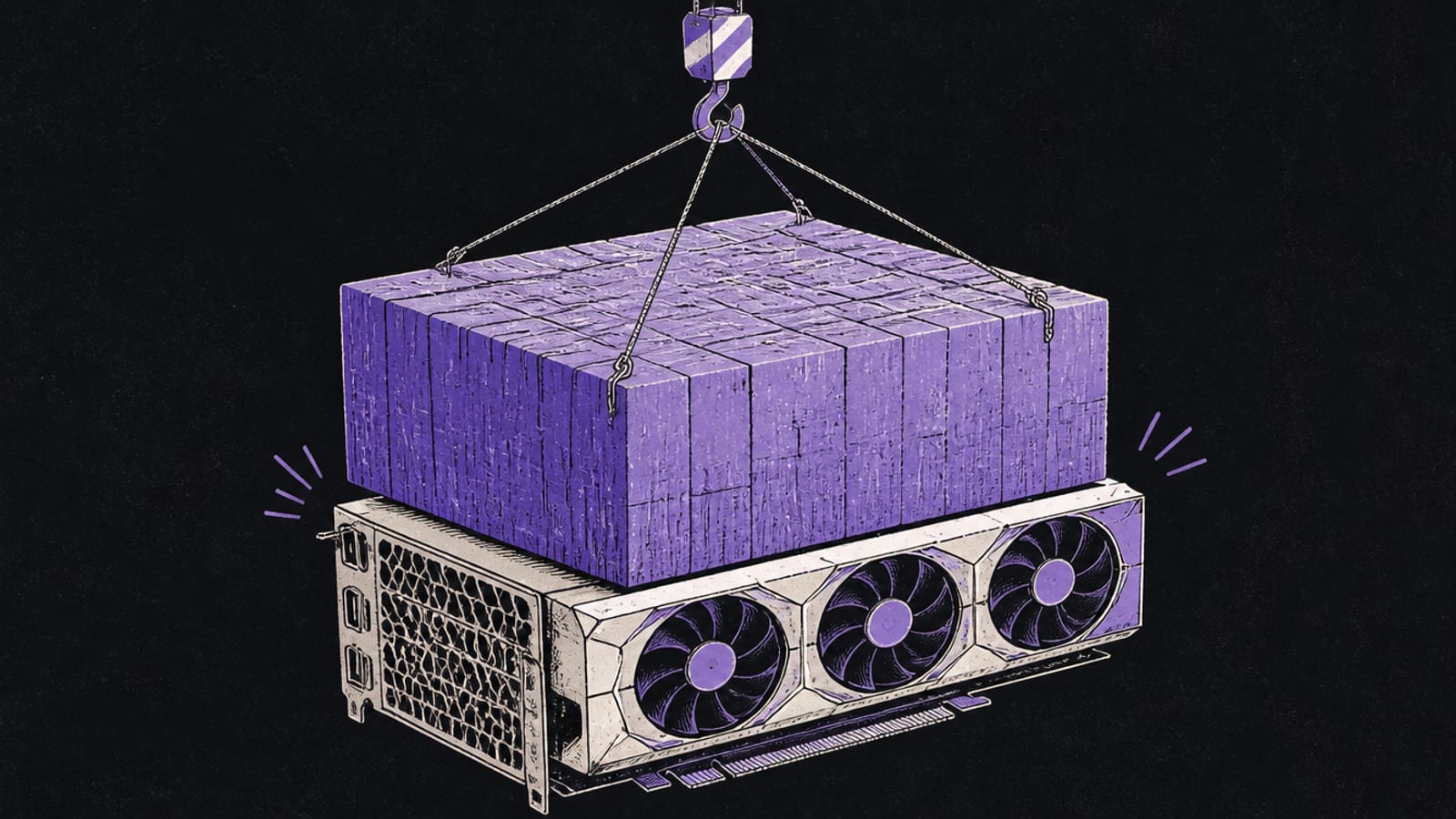
Gemma 3's appeal is that there's a size for every machine. The flagship 27B needs about 18GB at Q4 quantization, so it wants a 24GB card — a used RTX 3090 is the value host, and it's a strong general model at that size. The 12B is the sweet-spot middle: it fits a 16GB card comfortably with context headroom, making it ideal for a 5060 Ti or 5070 Ti. The 4B is the accessible one, running on an 8GB card or a laptop, and the 1B runs on almost anything. And every Gemma 3 model is multimodal, so it handles images too — useful headroom the parameter count doesn't show.
Does it fit? — Gemma 3 27B (Q4) needs ≈18GB
Gemma 3 27B (Q4) needs ≈18 GB
RTX 3060 (12GB)12 GBover 6 GB
RTX 5060 Ti (16GB)16 GBover 2 GB
RTX 3090 (24GB)24 GBfits
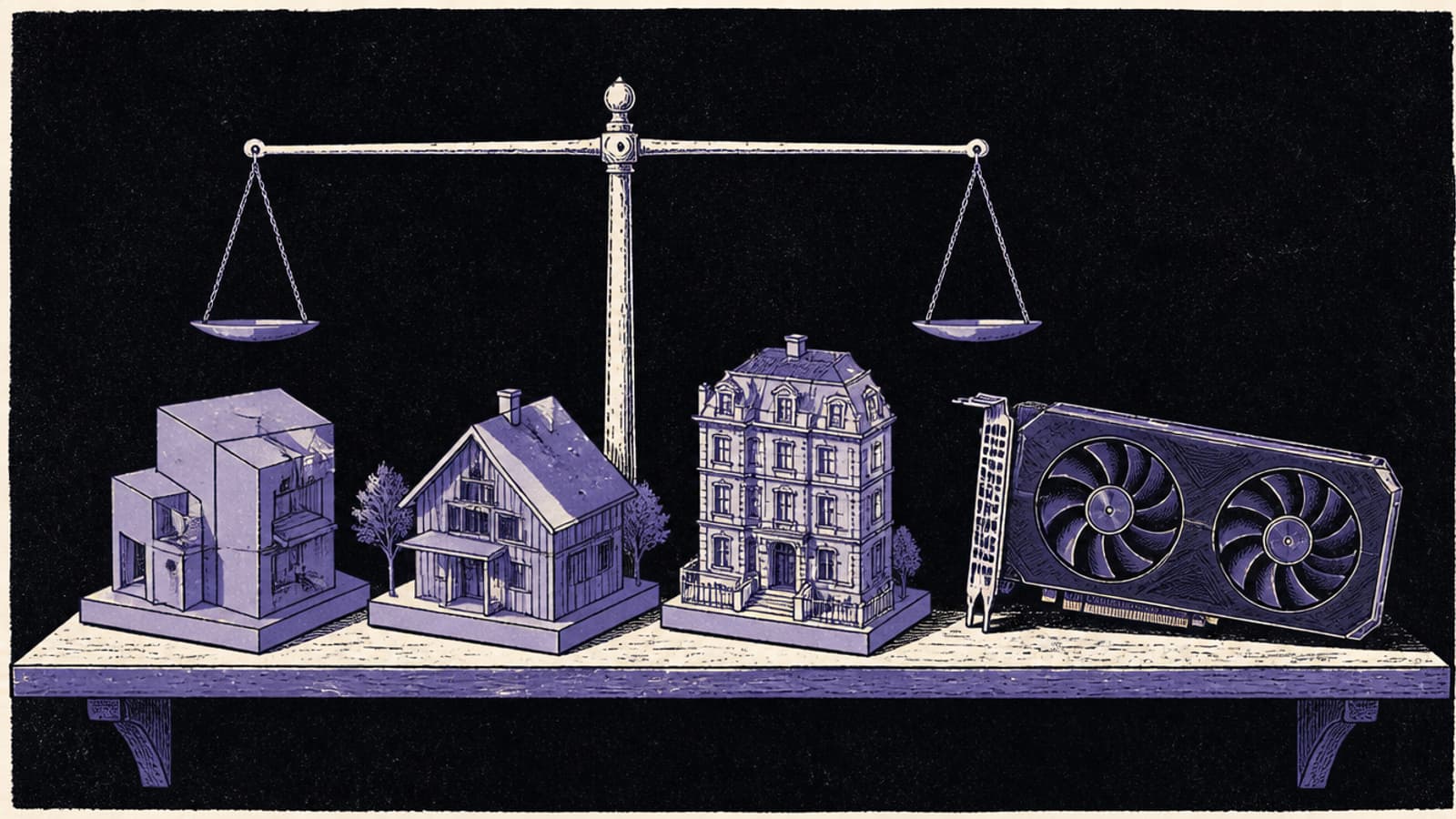
The 27B needs a 24GB card; the 12B and 4B sizes fit smaller GPUs. Pick the Gemma 3 size that matches your VRAM.
Gemma 3's range means there's a size for every card — from a laptop-friendly 4B to a 24GB-card 27B. · Unsplash
Which Gemma 3 to run
Pick by your hardware. If you have a 24GB card, run Gemma 3 27B — it's a capable general model that rivals larger ones. On 16GB, the 12B is the right choice, giving most of the capability at a size that fits with context. On 8GB or a laptop, the 4B is genuinely useful for everyday tasks. The nice thing about Gemma 3 is you're not locked out at any tier — there's a version that fits, and they're all multimodal and well-regarded. Size your exact target in the VRAM calculator, and if you're choosing a card around Gemma 3, match it to the model size you want to run.
Quick answers
What GPU do I need to run Gemma 3 27B?
A 24GB card — Gemma 3 27B needs about 18GB at Q4 quantization, so it fits a 24GB GPU with room for context but not a 16GB card. A used RTX 3090 (~$1,000) is the value option; a 4090 or 5090 runs it faster. If you have 16GB, run the Gemma 3 12B instead, which fits comfortably and delivers most of the capability. Match the Gemma 3 size to your VRAM rather than forcing the 27B onto too small a card.
Can Gemma 3 run on a laptop?
Yes — the smaller Gemma 3 sizes are laptop-friendly. The 4B model runs on 8GB of memory, which many laptops (and all Apple Silicon Macs) have, and the 1B runs on almost anything. The 12B and 27B need more memory than typical laptops offer via discrete VRAM, though a high-memory MacBook could run them via unified memory. For most laptops, stick to Gemma 3 4B or 1B, which are genuinely useful for everyday tasks on the go.
Is Gemma 3 multimodal?
Yes — Gemma 3 models handle images as well as text, which is useful headroom that the parameter count alone doesn't convey. That means you can use them for tasks involving pictures, not just text, on your local hardware. The multimodal capability applies across the sizes, so even a smaller Gemma 3 you run on modest hardware can work with images. It's part of why the family is popular for local, private multimodal AI.
Gemma 3 has a size for every card: 27B on 24GB, 12B on 16GB, 4B on 8GB or a laptop, all multimodal. Match the size to your VRAM in the calculator, and see best local LLM by tier for the wider model landscape.
Further reading, straight from the source: Google's official Gemma documentation — Google — Gemma.