Yes, you can run a real language model on a Raspberry Pi 5. It won't be fast, but for a tiny, private, always-on AI it's genuinely fun and useful. Here's how, and what to expect.
Yes — a Raspberry Pi 5 (8GB) runs real language models, and it's a genuinely fun, useful project: a tiny, private, always-on AI that costs about $80 and sips power. Through Ollama, a Pi 5 comfortably handles 1-3B parameter models. Gemma 3 1B is the speed pick at ~18-22 tokens per second; Phi-3 Mini (3.8B) is smarter but drops to ~4-7 tok/s. It won't rival a GPU rig — but for an offline assistant, a home-automation brain, or just tinkering, it's brilliant. Here's how, and the honest limits.
The setup and what to run
Getting started is easy: install Raspberry Pi OS (64-bit) on a Pi 5 with 8GB of RAM, add an active cooler (the Pi throttles when it gets hot, which kills performance), ideally boot from a USB SSD (faster and helps with swap), then install Ollama with its one-line installer and pull a small model. The sweet spot is Gemma 3 1B for speed or Phi-3 Mini for quality — Gemma 3 1B flies at ~18-22 tok/s (faster than you read), while Phi-3 Mini 3.8B is noticeably smarter but slower at ~4-7 tok/s. The 8GB Pi fits 3B models at Q4_K_M with reasonable headroom; 7B models technically load at aggressive Q2 quantization but generate below 1 token/second, which isn't practical for interactive use. One tip for power users: running llama.cpp directly is ~10-20% faster than Ollama on the Pi, mostly for prompt processing — worth it if you're optimizing.
# on a Raspberry Pi 5 (8GB) with active cooling + USB SSD:
curl -fsSL https://ollama.com/install.sh | sh   # install Ollama
ollama run gemma3:1b       # ~18-22 tok/s — the speed pick
# or: ollama run phi3        # smarter (3.8B), ~4-7 tok/s

# that's it — a private, offline AI on an $80 computer.
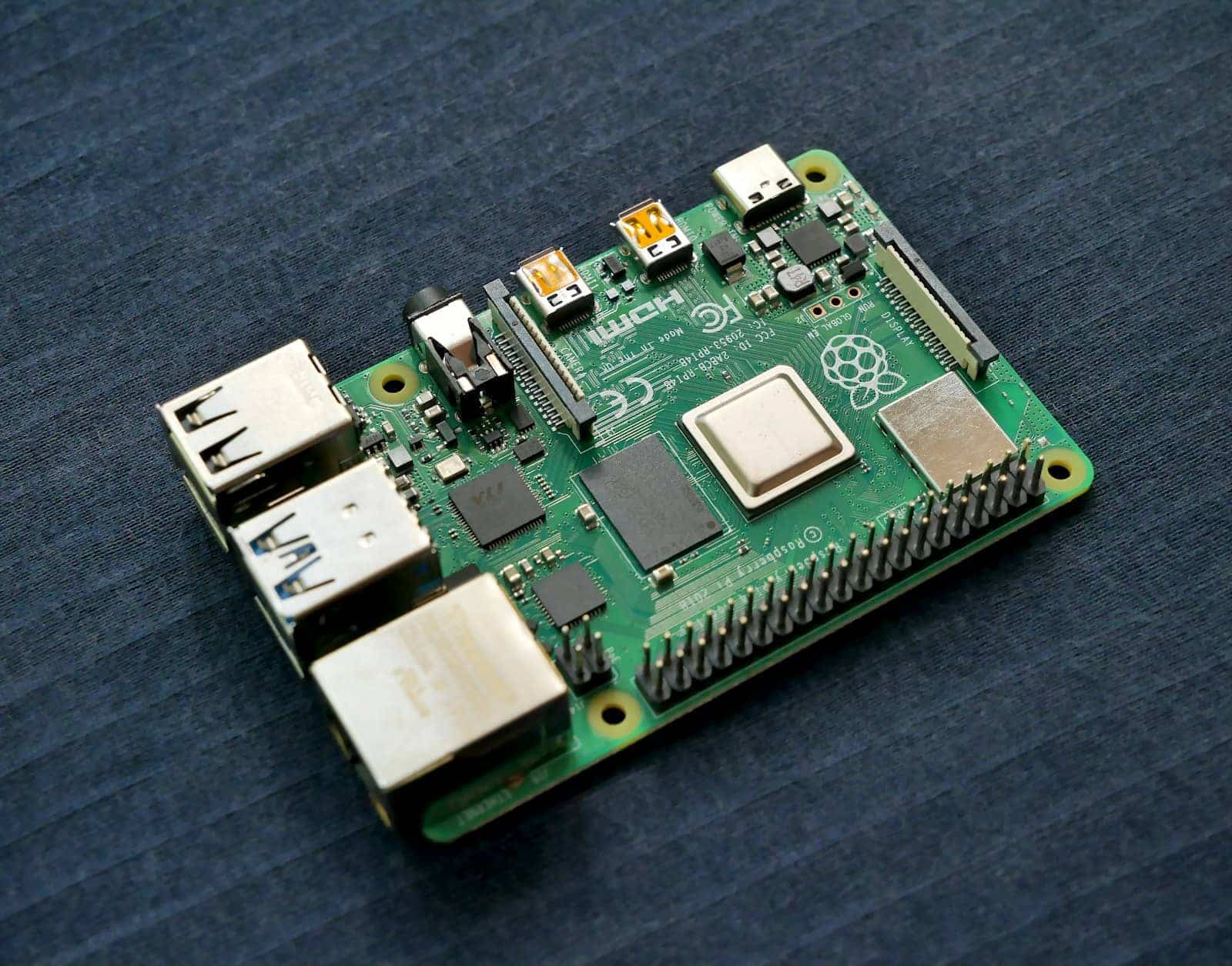
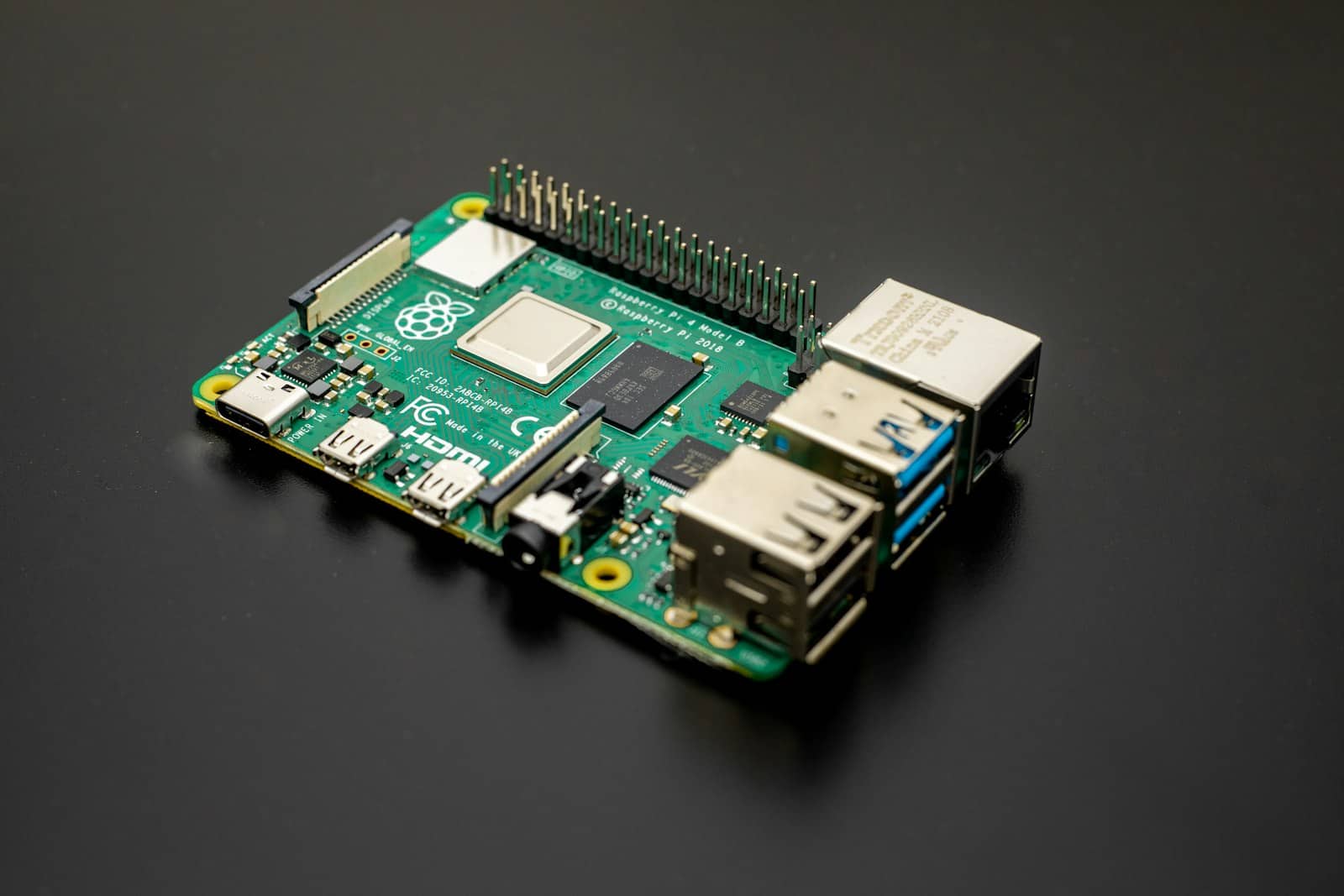
A Pi 5 runs 1-3B models via Ollama — a tiny, private, always-on AI for about $80, if you add cooling. · Unsplash
The honest limits (and the Hailo myth)
Let me set expectations honestly. A Pi 5 is not a replacement for a real local-AI machine — the models it can run (1-3B) are far less capable than the 8-32B models a GPU or Mac runs, and even those small models generate slowly compared to a graphics card. So don't expect GPT-4-level answers or fast coding help; expect a capable-but-limited little assistant. One common misconception worth clearing up: the Hailo AI HAT+ accelerator, often bundled with Pi AI kits, runs compiled vision models, not LLMs — you can't load Llama onto it, and Ollama runs on the Pi's CPU without benefiting from it. So the Hailo is great for camera/vision projects but does nothing for chatbots. Where the Pi genuinely shines is as an offline, always-on, low-power AI node: a private assistant, a local agent for home automation, an edge device, or simply a fantastic way to learn how local AI works hands-on. For $80 and a few watts, that's a lot of fun.
Quick answers
Can a Raspberry Pi run a language model?
Yes — a Raspberry Pi 5 with 8GB of RAM runs 1-3B parameter models through Ollama at usable speeds for a small, offline AI. Gemma 3 1B runs at roughly 18-22 tokens per second (faster than you read), and Phi-3 Mini (3.8B) is smarter but slower at ~4-7 tok/s. You'll want an active cooler (the Pi throttles when hot) and ideally a USB SSD. 7B models technically load with aggressive quantization but run below 1 token/second, which isn't practical. It's great for a tiny private assistant, not heavy work.
What is the best AI model to run on a Raspberry Pi?
Gemma 3 1B is the best for speed on a Raspberry Pi 5, running at ~18-22 tokens per second — fast and responsive for a tiny model. Phi-3 Mini (3.8B) is the best for quality, noticeably smarter but slower at ~4-7 tok/s, and it fits the 8GB Pi at Q4_K_M quantization. Both run through Ollama. Choose Gemma 3 1B if you want snappy responses and Phi-3 Mini if you want better answers and can accept slower generation. Stick to 1-3B models; larger ones are too slow to be practical on a Pi.
Does the Hailo AI HAT help run LLMs on a Raspberry Pi?
No. The Hailo AI HAT+ accelerator runs compiled vision models (like object detection), not large language models — you can't load Llama or other LLMs onto it. When you run a local chatbot on a Pi, Ollama uses the Pi's CPU and gets no benefit from the Hailo accelerator. The Hailo is excellent for camera and computer-vision projects, but for running LLMs, it does nothing. So don't buy a Hailo HAT expecting it to speed up your Raspberry Pi chatbot; the LLM runs on the CPU regardless.
A Raspberry Pi 5 makes a fun, tiny, private AI — 1-3B models via Ollama, great for edge and learning, not heavy work. For real capability you want a GPU or Mac; to understand the small-model tradeoffs, see how much VRAM you need. Source: TinyWeights.