8GB used to be plenty. In 2026 it's the bare minimum — and whether it's enough for YOU comes down to the resolution you play at. Here's the straight 8GB vs 12GB vs 16GB answer.
It's now the bare minimum, and whether it's enough depends entirely on the resolution you play at. At 1080p for esports and lighter games, 8GB still works. At 1440p with modern AAA titles on high or ultra settings, 8GB regularly runs out — and when VRAM runs out, you get texture pop-in, stutters, and sudden frame drops that a faster GPU can't fix. Here's the honest, resolution-by-resolution answer, and why 12GB is the number I'd actually recommend to most people.
Why 8GB hits a wall now
VRAM holds textures, frame buffers and assets the GPU needs right now. When a game needs more than the card has, it spills over to system RAM across the much slower PCIe bus, and that's when you feel it: stutters, texture pop-in, and 1%-low frame rates that tank even when your average fps looks fine. Modern AAA games are the culprit — titles like Alan Wake 2, Cyberpunk 2077, Starfield and Black Myth Wukong will chew through 8GB at 1440p with ultra textures and ray tracing quite regularly. This isn't a benchmark curiosity; it's the difference between smooth and janky in the exact games people buy a new GPU to play. The cruel part is that an 8GB card can have plenty of raw horsepower and still stutter purely because it ran out of memory.
How much VRAM you need in 2026, by resolution
1080p esports
Resolution / use
8GB
Minimum
8GB
1080p AAA
Resolution / use
8GB
Minimum
12GB
1440p AAA (high/ultra)
Resolution / use
12GB
Minimum
16GB
4K
Resolution / use
16GB
Minimum
16GB+
Resolution / use
Minimum
Recommended
1080p esports
8GB
8GB
1080p AAA
8GB
12GB
1440p AAA (high/ultra)
12GB
16GB
4K
16GB
16GB+
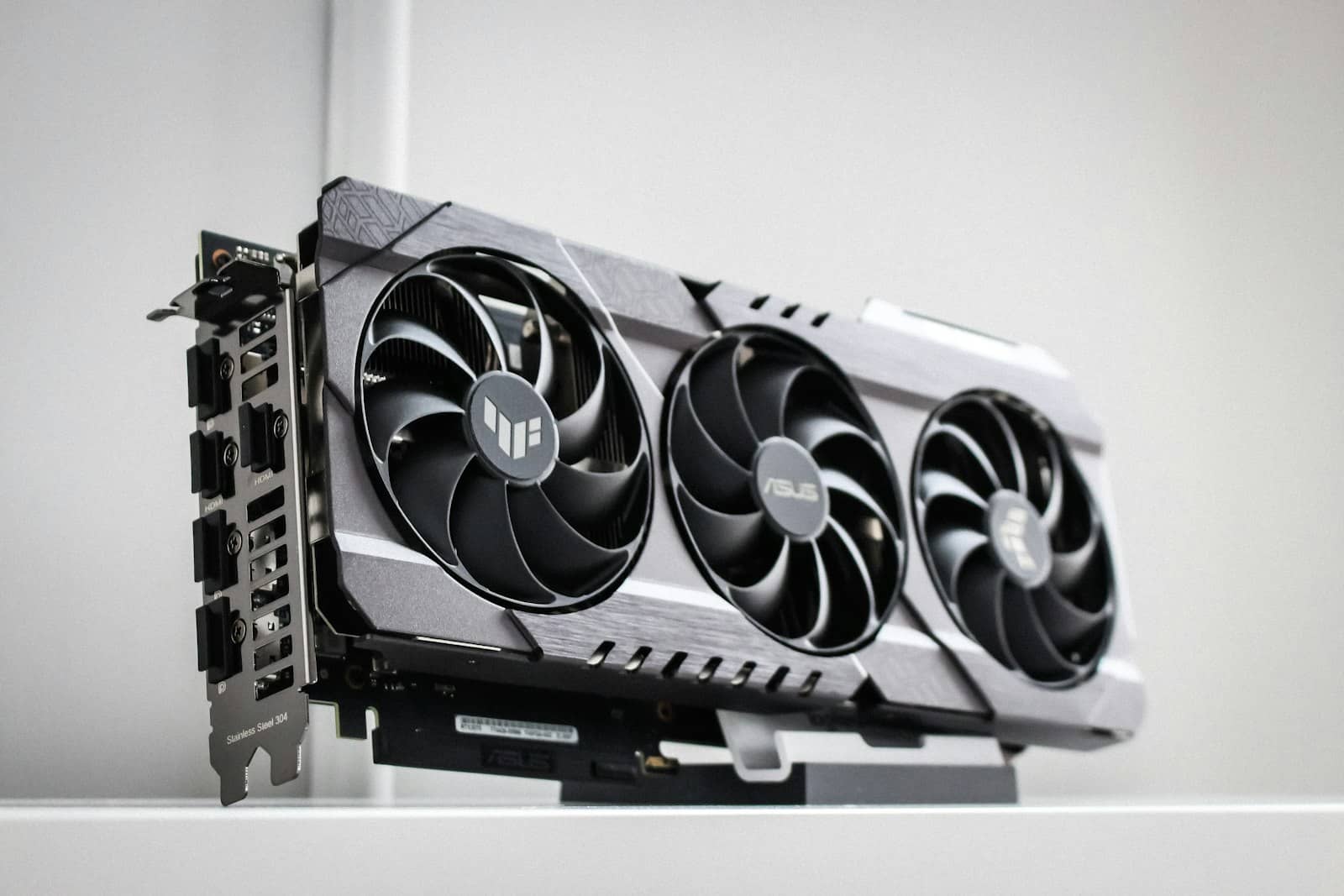
When VRAM runs out, even a powerful GPU stutters — it's spilling to slow system RAM. · Unsplash
So what should you buy?
Here's my straight recommendation. If you play 1080p esports and nothing heavier, 8GB is fine and you can save money. For everyone else in 2026, 12GB is the safe floor — it sidesteps almost all of 8GB's problems without pushing you into expensive territory, which is why cards like the Arc B580 (12GB) and 12GB Nvidia options are such sensible buys. If you game at 1440p on high/ultra, play the big AAA showcases, or plan to keep the card three-plus years, get 16GB — that's where the RX 9060 XT 16GB and RTX 5060 Ti 16GB earn their keep. And skip the 8GB versions of cards that also come in 16GB; the small saving isn't worth the early obsolescence. Want the exact number for a specific game or model? Our VRAM calculator does the math.
Quick answers
Is 8GB of VRAM enough for gaming in 2026?
It's the effective minimum, not a comfortable amount. 8GB is fine for 1080p esports and lighter games, but modern AAA titles at 1440p on high or ultra settings regularly exceed it, causing stutters and texture pop-in. For most gamers in 2026, 12GB is the safer recommendation, and 16GB is better for 1440p AAA gaming, 4K, or keeping the card three or more years. If you only play competitive/esports games at 1080p, 8GB still gets the job done.
Do I need 12GB or 16GB of VRAM?
For most people, 12GB is the safe 2026 recommendation — it avoids nearly all of 8GB's limits without forcing you into high-end pricing, and handles 1080p and most 1440p gaming well. Choose 16GB if you game at 1440p on high/ultra settings with demanding AAA titles, play at 4K, or plan to keep your GPU for three or more years. The extra VRAM is cheap insurance against future games, which keep demanding more memory each year.
What happens when a game runs out of VRAM?
When a game needs more VRAM than your card has, it spills the overflow into your system RAM over the much slower PCIe bus. The result is stuttering, texture pop-in (textures loading in late or looking blurry), and sharp drops in your 1% low frame rates — the game feels janky even if the average FPS looks acceptable. Crucially, a powerful GPU can't compensate: if it runs out of memory, it stutters regardless of raw performance. That's why VRAM capacity matters as much as GPU speed.
The one-line answer: 8GB is the 2026 minimum, 12GB is the safe pick for most, 16GB is for 1440p/4K and longevity. Match your card to your resolution, lean toward more VRAM if you keep hardware a while, and use our VRAM calculator for exact numbers. Ready to buy? See the best budget GPUs and the RTX 5060 Ti vs RX 9060 XT head-to-head.