Copilot+ 'AI PCs' have a dedicated NPU chip — but here's the catch nobody advertises: it can't run local chatbots. A cheap old GPU runs them 10x faster. Here's the truth.
For running local AI chatbots — no, and it's not close. Here's the catch the marketing hides: Copilot+ 'AI PCs' can't actually run local LLMs on their NPU. As of 2026, Ollama and llama.cpp don't use the NPU at all — local chat runs on the CPU or integrated GPU instead, which is slow. On a Snapdragon X Elite, an 8B model manages ~5-10 tokens per second; a used RTX 3090 runs the same model at ~100. So if your goal is running local models, a cheap discrete GPU crushes an expensive NPU laptop. Here's the honest breakdown of what NPUs actually do.
Why NPUs don't help with local chatbots
This surprises people, so let's be clear about it. An NPU (Neural Processing Unit) is a real AI accelerator — but it's designed for sustained, low-power inference of specific workloads: background blur in video calls, real-time transcription, on-device image effects, and Windows' Copilot+ features. Those run efficiently on the NPU without draining your battery or bogging down the system. What NPUs are not currently set up to do is run the big language models behind local chatbots. The popular tools — Ollama, llama.cpp, LM Studio — don't target the NPU, so when you run a local model on a Copilot+ laptop, it executes on the CPU or integrated GPU, which are far slower than a dedicated graphics card. The result is the dramatic gap: single-digit tokens per second on the NPU laptop versus dozens or a hundred on a real GPU. This may change as software matures, but as of 2026, the NPU sits idle while your CPU struggles through the model.
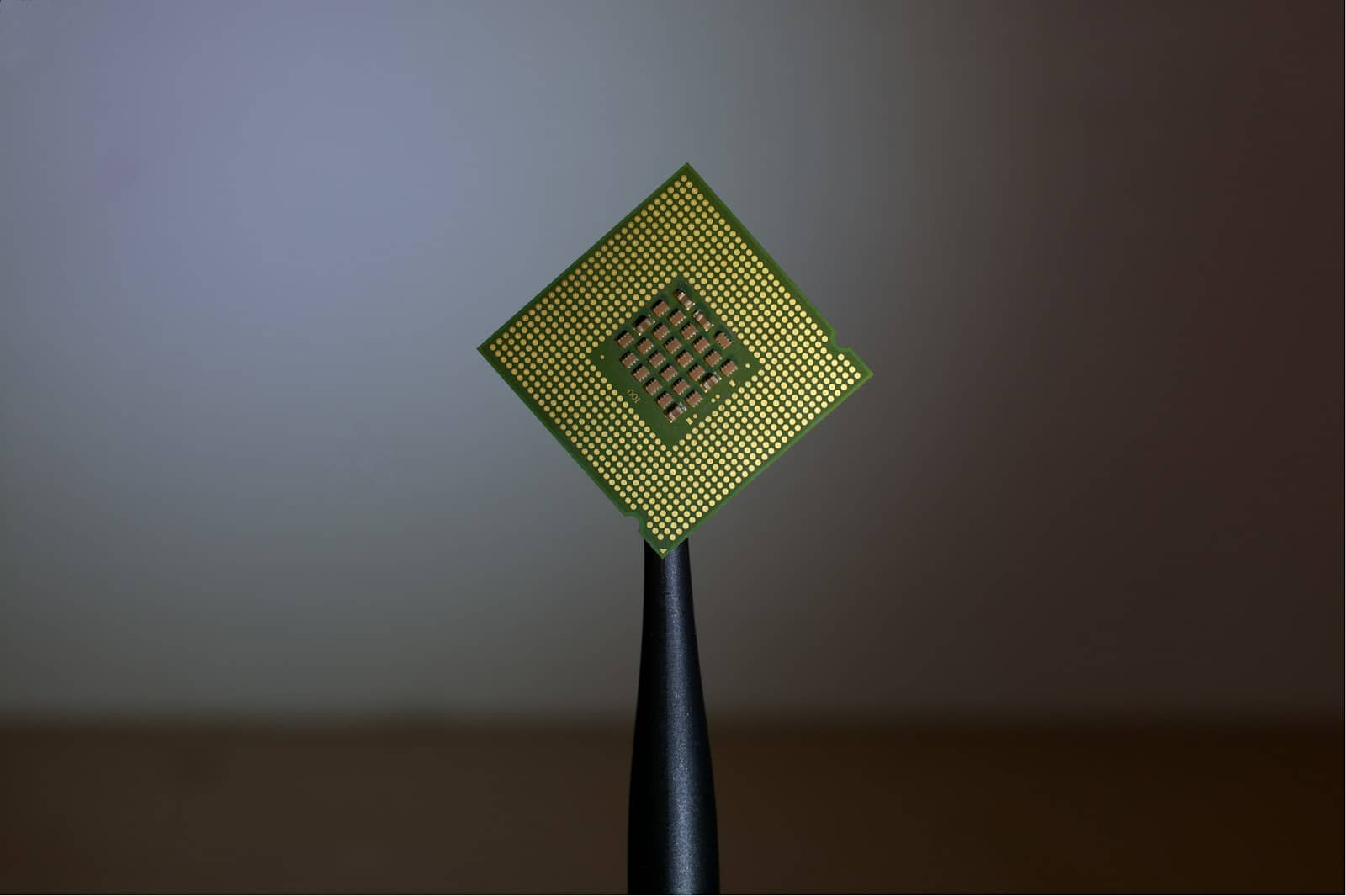
An NPU is a real accelerator — but not for local LLMs. Ollama runs on the CPU/iGPU instead, ~10x slower than a GPU. · Unsplash
So what should you actually buy?
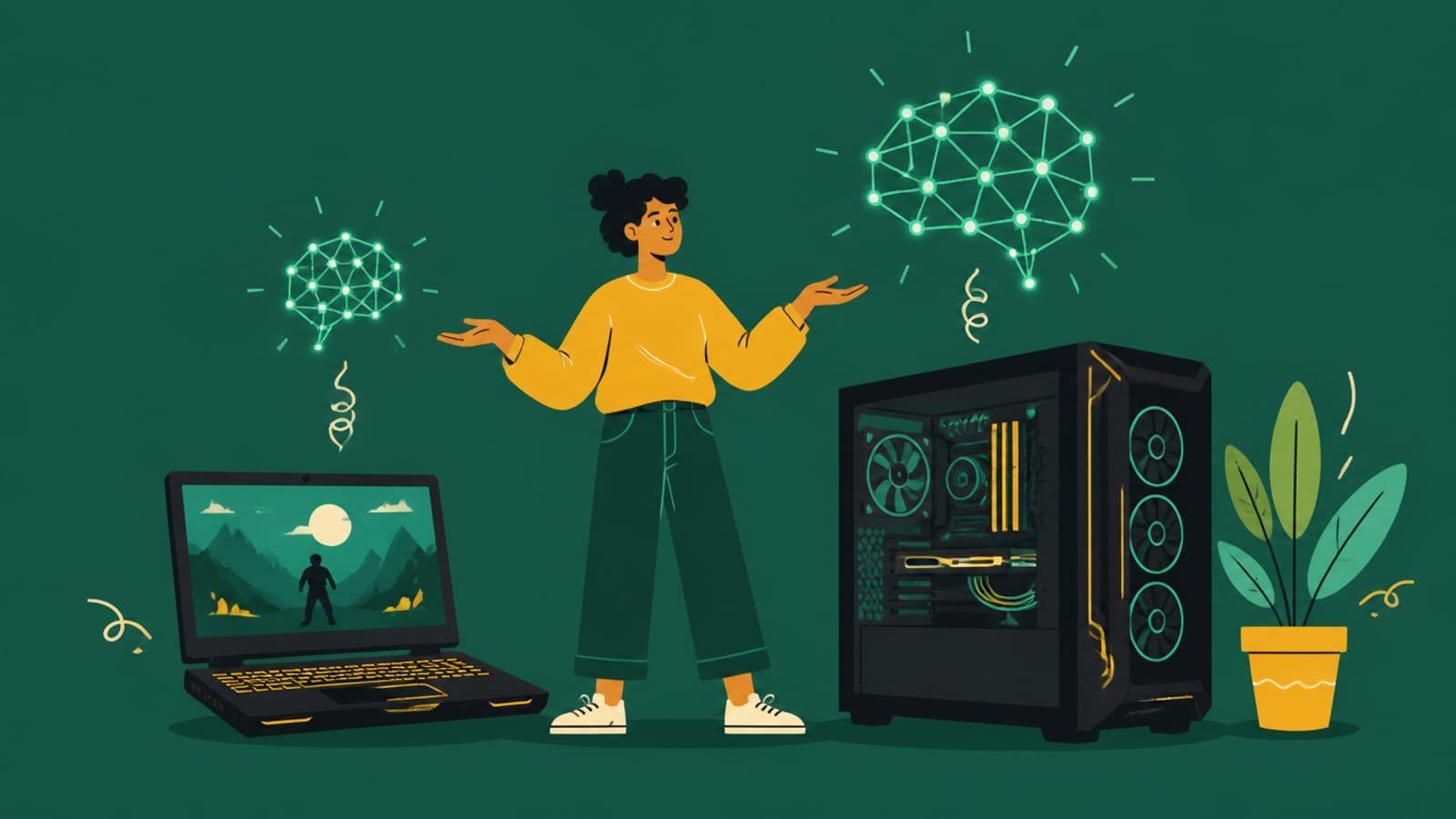
Match the machine to your real goal. If you want to run local LLMs — chat, coding, agents — buy a machine with a discrete GPU (used RTX 3090 for value, or any good local-AI GPU) or a big-unified-memory Mac for large models. That's where the performance is, and it's often cheaper than a premium Copilot+ laptop. If you want a thin, quiet laptop with all-day battery and Windows AI features — Recall, Studio Effects, live captions — then a Copilot+ AI PC (Snapdragon X, Intel Core Ultra, Ryzen AI) is genuinely nice for that, just not for running Llama. And be honest with yourself about which you actually want: the 'AI PC' branding implies it's the machine for AI, but for the specific job of running local language models, a $250 used GPU beats a $1,200 NPU laptop. Don't buy the NPU expecting it to run your local chatbot fast — it won't.
5/ 10
Verdict
AI PC / NPU for local LLMs 2026
Not worth it for running local LLMs — NPUs can't run Ollama/llama.cpp, so it falls to the CPU/iGPU at ~5-10 tok/s versus ~100 on a used RTX 3090. Buy a Copilot+ AI PC for battery life and Windows AI features; buy a discrete GPU or big-memory Mac to actually run local models.
Best for: Anyone deciding whether an NPU 'AI PC' can serve as their local-AI machine (it can't, yet).
Quick answers
Can an NPU run local LLMs like Ollama?
As of 2026, no — the popular local-LLM tools (Ollama, llama.cpp, LM Studio) don't use the NPU. On a Copilot+ AI PC, running a local model falls back to the CPU or integrated GPU, which is slow: an 8B model manages roughly 5-10 tokens per second, versus about 100 on a used RTX 3090. NPUs are designed for low-power background AI tasks like video-call blur and live transcription, not for running large language models. This could change as software matures, but currently the NPU sits unused when you run a local chatbot.
Is an AI PC worth it for local AI?
For running local language models, no — a discrete GPU (even a used RTX 3090) or a big-unified-memory Mac vastly outperforms an NPU-based AI PC and often costs less. NPU-equipped Copilot+ PCs are worth it for their actual strengths: all-day battery life, thin-and-light form factors, and Windows AI features like Recall, Studio Effects, and live captions that run efficiently on the NPU. So buy an AI PC for portability and Windows AI features; buy a GPU for running local models. Don't expect the NPU to run your local chatbot quickly.
NPU or GPU for running AI models?
GPU, decisively, for running large language models. A discrete GPU (or a Mac's unified memory) runs local LLMs roughly 10x faster than a Copilot+ NPU laptop, which can't use its NPU for this and falls back to a slow CPU or integrated GPU. NPUs excel at sustained, low-power inference of smaller, specific workloads — background effects, transcription, on-device features — where they save battery. But for the model sizes and speeds people want from local AI, a graphics card with enough VRAM is the right tool, not an NPU.
For local LLMs, skip the NPU hype — a discrete GPU or big-memory Mac is the machine. See the best GPU for local AI, the cheapest that works, or the best Mac. Buy a Copilot+ PC for battery and Windows features, not for running Llama. Source: DigitalApplied.