Mistral's models are famously efficient — they punch above their size, so you get a lot on modest hardware. Here's how to run Mistral locally in one command, by size.
One command: install Ollama, then run ollama run mistral (or mistral-small for the bigger one) — it downloads and starts a chat. Mistral's open models are known for efficiency — they're lean and punch above their parameter count, which means you get strong quality on relatively modest hardware. The range runs from a tiny 7B up to Mistral Small at 24B, so there's a fit for most GPUs, and it's all free, private, and offline. Here's the full guide, including which size to pick and how Mistral compares to Qwen3 and Gemma 3.
Install and pick your size
The fastest path is Ollama. Install it, then run the size that fits your card:
# install Ollama from ollama.com, then run the size that fits your GPU:
ollama run mistral            # Mistral 7B — ~8GB VRAM, fast and lean
ollama run mistral-nemo       # Nemo 12B — ~12GB VRAM, great all-rounder
ollama run mistral-small      # Small 24B — ~16-24GB VRAM, most capable

# first run downloads the model, then you're chatting. Or use LM Studio for a GUI.
Match the size to your VRAM: Mistral 7B runs on an 8GB card and is quick; Mistral Nemo 12B is a lovely all-rounder for a 12GB card; Mistral Small 24B is the most capable and wants 16-24GB. Prefer a graphical app? LM Studio runs the same Mistral models.
Why Mistral, and how it compares
Mistral (a French AI lab) built its reputation on efficiency — its models consistently deliver strong performance for their size, which is exactly what you want when you're constrained by consumer VRAM. In practice that means a Mistral model often feels a tier above its parameter count, and the smaller ones run comfortably where you'd expect to need something bigger. Licensing is another point in Mistral's favor: several of its models are Apache 2.0, so they're genuinely free to use commercially, unlike some open models with usage restrictions. Against the field: Qwen3 tends to edge ahead on raw quality and coding at a given size, and Gemma 3 adds image understanding — but Mistral's efficiency and clean licensing make it a favorite, especially for commercial projects and lower-VRAM setups. Honestly, all three are excellent; keep a couple installed and use whichever fits the task. They're all among the best free local models.
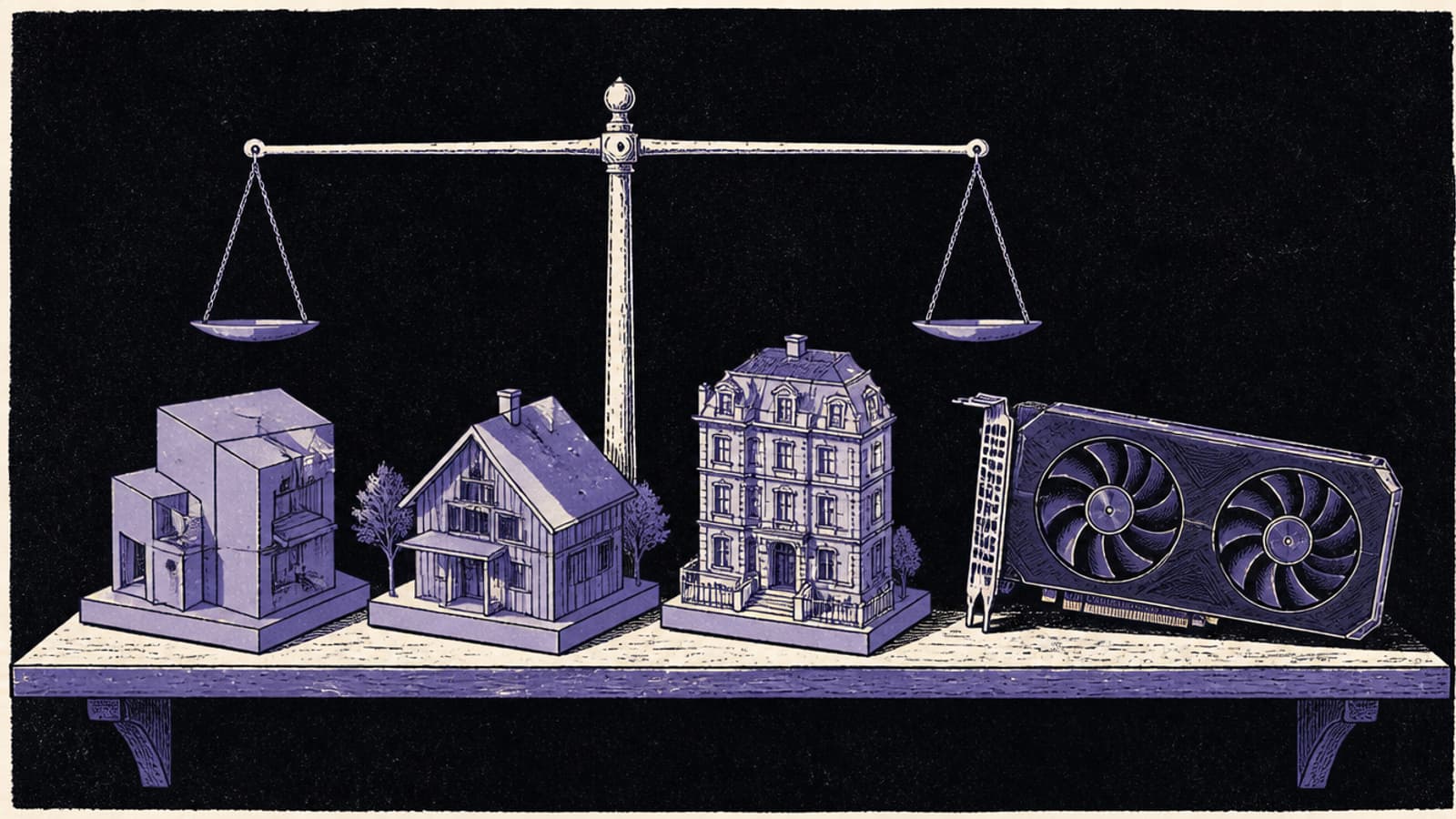
Mistral's models are built for efficiency — they punch above their size, so modest hardware goes further. · Unsplash
Quick answers
How do I run Mistral locally?
Install Ollama (free, from ollama.com), then run 'ollama run mistral' for the 7B model, 'ollama run mistral-nemo' for the 12B, or 'ollama run mistral-small' for the 24B. The first run downloads the model and starts a chat; it runs privately and offline on your own hardware, free. If you prefer a graphical app, LM Studio runs the same Mistral models. Match the size to your GPU's VRAM: 7B for ~8GB, Nemo 12B for ~12GB, Small 24B for ~16-24GB.
Which Mistral model should I run?
Match it to your VRAM. Mistral 7B runs on an 8GB card and is fast and lean; Mistral Nemo 12B is a great all-rounder for a 12GB card; Mistral Small 24B is the most capable and needs 16-24GB. Mistral's models are known for efficiency, so even the smaller ones perform well for their size. If you want the best quality and have the VRAM, run Mistral Small; for a balance of capability and modest hardware, Nemo 12B is an excellent choice.
Is Mistral better than Qwen3 or Gemma for local AI?
All three are excellent top-tier open models. Mistral stands out for efficiency (strong performance per parameter) and clean, often Apache 2.0 licensing that's commercial-friendly. Qwen3 tends to lead slightly on raw quality and coding at a given size, and Gemma 3 uniquely handles images (multimodal). For commercial use or lower-VRAM setups, Mistral is a favorite; for maximum text quality, Qwen3; for image understanding, Gemma 3. Many people keep several installed via Ollama and switch based on the task.
Mistral is a lean, efficient, commercially-friendly local model — one command to run, and it goes far on modest hardware. Compare with Qwen3 and Gemma 3, see the best free models, and size it in the VRAM calculator. Source: Mistral AI and Ollama.
Curious about the company behind these models? Mistral's rise from a €6B newcomer to one of Europe's most valuable startups is its own story — see how Mistral became Europe's frontier AI lab.