You don't need a $3,000 rig to run real local AI. For about a grand you can build a machine that runs 7B models fast and 14B models comfortably. Here's the exact parts list.
The myth that local AI requires a $3,000 workstation stops people before they start. It's wrong. For about $1,000 you can build a machine that runs every 7B model fast and most 14B models comfortably — which covers a huge amount of genuinely useful local AI. The trick is building VRAM-first: spend on the graphics card, keep everything else sensible, because during AI inference the GPU does the work and the rest of the PC mostly stays out of the way. Here's the exact budget local-AI PC build for 2026, part by part, with the reasoning.
The parts, and why each one
The philosophy is simple: this is a VRAM-first build, not a sticker-first 'AI PC'. The RTX 4060 Ti 16GB is the heart of it — 16GB is what lets you run the 14B model tier and image generation, and it's the cheapest new card with that much memory. The CPU matters far less than people assume: during GPU inference the processor mostly waits, so a Ryzen 7 7700 is plenty and spending more there is wasted on AI. 32GB of DDR5 covers the OS and light CPU offload; a B650 board ties it together affordably. Add a decent PSU, a case, and a fast NVMe drive, and you're at roughly a grand.
Budget local-AI PC build (~$1,000)
GPU: RTX 4060 Ti 16GB
Part
~$430
CPU: Ryzen 7 7700
Part
~$260
Motherboard: B650
Part
~$150
RAM: 32GB DDR5
Part
~$100
PSU + case + 1TB NVMe
Part
~$150
Part
Approx. price
GPU: RTX 4060 Ti 16GB
~$430
CPU: Ryzen 7 7700
~$260
Motherboard: B650
~$150
RAM: 32GB DDR5
~$100
PSU + case + 1TB NVMe
~$150
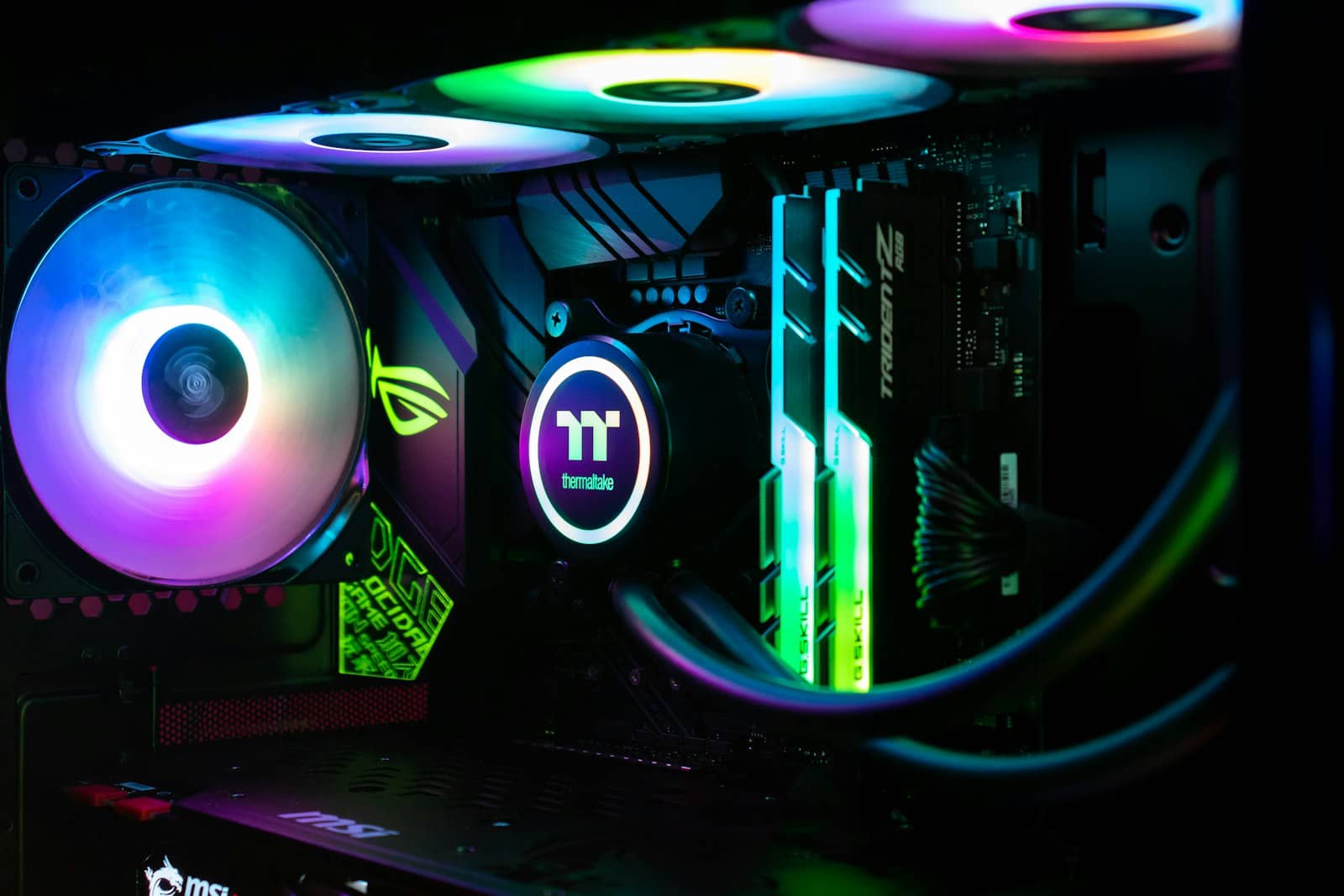
Spend on the GPU's VRAM, keep the CPU mid-range — during AI inference the graphics card does the work. · Unsplash
Where to spend a little more
If you can stretch the budget, put every extra dollar into VRAM, not the CPU. The single best upgrade is stepping the GPU up to a 24GB card — a used RTX 3090 (~$1,000) unlocks the 32B model tier, which is a real jump in capability. Failing that, more system RAM (64GB) helps if you plan to offload big MoE models. What you should not do is buy a fancier CPU or motherboard for AI — those barely move the needle. VRAM first, always. For the high-end version of this build, see our 70B workstation guide.
Quick answers
Can you build a local AI PC for under $1,000?
Yes — around $1,000 gets you an RTX 4060 Ti 16GB, a Ryzen 7 7700, a B650 board, 32GB DDR5, and the supporting parts. That machine runs every 7B model fast and most 14B models with context headroom, which covers a lot of real local AI. The key is building VRAM-first: the 16GB GPU is the priority, and the rest is kept sensible because the CPU does little during inference. It's a genuinely capable AI machine for the money.
What's the most important part of an AI PC build?
The GPU's VRAM, by a wide margin. VRAM determines which models you can run at all, and during inference the GPU does nearly all the work while the CPU mostly waits. So you build VRAM-first: buy as much GPU memory as the budget allows, then keep the CPU, motherboard, and RAM sensible. Spending extra on a high-end CPU for AI is wasted money; that budget belongs in the graphics card.
Is an RTX 4060 Ti 16GB good enough for local AI?
For a budget build, yes — its 16GB runs the 14B model tier comfortably and handles image generation, which is plenty for most people starting out. It's not fast compared to pricier cards, and it can't run 32B dense models (that needs 24GB), but for the price it delivers real local AI. If you outgrow it, the upgrade path is a 24GB card. As the anchor of a ~$1,000 build, it's the right choice.
A grand builds a real local-AI machine — 4060 Ti 16GB, sensible everything else, VRAM-first. Spend extra only on more VRAM. See the 70B high-end build, and size models in the VRAM calculator.
Want the canonical details? PCPartPicker, for current component pricing is the authoritative reference — PCPartPicker.