Everyone obsesses over VRAM, but system RAM matters too — especially the moment you try to run a model bigger than your GPU. Here's the real number for every kind of local-AI setup.
Local-AI advice fixates on VRAM, and for good reason — but system RAM quietly matters more than most people realize, and ignoring it causes real problems. If everything you run fits in your GPU's VRAM, you can get away with modest system RAM. The moment you try to run a model bigger than your GPU — using CPU offload to push part of it into system memory — your RAM becomes the thing that determines whether it runs at all. So the real answer to 'how much RAM for local AI' depends entirely on whether you offload. Here's the breakdown.
When RAM becomes the bottleneck
Here's the mechanism. When a model fits in VRAM, system RAM just needs to cover the OS and the app — 16–32GB is plenty. But when you use llama.cpp's --n-cpu-moe to run a model too big for your GPU, the offloaded expert layers live in system RAM, and you need enough of it to hold them plus everything else. Run a 30B MoE with heavy offload and you'll want 32–64GB; push a 120B model and 64–128GB becomes the requirement. Not having enough system RAM here doesn't slow you down — it stops the model loading. That's why RAM is the quiet co-star of the offload technique.
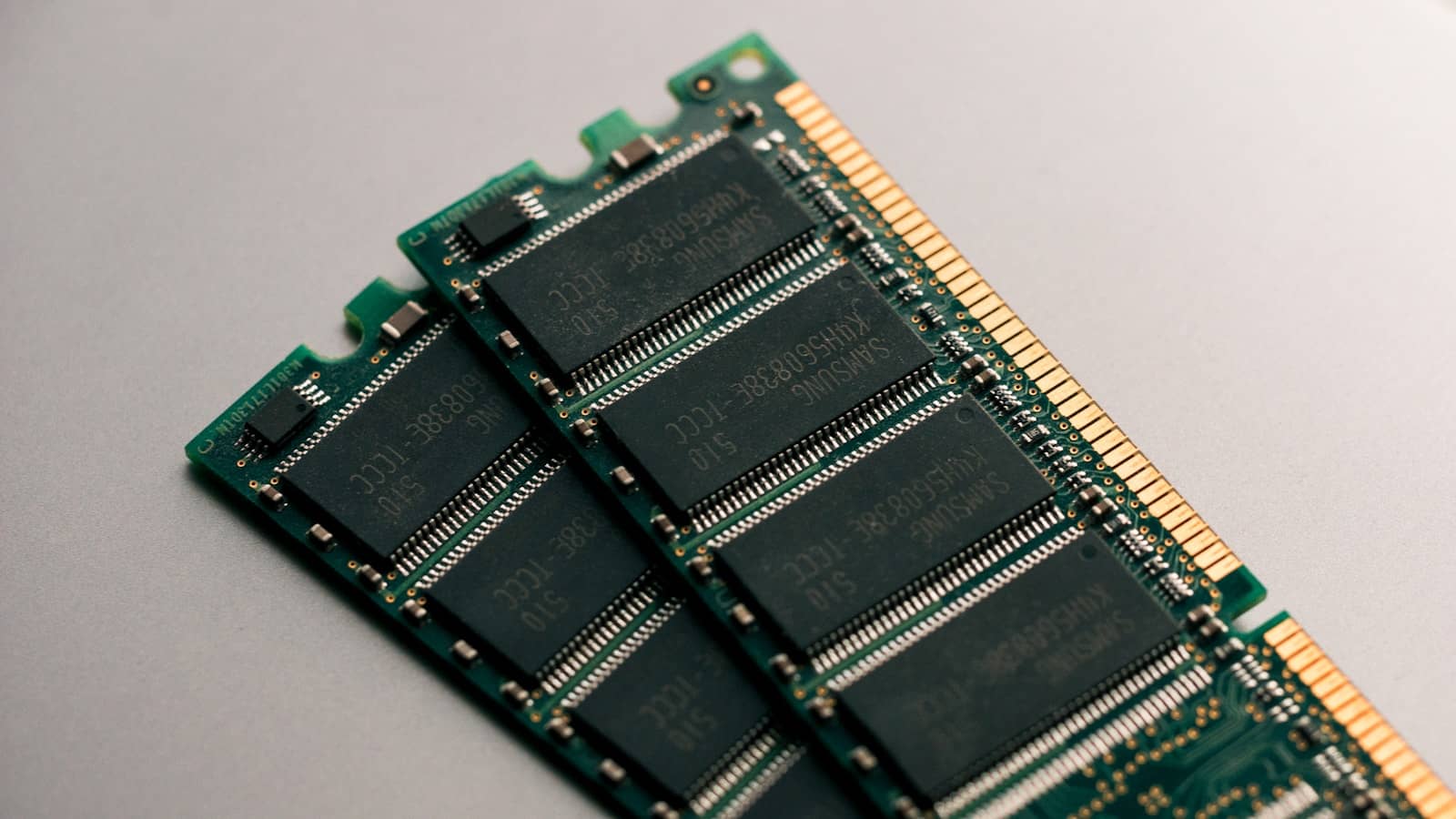
When you offload a big model's experts to the CPU, they live in system RAM — which is why 64GB+ matters for running models bigger than your GPU. · Unsplash
Speed matters too, not just capacity
One nuance most guides skip: for offload, the speed of your system RAM directly affects performance. Every time an offloaded expert is needed, it's read from system memory, so faster RAM — higher-clocked DDR5, more memory channels — makes offloaded models run faster, not just fit. This is also why unified-memory machines with fast, wide memory do so well: their 'system RAM' is fast enough to serve as usable AI memory. If you're building specifically to offload, prioritise fast, multi-channel RAM alongside capacity.
Quick answers
How much RAM do I need for local AI?
If your models fit entirely in GPU VRAM, 16–32GB of system RAM is plenty. If you offload big models to the CPU (to run something bigger than your GPU), you need enough RAM to hold the offloaded parts plus your OS — 64GB for a big MoE model, 128GB for very large ones. Start with 32GB as a sensible floor; add more if you plan to run models bigger than your GPU can hold on its own.
Does system RAM speed matter for AI?
Yes, specifically when you offload. Model weights kept in VRAM aren't affected by system RAM speed, but any layers offloaded to system memory are read from it constantly, so faster RAM (higher-clocked DDR5, more channels) makes offloaded models run faster. If you'll offload big models, invest in fast multi-channel RAM, not just capacity. If everything fits in VRAM, RAM speed barely matters for inference.
Is 32GB enough for local AI?
For most single-GPU setups where models fit in VRAM, yes — 32GB comfortably covers the OS, the app, and light offload. You'll want more (64GB+) if you regularly run models bigger than your GPU via CPU offload, since the offloaded parts live in system RAM. 32GB is the sensible baseline that handles the majority of local-AI use; scale up specifically for offload-heavy workloads.
The rule: 32GB system RAM as a floor, 64GB+ once you offload big models to the CPU, and fast RAM if you offload often. It's the quiet partner to VRAM in local AI. See the offload guide for the technique, and size models in the VRAM calculator.
Want the canonical details? PCPartPicker, for current component pricing is the authoritative reference — PCPartPicker.