debloat scripts strip recovery components and quietly break Windows Update months later. Microsoft finally ships supported removal paths that do the same job — and I'd genuinely rather you used those.
The debloat-script genre is one of the most popular things on tech GitHub, and one of the most quietly destructive. The problem isn't removing preinstalled apps — that's reasonable, and Microsoft ships far too many of them. The problem is that these scripts routinely go further, stripping servicing-stack and recovery components on the way past. The damage doesn't announce itself. It shows up months later when a cumulative update fails, or when you try to use system recovery and find it isn't there.
Microsoft finally built the door
An April 2026 non-security update expanded the RemoveDefaultMicrosoftStorePackages policy so administrators can remove any preinstalled MSIX or APPX app by its Package Family Name through Group Policy or MDM — and importantly, that coverage now reaches down to 24H2 Enterprise and Education rather than only 25H2 and later. Microsoft documents the policy properly, which is the part that matters: a documented path is one Microsoft won't break on the next update.
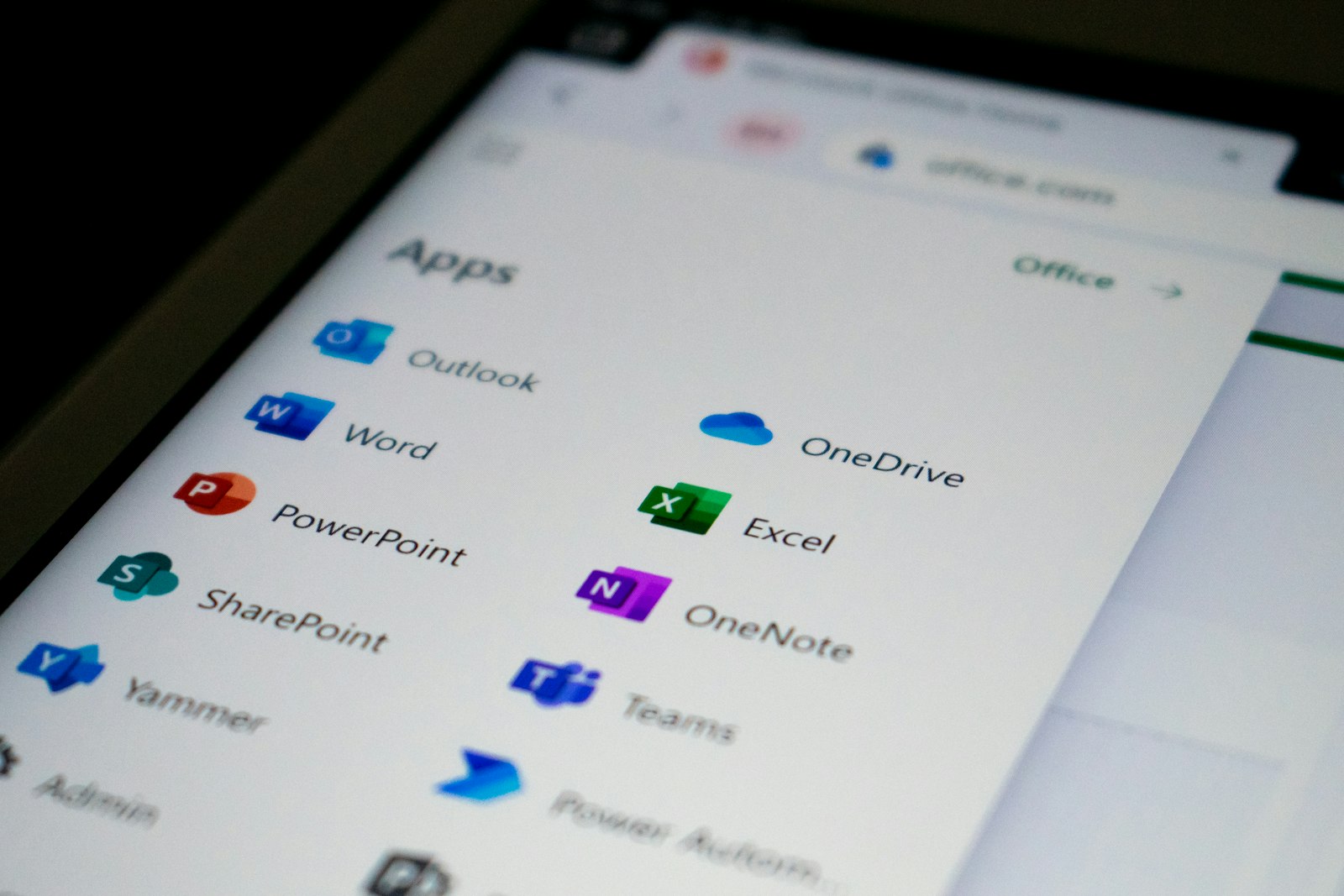
winget does more of the job than most people realise — and nothing it does will break your servicing stack. · Unsplash
winget is better than its reputation
For a normal home machine that isn't domain-joined, winget is the sanctioned tool and it's genuinely capable now — stable 1.28.240 as of April 2026, with roughly 12,850 packages in the repository. winget uninstall clears most preinstalled bloat directly, with no third-party script involved and nothing touching components it shouldn't. It's less satisfying than running one script that promises to fix everything in ninety seconds. That's rather the point: the satisfaction of those scripts comes precisely from how much they touch.
If you're in the EU, you have more control
Digital Markets Act obligations mean Windows in the EEA behaves differently in ways that are genuinely useful rather than cosmetic: Edge is fully uninstallable, a third-party browser can claim all its relevant file types including PDF in a single action, and you can turn off Bing in Windows Search without an enterprise policy. Users elsewhere are stuck asking Microsoft nicely for the same options, which remains one of the odder outcomes of regional regulation — the EU user gets the better product.
What I'd actually do
Start with winget uninstall for the obvious junk. If you manage several machines, use the removal policy properly rather than scripting around it — it's the difference between a configuration you can hand to someone else and a machine only you understand. And leave the servicing stack alone entirely. The performance you gain from stripping it is close to zero; the recovery capability you lose is not.
This also matters more than usual right now, because Windows 10's free security updates were quietly extended to October 2027. A lot of people are keeping older machines alive rather than replacing them, and a stripped-down install that can't take updates is a much worse position to be in on a machine you're planning to run for another two years.
Common questions
Are debloat scripts actually dangerous?
The good ones are careful; plenty aren't. The specific risk is scripts that remove servicing-stack or WinRE components, which breaks Windows Update and system recovery — often months later, with no obvious link back to the cause.
What's the safest way to remove preinstalled apps?
winget uninstall on a home machine, or the RemoveDefaultMicrosoftStorePackages policy via GPO/MDM if you're managing devices. Both are documented and supported.
Can I uninstall Edge?
Fully, only in the EEA, where DMA obligations require it. Elsewhere you can remove some components but not the browser itself.
Will removing apps speed up my PC?
Honestly, marginally at best on modern hardware. Startup apps and storage health matter far more than preinstalled Store apps sitting idle. Remove them for tidiness, not for a performance miracle.
How do I check if a script already broke something?
Run sfc /scannow and DISM /Online /Cleanup-Image /RestoreHealth, then confirm Windows Update completes a check successfully and that System > Recovery still offers its options. If recovery options are missing, that's your answer.