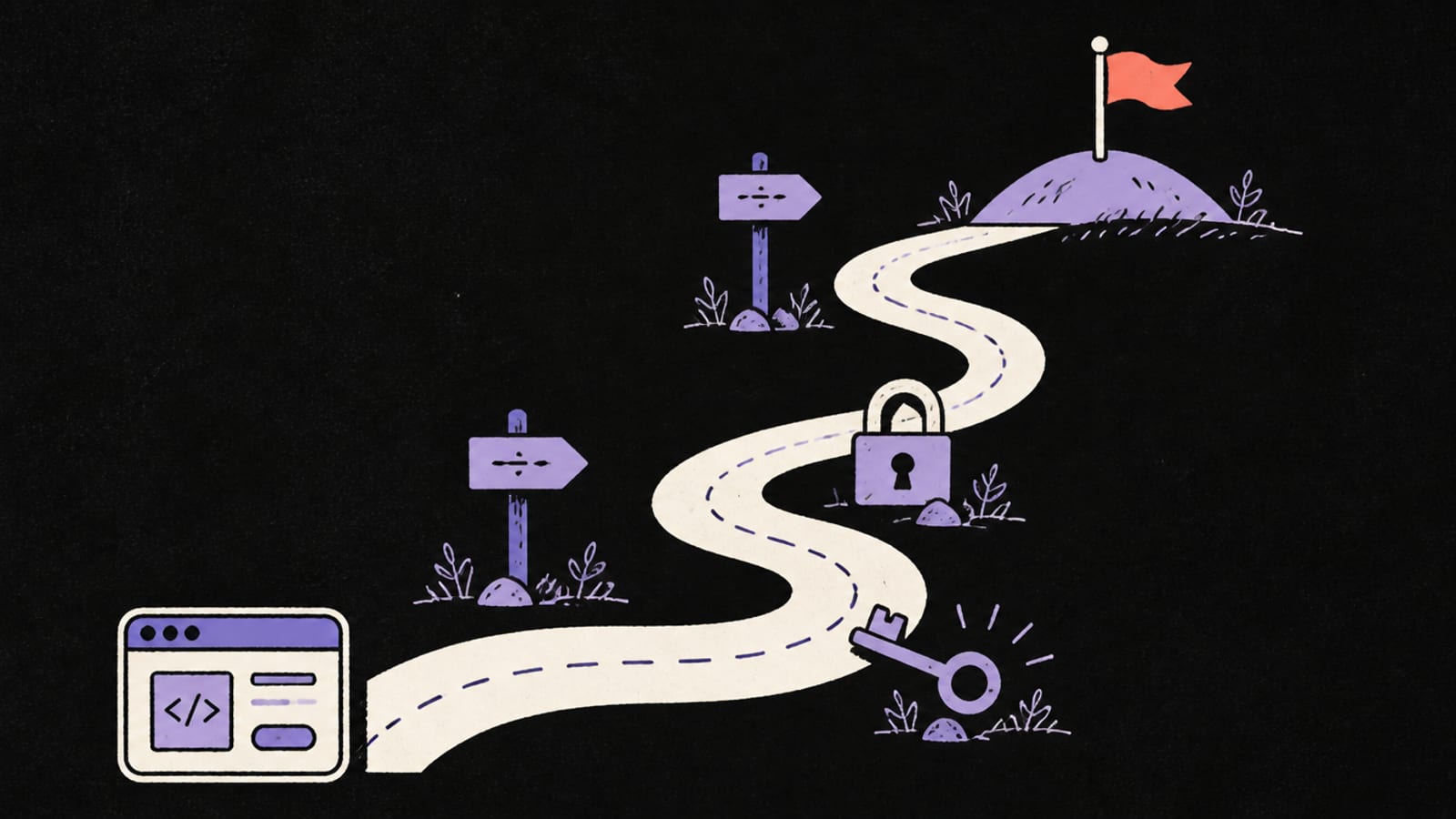
Vibe coding changed who gets to build software: you describe what you want, and a tool writes it. What it didn't change is everything that happens after "it works on my screen" — who's allowed to see the data, what breaks when a hundred people show up, and what a paying customer will ask before they trust you. None of that is hard, but almost none of it is what the AI does for you by default. This is the honest map of the rest of the journey, in the order you'll actually hit it. Follow any arrow for the full version.
1. Start with the tool in your hands
Each AI builder leaves you a slightly different set of things to confirm — a different default backend, a different place your keys live, a different idea of what it checks for you. Start with yours:
- The 6 things to fix in your Lovable app — Lovable does the most for you (it runs automated database security checks); your job is acting on the flags.
- The 6 things to fix in your Bolt app — Bolt's security scan already covers two of the six.
- The 6 things to check in your Cursor-built app — Cursor is an editor, so all six are yours.
- The 6 things to fix in your Replit app — including the backup check behind the 2025 database-deletion incident.
- The 6 things to check in your v0 app — v0 builds Next.js on Vercel, so the trap is the
NEXT_PUBLIC_naming rule.
If you'd rather read the tool-agnostic version first, it's the 6 checks before you share any vibe-coded app.
2. Decode the error you just pasted into Google
When a vibe-coded app breaks, the fastest fix is to search the exact message. The three most common have the same few causes every time:
- "new row violates row-level security policy" — not a bug; your database is refusing a write because no policy allows it. The fix is a correct policy, never "disable RLS."
- "Why is my Lovable app slow?" — almost always a missing index, filtering in the browser instead of the query, or no caching.
- "My Supabase anon key is in the browser — is that bad?" — the anon key is public by design if Row Level Security is on; the secret key is the one that must never leak.
3. Understand what the AI built (without becoming a programmer)
You can ship a lot without writing code, but you can't ship safely without reading it. A short vocabulary covers most of it — start here and follow what you need:
- What a backend actually is — the half of your app you can't see, and why every security rule lives there.
- What is a database and what is Supabase — where your app keeps every sign-up, order and message, and the backend-in-a-box behind most AI-built apps.
- Row Level Security, explained — the one setting behind the biggest vibe-coded app leaks.
- What is an API and what is a server — how your app talks to other services, and why your secrets belong on the server, not the page.
- How to read AI code without coding and the verify loop — the two habits that catch most bugs before your users do.