Resolution, refresh rate, panel type, response time, and sync — get these five right and everything else is noise. Here's how to pick the monitor that fits your GPU and how you play.
Some links on this page are referral links: we may earn a commission, at no cost to you.
Share
To choose a gaming monitor, decide five things in this order: the resolution your graphics card can drive (1440p for most people), the refresh rate (144Hz or higher), the panel type (IPS, VA or OLED), the response time, and adaptive sync (G-Sync or FreeSync). Then pick the screen size that fits the resolution: 24 inches for 1080p, 27 inches for 1440p, 27 to 32 inches for 4K.
Updated Nov 14, 2026: added screen size by pixel density, ports for PC and PS5, what DisplayHDR tiers really mean, and the new refresh ceiling: LG put the first native 1000Hz monitor, the 25-inch 1080p UltraGear 25G590B, on sale in the US at $999.99 on Aug 24, 2026.
How do you choose a gaming monitor?
Ignore the spec-sheet overwhelm — five things actually matter, and the rest is noise. In order: resolution (1080p vs 1440p vs 4K — 1440p is the 2026 sweet spot for most people), refresh rate (how many Hz you need — 144Hz for most, 240Hz+ for competitive), panel type (IPS vs VA vs OLED — QD-OLED now wins for most gamers), response time (lower = clearer motion), and VRR (variable refresh — always turn it on). The golden rule tying it together: match the monitor to your graphics card — a 4K 240Hz panel is wasted if your GPU can't feed it. Here's how the five fit together.
Match the monitor to your GPU (this is the real rule)
The single most common mistake is buying a monitor your graphics card can't feed. A 4K 144Hz panel needs a powerful GPU to hit those frames; a 1440p 144Hz panel is comfortable for mid-to-high-end cards; and a 1080p 240Hz panel suits budget GPUs pushing high frames in esports. So decide in this order: what GPU do you have (or plan to buy), and how do you play? If you have a strong card and love single-player spectacle, a 1440p or 4K OLED is glorious. If you play competitive shooters, a 1080p or 1440p high-refresh panel and a card that can drive the frames matters more than pixel count. If your GPU is modest, a 1440p 144Hz panel is the value sweet spot — and you can always lean on upscaling to hit the refresh. Buy the monitor and GPU as a pair, not in isolation.
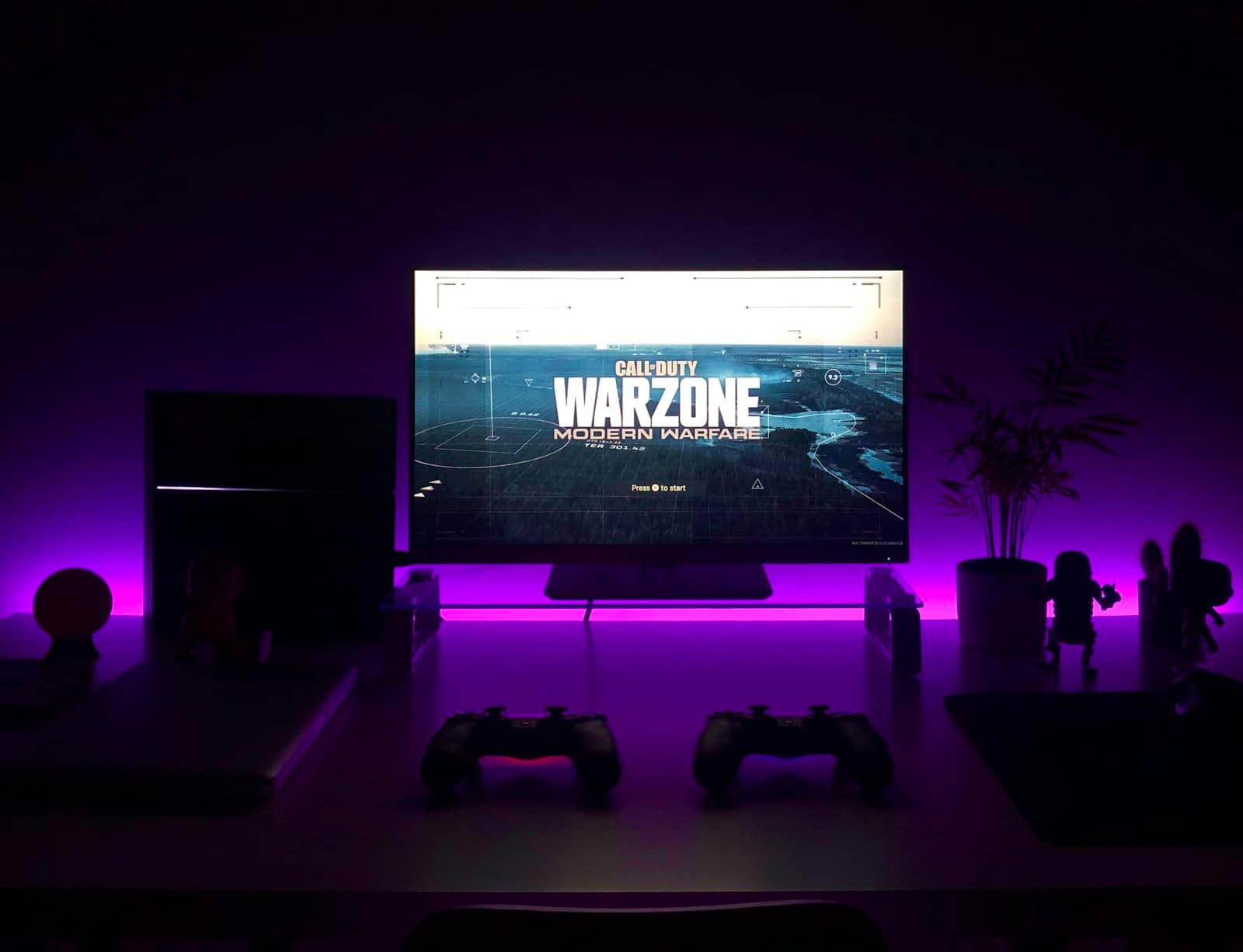
Buy the monitor and GPU as a pair — a 4K 240Hz panel is wasted if the card can't feed it. · Unsplash
What size gaming monitor should you get?
Size follows resolution. The number that matters is pixel density (pixels per inch): too low and text and edges look soft at desk distance. Here is the arithmetic for the common pairs:
1080p (1920x1080)
Screen size
24 inch
Pixel density
92 PPI
Verdict
Fine; the esports standard
1080p
Screen size
27 inch
Pixel density
82 PPI
Verdict
Soft at desk distance; avoid
1440p (2560x1440)
Screen size
27 inch
Pixel density
109 PPI
Verdict
The sweet spot for most people
1440p
Screen size
32 inch
Pixel density
92 PPI
Verdict
OK if you sit further back
4K (3840x2160)
Screen size
27 inch
Pixel density
163 PPI
Verdict
Very sharp; needs a strong GPU
4K
Screen size
32 inch
Pixel density
138 PPI
Verdict
Best for single-player and work
Screen size
Pixel density
Verdict
1080p (1920x1080)
24 inch
92 PPI
Fine; the esports standard
1080p
27 inch
82 PPI
Soft at desk distance; avoid
1440p (2560x1440)
27 inch
109 PPI
The sweet spot for most people
1440p
32 inch
92 PPI
OK if you sit further back
4K (3840x2160)
27 inch
163 PPI
Very sharp; needs a strong GPU
4K
32 inch
138 PPI
Best for single-player and work
For competitive shooters, a smaller 24-25 inch screen keeps the whole view in your eyeline, which is why most 1080p esports monitors are that size. For the full trade-off, see 1080p vs 1440p vs 4K, and whether a 4K gaming monitor is worth it for your card.
Ports and HDR: the two specs people overpay for
Ports. On a PC, use DisplayPort to get the full refresh rate. If you also plug in a console, check HDMI: Sony says the PS5 supports HDMI 2.1 and 4K at 120Hz, and its 1440p output needs a display that supports 1440p at 60Hz, or 60Hz and 120Hz. A monitor whose HDMI port tops out at 60Hz will cap a PS5 at 60.
HDR. The VESA DisplayHDR label is worth reading closely. DisplayHDR 400 only requires 400 nits of peak brightness and doesn't require local dimming, so most DisplayHDR 400 monitors show HDR that looks barely different from SDR. DisplayHDR 600 requires local dimming, and DisplayHDR True Black 400 (an OLED tier) requires a black level of 0.0005 nits, which is what gives OLED its HDR punch. If HDR matters to you, look for True Black 400 or DisplayHDR 600 and up.
The other three: refresh, panel, and sync
Once resolution is settled against your GPU, the rest falls into place. Refresh rate:144Hz or 165Hz is the practical sweet spot — the jump from 60Hz to 144Hz is transformative, while 144→240 is a smaller (but real, for competitive players) gain. Panel type: the QD-OLED vs IPS vs VA question used to be a hard trade-off, but with OLED pricing collapsing (quality 1440p QD-OLED panels now down to mid-range money on sale), QD-OLED is the best all-round pick for most gamers — perfect blacks, ~0.03ms response, and modern burn-in protection. IPS remains a fine, cheaper choice for bright rooms; VA gives the best contrast on a budget. Response time follows from the panel (OLED best, Fast IPS close). And VRR — G-Sync or FreeSync — should always be on: it syncs the monitor to your frame rate to kill screen tearing, and it pairs with the frame-pacing rules (cap FPS just below refresh, don't double up with V-Sync) for buttery-smooth gameplay. Nail the five and you've got a monitor that flatters your GPU instead of bottlenecking it. Refresh rates now reach 1000Hz (LG's UltraGear 25G590B, $999.99), but LG itself notes that 1000Hz support "does not imply or guarantee" 1000 FPS in any game; for almost everyone, the refresh rate you need for gaming is 144 to 240Hz.
Gaming monitor picks by tier
These three cover the rows in the table above. We haven't tested them ourselves; specs are from each maker's page, and we show no prices because they change daily. For more picks, see the best gaming monitor for each budget.
Esports, 1080p
Monitor
ASUS TUF Gaming VG259QMRL5A
Panel and resolution
25-inch Fast IPS, 1080p
Refresh rate
Up to 310Hz
Most people, 1440p
Monitor
LG UltraGear 27GS75Q-B
Panel and resolution
27-inch IPS, 1440p
Refresh rate
180Hz (200Hz overclocked)
OLED, 1440p
Monitor
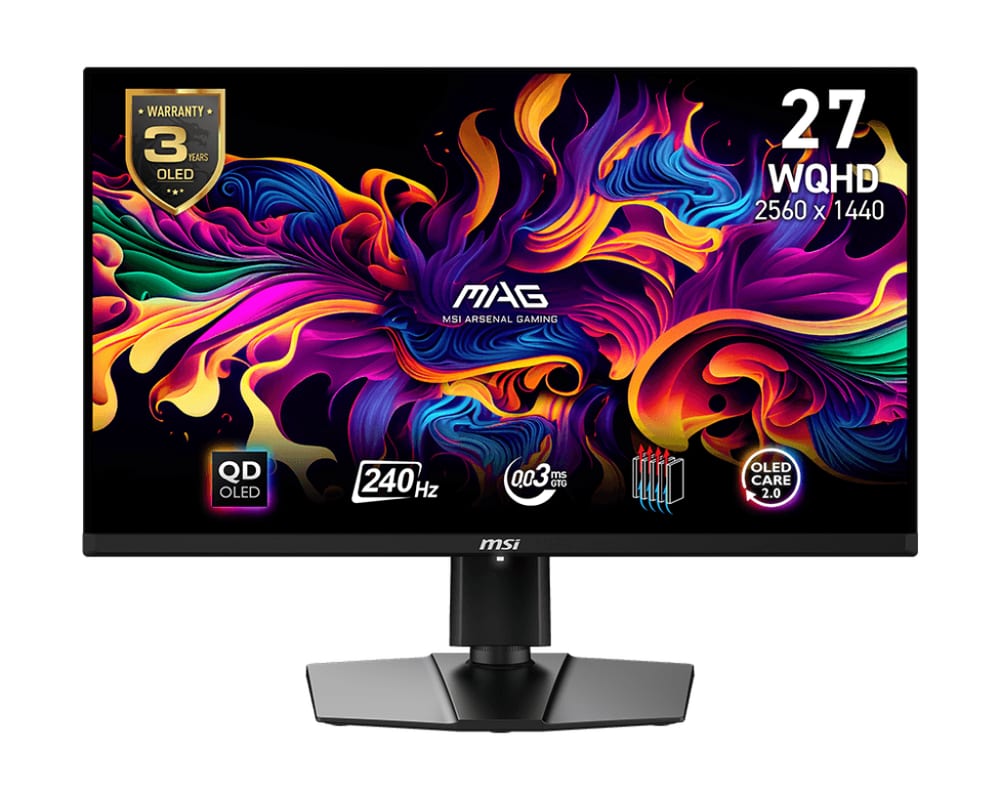
MSI MAG 271QPX QD-OLED E2
Panel and resolution
27-inch QD-OLED, 1440p
Refresh rate
240Hz
Monitor
Panel and resolution
Refresh rate
Esports, 1080p
ASUS TUF Gaming VG259QMRL5A
25-inch Fast IPS, 1080p
Up to 310Hz
Most people, 1440p
LG UltraGear 27GS75Q-B
27-inch IPS, 1440p
180Hz (200Hz overclocked)
OLED, 1440p
MSI MAG 271QPX QD-OLED E2
27-inch QD-OLED, 1440p
240Hz
Quick answers
What should I look for in a gaming monitor in 2026?
Five things, in order: resolution (1440p is the 2026 sweet spot for most; 1080p for competitive or budget, 4K for AAA visuals), refresh rate (144Hz for most people, 240Hz or higher for competitive shooters), panel type (QD-OLED now wins for most gamers thanks to collapsing prices, with IPS a cheaper bright-room option), response time (lower is clearer in motion — OLED leads), and variable refresh rate (G-Sync or FreeSync, which you should always enable). The overarching rule is to match the monitor to your graphics card and play style — a high-resolution, high-refresh panel is wasted if your GPU can't feed it.
What resolution and refresh rate should a gaming monitor be?
For most people in 2026, 1440p at 144-165Hz is the sweet spot — sharp, smooth, and drivable by mid-to-high-end GPUs. Competitive players should prioritise refresh rate over resolution, going for 1080p or 1440p at 240Hz or higher, since seeing action a fraction sooner matters more than pixel count. Players who love single-player spectacle and have a strong GPU get the most from 1440p or 4K OLED. The key is matching the choice to your graphics card: 4K high-refresh needs a powerful card, while 1080p high-refresh suits budget GPUs pushing high frames in esports.
How do I pick a good gaming monitor?
Start with your graphics card: pick the resolution it can drive at high frame rates (1440p for most mid-range cards), then a refresh rate of 144Hz or more, then the panel (IPS, VA or OLED), a 1ms-class response time and G-Sync or FreeSync. Match the size to the resolution: 24 inches for 1080p, 27 for 1440p, 27 to 32 for 4K.
What size gaming monitor should I get?
24 to 25 inches for 1080p, 27 inches for 1440p and 27 to 32 inches for 4K. Those pairs keep pixel density around 92 to 163 pixels per inch, which looks sharp at desk distance. A 27-inch 1080p screen is only 82 PPI and looks soft.
How do I choose a gaming monitor for esports?
Prioritize refresh rate over resolution: a 24-25 inch 1080p or 1440p panel at 240Hz or higher, with a fast IPS or OLED panel, and a graphics card that can hold that frame rate in your games. Native 1000Hz monitors exist now (LG's UltraGear 25G590B was $999.99 in the US in August 2026), but 240-360Hz covers almost every player.
Is DisplayHDR 400 worth it on a gaming monitor?
Not by itself. VESA's DisplayHDR 400 tier needs only 400 nits peak and no local dimming, so HDR looks only slightly different from SDR on most of these screens. For real HDR, look for DisplayHDR 600 or higher, which requires local dimming, or an OLED with DisplayHDR True Black 400.
Does my GPU matter when choosing a monitor?
Enormously — it's the most important factor. A monitor's resolution and refresh rate only matter if your graphics card can actually push those frames. A 4K 144Hz panel demands a powerful GPU; a 1440p 144Hz panel suits mid-to-high-end cards; and a 1080p 240Hz panel fits budget GPUs running esports titles at high frame rates. Buying a monitor far beyond what your GPU can drive wastes money, and buying a weak monitor pairs badly with a strong card. Decide on the monitor and graphics card together as a pair, factoring in upscaling (DLSS/FSR), which can help a modest GPU reach a higher-refresh panel.