Biostar's Valkyrie boards were a real swing at the enthusiast crown — heavy VRMs, 10-layer PCBs, a bold gold-and-pink look. What they were, the specs that mattered, and whether an LGA1200 board makes sense now.
For most of the last decade, "enthusiast motherboard" meant ASUS ROG, MSI MEG, Gigabyte Aorus — and Biostar was the brand you'd forgotten still made boards. So when Biostar rolled out the Z590 Valkyrie and its Mini-ITX sibling the Z590i Valkyrie as genuine flagships, it was a statement of intent: a company trying to climb back into the premium conversation. I find these swings fascinating, because they tell you where a brand thinks it can win. Here's what the Valkyrie boards actually were, the specs that mattered, and — the question that matters if you're reading this now — whether a board on this platform still makes sense.
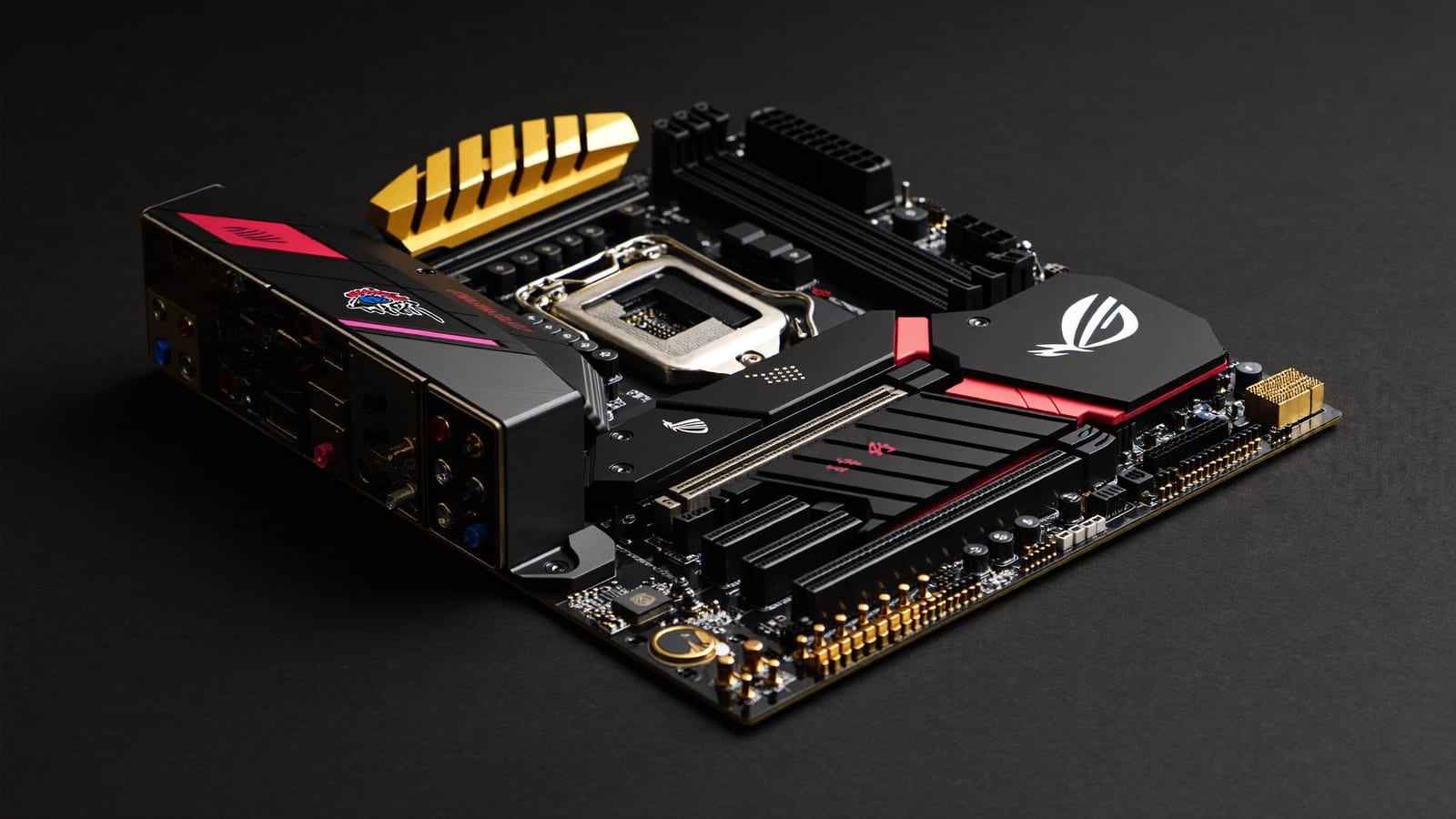
The Z590 Valkyrie was Biostar's statement flagship — heavy VRM, 10-layer PCB, and a bold gold-and-pink look. · Illustration by Aliteq / generated with Higgsfield
What made the Valkyrie a flagship
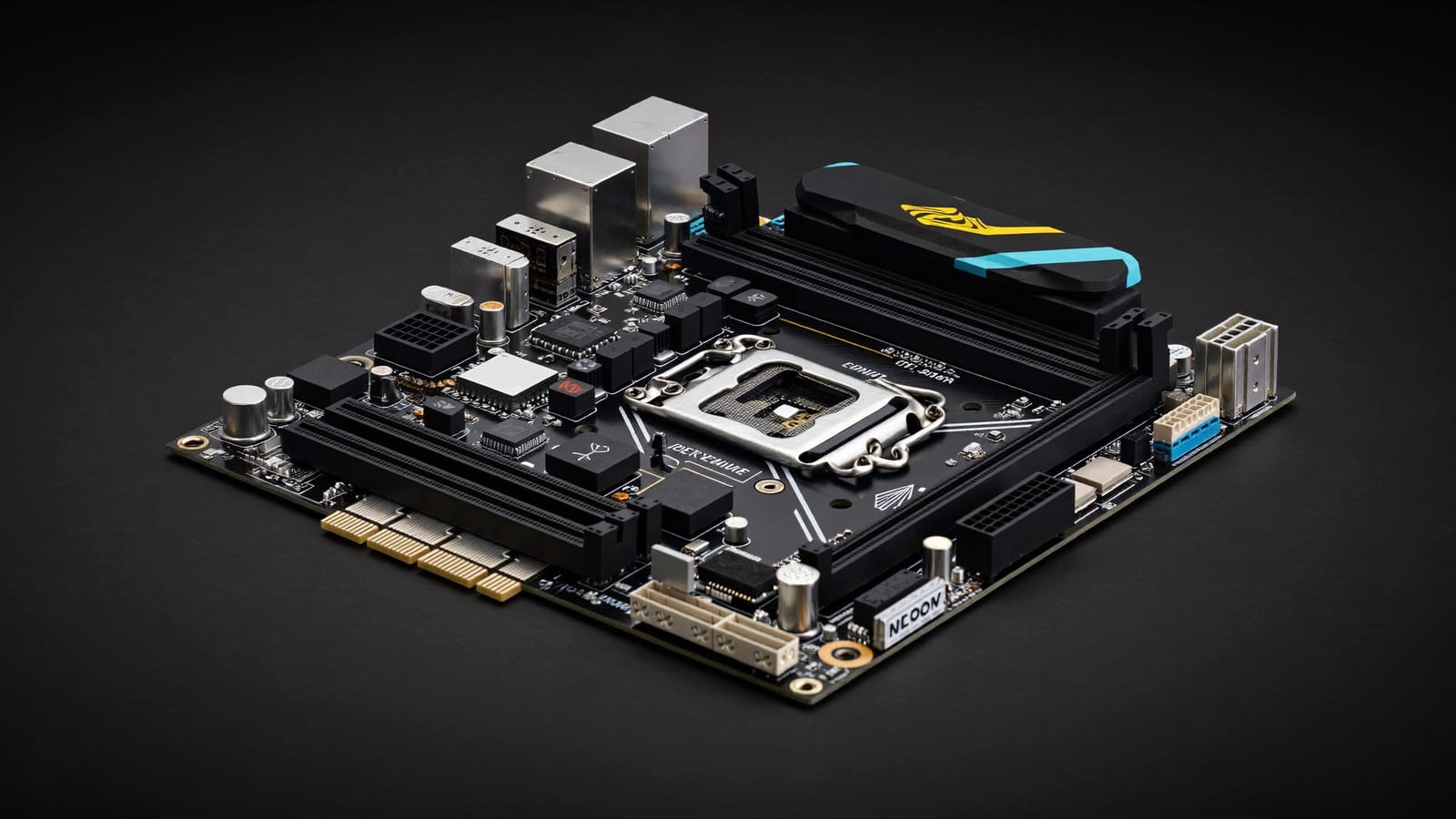
The headline was power delivery. The ATX Z590 Valkyrie shipped with a big multi-phase VRM (reported as a 22-phase design) using Dr.MOS stages, solid-state inductors and active cooling on a 10-layer PCB — the kind of spec sheet that says "we want you to overclock a Core i9 on this." The Mini-ITX Z590i squeezed a 10-phase VRM into a tiny footprint, which is genuinely hard engineering. On memory, the boards handle up to 128GB of DDR4 across four DIMMs (two on the ITX) with rated OC speeds past 5000 MT/s, and they bring PCIe 4.0 for the graphics slot and NVMe storage.
Reviewers at the time — Tom's Hardware and others — landed on a consistent read: much improved, but with more to prove. Biostar had clearly poured effort into the hardware and the looks (that gold-and-pink "armor gear" is polarising but memorable, plus the LED ROCK ZONE lighting), while the software and BIOS polish still trailed the established players. For a brand re-entering the premium tier, "the hardware is there, the ecosystem is catching up" is about the most honest summary you can give.
Biostar Valkyrie Z590, at a glance
Socket / CPUs
Z590 Valkyrie (ATX)
LGA1200, Intel 10th/11th Gen
Z590i Valkyrie (Mini-ITX)
LGA1200, Intel 10th/11th Gen
VRM
Z590 Valkyrie (ATX)
~22-phase, Dr.MOS
Z590i Valkyrie (Mini-ITX)
~10-phase, Dr.MOS
PCB
Z590 Valkyrie (ATX)
10-layer
Z590i Valkyrie (Mini-ITX)
10-layer
Memory
Z590 Valkyrie (ATX)
4× DDR4, up to 128GB, 5000+ OC
Z590i Valkyrie (Mini-ITX)
2× DDR4, 5000+ OC
PCIe
Z590 Valkyrie (ATX)
PCIe 4.0
Z590i Valkyrie (Mini-ITX)
PCIe 4.0
Launch MSRP / warranty
Z590 Valkyrie (ATX)
~$359.99 / 5 years
Z590i Valkyrie (Mini-ITX)
5 years
Z590 Valkyrie (ATX)
Z590i Valkyrie (Mini-ITX)
Socket / CPUs
LGA1200, Intel 10th/11th Gen
LGA1200, Intel 10th/11th Gen
VRM
~22-phase, Dr.MOS
~10-phase, Dr.MOS
PCB
10-layer
10-layer
Memory
4× DDR4, up to 128GB, 5000+ OC
2× DDR4, 5000+ OC
PCIe
PCIe 4.0
PCIe 4.0
Launch MSRP / warranty
~$359.99 / 5 years
5 years
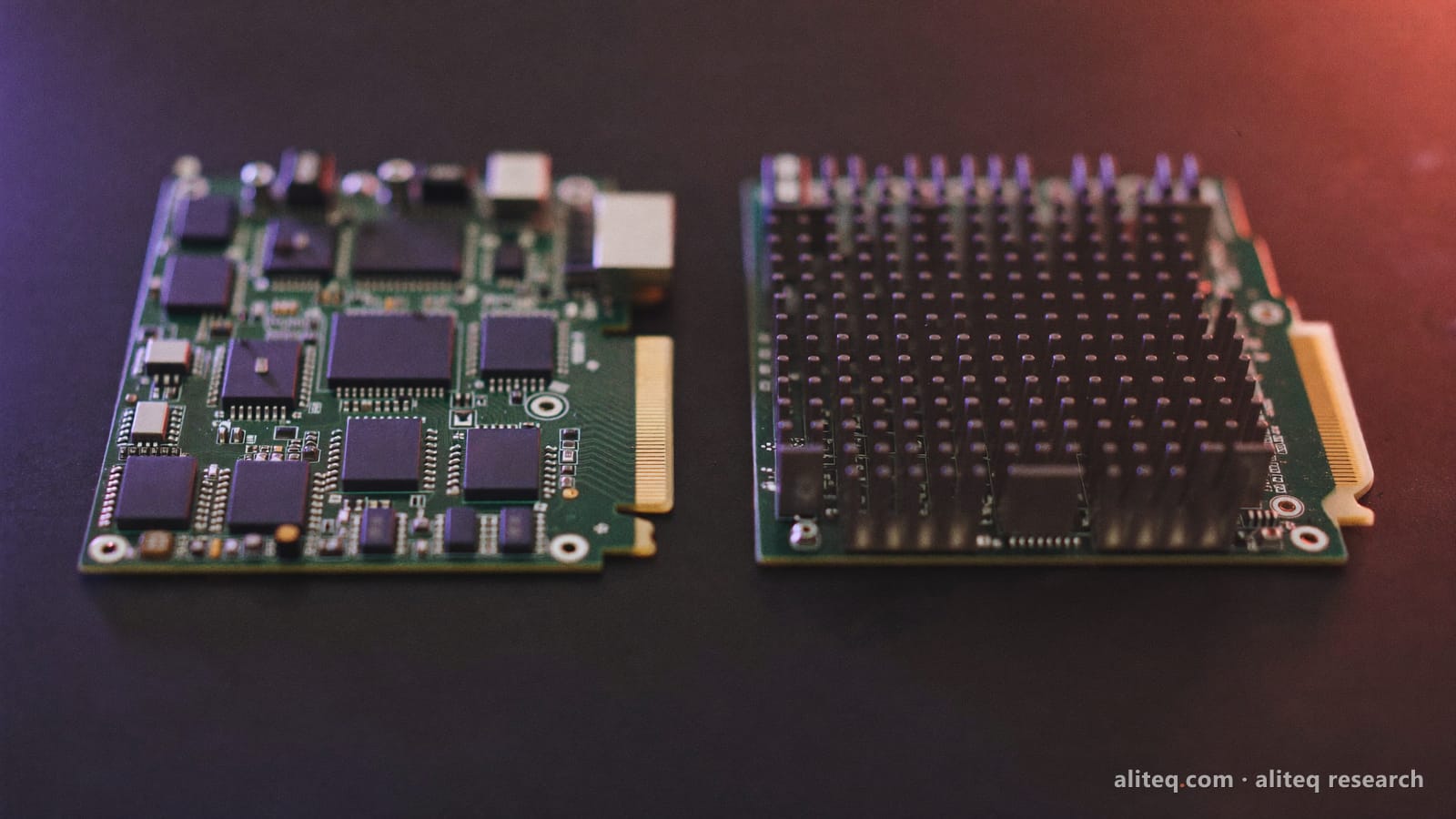
The Z590i packed a 10-phase VRM into Mini-ITX — the harder engineering feat of the pair. · Illustration by Aliteq / generated with Higgsfield
Does an LGA1200 board make sense now?
This is where I have to be straight with you, because a spec sheet from a previous platform can flatter. LGA1200 tops out at Intel's 11th-Gen "Rocket Lake" chips and DDR4 — Intel has since moved through several socket and platform generations with DDR5 and PCIe 5.0. So a new build on this platform today means buying into a dead-end socket: no future CPU upgrades, older memory and I/O standards. That's not a knock on the Valkyrie's engineering; it's just the calendar.
Quick answers
What CPUs does the Z590 Valkyrie support?
LGA1200 Intel processors — 10th-Gen 'Comet Lake' and 11th-Gen 'Rocket Lake' Core chips, up to the Core i9. It won't take newer Intel CPUs, which use different sockets.
Is the Z590 Valkyrie good for overclocking?
On paper, yes — the heavy multi-phase Dr.MOS VRM and 10-layer PCB are built for it, and reviewers rated the power delivery well. Just remember you're overclocking a previous-generation CPU.
DDR4 or DDR5?
DDR4 — the Z590 platform predates DDR5. It supports up to 128GB with rated OC speeds past 5000 MT/s, which is plenty for the CPUs it runs, but it's a previous-gen memory standard.
Should I buy one in 2026?
Only if you're already on the LGA1200 platform or find a great deal to pair with a CPU you own. For a new build, choose a current-generation board — this socket has no upgrade path left.
If you're planning a current build instead, start with the component that matters most for both gaming and AI work — the GPU. My VRAM-first guide to the best GPU for local AI covers what actually moves the needle now, and if a gaming laptop is more your speed, see my take on the ASUS ROG Strix G15.
And once a rig is built, what it actually costs to run — power draw and all — is its own question: our cost-to-run breakdown does that math for gaming and local-AI machines.