AI assistants repeat whatever their sources say, and old listings are the usual culprit. The questions to ask to catch the mistakes, which listing to fix for each one, what Google, Microsoft and Apple say about how long fixes take, and how to keep watching it.
This post contains affiliate links. If you buy through them, Aliteq may earn a commission — at no extra cost to you. Prices change; check the retailer for today’s price.
Share
If ChatGPT, Copilot or Google's AI answers show the wrong hours, an old address or a price you changed, the mistake almost always comes from a listing or page the assistant read. You can't edit the AI answer itself. You can find the source it's repeating and fix that: your Google Business Profile, Bing Places, Apple Business, review sites and your own website. Here's how to catch the wrong facts, which source to fix for each, and what Google, Microsoft and Apple say about how long a fix takes. Checked on their own help pages on 1 November 2026.
Why AI assistants get your business wrong
A post in r/smallbusiness on 29 October asked: "Customers are asking ChatGPT who to buy from. Have you checked what it says about your business?" One reply listed the usual problems, "Wrong opening hours, an old address, or services you stopped offering", and said they "come up often, and they hurt" (the thread).
When an assistant searches the web to answer, it reads the pages and listings it can find and summarises them. If your Google profile still shows summer hours, if a directory has your old address, or if a three-year-old page on your own site lists a service you dropped, that's what it reads. It doesn't know which source is newer, and it rarely says it's unsure.
Which listing feeds which assistant isn't fully published, so correct every source that ranks for your business name, not just one.
Step 1: Find the wrong facts
Do this in 20 minutes with a notepad or a spreadsheet. Ask in a private or logged-out browser window where you can, so your own history doesn't shape the answer, and use the assistants your customers use:
ChatGPT
Microsoft Copilot, including Copilot answers in Bing
Google Gemini, plus Google Search's AI Overviews and AI Mode
Perplexity
Ask the questions your customers ask, in their words. For a local business:
"What time does [business name] in [town] open on Saturday?"
"Is [business name] open on Sundays?"
"What's the address of [business name]?"
"How much does [your main service] cost at [business name]?"
"Does [business name] offer [a service you added, and one you stopped]?"
"Best [your type of business] near [town]"
For an online store or a product, swap in "What does [product] cost?", "Does [store] ship to [country]?", "What's [store]'s return policy?" and "Best [product type] for [type of buyer]".
Ask each question twice, a few minutes apart, and in a second assistant. The answers are generated fresh each time and can change between runs, so one clean answer doesn't prove the facts are right. A fact that comes back wrong twice is coming from somewhere.
For every wrong fact, write down three things:
The wrong fact and the right one ("says closes 5 pm, really 7 pm")
The source it cites. Most assistants show links or source cards under the answer. Click them. That link is usually the listing you have to fix.
Which assistant said it
No source shown? Ask "Where did you get those opening hours?" The reply isn't always reliable, but often names the page.
Step 2: Fix each source
Work through these in order. The first three are the business listings the big search engines and maps keep; your own site and the review sites come next.
Google Business Profile (Google Search and Google Maps)
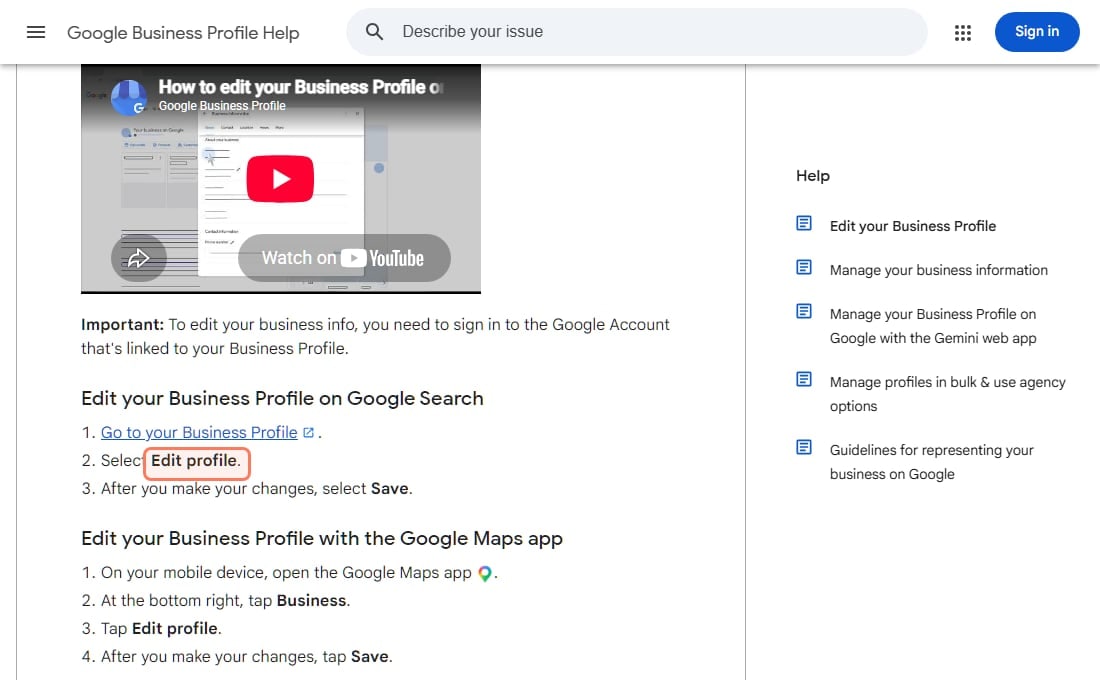
Google's help page says to sign in to the Google Account that manages your profile, open your Business Profile, choose Edit profile, make your changes and select Save. For hours it says: "To update your customers on when you're open, set your business's main hours or mark it closed." For holidays and other temporary changes it points you to special hours rather than changing your normal hours.
Google Business Profile Help's own page on editing a profile, captured 1 Nov 2026. · Google Business Profile Help
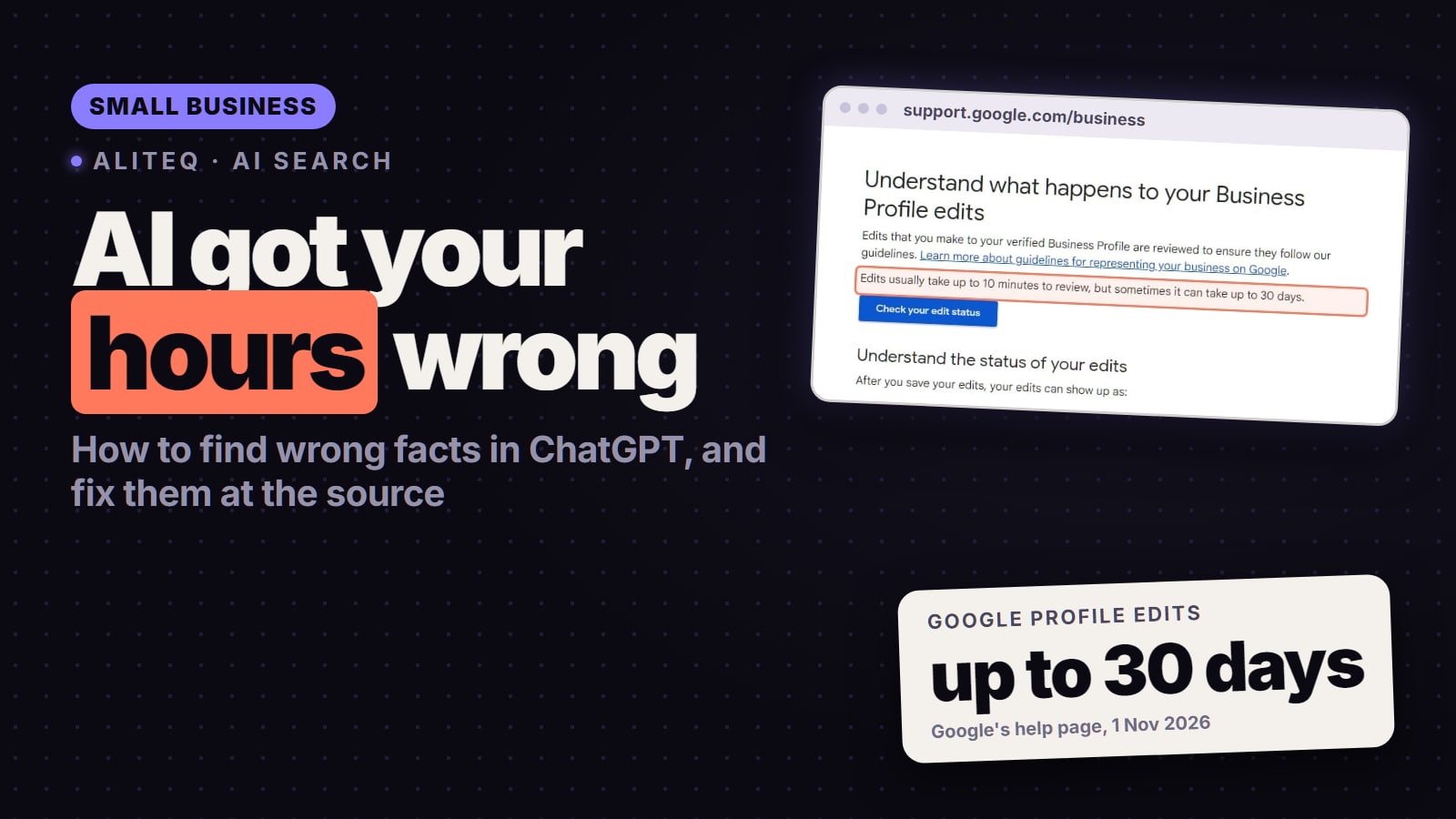
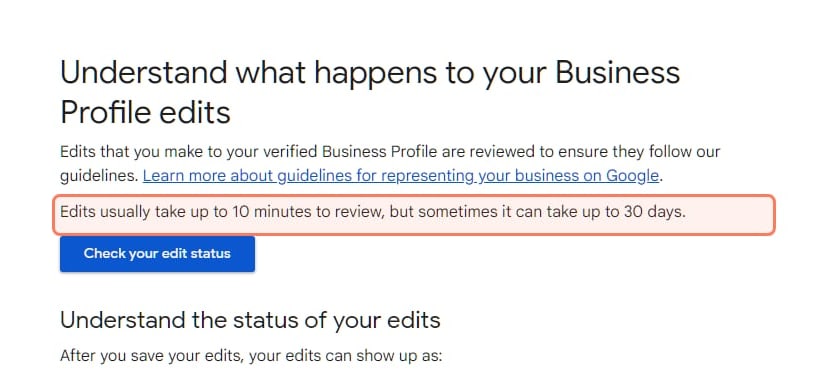
Edits aren't instant. Google says "We review your changes before we update them live on your profile", and its page on what happens to edits gives the timing: "Edits usually take up to 10 minutes to review, but sometimes it can take up to 30 days." Each edit shows as Accepted, Pending or Not approved.
One more line worth knowing: "If we receive reports that your business info isn't accurate, we might update your profile." Google can change your listing based on reports from other sources, so check it again after a few weeks even if you changed nothing.
Bing Places for Business (Bing, Bing Maps, Copilot)
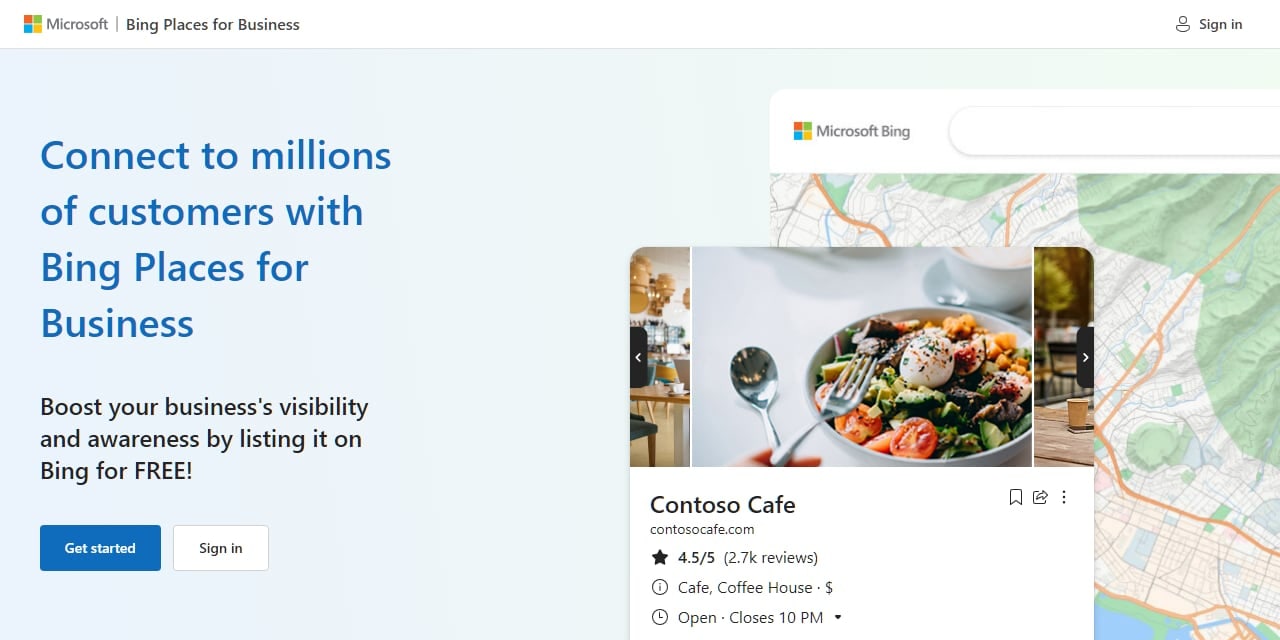
Bing Places moved to bing.com/forbusiness in October 2025. Microsoft's announcement says it made "major improvements to how business owners import listings from Google", with an import that keeps details like name, hours and contact information. If your Google profile is right, importing it is the fastest way to fix Bing too.
Microsoft's own Bing Places for Business page, captured 1 Nov 2026. · Microsoft Bing
Microsoft says listings show in "Bing search results and Bing Maps" and mentions planned "deeper integrations with Bing Maps and Copilot". It doesn't say how long a change takes to appear. Since Copilot draws on Bing, a wrong Bing listing is the first place to look when Copilot has your facts wrong.
Apple Business (Apple Maps)
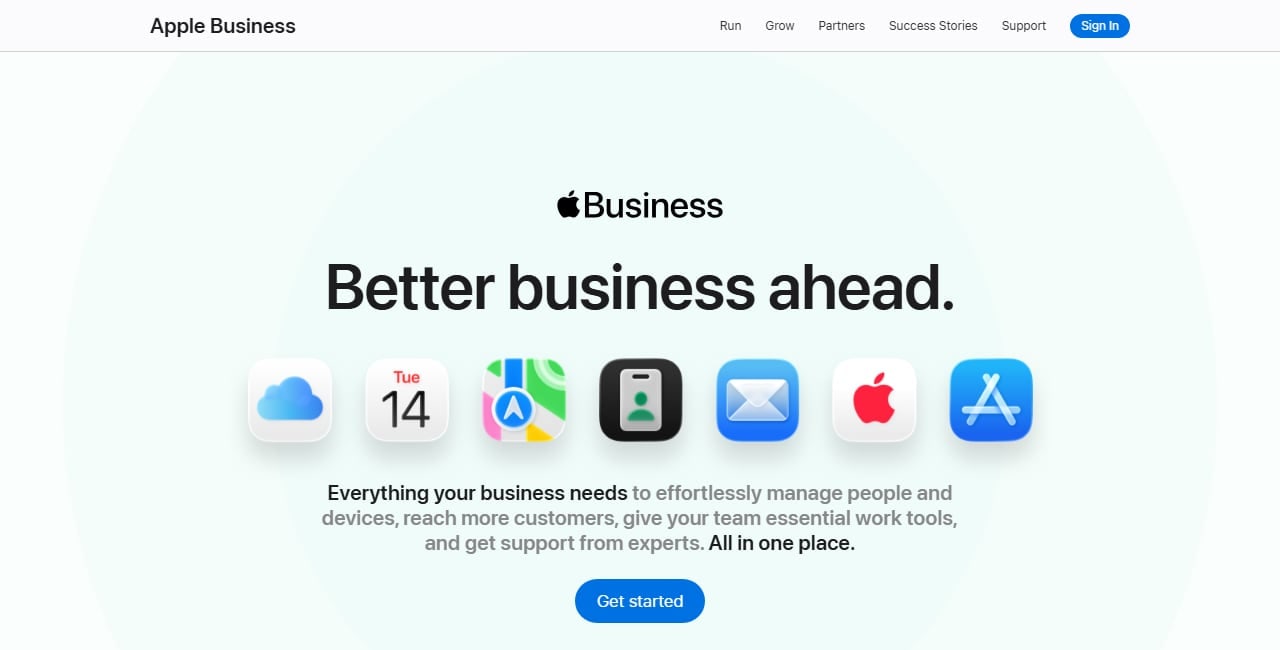
Apple Business Connect is now part of Apple Business (business.apple.com). Apple's guide says "It's important to keep your location data up to date in Apple Business", and that customers can report wrong place-card details, which Apple reviews and may edit. Apple emails your organisation when it changes a location's name, status or hours.
Apple's own Apple Business home page, captured 1 Nov 2026. · Apple
To fix or dispute a change, Apple's guide says to go to Brands → Locations, select the location, open the hours or status, choose View Details, then Edit, and save your version. For a changed business name you send it for review, and Apple says "The review process can take up to five business days."
Your own website
Assistants read your site as one source among many, so make it the clearest one:
Put your hours, address, phone number and main prices as plain text on a contact or "visit us" page, not only inside an image or a map embed.
Delete or update old pages: a 2023 price list, a discontinued service, a "we've moved" notice that now points the wrong way.
Keep one version of each fact. If your footer says 6 pm and your contact page says 7 pm, an assistant may pick either.
Then ask Google and Bing to recrawl the changed pages: URL Inspection in Google Search Console, and URL Submission in Bing Webmaster Tools.
Review sites and directories
Search your business name on Google and Bing and look at the first two pages of results. Every listing there (Yelp, Tripadvisor, Facebook, your industry's directories, local chamber pages) is something an assistant may read. Claim the ones you can and correct the details. Where you can't claim a listing, most sites have a "suggest an edit" or report link.
OpenAI, Perplexity and the other assistants
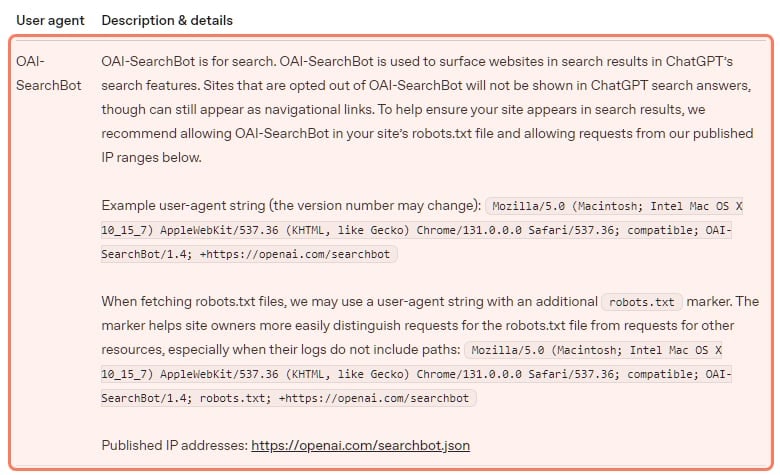
We found no page from OpenAI that lets a business claim or correct its details in ChatGPT. Its help centre blocked our fetcher on 1 November, so check the ChatGPT search article directly in case that has changed. For now, the route is the same for every assistant: fix the sources they read, let them recrawl, and ask again. The thumbs-down button under an answer costs nothing to use, but no company we checked says what it does with that feedback for business facts.
OpenAI's crawler documentation, captured 1 Nov 2026. · OpenAI
How long until the answers change?
Only the listing services publish timings (Google up to 30 days, Apple up to five business days for a name). Microsoft gives none for Bing Places, and no AI company says how quickly a corrected source reaches its answers. Recheck after two weeks and again after a month.
Google's own help page on profile edits, captured 1 Nov 2026. · Google Business Profile Help
Step 3: Keep watching it
Facts drift: winter hours, a new service, a price change. Each one leaves the listings behind again.
The free monthly routine (about 20 minutes):
Ask the same list of questions in the same four assistants, twice each, on the first of the month.
Compare with last month's notes and fix any new wrong fact at its source.
Check Google Business Profile, Bing Places and Apple Business for edits you didn't make.
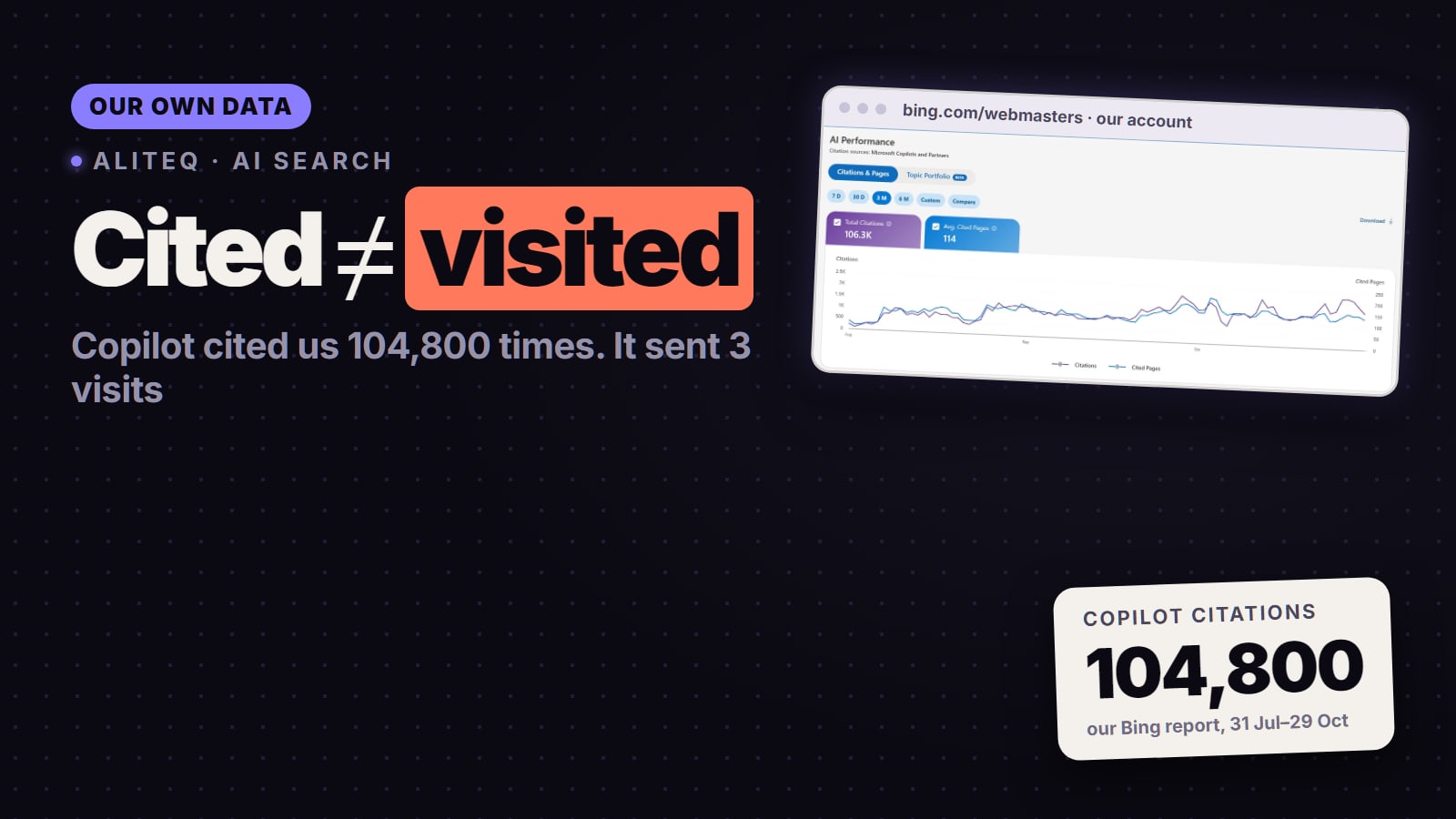
Glance at Bing Webmaster Tools' free AI Performance report (citations in Copilot and Bing answers) and Search Console's generative AI report (impressions in AI Overviews and AI Mode). They show which pages get used, not whether the facts are right.
When a tracking tool makes sense. Another r/smallbusiness post on 28 October asked "Does AI actually recommend my product?" and said the owner "can't even track it manually" (the thread). If you have several locations, many products, or more questions than you can ask by hand each month, an AI-visibility tracker runs the same prompts every day and shows what changed.
For a small business, SE Ranking Core is the one we'd try first. Its pricing page (read 1 November 2026) lists AI Visibility tracking with 25 prompts a day across 5 AI engines on Core, next to rank tracking and a site audit, and a 14-day trial with "No credit card required". Core costs $129 a month, or $103.20 a month billed yearly; the details are in SE Ranking pricing. It tells you what the assistants say; fixing the facts is still the listing work above.
If you already use Semrush, its AI Visibility Toolkit tracks prompts "on platforms like Google AI Mode and ChatGPT" for $99 a month, and Semrush's knowledge base says it "does not offer a free trial" (read 1 November 2026).
Common questions
How do I correct wrong information ChatGPT says about my business?
Find the source it's repeating and fix that. Ask ChatGPT your customers' questions, click the sources it cites, and correct those listings and pages, starting with Google Business Profile, Bing Places, Apple Business and your own website. We found no OpenAI form for correcting a business's details directly.
Why does ChatGPT show my old opening hours?
Usually because a listing or page it read still has them: an old Google or Bing listing, a directory, or an outdated page on your own site. Update every listing that ranks for your business name and keep one version of your hours on your site.
How long does it take for AI answers to show the new information?
The AI companies don't say. Google says Business Profile edits usually take up to 10 minutes to review but sometimes up to 30 days, and Apple says a name review can take up to five business days. Recheck your questions after two weeks and again after a month.
Do I need a paid tool to monitor this?
Not for one location and a short list of questions: a free monthly check covers it. A tracker saves time when you have many locations, products or questions.