 Filmora · 10 answers
Filmora, answered: price, free version, AI tools and how it compares
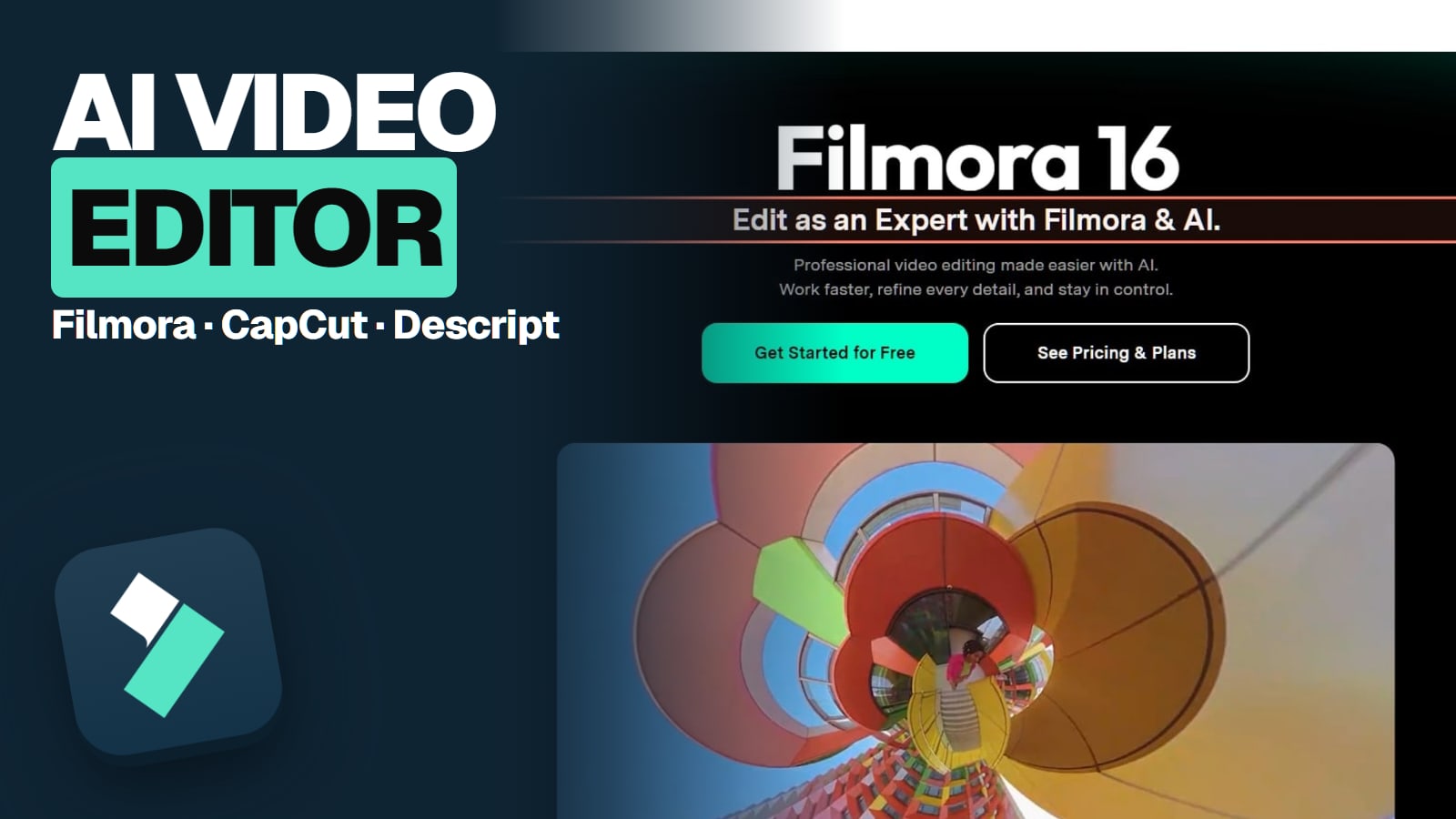
Wondershare Filmora is a desktop video editor for Windows and Mac, with separate mobile apps for iPhone, iPad and Android. Wondershare, founded in Shenzhen in 2003, launched it in 2010; Filmora 16 is the current version. The free version never expires, but every free export carries a Filmora watermark.
- Every answer sourced and dated
- Last checked November 14, 2026
- How we check
Some links on this page are referral links: we may earn a commission, at no cost to you.
What do you need?
Pick what you're trying to work out. Each one jumps to its answers.
- 2 answersGet it and try it freeThe safe official download, which version you get, PC specs, and what the free version stamps on your video.
- 2 answersPay for itEvery plan and price, the add-on to untick at checkout, refunds, and whether it's worth paying.
- 1 answerThe AI toolsWhich AI models run inside Filmora 16 and what each job costs in credits.
- 5 answersCompare and alternativesFilmora against CapCut, DaVinci Resolve and the other editors, free and paid.
Quick answers
The questions people ask most, answered in a line. Tap one for the full answer and its sources.
- Is Filmora free?The free version never expires and has the basic tools, but every export carries a Filmora watermark.Full answer
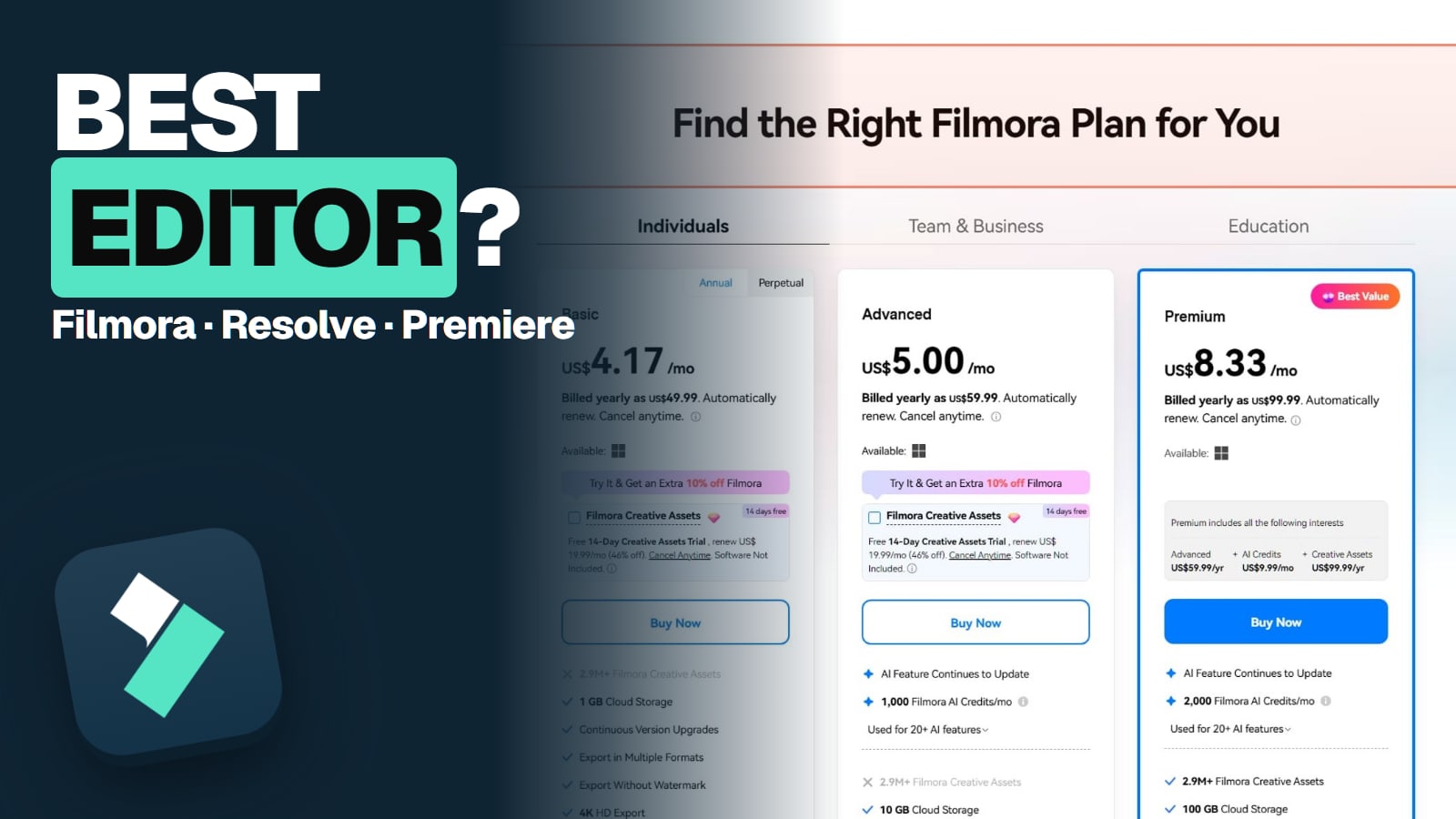
- How much does Filmora cost?Basic US$49.99 a year, Advanced US$59.99 a year, Perpetual US$79.99 one time, on Windows and Mac.Full answer
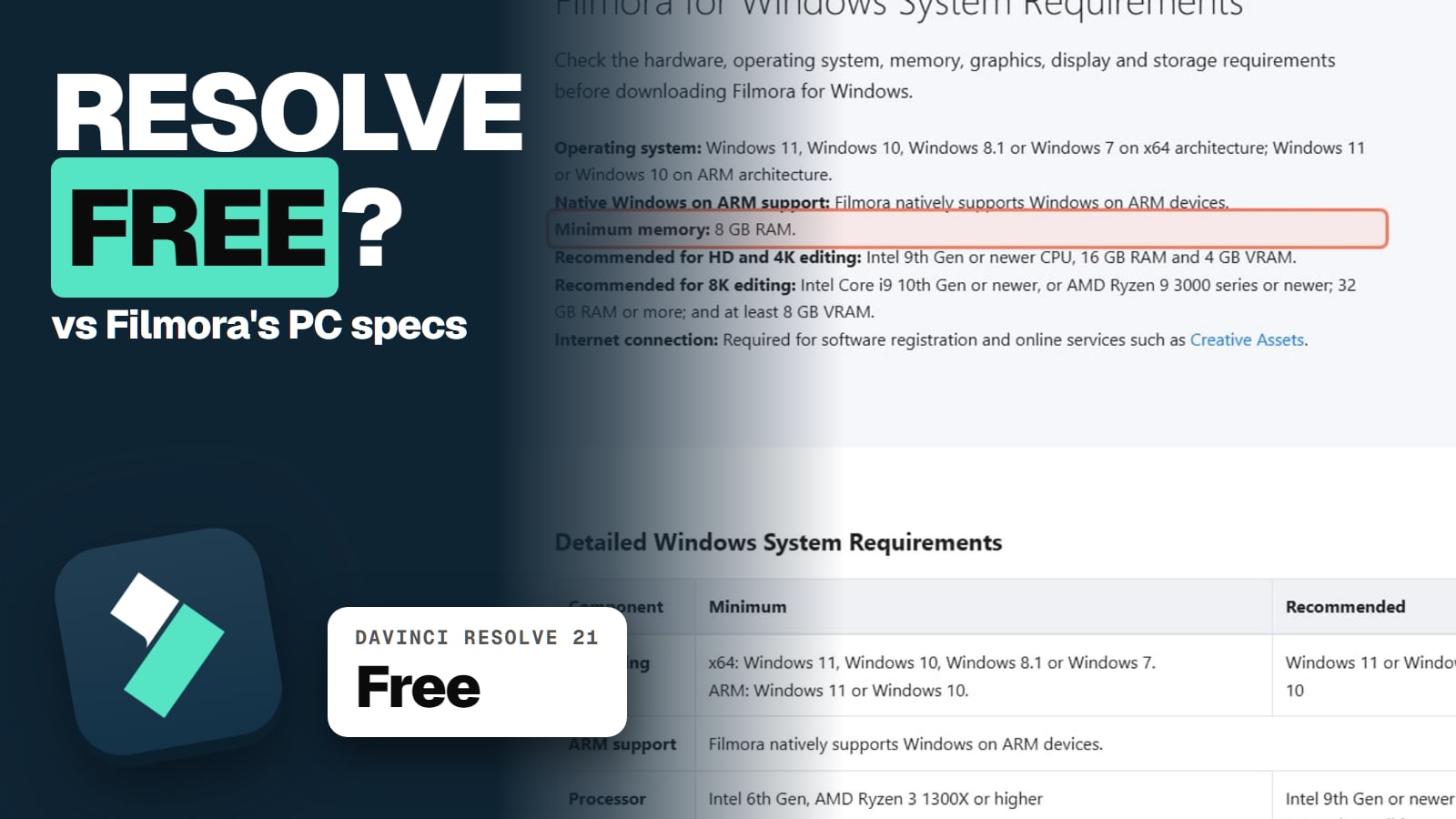
- Where do I download Filmora safely?Only from filmora.wondershare.com. Filmora 16 is current, and it needs 8 GB RAM (16 GB for 4K).Full answer
- Is Filmora worth it?Yes for easy desktop YouTube edits at about $50 to $60 a year; skip it for client work on an individual plan or pro grading.Full answer
- What do Filmora's AI credits buy?Advanced gets 1,000 credits a month: about 2 Veo clips or 250 minutes of speech-to-text.Full answer
- Filmora or CapCut?CapCut for phone-first short-form; Filmora for desktop YouTube edits on a yearly budget.Full answer
New on Filmora
All AI Money →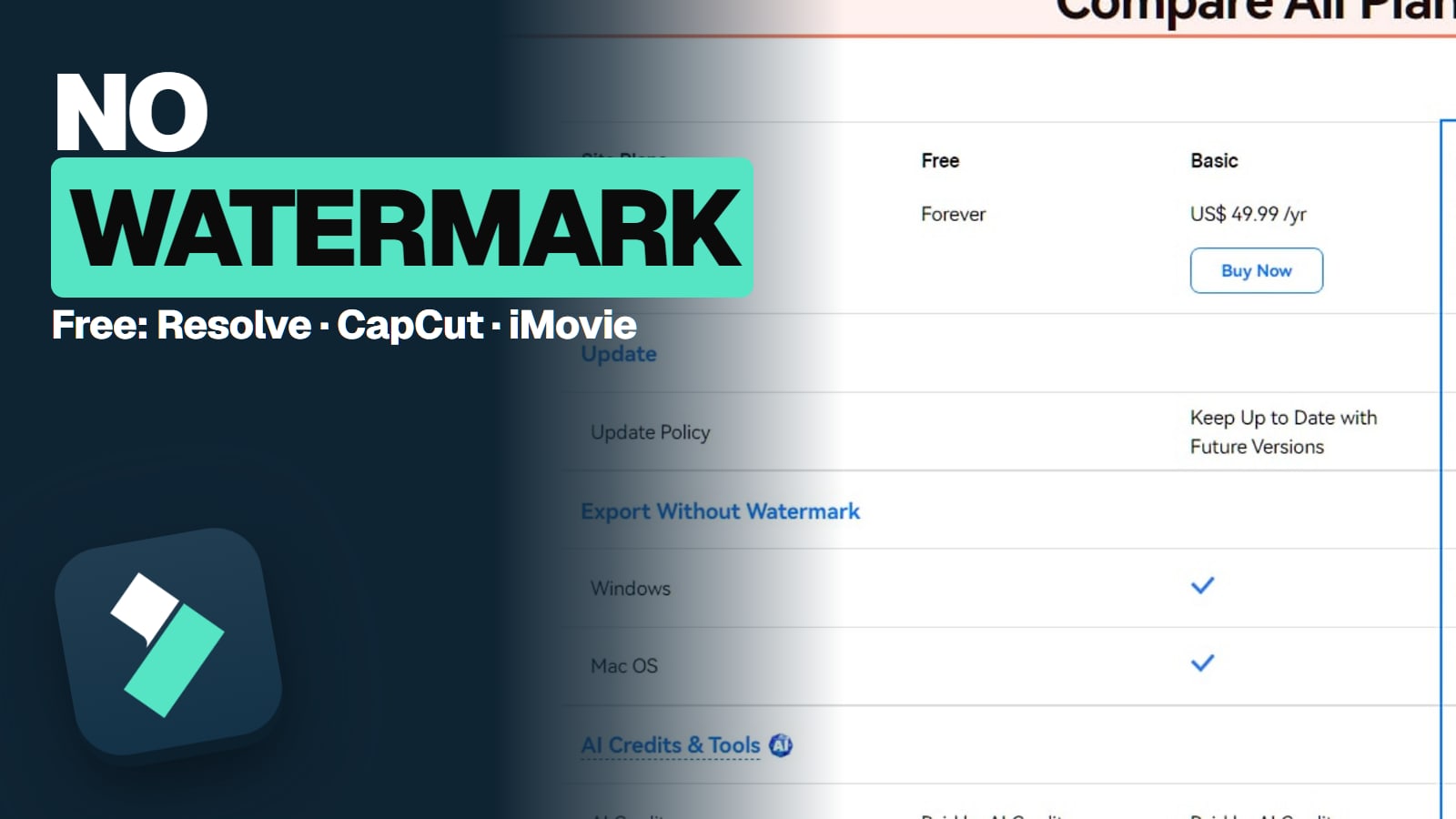
Get it and try it free
The safe official download, which version you get, PC specs, and what the free version stamps on your video. 2 answers
- Where do I download Filmora safely?Download Filmora only from filmora.wondershare.com. It installs free and never expires, but every free export carries a watermark. Filmora 16 is current, and it needs 8 GB RAM (16 GB for 4K).Read the answer
- Is Filmora free, and how does the watermark work?Yes and no. Filmora's free version never expires and has the basic tools, but every export carries a Filmora watermark. The only fix is a paid plan and a re-export from your project file.Read the answer
Pay for it
Every plan and price, the add-on to untick at checkout, refunds, and whether it's worth paying. 2 answers
- How much does Filmora cost?Filmora Basic is US$49.99 a year, Advanced US$59.99 a year, and a Perpetual licence US$79.99 one time, on both Windows and Mac (checked Nov 14, 2026). The add-on to watch is a 7-day Creative Assets trial that renews at $19.99 a month.Read the answer
- Is Filmora worth it? The billing complaintsFilmora is worth it if you want an easy desktop editor for YouTube-style videos and you'll pay about $50 to $60 a year. Skip it if you need client-work rights on an individual plan, pro-level grading, or you hate auto-renewing add-ons.Read the answer
The AI tools
Which AI models run inside Filmora 16 and what each job costs in credits. 1 answer
Compare and alternatives
Filmora against CapCut, DaVinci Resolve and the other editors, free and paid. 5 answers
- Filmora vs CapCutCapCut is free to start and lives on your phone. CapCut Pro is $19.99 a month or $179.99 a year. Filmora is a desktop editor at $49.99 to $59.99 a year. Pick CapCut for phone-first short-form, and Filmora for desktop YouTube edits on a yearly budget.Read the answer
- Best video editing softwareFor most beginners, DaVinci Resolve (free) or Filmora (about $50 a year) is the pick. For professionals, Premiere Pro or Resolve Studio. For phone-first short-form, CapCut. For Mac beginners, iMovie (free). Prices were checked on each vendor's page.Read the answer
- Best free video editor (no watermark)DaVinci Resolve, CapCut's free plan, iMovie and Shotcut export without a watermark. Filmora's free version does watermark every export. Here's what each free editor limits, checked on each vendor's page.Read the answer
Related guides
Other tools for other parts of the job.
Ready to compare Filmora's plans?
Filmora sells yearly plans and a one-time licence, and the checkout pre-ticks a 7-day Creative Assets trial that renews monthly and does not remove the watermark, so read the cart before you pay. Our pricing guide explains every plan and the add-on to untick.
We are not affiliated with Filmora.
About these answers
These pages answer what people ask before and after they pay, from Wondershare's own buy pages, help center, system requirements and terms, with the date we read them. We have not edited videos with Filmora ourselves, so nothing here is a hands-on test. Where Wondershare's own pages disagree (the money-back promise, built-in music rights), we say which pages and when. Last checked against Filmora's own pages on November 14, 2026. Written by the Aliteq Team. How we check.