 invideo AI · 25 answers
invideo AI, answered: plans, credits, refunds and fine print
invideo AI is an AI video agent from invideo: you describe a video or paste a script, and it writes, voices and edits a finished video, using stock footage and AI video models such as Seedance, Kling and Veo, on credits.
- Every answer sourced and dated
- Last checked November 13, 2026
- How we check
Some links on this page are referral links: we may earn a commission, at no cost to you.
What do you need?
Pick what you're trying to work out. Each one jumps to its answers.
- 6 answersWhat does it cost?Plans, credits, the free plan, deals and what one clip costs per model.
- 2 answersRefunds, watermark and your accountCancelling, the refund window, and exporting without a watermark.
- 2 answersIs it legit, and can I use the videos?Who's behind it, what users complain about, and commercial and YouTube use.
- 2 answersProblems and fixesStuck, failed or eating credits: what each problem means.
- 4 answersHow to make things with itWhat invideo AI is, faceless YouTube videos, UGC ads with AI actors and your AI twin.
- 4 answersCompare and alternativesinvideo against Higgsfield, HeyGen and Pictory, and what to use instead.
- 5 answersWhere it fits bestOur job-by-job video guides where invideo is one of the options, and why.
Quick answers
The questions people ask most, answered in a line. Tap one for the full answer and its sources.
- Is invideo AI free?There's a Free plan with a weekly limit, and the manual Editor is free. invideo doesn't publish the size of that weekly allowance.Full answer
- Which invideo plan should I get?$20, $60 or $150 a seat a month, or half that billed yearly. What matters is what the credits turn into on your model.Full answer
- Why do invideo credits run out so fast?The agent spends credits on its own work, not only on finished clips, and by default it generates without asking.Full answer
- Can I get a refund from invideo?Cancelling stops the next charge but gives no money back. invideo's terms allow a refund only within 24 hours, with nothing used.Full answer
- invideo or Higgsfield: which one?Both sell Seedance, Kling and Veo on credits. invideo builds a whole edited video; Higgsfield gives you shot-by-shot control.Full answer
- What are the best invideo alternatives?Running out of credits, wanting a presenter, or wanting control over every shot each point to a different tool.Full answer
New on invideo AI
All AI Money →
What does it cost?
Plans, credits, the free plan, deals and what one clip costs per model. 6 answers
- Which plan should I get?invideo AI sells three plans, $20, $60 and $150 a seat a month, or half that billed yearly. The number that matters is credits, and what they turn into once you pick a model. Here's every plan, the clips each one buys, and where invideo's own pages disagree.Read the answer
- Is invideo AI free?invideo has a Free plan with a weekly limit, and its manual Editor is free with no cap on projects. What invideo doesn't publish is the size of that weekly allowance. Here's what its own pages say, what costs credits, and what the cheapest paid plan adds.Read the answer
- Why do credits run out so fast?invideo's agent spends credits on its own work, not only on finished clips, and its default is to generate without asking. Here's what each credit buys by model, where credits leak, the one setting that puts you back in control, and the rules on rollover, extra credits and cancelling.Read the answer
Refunds, watermark and your account
Cancelling, the refund window, and exporting without a watermark. 2 answers
- How do I cancel and get a refund?Cancelling invideo stops the next charge, but it doesn't give money back, and your credits die when the plan ends. The click path, the app-store route, the 24-hour refund window in invideo's terms, and the help page that says something different.Read the answer
- How do I remove the watermark?The mark you see depends on which invideo product you're in. invideo's own pages explain the stock mark on the timeline, Studio's free-plan watermark and the free Editor's clean exports. Here is each one, and the one thing invideo doesn't say.Read the answer
Is it legit, and can I use the videos?
Who's behind it, what users complain about, and commercial and YouTube use. 2 answers
- Is invideo legit?invideo is a real, registered company with a US entity, a named CEO and a SOC 2 Type II report. Its Trustpilot score is poor, and most complaints are about credits and refunds, not scams. Here is what checks out, what doesn't, and how to protect yourself.Read the answer
- Can I use the videos commercially and monetize them?invideo's terms give you a perpetual, royalty-free licence to commercialise what you make, and its help center says avatar videos can be monetized on any platform. Two things still decide the outcome: the stock inside your video, and YouTube's own rules on AI disclosure and mass-produced content.Read the answer
Problems and fixes
Stuck, failed or eating credits: what each problem means. 2 answers
- Stuck, failed or eating credits?Most invideo not-working moments are billing rules, not bugs: a paywall means low credits, a pay prompt at download means extra iStock, a refused model isn't in your plan, and a held job is waiting on a safety check. Here is each message, what invideo's help center says it means, and the fix.Read the answer
- The setting that stops surprise credit spendinvideo's agent spends credits on its own work, not only on finished clips, and its default is to generate without asking. Here's what each credit buys by model, where credits leak, the one setting that puts you back in control, and the rules on rollover, extra credits and cancelling.Read the answer
How to make things with it
What invideo AI is, faceless YouTube videos, UGC ads with AI actors and your AI twin. 4 answers
- What is invideo AI (Agent Two, Editor, Studio)?invideo is three products under one name, an AI agent that builds whole videos, a free browser editor, and an older template tool that's still sold. What each one does per invideo's own pages, who's behind the company, what it costs, and where it fits next to Higgsfield.Read the answer
- Make a faceless YouTube videoPaste a script, pick a voice, let invideo AI lay stock or generated b-roll under it, then fix it on the timeline and export. The steps as invideo documents them, what each part costs in credits, and the YouTube labelling rule you still own.Read the answer
- Make UGC ads with AI actorsinvideo says its agent goes from a product link to a finished creator-style ad, with the same AI actor and product held across every shot. What its own pages say it does, what a 20-second ad costs in credits by our arithmetic, and the product categories its actors won't touch.Read the answer
Compare and alternatives
invideo against Higgsfield, HeyGen and Pictory, and what to use instead. 4 answers
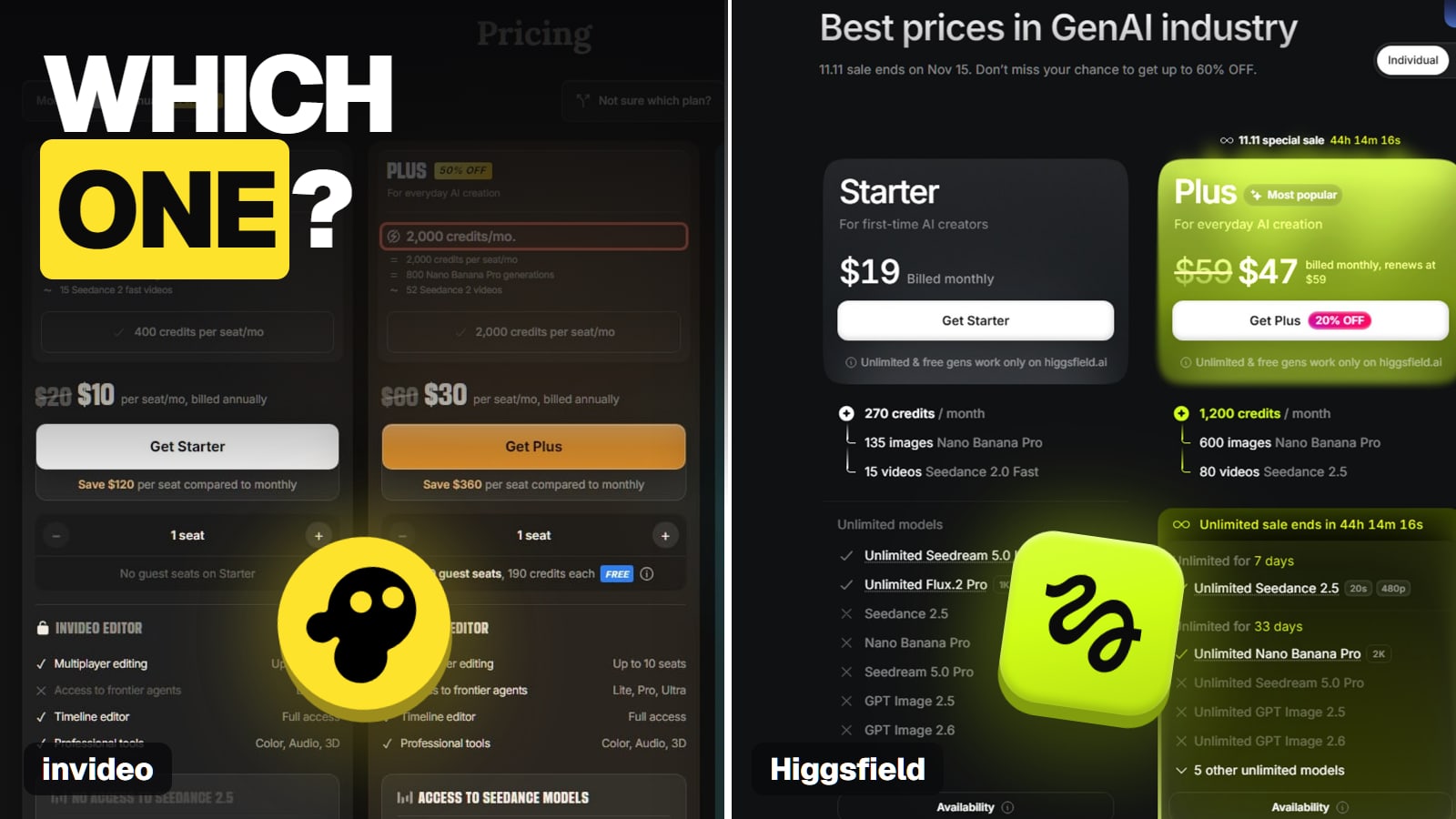
- invideo vs HiggsfieldBoth sell Seedance, Kling and Veo on credits, but they do different jobs. invideo turns a script or prompt into a whole edited video. Higgsfield gives you shot-by-shot control. What each costs per Seedance 2.5 clip, from each vendor's own list prices, checked Nov 13, 2026.Read the answer
- Best invideo alternativesCredits running out, wanting a talking presenter, wanting control over every shot, or just wanting a cheaper editor each point to a different tool. Prices read on each vendor's own pricing page on Nov 13, 2026.Read the answer
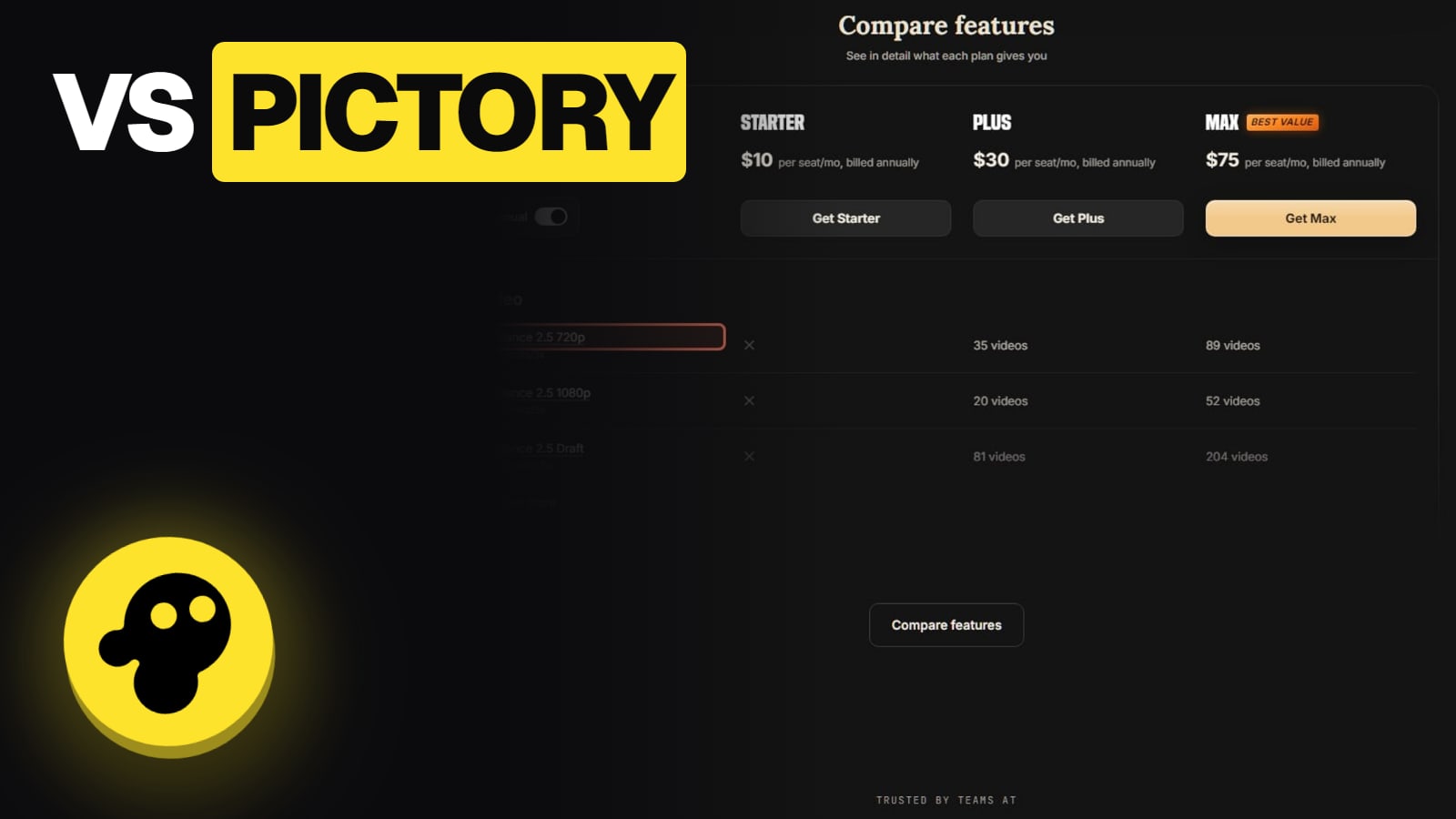
- invideo vs HeyGenHeyGen is built around a talking presenter; invideo builds whole multi-scene videos where an avatar is one ingredient. Plans, avatar cost per minute and languages, from each vendor's own pages on Nov 13, 2026.Read the answer
Where it fits best
Our job-by-job video guides where invideo is one of the options, and why. 5 answers
- Best AI video generator for a faceless YouTube channelKling 3.0 with its sound switched off, on Higgsfield's Plus plan: a minute of AI B-roll in each of two videos a week comes to about 720 credits a month, inside Plus's 1,200. The monthly maths for seven models, how to keep shots consistent, and YouTube's rules on AI and monetisation.Read the answer
- How to start a faceless YouTube channel with AIThe real workflow — pick a niche that pays, script with AI, generate the b-roll and thumbnails, voice it, edit, upload, monetize. Honest about the grind behind the 'passive income' pitch.Read the answer
- Best AI video generator for long videosKling 4.0 is the pick for long videos, making 30-second takes, the longest available, for about a third of Seedance 2.5's credits; Seedance 2.5 adds extend-twice continuation. Max length per model, extend options, and the clip and credit count for a 1-minute and a 10-minute sequence.Read the answer
Ready to compare invideo's plans?
Credit costs and prices change often, and yearly billing changes the monthly price, so check what invideo shows you before you pay. Our pricing guide turns credits into seconds of video.
We are not affiliated with invideo AI.
See invideo's current plans ↗About these answers
These pages answer what people ask before and after they pay, from invideo's own pricing page, help center and terms, with the date we read them. We have not made videos with invideo ourselves, so nothing here is a hands-on test. Where invideo's own pages contradict each other, we say so. Last checked against invideo AI's own pages on November 13, 2026. Written by the Aliteq Team. How we check.