GitHub says the fix for "it looks right but doesn't quite work" isn't a better prompt, it's a spec. Here's what spec-driven development means in plain words, and a one-page template you can use in any builder.
You ask for a feature. The AI returns something that looks right and doesn't quite work. You fix the part that's off, and it quietly changes something else. By the third round, the app is drifting away from what you meant. A natural reaction is to write a cleverer prompt. GitHub argues that's the wrong lever, and they say it in a post worth reading even if you never touch their tools.
What GitHub actually said
The post, by Den Delimarsky on the GitHub Blog on 2 September 2025, opens by describing exactly the experience above: "you describe your goal, get a block of code back, and often… it looks right, but doesn't quite work. This 'vibe-coding' approach can be great for quick prototypes, but less reliable when building serious, mission-critical applications or working with existing codebases."
Then the diagnosis: "The issue isn't the coding agent's coding ability, but our approach. We treat coding agents like search engines when we should be treating them more like literal-minded pair programmers. They excel at pattern recognition but still need unambiguous instructions." And the proposal: "Instead of coding first and writing docs later, in spec-driven development, you start with a (you guessed it) spec." In their framing, "the specification becomes the source of truth and determines what gets built."
One honest note on the source: this is GitHub making the case for its own open source toolkit, Spec Kit, so read it as one team's argument. It also happens to match what the prompting lesson shows with real outputs: a prompt written as a spec beats a wish. We haven't run Spec Kit ourselves, so nothing here claims how it performs.
The four steps, in plain words
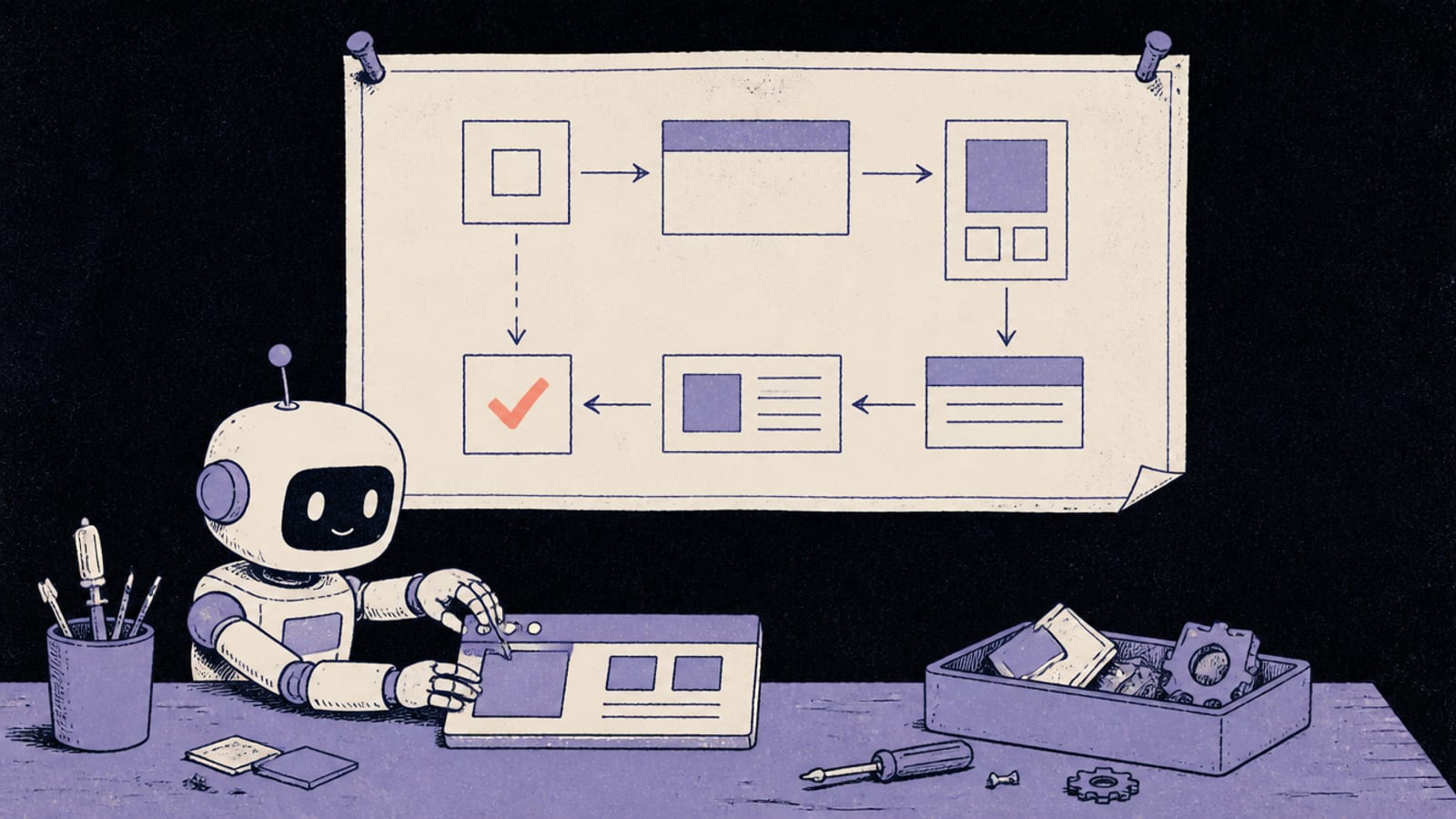
GitHub's workflow has four phases. The first one is the one that matters most if you don't code:
Specify. In their words: "You provide a high-level description of what you're building and why, and the coding agent generates a detailed specification. This isn't about technical stacks or app design. It's about user journeys, experiences, and what success looks like." No technical vocabulary required.
Plan. Now you "get technical": you give the agent your stack, architecture and constraints, and it drafts a technical plan. If you're in a builder that chose the stack for you, this step is mostly the tool's job.
Tasks. The agent breaks the spec and plan into "small, reviewable chunks," each something "you can implement and test in isolation."
Implement. The agent works through the tasks, and instead of "reviewing thousand-line code dumps," you "review focused changes that solve specific problems."
That last line is the quiet benefit: small, checkable changes are exactly what makes reading what the AI built feasible when you can't write the code yourself.
A one-page spec you can use anywhere
You don't need a toolkit to borrow the idea. Here's a template of ours, not GitHub's, short enough to keep on one page. Fill it in before the first prompt and paste it at the top of each new chat:
# <App name>: one-page spec

## What it is, and who it's for
One or two sentences. Who uses it, and what they get done.

## The main journeys
1. A visitor does X, and sees Y.
2. A signed-in user does X, and Y happens.

## What "done" looks like
- How you'll know each journey works.

## Must never happen
- One user can see or change another user's data.
- A secret key appears in anything that runs in the browser.

## Out of scope for now
- Things you're deliberately not building yet.

## Stack (only if you've chosen one)
- What you're using, and anything that must not change.
The "must never happen" section does double duty. The two lines above are the heart of the six security checks, written as standing rules the AI sees every time. And because the spec lives in a file you reuse, it also helps with the forgetting problem: standing instructions that are always in front of the model are the core of context engineering.
When it won't save you
A spec reduces drift; it doesn't remove the need to check. The AI can still misread a clear spec, and a spec you wrote in a hurry has the same gaps your head does. If the app has already tangled itself, starting over with a clean spec is often faster than a fifth patch. And before real people use it, the checks in everything to ship safely still apply, whatever tool produced the code.
Quick answers
What is spec-driven development?
Writing down what you're building and what success looks like before asking the AI to build it, so the spec drives the work. GitHub's post describes it as the specification becoming "the source of truth" that "determines what gets built."
Do I need GitHub Spec Kit to do it?
No. Spec Kit is GitHub's open source toolkit for working with a coding agent, but the idea works with a one-page document in any tool. We haven't run Spec Kit ourselves, so we can't speak to how it performs.
Is this only for professional developers?
GitHub's first step, Specify, is "about user journeys, experiences, and what success looks like," not technical stacks. That part needs no coding knowledge, which is why it fits people building in a builder.
Does a spec stop the AI changing things I didn't ask for?
It reduces drift by giving the AI an unambiguous reference, but it doesn't guarantee anything. Keep checking what changed, especially after bigger edits.
This page has no affiliate links or sponsored placements. Quotes come from GitHub's own blog post, read on 3 October 2026; the spec template is ours, and no performance claim about Spec Kit or any other tool is made.