One builder added a used V100 SXM2 and a bare adapter to an RTX 4080 PC and got 32GB of VRAM. The speed is real. So are the noise, the legacy driver and NVIDIA's dropped Volta support in CUDA 13.
A hobbyist got to 32GB of VRAM for about £200 by bolting a datacenter GPU onto a gaming PC. The card is a used Tesla V100 SXM2 16GB, wired through a bare adapter board and paired with an RTX 4080 that keeps doing display duty. The rig runs a 27-billion-parameter model at about 32 tokens per second. The adapter's fan, as shipped, measured 82 decibels. We read the build log and NVIDIA's documents on 4 October 2026; we did not build this ourselves.
Is a Tesla V100 worth it for local AI?
For most people, no. For a tinkerer who already has a modern GPU driving the monitor and wants more VRAM cheaply, it can be. The V100's memory bandwidth is excellent for LLM generation. What you give up is support: an unofficial adapter, no video output, an aging driver stack and loud cooling.
The V100 launched in 2017 as NVIDIA's flagship datacenter accelerator. NVIDIA's datasheet lists 16GB or 32GB of HBM2, 900 GB/s of memory bandwidth, 5,120 CUDA cores and 640 Tensor Cores. The SXM2 version plugs into NVIDIA's server board socket, not a PCIe slot, and is rated at 300W maximum.
Bandwidth matters because generating each token means reading the model's weights. At 900 GB/s, the V100 sits close to an RTX 3090's 936 GB/s. That is why a nine-year-old card is still useful for inference.
What the build actually took
The builder bought the V100 SXM2 16GB for about £150 on eBay and an SXM2-to-PCIe adapter for about £50. In his words, the adapter "is not made by NVIDIA. It is not officially supported by anyone." It is a bare board with the SXM2 socket on one side and a PCIe edge on the other.
The V100 ran next to his RTX 4080, which drove the display. He split Qwen3.6-27B across both cards evenly with llama.cpp. The model file at Q5_K_M was about 19GB, and he ran it with a 128k-token context.
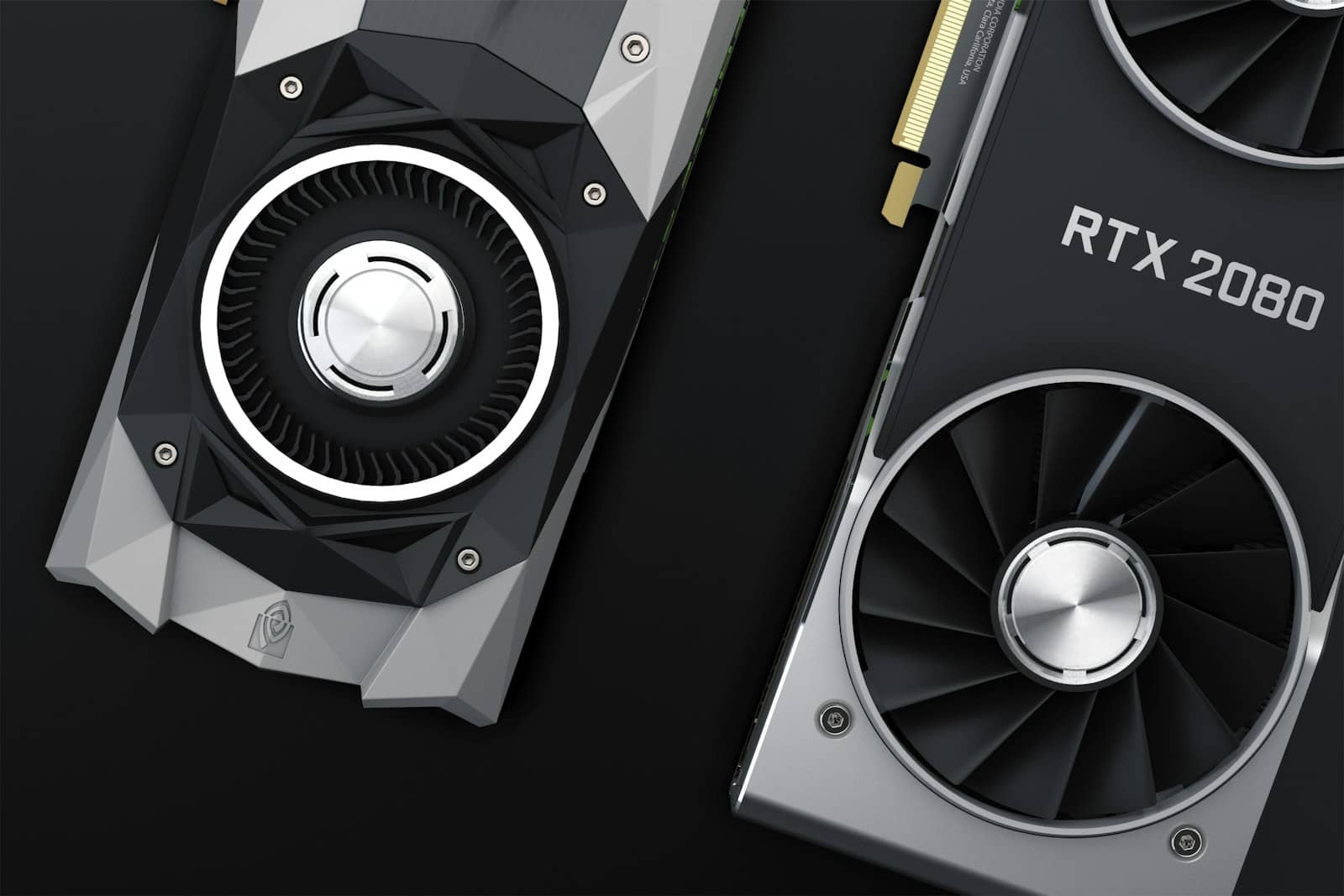
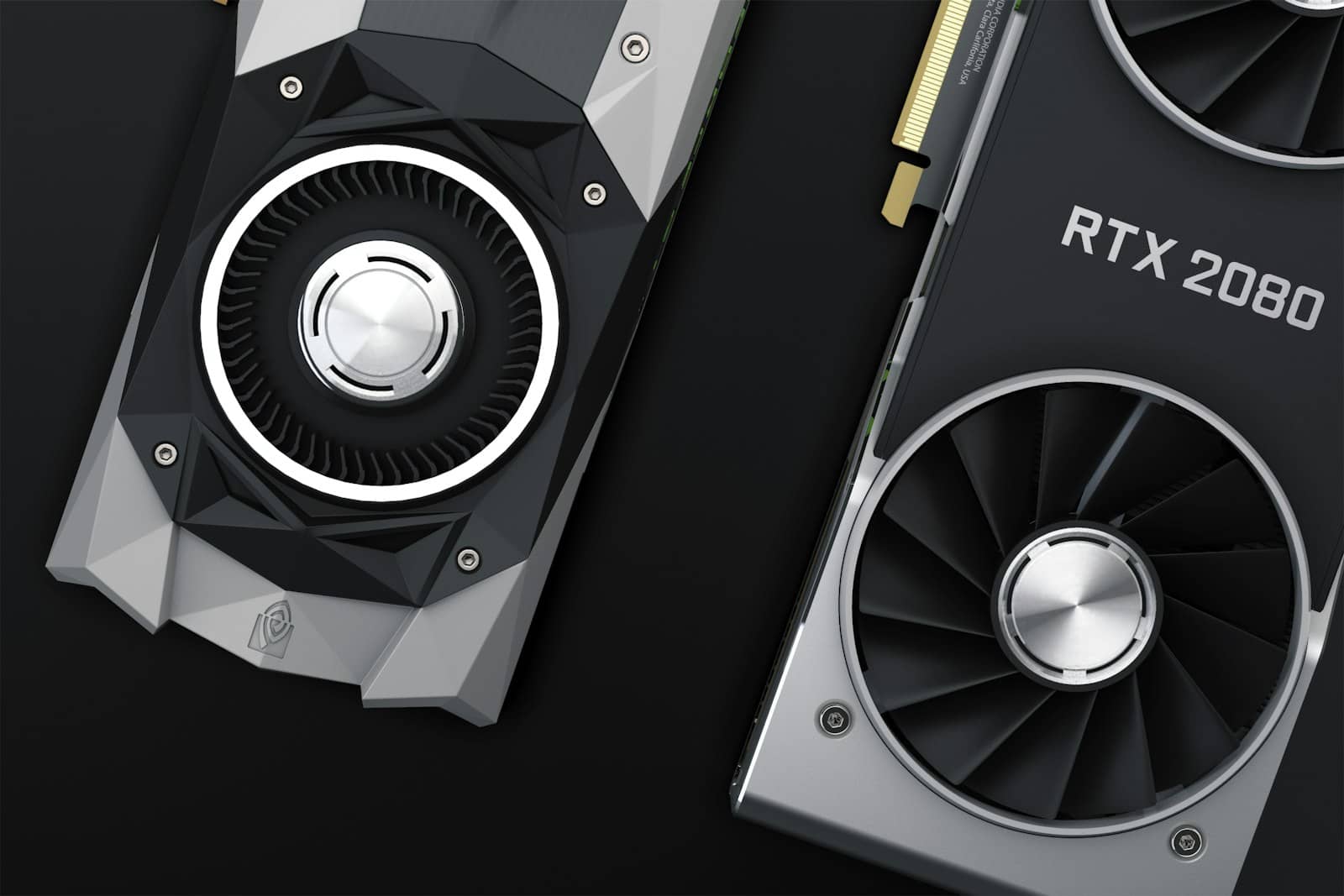
The Tesla V100 was built for server racks, not desktops. It has no video output of its own. · Unsplash
How fast is a V100 for LLMs?
In this build, about 32 tokens per second generation and 133–160 tokens per second prompt processing on Qwen3.6-27B at Q5_K_M, split across the V100 and an RTX 4080. That is one person's two-GPU setup, not a V100-only benchmark, so treat it as a real-world data point rather than a spec.
The builder reported the V100 drawing about 150W at most, half of its 300W rating. He also called the model "genuinely competitive" with cloud models, citing a benchmark ranking. That is a claim about the model, not the card, so keep the two apart.
Tesla V100 vs a used RTX 3090 for local AI
VRAM
V100 SXM2 16GB
16GB HBM2
V100 SXM2 32GB
32GB HBM2
RTX 3090 (used)
24GB GDDR6X
Memory bandwidth
V100 SXM2 16GB
900 GB/s
V100 SXM2 32GB
900 GB/s
RTX 3090 (used)
936 GB/s
Rated power
V100 SXM2 16GB
300W max
V100 SXM2 32GB
300W max
RTX 3090 (used)
350W card
Display output
V100 SXM2 16GB
None
V100 SXM2 32GB
None
RTX 3090 (used)
Yes
Fits a normal PCIe slot
V100 SXM2 16GB
Only with an unofficial adapter
V100 SXM2 32GB
Only with an unofficial adapter
RTX 3090 (used)
Yes
CUDA 13 support
V100 SXM2 16GB
No (Volta removed)
V100 SXM2 32GB
No (Volta removed)
RTX 3090 (used)
Yes
V100 SXM2 16GB
V100 SXM2 32GB
RTX 3090 (used)
VRAM
16GB HBM2
32GB HBM2
24GB GDDR6X
Memory bandwidth
900 GB/s
900 GB/s
936 GB/s
Rated power
300W max
300W max
350W card
Display output
None
None
Yes
Fits a normal PCIe slot
Only with an unofficial adapter
Only with an unofficial adapter
Yes
CUDA 13 support
No (Volta removed)
No (Volta removed)
Yes
Specs from NVIDIA's V100 datasheet and RTX 3090 spec page, and CUDA support from the CUDA 13.4 release notes, all read 4 Oct 2026. The 3090's 936 GB/s comes from our GPU spec database; NVIDIA's page lists its 24GB GDDR6X on a 384-bit bus.
The catches nobody puts in the headline
No display output. The V100 is compute-only, so a second GPU has to drive your monitor.
CUDA 13 dropped Volta. NVIDIA's CUDA 13 release notes say support for "Maxwell, Pascal, and Volta GPUs" was removed. The current toolkit is 13.4, so a V100 keeps you on CUDA 12.
The driver is a balancing act. The builder writes that NVIDIA dropped Volta from driver branch 560, so he used the 550 branch (NixOS calls the package legacy_535) with CUDA 12.2 and Linux kernel 6.6. That combination had to support his RTX 4080 too.
Noise. The adapter's fan measured 82 dB on his Apple Watch. He fixed it by wiring the fan to a motherboard header for speed control.
Quirks. The V100 sometimes vanished after a warm reboot and needed a full power-off to reappear, per the log.
No warranty. It is decommissioned server hardware with unknown hours.
Should you buy a V100 or a used RTX 3090?
Buy the RTX 3090 if you want one card that just works: 24GB, a display output, current drivers and CUDA 13 support. Buy the V100 only if you already have a modern GPU, want the cheapest extra VRAM, and are happy running an older CUDA stack.
A clever, cheap way to add raw VRAM to a system that already has a working display GPU, not a card to build a first local-AI rig around. The math only wins if you value memory over convenience, noise and future software support.
Best for: Tinkerers with a spare PCIe slot and an existing GPU, not first-time local-AI builders
Tesla V100 for local AI: quick answers
Is a Tesla V100 good for LLMs?
For generation speed, yes. It has 900 GB/s of memory bandwidth, close to an RTX 3090. One builder ran Qwen3.6-27B at about 32 tokens per second split across a V100 and an RTX 4080. The weak points are software support and setup, not speed.
Does CUDA 13 support the Tesla V100?
No. NVIDIA's CUDA 13 release notes say support for Maxwell, Pascal and Volta GPUs was removed. A V100 needs CUDA 12 and a driver branch that still supports Volta.
Can a Tesla V100 output video?
No. It is a compute-only datacenter card with no display outputs, so you need a separate GPU to drive a monitor.
Does a Tesla V100 need an adapter to work in a normal PC?
The SXM2 version does. It uses NVIDIA's server socket, so it needs an SXM2-to-PCIe adapter board, which is unofficial. PCIe versions of the V100 exist and skip this step.
How loud is a V100 on an SXM2 adapter?
The builder measured the adapter's fan at 82 dB before he wired it to a motherboard fan header to control its speed.
Is a used RTX 3090 better than a Tesla V100 for local AI?
For most people, yes. It has 24GB, a display output, current drivers and CUDA 13 support. See our used RTX 3090 buying guide.