You pour a beautiful product and photograph it next to the toaster. Here is how handmade sellers get a brand-grade product photo set from one phone shot, what it costs, and the one thing AI still gets wrong.
This post contains affiliate links. If you buy through them, Aliteq may earn a commission — at no extra cost to you. Prices change; check the seller’s own page for today’s price.
Share
You make candles, soap or jewelry that people pick up and say "oh, that's lovely" at markets. Online, the same product sits in a photo taken on the kitchen counter with the toaster in the corner, and it looks like everyone else's listing. A photographer quotes more than a month of Etsy sales. So the photos stay as they are, and the shop stays where it is.
This page is the Saturday-afternoon version of the fix. It is written for a handmade seller with a phone, a product and no studio.
What you actually need
Not one good photo. A set, the same five shots the big handmade brands run on every listing:
A clean packshot on a plain background
An in-hand shot for scale
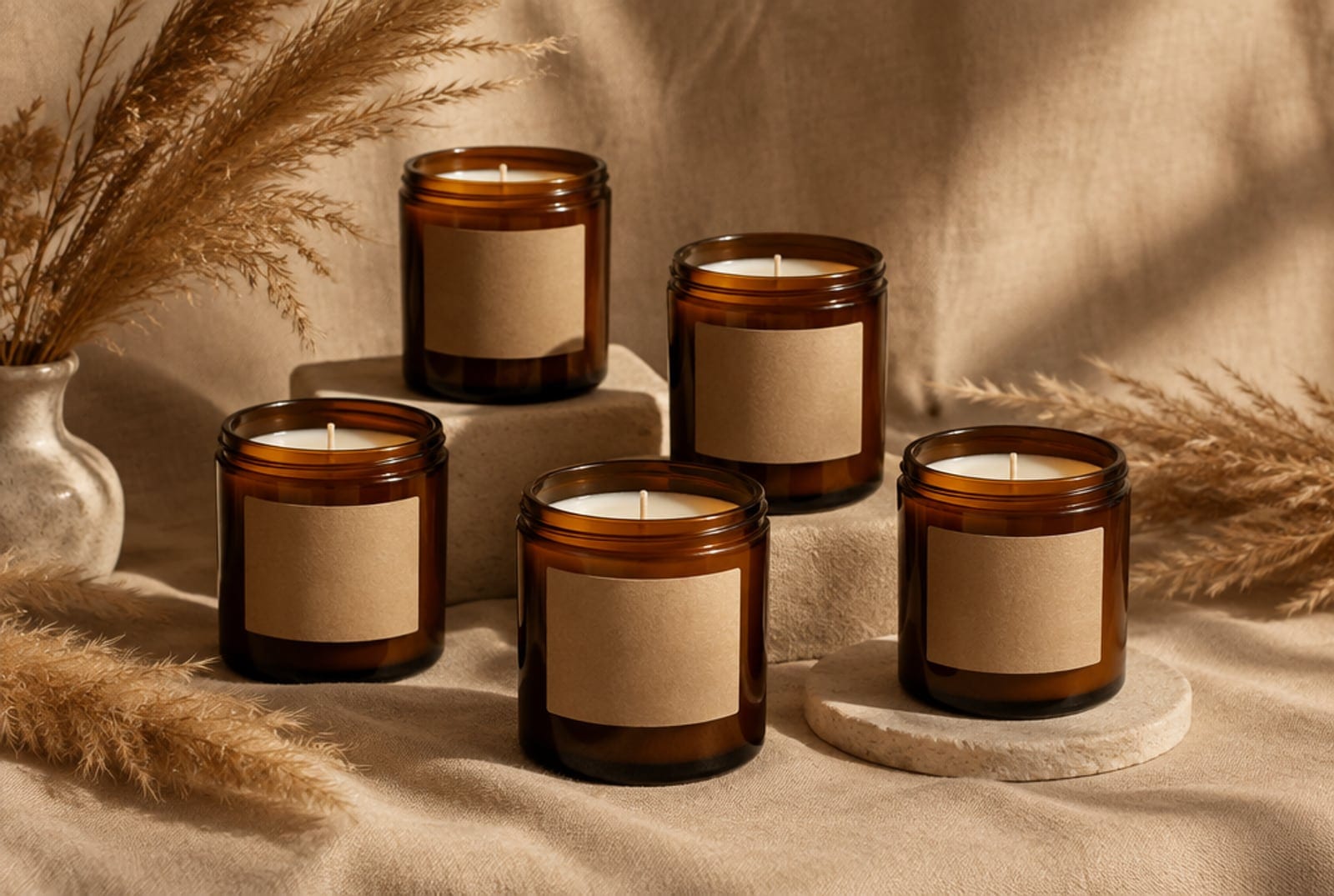
A styled lifestyle scene (linen, dried grass, a slate tray)
A macro of the texture, the wick, the stone
A bundle or gift-set shot
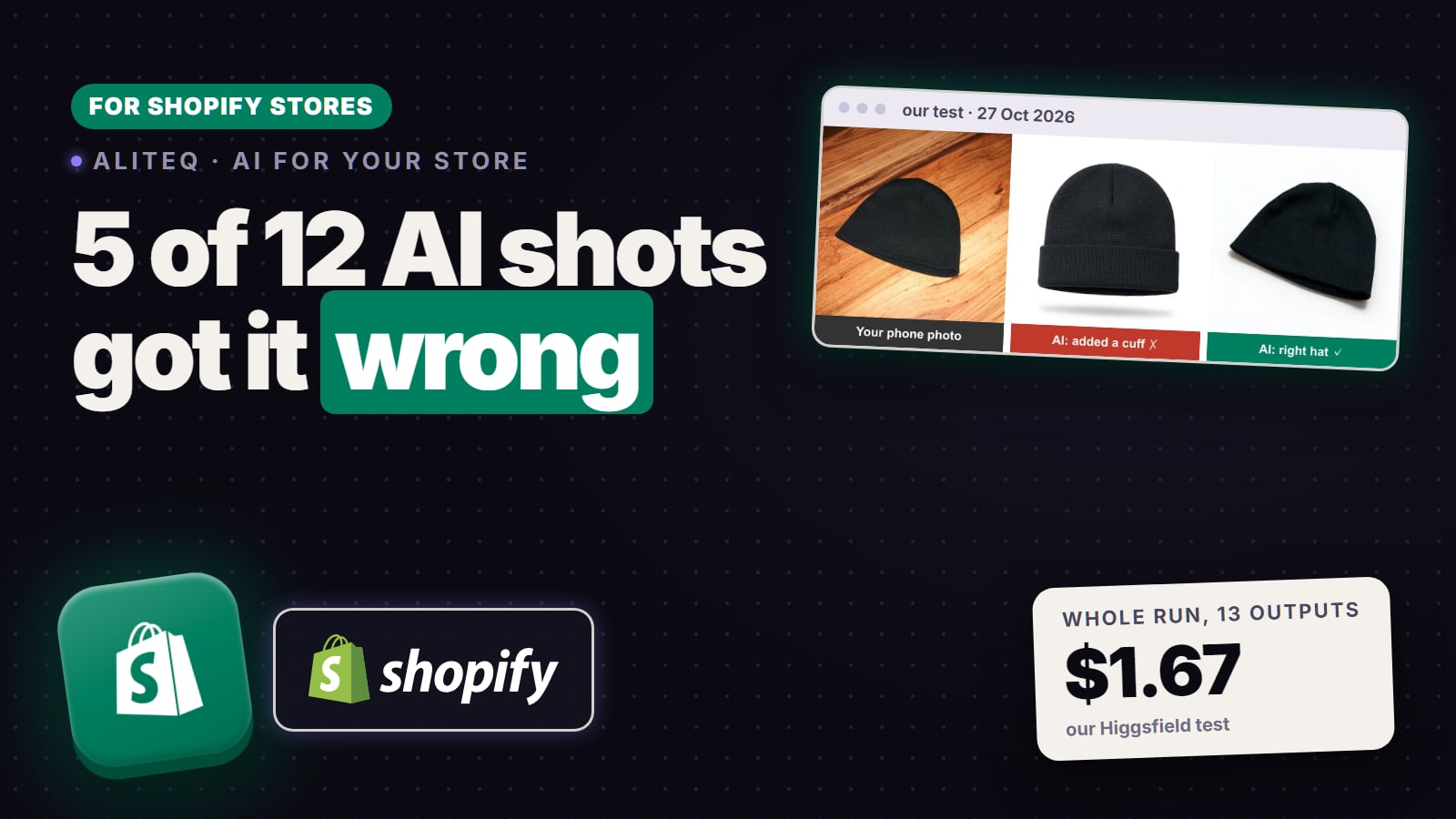
Four of those five can be generated from one real photo. The in-hand shot is the one worth taking for real, because hands and scale are where AI still slips.
The workflow, one Saturday
Shoot it once, clean. Plain wall or sheet, soft window light, product filling most of the frame, in focus. Ten minutes here saves an hour of re-generating. The better your one real photo, the less the AI has to invent.
Cut the background. Remove-background tools do this in seconds. You now have your actual product, floating.
Generate the scenes. Put the cutout into a prompt that describes the scene, not the product: "on a slate tray with lavender sprigs, soft studio light, shallow depth of field." Run four or five scenes per product. Keep the two you would actually use.
Export every size. Square for the listing grid, tall for Pinterest, wide for the shop banner.
What it costs
Higgsfield runs on credits. In our 26 October test, one Marketing Studio product photo cost 2 credits at 1K or 2K (4 at 4K), so a five-shot set is about 10 credits per product at that rate. The plans are on Higgsfield's pricing page; the two rules that matter for a seller are that one-time top-up credits expire 90 days after purchase and unused subscription credits do not roll over. Buy the tier you will actually use in a month, not the biggest one.
On rights: Higgsfield's help center says it does not claim ownership of your generations and does not restrict commercial use, so generated product scenes can go on your listings and ads. The full rights picture, including the copyright caveat that varies by country, is in can you sell AI images you made.
The honest limits
Scale is the other one. Candles come out the size of a bucket or a thimble if the scene has nothing to compare them to. Keep a familiar object in the prompt, a mug, a hand, a book.
Not sure what Etsy now allows? Everything the 22 October AI update changed, in one table: did Etsy ban AI?
Candle and soap makers ask
Will the candle in the generated scene still look like my candle?
Yes, if you give the model your real cutout as the reference and describe only the scene. If you describe the candle in words instead, you get a generic candle. Reference image in, scene in the prompt.
Do I need to disclose AI-made product photos on Etsy?
Etsy's disclosure rules apply to AI-assisted listings; check Etsy's current policy for your product type before you upload. The safest habit is to keep the product itself real and use AI for the scene around it.
Can I use these photos in paid ads too?
Higgsfield's help center says generations can be used commercially, so ads are fine. Keep your real label on the product so the ad matches what arrives in the box.