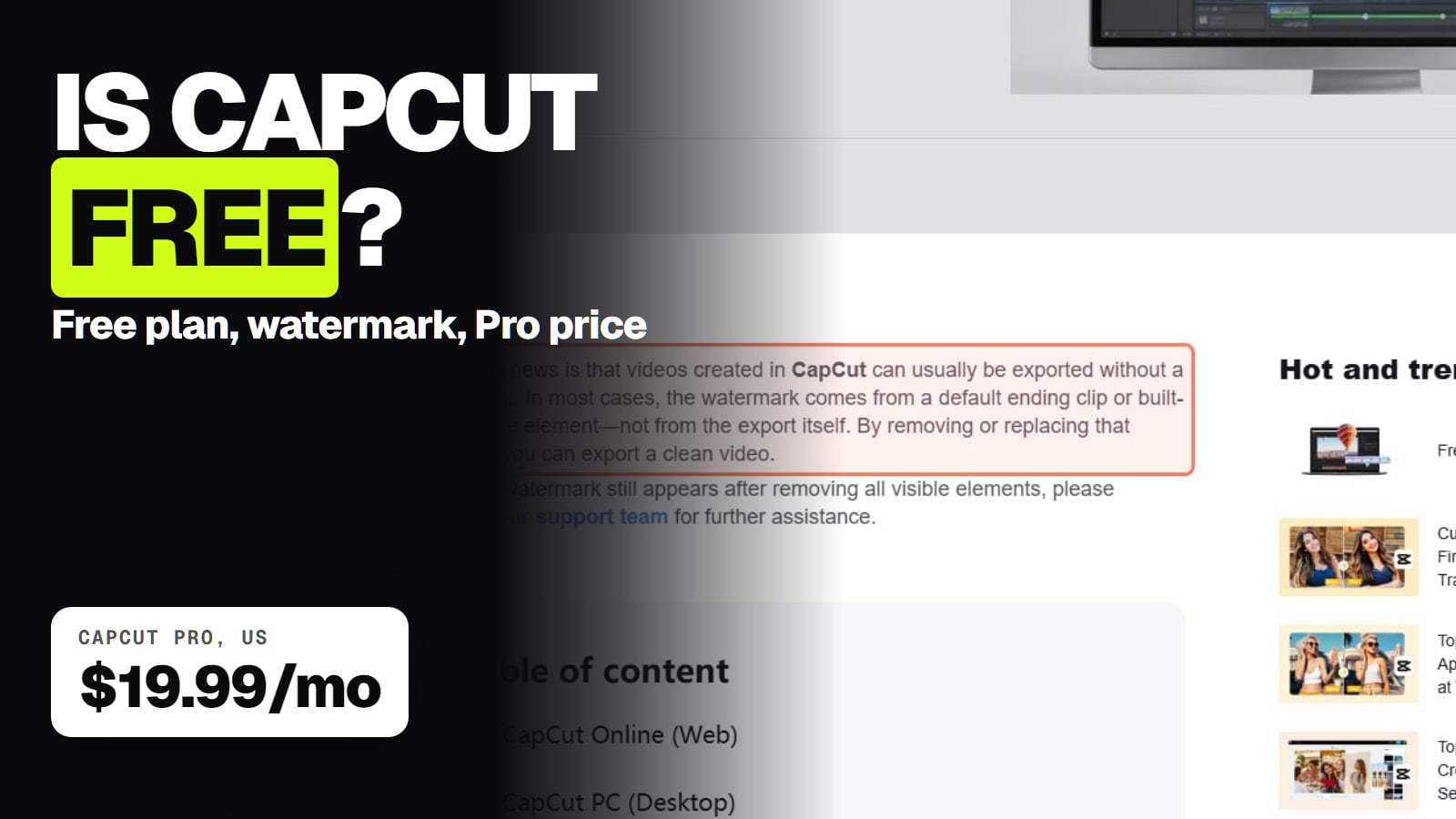
Yes, CapCut has a free plan with basic editing tools and free templates, and its help center says free videos can usually export without a watermark if you skip premium items and delete the logo ending clip. Pro costs US$19.99 a month and adds premium templates, AI credits and 1 TB of storage. The bigger catch is commercial use, not the watermark.
Some links on this page are referral links: we may earn a commission, at no cost to you.
Share
Is CapCut free? Yes. CapCut has a free plan with basic editing tools and free templates, on phone, desktop and the web, and its help center says videos "can usually be exported without a watermark". The paid plan, CapCut Pro, unlocks premium templates and effects, monthly AI credits and 1 TB of cloud storage. For most people the real limit of free CapCut isn't the watermark; it's what you're allowed to do with its music and templates once money is involved. Checked Nov 15, 2026.
CapCut Free vs Pro at a glance
From CapCut's pricing page. We read the US$ prices on Nov 14, 2026; on Nov 15 the same page showed the same plans in our local currency, with the note "Displayed pricing is for reference only. Sign in to see final pricing, taxes, and any applicable offers for your account."
Price a month
Free
$0
Pro
US$19.99
Ultra
US$79
Teams
US$12.49 a seat
Price a year
Free
$0
Pro
US$179.99
Ultra
US$900
Teams
US$107.50 a seat
Templates
Free
Free templates
Pro
All premium templates
Ultra
Everything in Pro
Teams
Pro features for every seat
Editing tools
Free
Basic
Pro
All premium Pro features
Ultra
Plus exclusive AI features
Teams
Pro features plus brand kit
AI credits a month
Free
No allowance listed
Pro
1,200
Ultra
8,645
Teams
1,200 a seat
Cloud storage
Free
Not listed
Pro
1 TB
Ultra
1 TB
Teams
1 TB
Free
Pro
Ultra
Teams
Price a month
$0
US$19.99
US$79
US$12.49 a seat
Price a year
$0
US$179.99
US$900
US$107.50 a seat
Templates
Free templates
All premium templates
Everything in Pro
Pro features for every seat
Editing tools
Basic
All premium Pro features
Plus exclusive AI features
Pro features plus brand kit
AI credits a month
No allowance listed
1,200
8,645
1,200 a seat
Cloud storage
Not listed
1 TB
1 TB
1 TB
CapCut's help page on Pro pricing adds that the price "can vary depending on your region, device, and available promotions". The US App Store listing (read Nov 15, 2026) shows in-app prices of US$19.99 for Pro monthly, US$89.99 for a yearly subscription and US$9.99 for "Standard" monthly, so the app and the website don't always charge the same. CapCut Standard is a cheaper tier that its help center says works only in the mobile app and only in some regions.
Does free CapCut put a watermark on your videos?
Not if you edit with free items. CapCut has three help articles on this, and together they give the rule:
The ending clip. "In most cases, the watermark comes from a default ending clip or built-in template element—not from the export itself." That's a clip on your timeline, and you can delete it.
Premium items. "Certain advanced templates, effects, and stock elements add a watermark when used in the free version." Swap premium stickers, transitions or filters for free ones and the watermark goes.
Some exports. CapCut's "Why am I prompted to purchase CapCut Pro" page lists 4K/60fps export and "no watermark" among Pro features, and says on mobile that choosing 1080p or higher, or no watermark on longer videos, may bring up the Pro prompt.
So for a clean free export:
Edit in the normal editor, or use free (not Pro-tagged) templates, effects and stickers.
Scroll to the end of the timeline and find the ending clip with the CapCut logo.
Delete it (and any logo layer a template added).
Export below 4K. On a phone, if the Pro prompt appears, try a lower resolution.
CapCut's help page says to contact support if a watermark is still there after you remove every visible element and premium item.
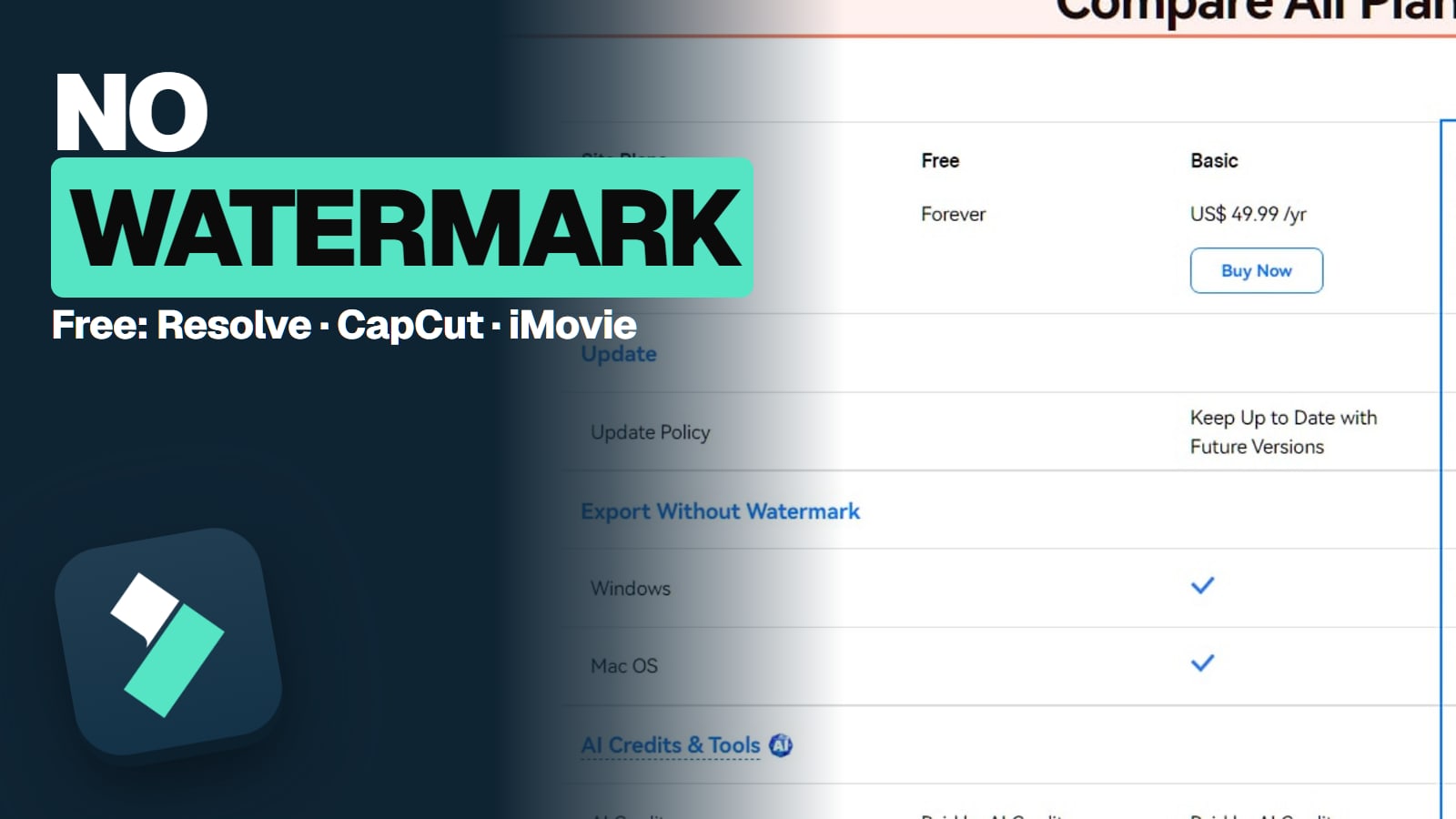
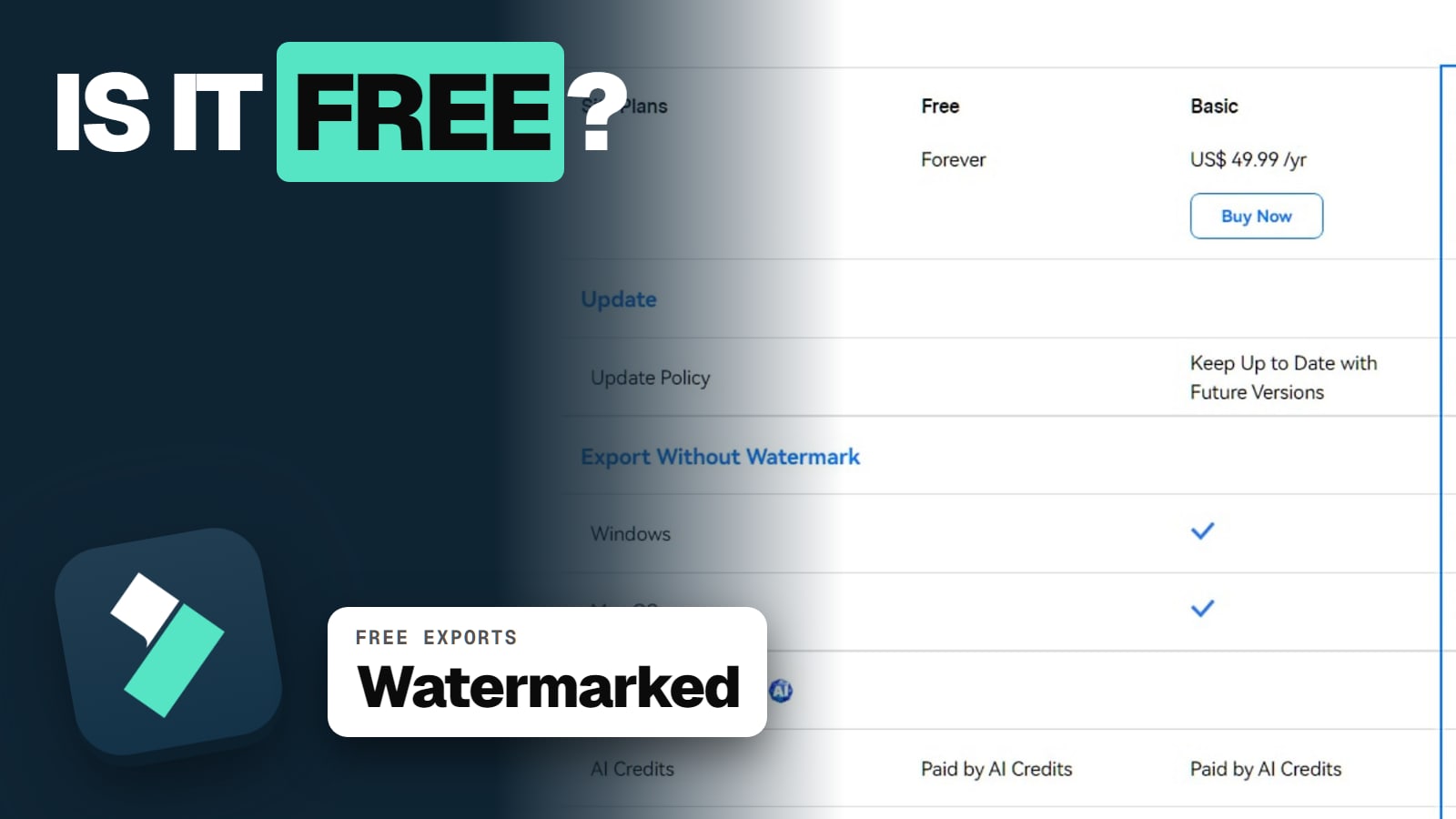
This is the biggest difference from Filmora, whose free version stamps a watermark on every export, per Wondershare's support page. The full Filmora rule is in Filmora's free version and its watermark.
What actually costs money in CapCut
The free plan is a real editor. The things CapCut lists under Pro, not Free, are:
Premium templates and effects. Pro lists "All premium templates" and "All premium Pro features". The free plan lists free templates and basic tools.
AI credits. Pro includes 1,200 monthly AI credits; CapCut says Pro can "Generate up to 240s at 720p or 600s at 480p with Seedance 2.0 Mini". The free plan has no credit allowance on the pricing page.
Cloud storage. 1 TB on Pro, Ultra and Teams.
Auto captions are an exception worth knowing: CapCut's auto-caption page says videos "may be automatically converted to text free of charge".
4K/60 fps export. CapCut's help center lists it as a Pro feature; its web export panel reads "Upgrade to CapCut Pro to export in 4K without a watermark."
If you try a Pro-tagged item on the free plan, CapCut's help page says you can preview it but it "remains locked" until you subscribe.
The real catch: commercial use
If you post for fun, free CapCut is fine. If the video sells something, read this part.
CapCut's Materials License Agreement (last updated January 22, 2026) splits CapCut's own templates, effects and music into two kinds:
Non-commercial Use Materials: personal posts, including "ordinary video templates under the Template tab".
Dual Use Materials: marked on the platform with a "commercial use" or "commercial" label, and allowed for limited commercial use such as promoting goods or services online.
Two rules from the same agreement catch people out:
Music. "You shouldn't use a Sound for any commercial purpose." Sounds are for personal, non-commercial use. A separate set of "Commercial Sounds" exists for commercial accounts, limited to CapCut, TikTok and TikTok for Business.
Mixing. If a video combines commercial-use and non-commercial material, the whole video is personal, non-commercial use only.
One caveat: that agreement says users in the US are covered by a separate CapCut US Materials License Agreement instead. We couldn't find that document on capcut.com, so if you're in the US and the video earns money, check the label on each template and track in the app.
Your own footage. CapCut's terms say "We don't own your User Content", but by uploading it you give CapCut and its affiliates "a non-exclusive, royalty-free, transferable, sub-licensable, perpetual and worldwide license to use your User Content" to operate and develop the service. Our Filmora vs CapCut comparison puts both companies' ownership terms side by side.
Is CapCut Pro worth paying for?
Worth it if you make short-form videos every week, lean on premium templates, and use the AI credits. The 7-day trial (no credit card needed, per CapCut's pricing FAQ, though it says availability varies by region and platform) is long enough to find out.
Not worth it if you only need clean cuts, text and captions: the free plan does that, and the watermark is usually just a deletable ending clip.
Cancel before renewal. CapCut's cancellation help page says that if you don't cancel "at least 24 hours before the renewal date, your account will be charged", and that "generally, purchases do not support refunds". Its terms do allow a refund within 14 days of a new subscription if you haven't used it. In the app, subscriptions bill through your Apple or Google account, so you cancel there.
Free CapCut vs free Filmora vs free DaVinci Resolve
Watermark
CapCut Free
None if you skip premium items and delete the ending clip
Filmora free version
On every export
DaVinci Resolve (free)
None listed
Time limit
CapCut Free
None
Filmora free version
None
DaVinci Resolve (free)
None
Where it runs
CapCut Free
Phone, desktop, web
Filmora free version
Windows, Mac
DaVinci Resolve (free)
Windows, Mac (Apple silicon), Linux, iPad
Strength
CapCut Free
Short-form, templates, phone editing
Filmora free version
Desktop editing with templates and effects
DaVinci Resolve (free)
Colour, audio, pro workflows
Cheapest paid step
CapCut Free
Pro US$19.99 a month
Filmora free version
Basic US$49.99 a year
DaVinci Resolve (free)
Studio US$295 one time
CapCut Free
Filmora free version
DaVinci Resolve (free)
Watermark
None if you skip premium items and delete the ending clip
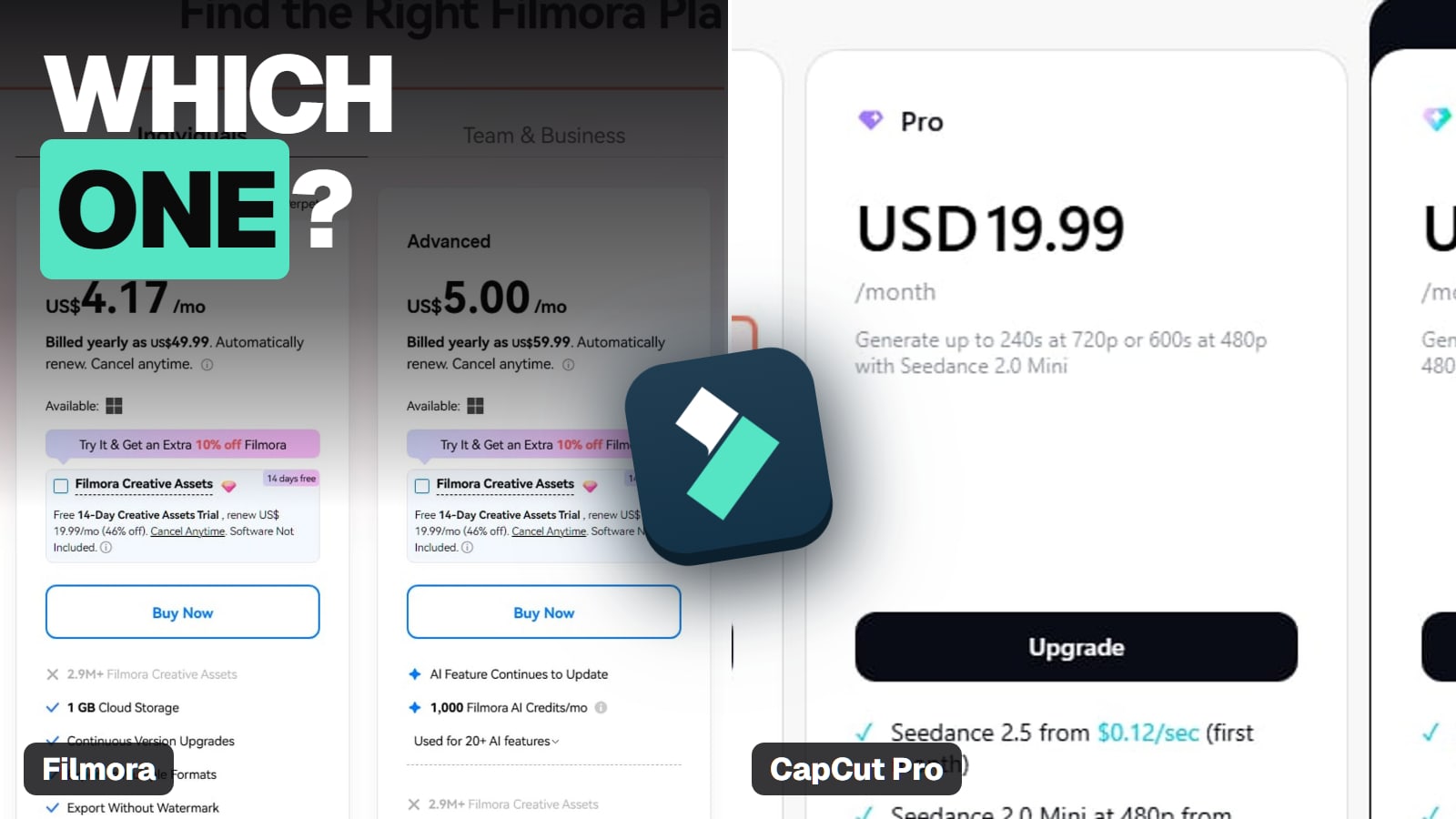
CapCut Pro is a monthly product at heart: US$179.99 a year at the yearly rate. Filmora's individual plans are yearly or one time, and cost less over a year, per Wondershare's buy page (read Nov 14, 2026): Basic US$49.99 a year, Advanced US$59.99 a year, Perpetual US$79.99 one time. If you edit on a Windows PC or Mac and mostly make longer YouTube videos, that's the cheaper route. The full breakdown is in Filmora vs CapCut, and every Filmora plan is in Filmora pricing explained.
The free plan is a plan, not a trial, and includes basic editing tools and free templates. Premium templates, Pro effects, monthly AI credits and 1 TB of storage need CapCut Pro, which was US$19.99 a month or US$179.99 a year on CapCut's pricing page in November 2026.
Does CapCut free have a watermark?
Not if you avoid premium items. CapCut's help center says videos "can usually be exported without a watermark": delete the ending clip with the CapCut logo, and swap premium templates, effects, stickers or filters for free ones, since those add a watermark on the free plan. 4K/60 fps export needs Pro.
How much is CapCut Pro?
US$19.99 a month or US$179.99 a year on CapCut's pricing page (read Nov 14, 2026). The US App Store listed a US$89.99 yearly subscription and a US$9.99 Standard plan. CapCut says prices vary by region, device and promotion.
Is there a CapCut Pro free trial?
Yes. CapCut's pricing FAQ says new users can start a 7-day free trial of Pro with no credit card, though availability varies by region, platform and billing channel.
Can I use free CapCut videos commercially?
Your own footage, yes. CapCut's own music is a no: its Materials License Agreement says not to use a Sound "for any commercial purpose". Templates and effects are commercial only when marked "commercial use", and mixing marked and unmarked material makes the whole video non-commercial.
Is CapCut free on PC?
Yes. CapCut Desktop for Windows and Mac and the web editor have the same free plan, and a Pro subscription covers phone, desktop and web.
Is CapCut or Filmora better for free use?
CapCut free is friendlier because exports made with free items have no watermark once you delete the ending clip. Filmora's free version watermarks every export, so it's a way to learn the editor before paying.