The fast 35B MoE that thinks like a 3B is now last generation. It still makes sense for speed on a 16 to 24 GB card and for its coder fine-tunes. For the best answers, Reddit owners are moving to Qwen3.8 27B or Flash Next.
Some links on this page are referral links: we may earn a commission, at no cost to you.
Share
Updated Nov 1, 2026: Qwen3.6 is now the previous generation. Added who should still run it, when to move to Qwen3.8 27B or Flash Next, and re-checked the specs against the config.
Qwen3.6 35B-A3B was the default pick for a fast local model through the summer: 35B parameters on disk, only about 3B used for any one token, so it answers like a small model while knowing more than one. By November 2026 the Qwen3.8 generation has replaced it as the model Reddit owners recommend first. It has not stopped being useful, though, and if it already runs well on your card there are good reasons to keep it.
The VRAM figures here are computed from the published config, not measured. The Aliteq Team has not run this model on a card; speed and quality reports are Reddit users' own, attributed and linked.
What Qwen3.6 35B-A3B actually is
From the Qwen3.6 35B-A3B model card and its config.json (re-read Nov 1, 2026): 35,951,822,704 parameters in BF16, described as "35B in total and 3B activated", a 262,144-token native context, Apache-2.0. The repo was created on April 15, 2026.
Qwen3.6 35B-A3B, from config.json (re-read Nov 1, 2026)
Parameters
Value
35,951,822,704 (about 3B active)
Experts
Value
256, 8 routed per token
Layers
Value
40 (10 full attention, 30 linear)
Full-attention KV heads x head dimension
Value
2 x 256
Native context
Value
262,144 tokens
Licence
Value
Apache-2.0
Value
Parameters
35,951,822,704 (about 3B active)
Experts
256, 8 routed per token
Layers
40 (10 full attention, 30 linear)
Full-attention KV heads x head dimension
2 x 256
Native context
262,144 tokens
Licence
Apache-2.0
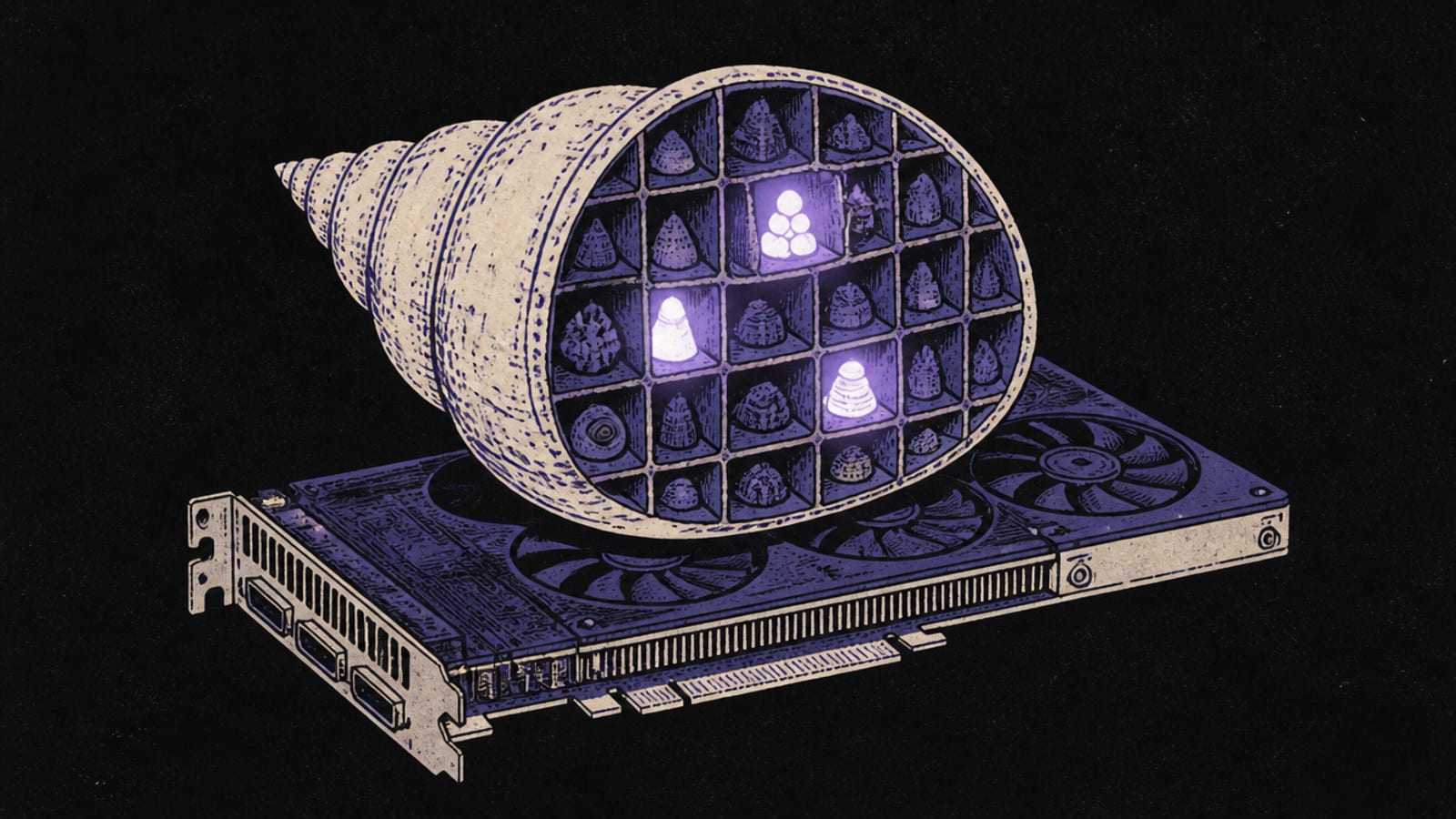
The catch every MoE guide has to make clear: "3B active" describes compute, not memory. All 35.95B parameters still have to be loaded, into VRAM or into system RAM with offload. So it is fast to run, but it is not small to store.
The linear-attention layout helps on context. Only every fourth layer keeps a growing cache, and those 10 layers have just 2 KV heads each, so the fp16 cache is 20 KiB per token: 2 x 10 x 2 x 256 x 2 bytes. That is about 0.3 GB at 16K tokens and 2.5 GB at 128K.
How much VRAM Qwen3.6 35B-A3B needs
Computed by our VRAM engine (weights at the engine's effective bits per weight, plus the cache above, plus 0.78 GB runtime overhead). Full table on cost to run Qwen3.6 35B-A3B.
Qwen3.6 35B-A3B VRAM by quant (GB, computed, fp16 cache)
Q4_K_M
Weights
20.3
16K tokens
21.4
128K tokens
23.6
Q6_K
Weights
27.5
16K tokens
28.5
128K tokens
30.7
Q8_0
Weights
35.6
16K tokens
36.7
128K tokens
38.9
BF16 (full)
Weights
67.0
16K tokens
68.1
128K tokens
70.3
Weights
16K tokens
128K tokens
Q4_K_M
20.3
21.4
23.6
Q6_K
27.5
28.5
30.7
Q8_0
35.6
36.7
38.9
BF16 (full)
67.0
68.1
70.3
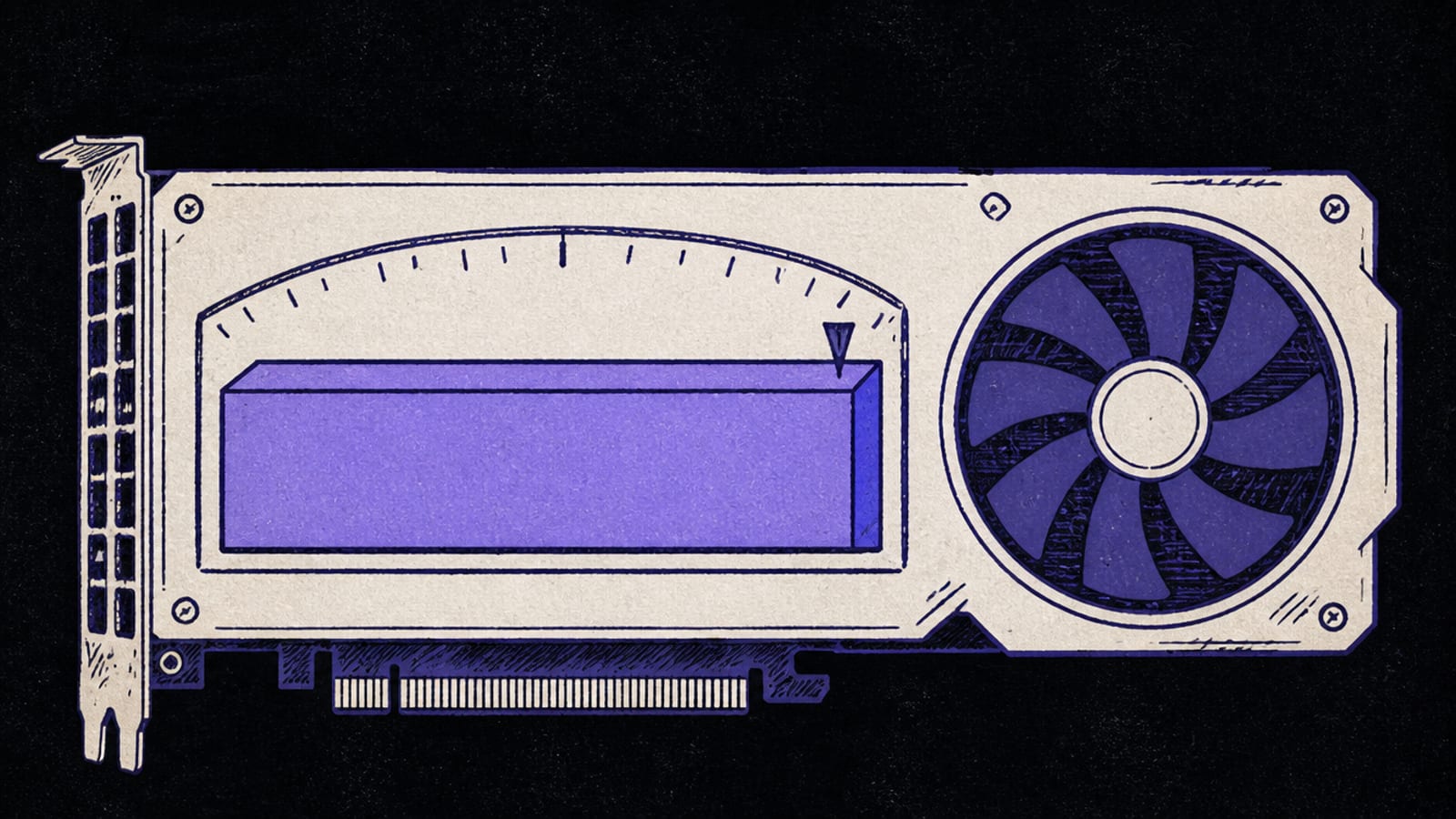
At about 21.4 GB, Q4_K_M fits a 24 GB card with room, and even 128K tokens of context stays under 24 GB, though only just. On a 16 GB card the whole model only fits at Q2_K, about 15 GB, which our 16 GB guide calls tight. The better route on 16 GB is to keep Q4 and offload experts.
Running it on 16 GB: MoE offload
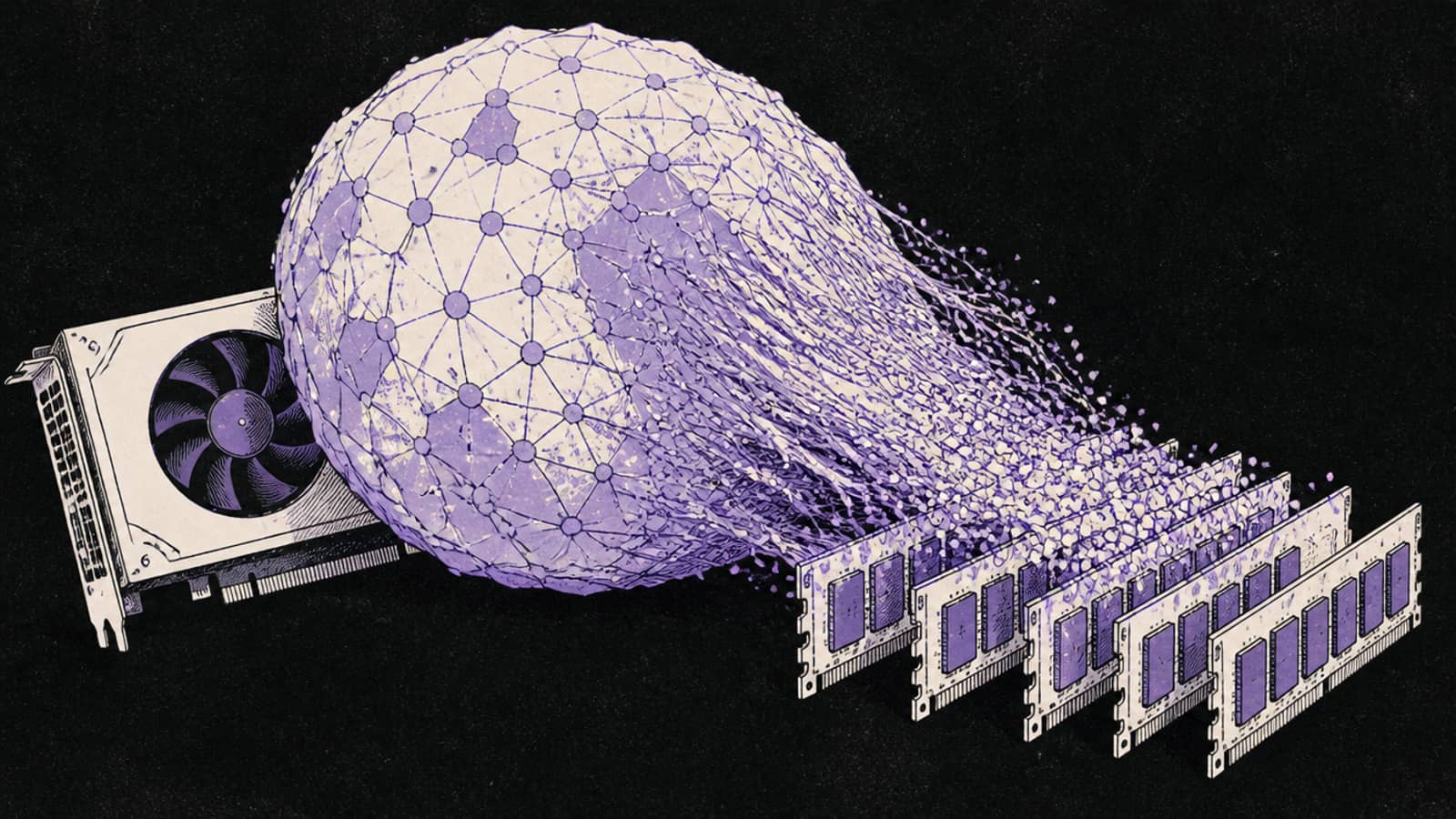
This is the model MoE offload was built for. Keep the attention layers and the active path on the GPU, push the idle experts to system RAM, and a 35B-A3B runs on a 12 to 16 GB card, slower but usable. The llama.cpp flag is --n-cpu-moe N, the number of layers whose experts go to RAM; raise it until the model fits. Our guide on what `--n-cpu-moe` actually does shows the settings.
The price is memory bandwidth. System RAM is far slower than VRAM, so the more you offload, the more speed you trade. Fit as much on the GPU as it will hold and offload only the rest.
Who should still run it in November 2026
You want speed. With about 3B parameters active, each token reads roughly 1.7 GB of Q4_K_M weights (3B x 4.85 bits / 8), against about 15.7 GB for Qwen3.8 27B dense. That is our arithmetic, not a benchmark, but it is why MoE models feel fast. In an r/ollama thread, one user on a 16 GB RTX 4070 Ti Super reported 10 to 20 tokens a second from a 27B dense model and moved to a 35B-A3B MoE coder fine-tune to get agent speed. A reply took the other side: 20 tokens a second of better output beats 120 of worse.
You have a 16 to 24 GB card. On 24 GB it fits at Q4_K_M with long context. On 16 GB it runs at Q4 with offload, where a dense 27B has to drop to 3-bit.
You use a fine-tune built on it. The 35B-A3B coder fine-tunes in that thread exist only for this base. If one works in your agent setup, a newer base model does not make it worse.
You want Apache-2.0 at this size. Qwen3.8 27B is Apache-2.0 too, but Qwen3.8 Flash Next ships under a custom "qwen-community-1.0" licence, per its model card.
When to move to Qwen3.8 27B or Flash Next
The Reddit mood in October was clear, if not unanimous. Under a beginner's guide to the previous generation's dense model, Qwen 3.6 27B, one reply simply said to "delete it and download qwen 3.8 27B instead". That advice was about the 3.6 dense model, but the same move is the common answer for anyone on the 3.6 generation who wants better answers.
The poster of a widely upvoted r/LocalLLaMA post ran Qwen3.8 Flash Next at Q2 on 8 GB of VRAM and 32 GB of RAM in the Strata engine, reported up to 30 tokens a second of generation, and found it better than any Qwen 3.6 35B-A3B fine-tune or Qwen 3.8 27B they had tested. The top comment was surprised that a below-Q4 quant held up; below-Q4 quality is contested elsewhere, so test it on your own work. In an r/ollama thread, a user with 24 GB of VRAM and 64 GB of RAM found qwen3.6:27b much slower than expected, switched to Flash Next and reported 80 to 100 tokens a second.
Qwen3.6 35B-A3B vs the Qwen3.8 options
Qwen3.6 35B-A3B
Size
35.95B MoE, about 3B active
VRAM at Q4_K_M (computed)
About 21.4 GB (16K)
Licence
Apache-2.0
Qwen3.8 27B
Size
27.78B dense
VRAM at Q4_K_M (computed)
About 18.5 GB (32K)
Licence
Apache-2.0
Qwen3.8 Flash Next
Size
125B MoE, 6B active (plus 51B n-gram embedding)
VRAM at Q4_K_M (computed)
Mostly in system RAM
Licence
qwen-community-1.0
Size
VRAM at Q4_K_M (computed)
Licence
Qwen3.6 35B-A3B
35.95B MoE, about 3B active
About 21.4 GB (16K)
Apache-2.0
Qwen3.8 27B
27.78B dense
About 18.5 GB (32K)
Apache-2.0
Qwen3.8 Flash Next
125B MoE, 6B active (plus 51B n-gram embedding)
Mostly in system RAM
qwen-community-1.0
A simple rule for which way to go from here:
Move to Qwen3.8 27B if you have a 24 GB card and care about answer quality more than speed. It fits fully on the card at Q4_K_M with about 80K of context. Its cost-to-run page and best GPU page have the live numbers.
Try Qwen3.8 Flash Next if you have a small card and plenty of system RAM, and you can set the sampling by hand. Owners disagree on how it compares with 27B, and many bad reports trace to an engine defaulting to greedy decoding.
Stay on 35B-A3B if speed matters most, your fine-tune depends on it, or it already does the job.
At Q4_K_M the natural home is a 24 GB card, an RTX 3090 or 4090. With MoE offload, a 16 GB card runs it too, trading speed for the smaller VRAM. The VRAM calculator shows every quant at any context length.
How to run it
ollama run qwen3.6         # the bare tag pulled the 35B-A3B (MoE) when we read it on 26 Sep
# smaller GPU? offload experts with llama.cpp:
llama-server -hf <qwen3.6-35b-a3b-GGUF> --n-cpu-moe 24
When we read the Ollama tags on 26 September, the bare qwen3.6 tag pulled this 35B-A3B and qwen3.6:27b was the dense 27B sibling. Ollama tags can change, so check the size it reports before you pull. The --n-cpu-moe number is how many layers' experts go to RAM; raise it until the model fits your GPU.
Who should skip it
Skip Qwen3.6 35B-A3B if you are starting fresh on a 24 GB card and want the best answers: Qwen3.8 27B is the newer pick there. Skip it on a 12 GB card if you have no patience for offload; a dense model that fits fully will be simpler. And if you only have system RAM and an old GPU, MoE offload works, but expect single-digit tokens per second.
The image that ran with an earlier version of this guide.
Qwen3.6 35B-A3B: common questions
Is Qwen3.6 35B-A3B still worth running?
Yes, if you want speed, run a fine-tune built on it, or it already works for you. For the best answers on a 24 GB card, owners on Reddit now recommend Qwen3.8 27B, and some prefer Qwen3.8 Flash Next on small cards with lots of RAM.
How much VRAM does Qwen3.6 35B-A3B need?
About 21.4 GB at Q4_K_M with 16K context and 23.6 GB at 128K (computed by our VRAM engine), which fits a 24 GB card. MoE offload lets a smaller GPU run it more slowly.
Does '3B active' mean it needs less VRAM?
No. 3B active describes compute, which is why it is fast; all 35.95B parameters still load into VRAM or are offloaded to RAM.
Can I run it on a 16GB GPU?
Yes, with llama.cpp's --n-cpu-moe flag, which offloads idle experts to system RAM. It is slower but works. Without offload it only fits at Q2_K, with no margin.
Qwen3.6 35B-A3B or Qwen3.8 27B?
35B-A3B for speed, 27B for answer quality. The 27B is dense, so it reads all its weights for every token and runs slower, but it fits a 24 GB card at Q4_K_M with about 80K of context.
What does 'ollama run qwen3.6' download?
When we checked on Sep 26, 2026, the 35B-A3B mixture-of-experts model; qwen3.6:27b was the dense alternative.