Qwen3.8 27B is the default pick for a 16 to 24GB card, and Flash Next runs on smaller cards with lots of RAM. One command gets you started. Three default settings decide whether it is any good.
Some links on this page are referral links: we may earn a commission, at no cost to you.
Share
Updated Nov 1, 2026: rewritten for the Qwen3.8 generation (27B dense and Flash Next), with Ollama's current tags, its context defaults, and where the older Qwen3, 3.5 and 3.6 models still fit.
To run Qwen locally today, start with Qwen3.8 27B if you have a 16 to 24GB graphics card, and look at Qwen3.8 Flash Next if you have a smaller card but 48 to 64GB of system RAM. On a 24GB card, install Ollama and run ollama run qwen3.8, which pulls the 27B at Q4_K_M (18 GB, per Ollama's tag list). On 16GB, use a 3-bit GGUF in llama.cpp instead. Then check three things Ollama decides for you: the context length, the quant and the sampling settings. Most "Qwen is bad at coding" complaints come down to one of those.
Which Qwen to run
Qwen ships a new generation every few months, and the bare Ollama names now point at different sizes in each family. This is the current map, from the model cards and Ollama's tag lists read on 1 November.
24GB card (3090, 4090, 7900 XTX)
Run
Qwen3.8 27B, Q4_K_M or Q5
How
ollama run qwen3.8 (18 GB)
16GB card
Run
Qwen3.8 27B at 3-bit
How
llama.cpp, Unsloth UD-Q3_K_XL (13.15 GB file)
8 to 16GB card + 48 to 64GB RAM
Run
Qwen3.8 Flash Next, 2 to 3-bit
How
llama.cpp MoE offload or Strata
12GB card
Run
Qwen3 14B or Qwen3.5 9B
How
ollama run qwen3:14b (9.3 GB)
8GB card
Run
Qwen3.5 9B or Qwen3 8B
How
ollama run qwen3.5:9b (6.6 GB)
32GB card (5090)
Run
Qwen3.8 27B at Q6_K with long context
How
llama.cpp or Ollama
Run
How
24GB card (3090, 4090, 7900 XTX)
Qwen3.8 27B, Q4_K_M or Q5
ollama run qwen3.8 (18 GB)
16GB card
Qwen3.8 27B at 3-bit
llama.cpp, Unsloth UD-Q3_K_XL (13.15 GB file)
8 to 16GB card + 48 to 64GB RAM
Qwen3.8 Flash Next, 2 to 3-bit
llama.cpp MoE offload or Strata
12GB card
Qwen3 14B or Qwen3.5 9B
ollama run qwen3:14b (9.3 GB)
8GB card
Qwen3.5 9B or Qwen3 8B
ollama run qwen3.5:9b (6.6 GB)
32GB card (5090)
Qwen3.8 27B at Q6_K with long context
llama.cpp or Ollama
Qwen3.8 27B is a dense 27B model with vision input, 262,144 tokens of native context and an Apache-2.0 licence, per Qwen's model card. It is what owners of mid-size cards reach for: in a r/LocalLLaMA thread ranking every model for 10 to 16GB, the top reply put Qwen 3.8 27B first and said there was no need for a second place, though other replies flagged errors in the original list. Only 16 of its 64 layers keep a growing context cache, so long context is cheap for its size; its hardware requirements have the full numbers.
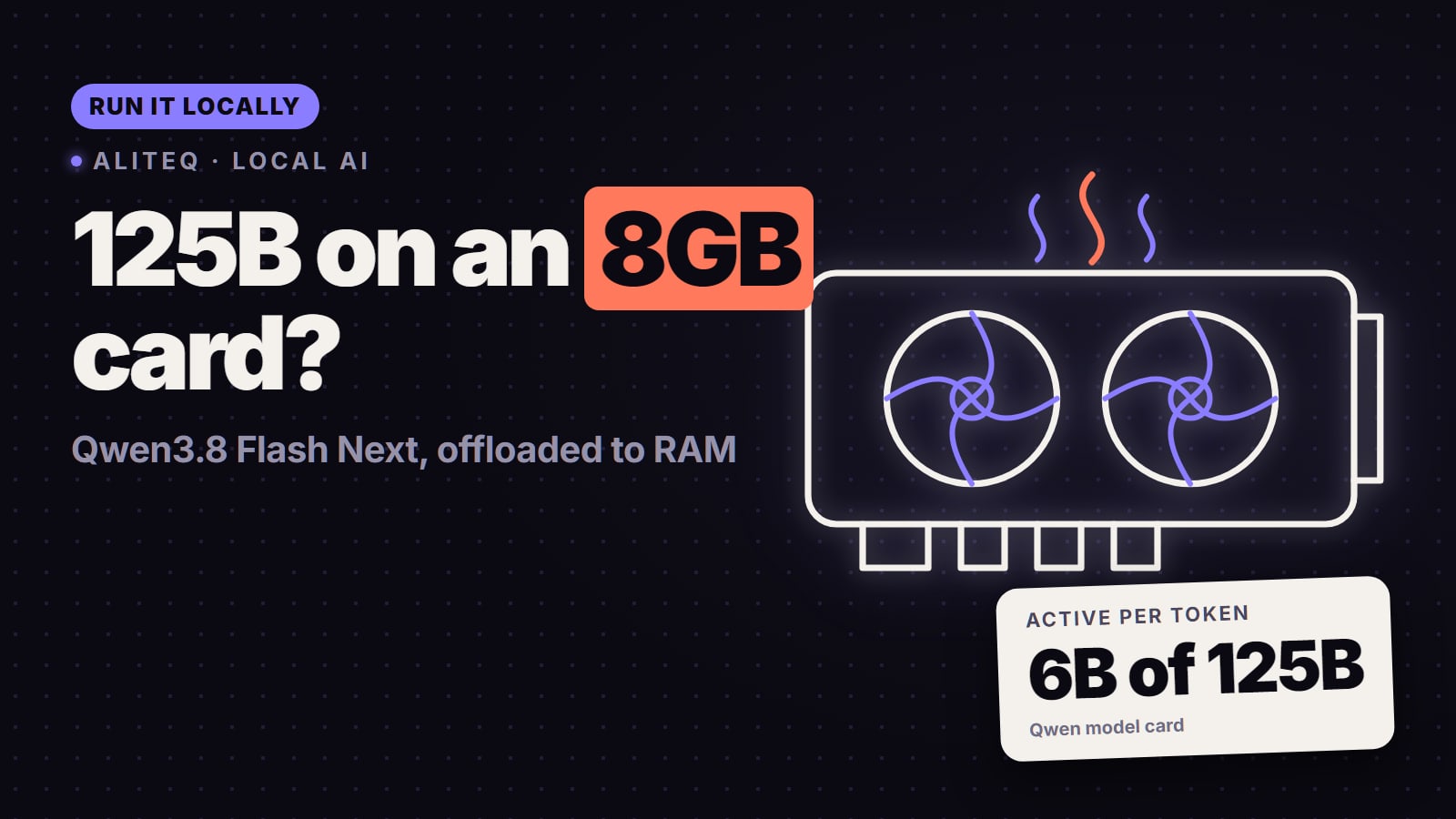
Qwen3.8 Flash Next is a mixture-of-experts model with 125B parameters and 6B active per token, plus a 51B n-gram embedding, under a custom "qwen-community-1.0" licence, per its model card. It runs on small cards because the experts can sit in system RAM. What it takes, card by card, is in our Flash Next setup guide, and the hardware options are on the best GPU for Flash Next page.
Step 1: the one-command start (Ollama)
Ollama is the quickest way in. Install it, open a terminal and run the line for your card. Every tag below was on Ollama's library pages on 1 November, with the size Ollama lists:
ollama run qwen3.8              # Qwen3.8 27B, Q4_K_M, 18 GB, 256K window
ollama run qwen3.8:27b-q8_0     # Qwen3.8 27B, Q8_0, 30 GB
ollama run qwen3.6:35b-a3b      # Qwen3.6 35B-A3B MoE, 23 GB
ollama run qwen3:14b            # Qwen3 14B, 9.3 GB
ollama run qwen3.5:9b           # Qwen3.5 9B, 6.6 GB
Name the size. The bare tags pull different things per family: qwen3.8 is the 27B, qwen3.6 is the 35B-A3B MoE, qwen3.5 is the 9B and qwen3 is the 8B. Ollama's own sizes run a little above our formula, so judge the fit from the tag size plus room for context.
Prefer a window to a terminal? LM Studio lists Qwen3.8 and the older Qwen families in its catalogue too.
Step 2: fix the three defaults
The loudest Qwen complaint of the month was an r/LocalLLM post from a small software house: an RTX 3090 with 32GB of RAM, Qwen3.8 27B at 128K context, and the verdict "practically unusable for coding". The top reply, with 629 votes, was "I can already tell you're running ollama". The next asked for the quant, the temperature, the harness and the engine settings, and others said the model works well even at Q4 once it is configured. Those replies make a checklist.
1. Context length. Ollama's context-length docs say it picks a default from your VRAM: 4K tokens under 24 GiB, 32K from 24 to 48 GiB, and 256K at 48 GiB and up. The same page says agents and coding tools should have at least 64,000. A coding agent that sees only part of your files will look stupid. Set it before you judge:
OLLAMA_CONTEXT_LENGTH=65536 ollama serve
Inside ollama run, /set parameter num_ctx 65536 does the same for that session. Then run ollama ps: the CONTEXT column shows what was allocated, and PROCESSOR should read 100% GPU. On a 24GB card, Qwen3.8 27B at Q4_K_M with 128K context is about 24.5 GB on our formula with an fp16 cache, over the card, so something will spill. Around 64K is the comfortable ceiling there.
2. Quant. The bare qwen3.8 tag is Q4_K_M. That is fine on 24GB. Do not judge the model at 2 or 3-bit and blame the model; if you have 32GB, try qwen3.8:27b-q8_0.
3. Sampling. Qwen's card recommends temperature 1.0, top_p 0.95, top_k 20 and min_p 0 in thinking mode (the default), and temperature 0.7, top_p 0.80, top_k 20 with presence_penalty 1.5 when thinking is off. Run ollama show qwen3.8 --parameters to see what the tag sets, and override anything that differs with /set parameter, or in your app's settings. Greedy decoding (temperature 0) is not what the model was tuned for.
Two more from the same thread: the coding tool (harness) matters as much as the model, and a 27B model does better with small, explicit tasks than with a whole repository.
Step 3: more control with llama.cpp (and how 16GB runs it)
On a 16GB card, Ollama's 18 GB tag does not fit. llama.cpp lets you pick a smaller file and a compressed cache. Unsloth's Qwen3.8 27B GGUFs include UD-Q3_K_XL at 13.15 GB and UD-IQ3_S at 12.04 GB. A starting point:
-hf downloads the file from Hugging Face on first run. For more context on 16GB, a quantized cache (--cache-type-k and --cache-type-v, for example q8_0) shrinks the cache, and moving your desktop display to the CPU's integrated graphics frees the few hundred megabytes it holds. Our Qwen3.8 27B requirements page works through the 16GB numbers and the user reports behind them.
Where the older Qwens still make sense
Qwen3 8B and 14B still fit 8 to 12GB cards with room to spare (5.2 GB and 9.3 GB in Ollama). Their Ollama tags list a 40K context window.
Qwen3.5 9B is the newer small option at 6.6 GB, with a 256K window per its tag.
Qwen3.6 35B-A3B is the fast one: an MoE with 3B active, 23 GB in Ollama. In an r/ollama thread, a 16GB owner who got 10 to 20 tokens/s from 27B dense on a 4070 Ti Super moved to a 35B-A3B coder fine-tune for agent speed; a reply said they would rather have 20 tokens/s of better output than 120 of worse. See running Qwen3.6 35B-A3B.
Qwen3.6 27B has the same layout as Qwen3.8 27B. In a r/LocalLLaMA beginners' thread about it, one reply simply said to download Qwen 3.8 27B instead. There is little reason to start a new setup on it.
Pick the Qwen your memory holds, then set the context, quant and sampling yourself. · Unsplash
The image that ran with an earlier version of this guide.
Quick answers
How do I run Qwen locally?
Install Ollama and run ollama run qwen3.8 on a 24GB card; that pulls Qwen3.8 27B at Q4_K_M (18 GB). On smaller cards, run ollama run qwen3.5:9b or qwen3:14b, or use llama.cpp with a 3-bit Qwen3.8 27B file on 16GB. Then raise the context length and use Qwen's recommended sampling.
Which Qwen should I run on a 16GB GPU?
Qwen3.8 27B at a 3-bit quant, such as Unsloth's UD-Q3_K_XL (13.15 GB), in llama.cpp. Ollama's default qwen3.8 tag is 18 GB and does not fit 16GB. If you want speed over answer quality, Qwen3.6 35B-A3B with some experts offloaded to RAM is the alternative.
Why is Qwen3.8 27B bad at coding in Ollama?
Usually the defaults. Ollama's docs say it sets 4K context on cards under 24 GiB and 32K on 24 to 48 GiB cards, while coding tools need at least 64K. Also check the quant and that sampling matches Qwen's card (temperature 1.0, top_p 0.95, top_k 20 in thinking mode).
What does ollama run qwen3.6 download?
The 35B-A3B mixture-of-experts model, 23 GB. Ask for qwen3.6:27b if you want the dense 27B. The bare qwen3.5 tag is the 9B and the bare qwen3 tag is the 8B.
Can I run Qwen3.8 Flash Next in Ollama?
Ollama lists it, but the smallest GGUF tag is Q4_K_M at 120 GB, which suits 128GB machines. On a small card with 48 to 64GB of RAM, use llama.cpp or Strata with a 2 to 3-bit pack instead.
Start with the model your card holds, fix the three defaults, and only then decide whether you need more hardware. For card choices, see the best GPU for Qwen; for sizing any model, the VRAM calculator; and if you are new to all of this, the beginner's guide to local LLMs.