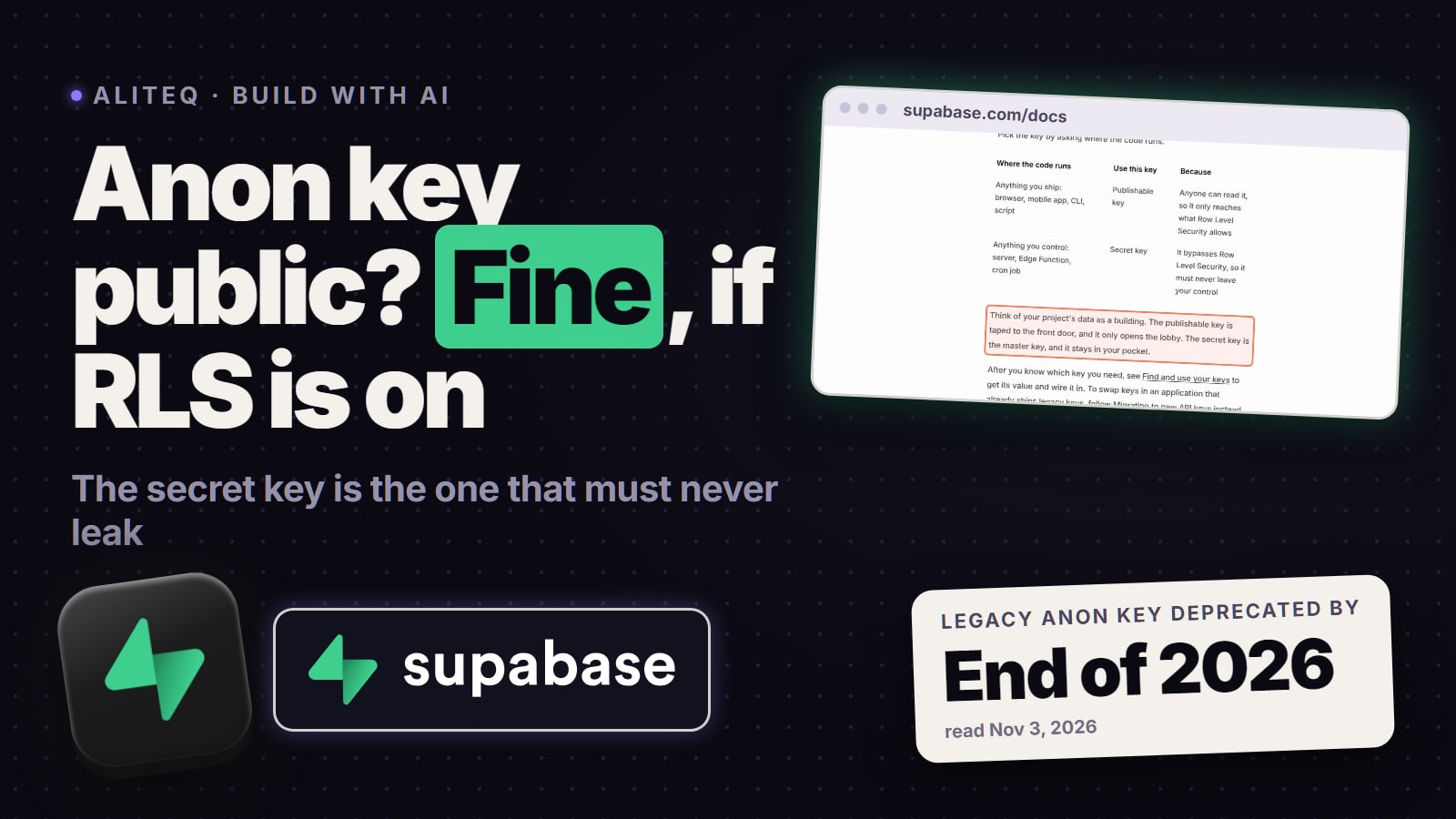
Yes, if it's the anon (publishable) key and Row Level Security is on for every table. Supabase built that key to be public. The one that must never show up in a browser or a repo is the secret (service_role) key. How to tell which one you found in 10 seconds, and what to do if it's the wrong one.
Is it safe that your Supabase anon key is visible in the browser? Yes, if two things are true. The key is the anon key (Supabase now calls it the publishable key), and Row Level Security (RLS) is turned on for every table. Supabase's own docs list the publishable key as "Safe to expose online" and say it "only reaches what Row Level Security allows". The key that must never be visible is the secret key (the old service_role key): it skips every RLS rule. Checked on Supabase's own docs, Nov 3, 2026.
Which Supabase key did I find?
Look at how the key starts. Supabase's API-keys docs (read Nov 3, 2026) list four key types (two new, two legacy):
Starts with sb_publishable_: the publishable key. Supabase's table says "Safe to expose online: web page, mobile or desktop app, GitHub actions, CLIs, source code."
Starts with sb_secret_: a secret key. Supabase: "Only use in backend components of your app." It provides "full access to your project's data, bypassing Row Level Security."
A long string starting with eyJ: a legacy key, either anon (the old publishable key) or service_role (the old secret key). Both look alike, so open your project's Settings > API Keys page in the Supabase Dashboard and compare: Supabase says every key lives there, legacy or not.
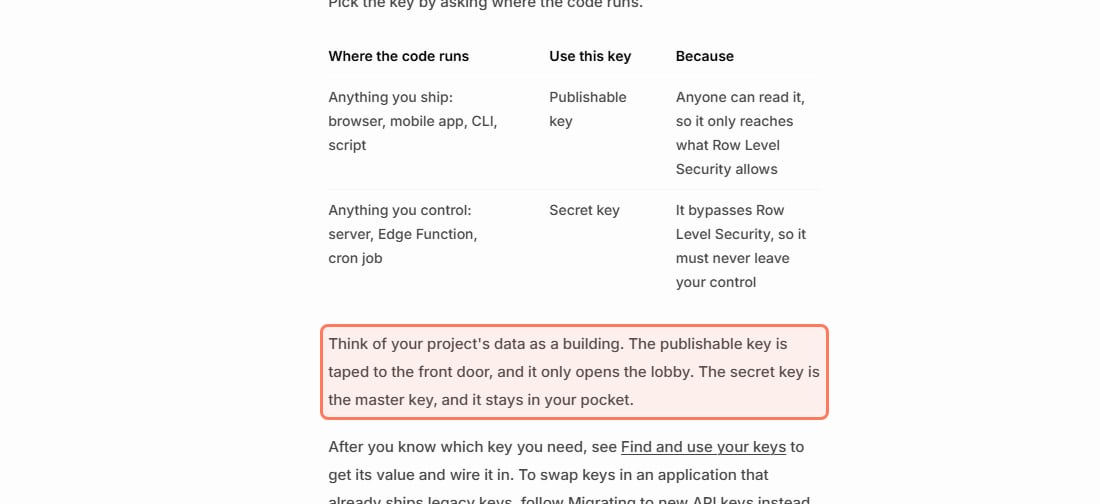
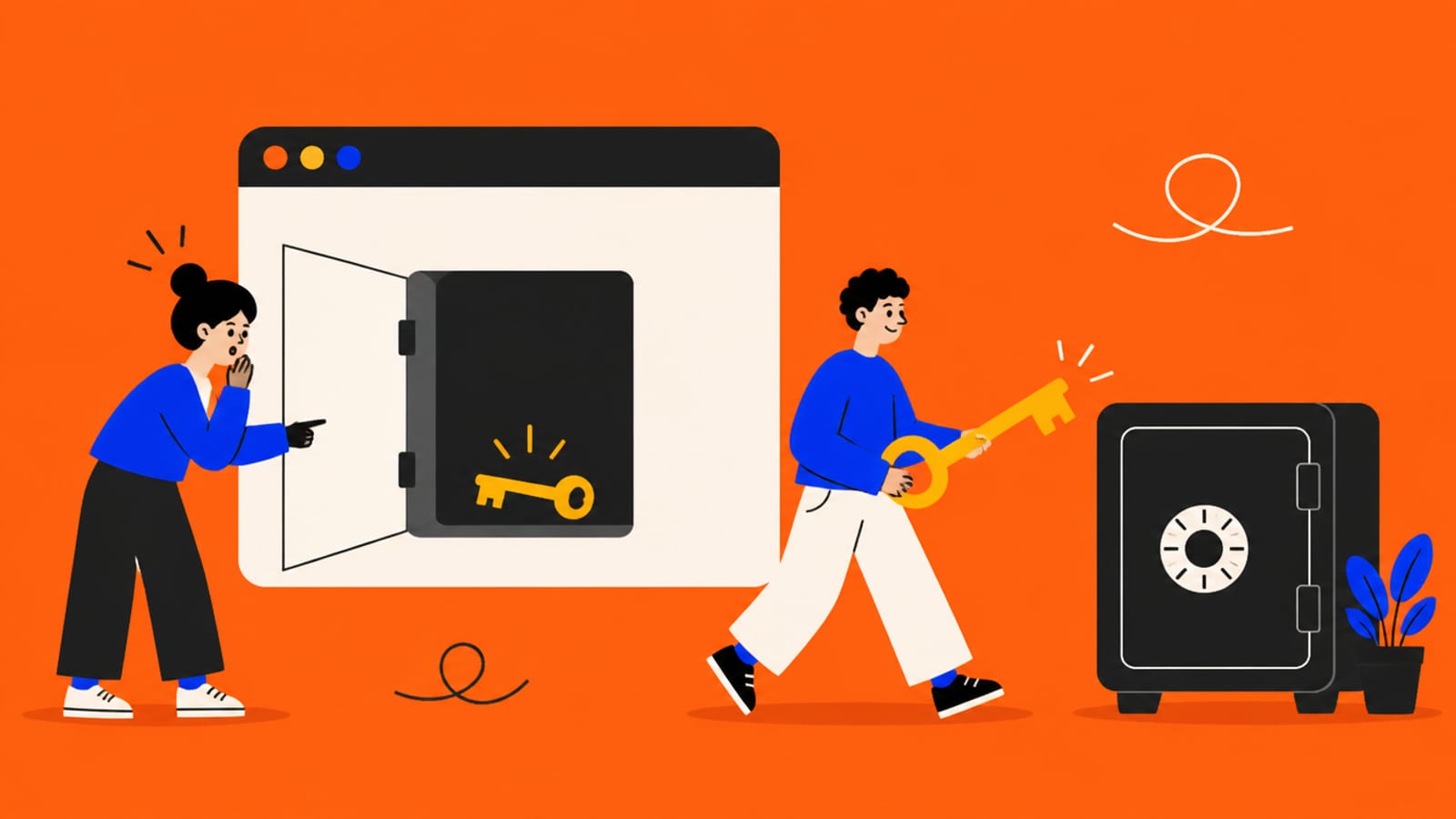
Supabase explains the pair with a building, in its words: "Think of your project's data as a building. The publishable key is taped to the front door, and it only opens the lobby. The secret key is the master key, and it stays in your pocket."
Supabase's own rule: pick the key by where the code runs. Anything you ship gets the publishable key. · Supabase docs, supabase.com/docs/guides/api/api-keys, read Nov 3, 2026 (outline ours)
Why is the anon key allowed to be public?
Because it can't be hidden. Supabase's docs say web pages carry the key "bundled in source code", mobile apps carry it inside the compiled package, and "these environments are always considered public because anyone can retrieve the key from the source code or build artifacts." Your browser has to send the key to talk to your database, so anyone can open the network tab and copy it. Supabase designed it for that.
What stops a stranger is not the key; it's what the key is allowed to do. Every request made with the publishable key runs as the anon role (signed out) or the authenticated role (signed in), and your Row Level Security policies decide which rows those roles can touch. Supabase is direct about the limit: publishable keys "aren't intended to protect against" code analysis, reverse engineering or "use of the Network inspector in the browser."
When is a visible anon key a real problem?
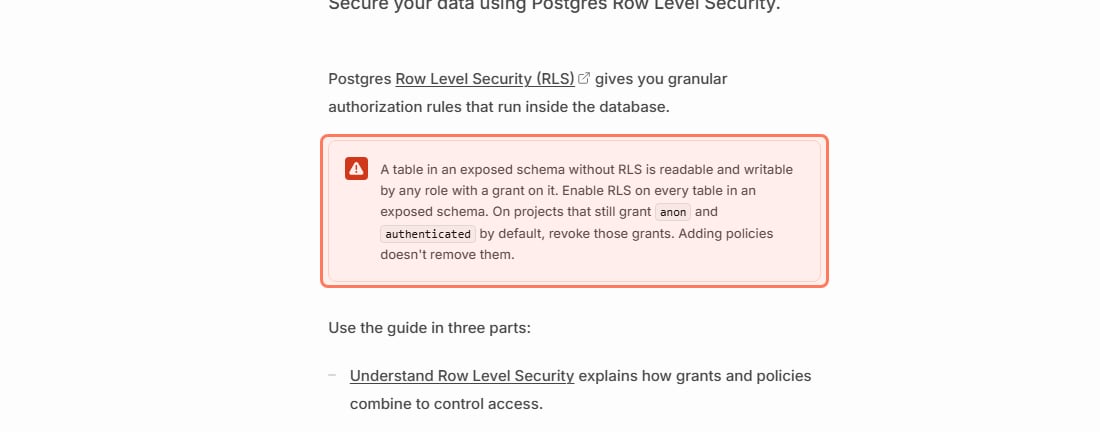
When RLS is off on any table the key can reach. Supabase's Row Level Security page opens with this warning (read Nov 3, 2026): "A table in an exposed schema without RLS is readable and writable by any role with a grant on it. Enable RLS on every table in an exposed schema."
The warning that matters more than the key: no RLS means the public key can read and write the table. · Supabase docs, supabase.com/docs/guides/database/postgres/row-level-security, read Nov 3, 2026 (outline ours)
So a visible anon key plus a table without RLS means anyone with your page open can read or change that table. That's how the Moltbook exposure happened, told in full in the Moltbook exposure. Two more details from the same page that catch beginners:
RLS on with no policies blocks everything. Supabase: "Once RLS is enabled, no data is accessible through the API when using a publishable key, until you create policies." If your app suddenly shows empty lists after you turn RLS on, that's why; you add policies, you don't turn RLS back off.
Policies don't remove grants. Supabase: on existing projects "a new table in public starts with every privilege already granted" to all three built-in roles (anon, authenticated and service_role), and "adding policies doesn't take those grants back." The safe setup is RLS on, policies written, and only the grants each role needs.
The concept itself, in plain words, is in Row Level Security explained. Supabase also says your project's Security Advisor in the Dashboard "checks for common security problems with the built-in Postgres roles", which is a quick first look.
What if the secret or service_role key is visible?
Then it's a real problem. Supabase's warning: "A secret key bypasses every Row Level Security policy you have. Never put one in a browser, a shipped application, or source control." Its list of places a secret key must never appear includes "a web page, a public document, source code" and "a browser, even on localhost."
The newer sb_secret_ keys have one guard the old service_role key doesn't: Supabase says "a secret key doesn't work in a browser", because it checks the request's User-Agent header and returns HTTP 401. Don't treat that as safety. Supabase also says "an attacker can still use the key from other tools." Which keys are designed to be public and which must stay on a server is in your API keys are in the browser.
A common way this happens in vibe-coded apps: the secret key gets a browser prefix in .env. Supabase's own example warns about the server-only variables: "Never prefix these, or your bundler will ship the key." In Next.js that prefix is NEXT_PUBLIC_; other frameworks use their own.
How do I rotate a leaked secret key?
Fix the leak first, then rotate. Supabase's rotation guide (read Nov 3, 2026) puts it first under Prerequisites: "Fix the root cause of the leak before you rotate anything. Otherwise the new key can leak the same way." The one exception, also in Supabase's words: "If someone is actively using the leaked key, retire it right away," even though anything still using it stops working until you replace it.
Supabase's order: find how it leaked, then rotate. Rotating first just leaks the new key. · Supabase docs, supabase.com/docs/guides/security/rotate-leaked-api-keys, read Nov 3, 2026 (outline ours)
The steps, as Supabase lists them:
Create a new secret key in Settings > API Keys in the Dashboard.
Replace the old key everywhere your server uses it, then confirm every component uses the new one.
Retire the old key. For an sb_secret_ key, delete it (Supabase: "Deleting a secret key can't be undone"). For a legacy service_role key, you deactivate the legacy keys.
One trap if the leaked key was a legacy service_role key: Supabase says "retiring the compromised key deactivates both legacy keys", which includes your anon key. Move your browser and mobile code to a publishable key first, or your app stops working the moment you retire the old pair. Supabase also says to revoke the legacy JWT secret in that case. If a tool wired Supabase up for you, its checklist covers where keys should live: Lovable, Bolt and v0.
Do I need to switch from the anon key?
Yes, before the end of 2026. Supabase's docs (read Nov 3, 2026): "Supabase is deprecating the anon and service_role keys by the end of 2026. Use the publishable (sb_publishable_xxx) and secret (sb_secret_xxx) keys instead." Creating the new keys doesn't break the old ones; Supabase says both systems work at the same time until you disable the legacy keys. It also warns that "if a tool, tutorial, or AI assistant tells you to copy a long key that begins with eyJ, it was written for the legacy keys." The switch changes the key's name and format, not the rule: the publishable key is still public, and RLS is still what protects your data.
The one real check
Two questions: is the key in public the publishable/anon one, and is RLS on for every table? If yes to both, a visible anon key is working as designed. If RLS is off, hiding the key won't help (it's in the browser by design); turn RLS on and write policies. The full pre-launch list is in the 6 checks before you share a vibe-coded app. For how often outside scans find readable tables, and why two large scans disagree, see what a 30,998-app scan really found.
Quick answers
Is it safe that my Supabase anon key is visible in the browser?
Yes, if it's the anon/publishable key and Row Level Security is on for every table. Supabase's docs (read Nov 3, 2026) list the publishable key as safe to expose online because it only reaches what RLS allows.
Which Supabase key must never be exposed?
The secret key (legacy name service_role). Supabase says it "bypasses every Row Level Security policy you have" and must never go in a browser, a shipped app or source control.
My anon key is on GitHub. Do I need to rotate it?
Not because of the anon key itself; Supabase lists the publishable key as safe in source code. Check that RLS is on for every table instead. A secret key on GitHub is the one to rotate, after you fix how it got committed.
How do I tell the anon key from the service_role key?
New keys say it in the name: sb_publishable_ is public, sb_secret_ is not. Legacy keys both start with eyJ, so compare against Settings > API Keys in your Supabase Dashboard.
How do I rotate a leaked Supabase secret key?
Supabase's guide: fix the root cause first, then create a new secret key in Settings > API Keys, replace the old one everywhere, and delete it. Retiring a legacy service_role key also turns off the legacy anon key.
Is the Supabase anon key going away?
Yes. Supabase says it is deprecating the legacy anon and service_role keys by the end of 2026; use the publishable and secret keys instead.
This page has no affiliate links or sponsored placements. Security advice is only useful if nobody's paying for it. It isn't a substitute for a security review: if your app holds other people's personal data, payments or health information, have a developer or a security professional look at it before launch.