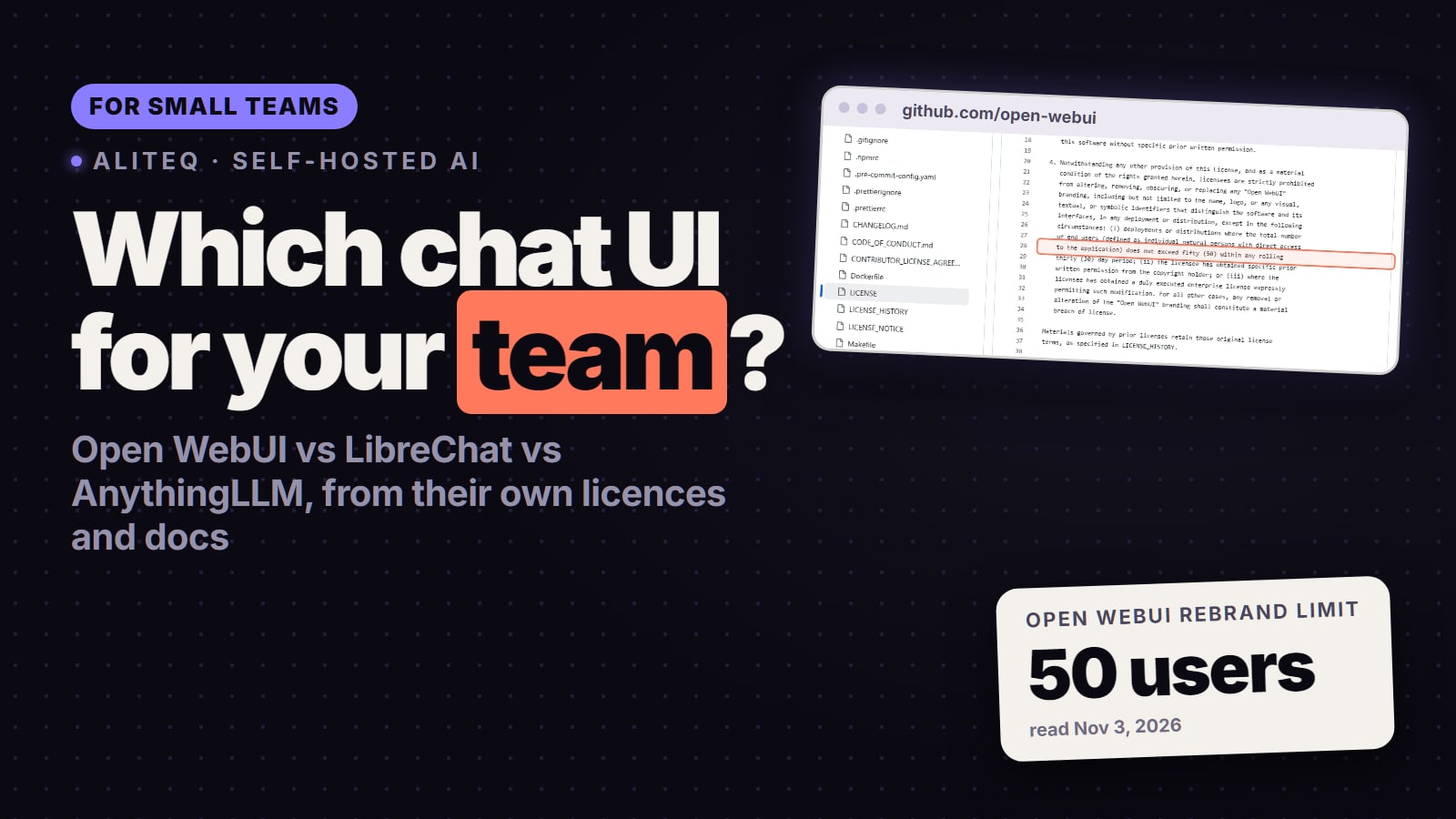
For most small teams it's Open WebUI: one container, roles, SSO and free to use as long as its branding stays on screen. LibreChat if you must rebrand it, AnythingLLM if the team mostly chats with documents or wants it hosted. What each one costs, needs and allows, from their own licences and docs read Nov 3, 2026.
Some links on this page are referral links: we may earn a commission, at no cost to you.
Share
Which self-hosted ChatGPT-style UI should a small team pick? For most teams, Open WebUI. It runs as one Docker container, has roles, groups, SSO/LDAP, SCIM and two-factor sign-in built in, and Open WebUI's own docs list internal use "with original branding exactly intact" as free. Pick LibreChat if you need to put your own name on it, because it's MIT-licensed, and accept that it runs as a six-container stack. Pick AnythingLLM if the team mostly chats with documents, wants a desktop app, or would rather pay for hosting (from $50 a month). Checked Nov 3, 2026 on each project's own licence, docs and pricing pages.
Which one should a small team pick?
You want one tool for 5 to 50 people and don't care whose logo is on it: Open WebUI. It's the only one of the three whose docs list SCIM provisioning (users and groups sync from your directory), and it's a single container to run and back up. You can keep using it as the team grows past 50, as long as you leave the Open WebUI name and logo alone.
You need your company's name on it, or you resell it to clients: LibreChat. MIT lets you rebrand freely, keeping the copyright notice. It also has the broadest list of providers and the deepest agent features (Skills, subagents, a code interpreter).
The team mainly wants to ask questions about its own documents: AnythingLLM. Workspaces of documents are its centre of gravity, it has a no-code agent builder, and it's MIT. Note that multi-user mode is Docker-only, and full SSO is listed under its Enterprise plan.
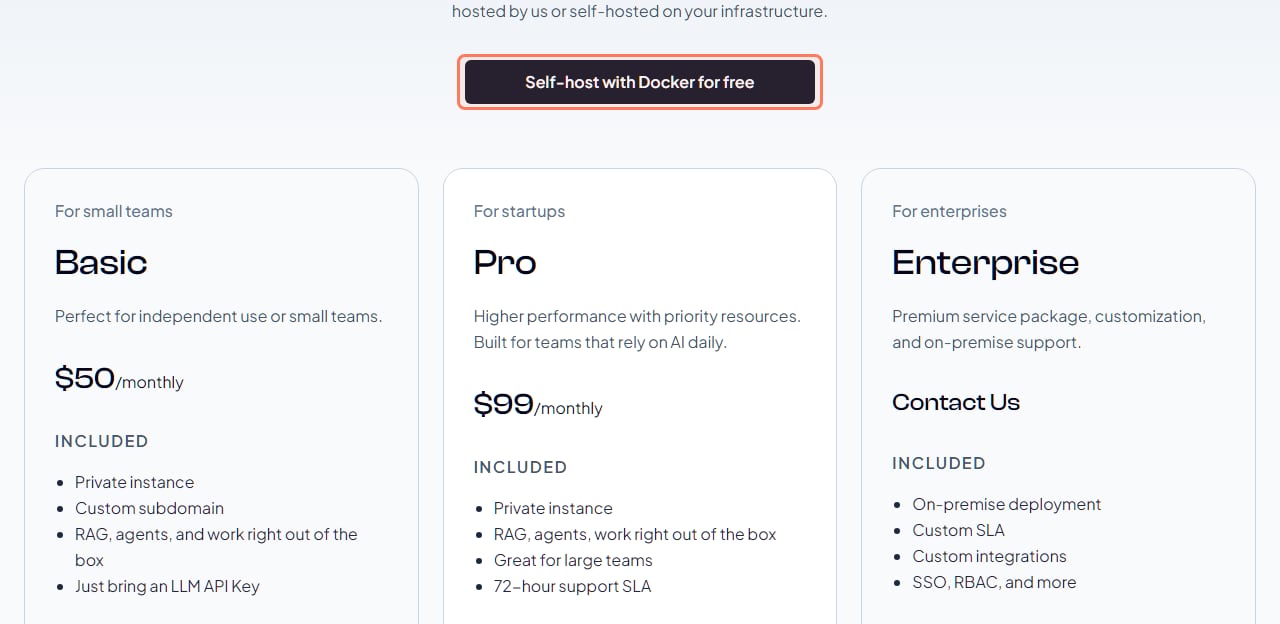
Nobody wants to run a server at all: AnythingLLM Cloud. It's the only one of the three with published hosted prices: Basic $50 a month, Pro $99 a month (read Nov 3, 2026).
It's just you, on one laptop: AnythingLLM's desktop app, or the new Open WebUI Desktop app (v0.1.4, released Nov 2, 2026).
How do they compare side by side?
Open WebUI vs LibreChat vs AnythingLLM (each project's own pages, Nov 3, 2026)
Licence
Open WebUI
Open WebUI License (BSD-style + branding clause)
LibreChat
MIT
AnythingLLM
MIT
Latest release
Open WebUI
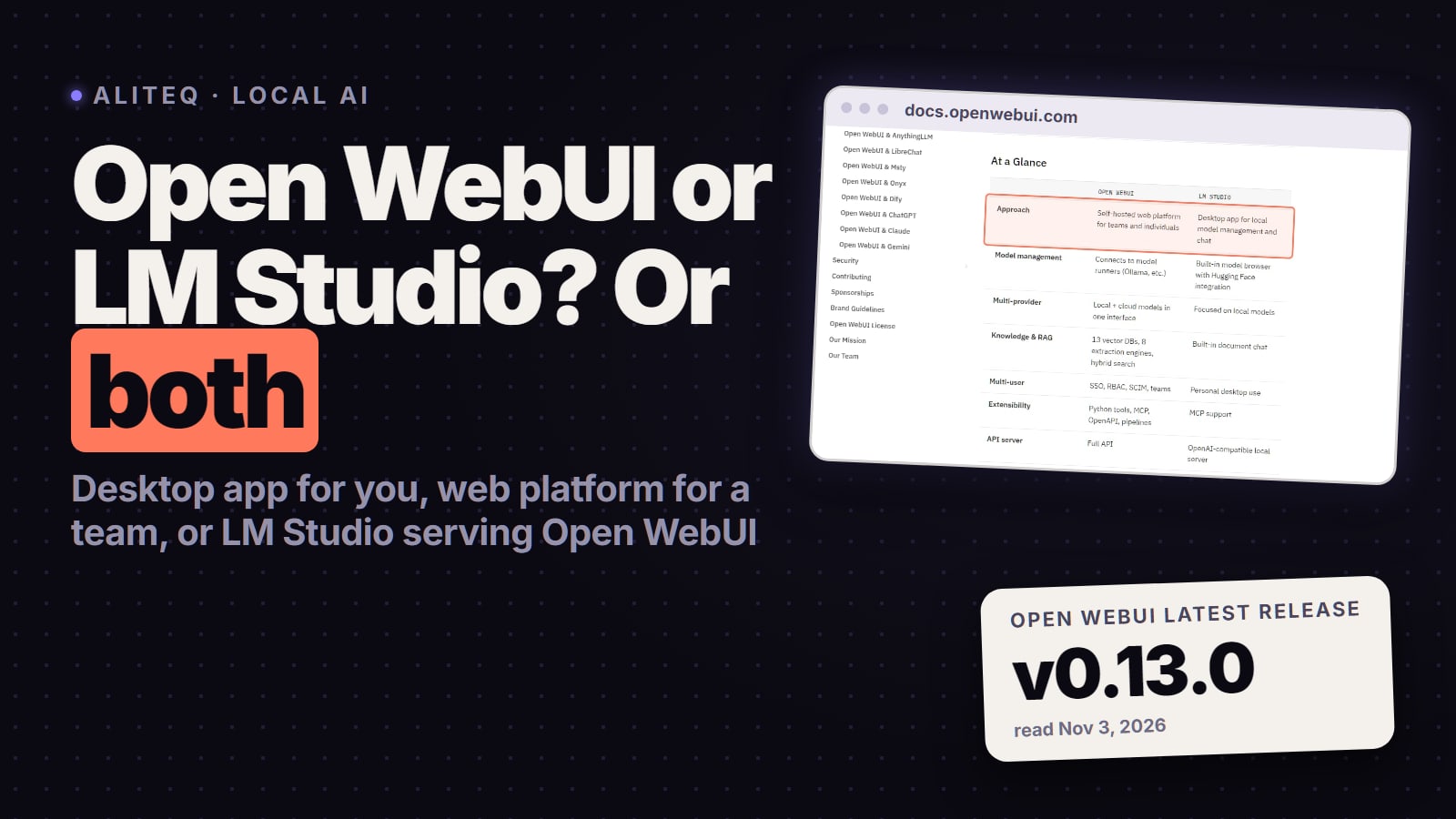
v0.13.0 (Nov 3, 2026)
LibreChat
v0.8.8 (Oct 1, 2026, marked pre-release on GitHub)
AnythingLLM
v1.19.0 (Oct 26, 2026)
Rebrand / white-label
Open WebUI
Up to 50 end users per 30 days, else enterprise licence
LibreChat
Yes (MIT)
AnythingLLM
Yes, Docker version (built-in white-labeling)
Install
Open WebUI
One Docker container, pip, Kubernetes, desktop app
LibreChat
Docker Compose (6 services by default)
AnythingLLM
Desktop app, one Docker container, or hosted Cloud
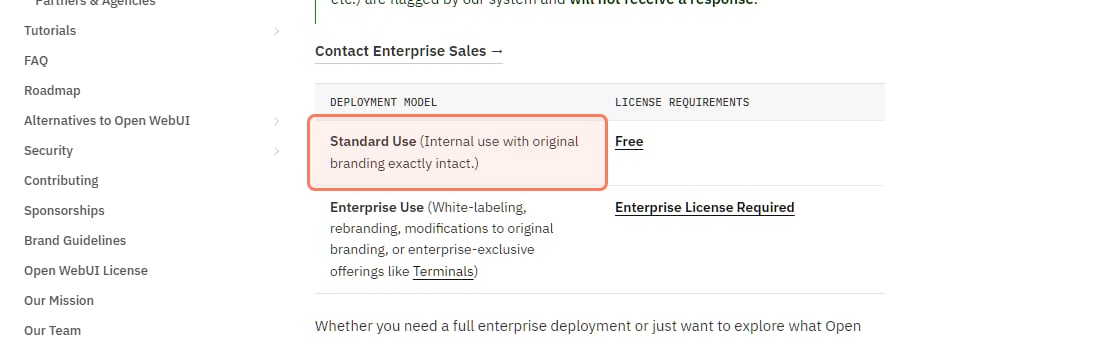
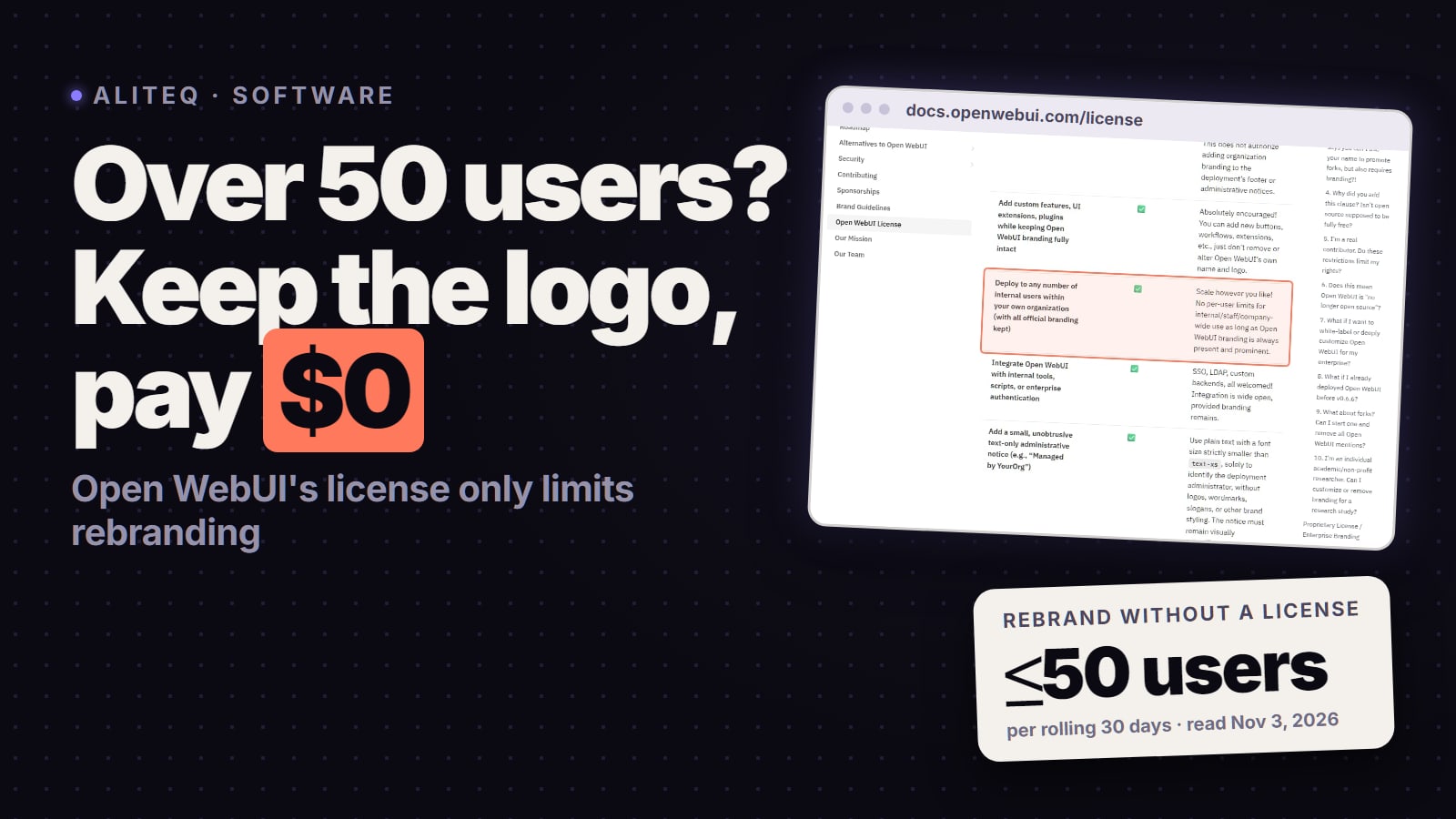
Yes, if you keep its branding. Open WebUI's enterprise page has a two-row table: "Standard Use (Internal use with original branding exactly intact.)" is "Free"; "Enterprise Use (White-labeling, rebranding, modifications to original branding…)" needs an "Enterprise License Required".
Open WebUI's own licence table, docs.openwebui.com/enterprise, read Nov 3, 2026. The free row is outlined. · Screenshot of docs.openwebui.com by aliteq
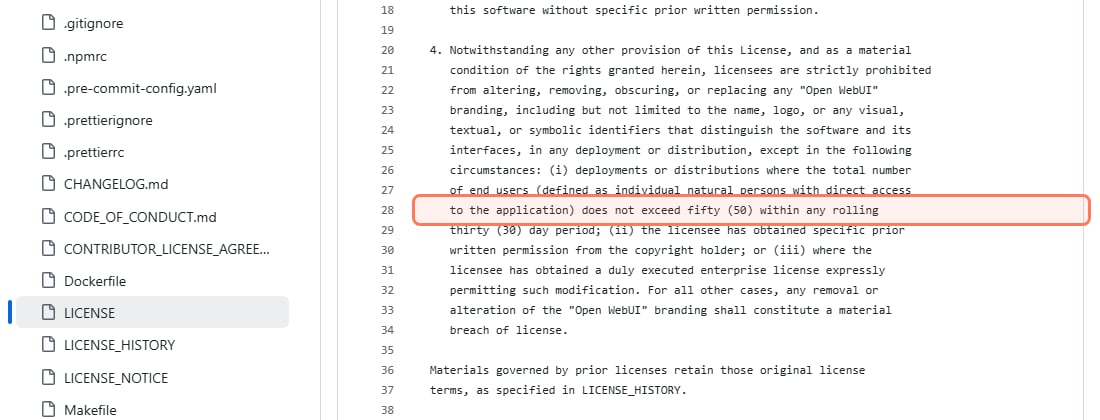
The rule behind it is clause 4 of the LICENSE, unchanged when we read it again on Nov 3, 2026. It prohibits "altering, removing, obscuring, or replacing any "Open WebUI" branding", except in "deployments or distributions where the total number of end users (defined as individual natural persons with direct access to the application) does not exceed fifty (50) within any rolling thirty (30) day period", with written permission, or with an enterprise licence. So the 50-user number is a limit on rebranding, not on how many people can use it. The full text and its history are in the Open WebUI licence, explained.
Clause 4 of Open WebUI's LICENSE on GitHub, read Nov 3, 2026. · Screenshot of github.com/open-webui/open-webui by aliteq
Two more things to know. The new Open WebUI Desktop app is a separate project under AGPL-3.0, per its GitHub repository. And the enterprise page says enterprise licences are "available exclusively to registered entities and organizations", with no public price.
What does LibreChat need to run?
More moving parts than the other two. LibreChat's default docker-compose.yml (read Nov 3, 2026) starts six services: LibreChat itself, an admin panel, MongoDB, Meilisearch for conversation search, a pgvector database and its RAG API for document search. That's fine on one server, but it's six things to update and back up instead of one.
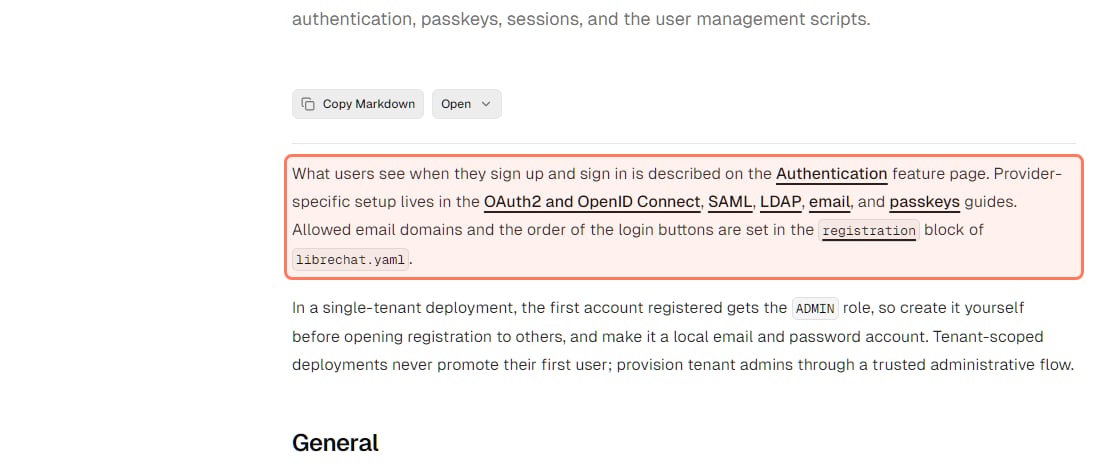
In return you get the widest sign-in options of the three. Its authentication docs point to setup guides for "OAuth2 and OpenID Connect, SAML, LDAP, email, and passkeys". The README lists "Built-in Moderation, and Token spend tools" and a browser-based admin panel to "manage users, groups, roles, and configuration overrides".
LibreChat's sign-in options, librechat.ai/docs, read Nov 3, 2026. · Screenshot of librechat.ai by aliteq
One practical tip from the same page: in a single-tenant deployment, "the first account registered gets the ADMIN role, so create it yourself before opening registration to others". Also worth knowing: LibreChat's site carried the banner "LibreChat is joining ClickHouse" on Nov 3, 2026. The repository is still MIT-licensed.
Is AnythingLLM free, or do you pay $50 a month?
Both options exist. The desktop app and the Docker server are free and MIT-licensed. AnythingLLM's pricing page offers "Self-host with Docker for free", and hosted Cloud plans for teams that don't want to run anything: Basic at $50 a month (its card says "Just bring an LLM API Key"), Pro at $99 a month, and Enterprise on request.
AnythingLLM's own pricing page, read Nov 3, 2026. Self-hosting is free; the hosted plans are what costs money. · Screenshot of anythingllm.com by aliteq
For a team, mind the limits in its own docs. The Security and Access page is marked "DOCKER VERSION ONLY", and warns: "Once in multi-user mode, you cannot revert back to single-user mode". Multi-user mode has three roles: Admin, Manager and Default, where Default users "can only send chats to workspaces they are explicitly added to". For logins, the self-hosted version offers a "Simple SSO Passthrough" that generates a temporary login link per user; "SSO, RBAC, and more" appear on the pricing page under Enterprise.
How do users log in: SSO, LDAP, roles?
This is where the three differ most for a company with an identity provider (Google Workspace, Microsoft Entra, Okta):
Open WebUI: "RBAC: Roles, groups, and per-resource permissions", "SSO/OIDC/LDAP", "SCIM 2.0: Automated user and group provisioning" and "Two-Factor Sign-In (MFA)", per its features page. SCIM means new hires and leavers sync from your directory automatically.
LibreChat: OAuth2/OIDC, SAML, LDAP, email and passkeys, two-factor authentication that an admin can make mandatory for local and LDAP accounts (its authentication docs), plus per-role and per-group permissions in its admin panel. No SCIM is listed.
AnythingLLM: three fixed roles and a simple SSO passthrough when self-hosted; full SSO is an Enterprise item.
Keep whichever you pick updated. Open WebUI's v0.13.0 release notes (Nov 3, 2026) say it "contains security fixes" and that "We strongly recommend updating all deployments as soon as possible". The same notes warn that it includes database migrations, so back up first.
Where should the team's server run, and what does the GPU cost?
The UI itself is light; the model behind it is what needs a GPU. Any of the three can sit in front of Ollama on one shared machine, and our Docker guide for local AI covers the Ollama + Open WebUI setup. Check which models fit a card with the VRAM calculator.
If nobody has a spare GPU box, rent one. Our price tracker's reading of Nov 3, 2026 (20:20 UTC): a 24 GB RTX A5000 on Runpod on-demand at $0.27 an hour, which is about $197 a month if it runs around the clock (730 hours), and a 24 GB RTX 3090 on Vast from $0.096 an hour on-demand (median $0.16 across 25 offers). Prices move hourly; see today's prices on /cloud-gpu. A team server that only runs during work hours costs a fraction of the 24/7 figure.
Which is best for a small team, Open WebUI, LibreChat or AnythingLLM?
For most small teams, Open WebUI: one Docker container with roles, groups, SSO/LDAP, SCIM and two-factor sign-in, free for internal use as long as its branding stays intact (Open WebUI docs, read Nov 3, 2026). Choose LibreChat if you must rebrand it, and AnythingLLM if the team mainly chats with documents or wants a hosted plan.
Is Open WebUI open source?
Its code is public, but its licence isn't a standard open-source one. The Open WebUI License is BSD-style with a clause that forbids removing or replacing Open WebUI branding unless the deployment has 50 or fewer end users in a rolling 30 days, you have written permission, or you have an enterprise licence. Code from before that clause keeps its earlier terms, per its LICENSE_HISTORY file.
Can more than 50 people use Open WebUI for free?
Yes, as long as you don't alter or remove its branding. The 50-user limit in clause 4 applies to rebranding, and Open WebUI's enterprise page lists internal use with the original branding exactly intact as free (read Nov 3, 2026).
Open WebUI or LibreChat?
Open WebUI is simpler to run (one container) and is the only one with SCIM provisioning listed. LibreChat is MIT, so you can rebrand it, and it has more sign-in options (SAML, passkeys, two-factor) and agent features, but its default Docker Compose stack runs six services.
Is AnythingLLM free?
Self-hosting is free: the desktop app and the Docker server are MIT-licensed. AnythingLLM Cloud costs $50 a month (Basic) or $99 a month (Pro), per its pricing page read Nov 3, 2026. Multi-user mode is only in the Docker and Cloud versions.
Do they all work with Ollama?
Yes. All three list Ollama support in their READMEs, alongside OpenAI-compatible and other cloud providers.