Samsung pushed its flagship Galaxy AI features down to 2023 phones — a small move with a big lesson: AI is becoming a software add-on to hardware you own. What landed, what runs on-device, and the catch.
When Samsung launched Galaxy AI on its newest phones, the obvious worry was that it'd be another reason to buy this year's flagship. Then Samsung did something more interesting: it pushed most of those AI features down to the previous generation — the Galaxy S23 line, the Z Fold5 and Flip5 — via a software update. That small move tells you something bigger about where AI on phones is going: increasingly, the intelligence is software you can add to hardware you already own, not a reason to upgrade. Here's what actually landed, what runs on-device versus in the cloud, and why that distinction matters.
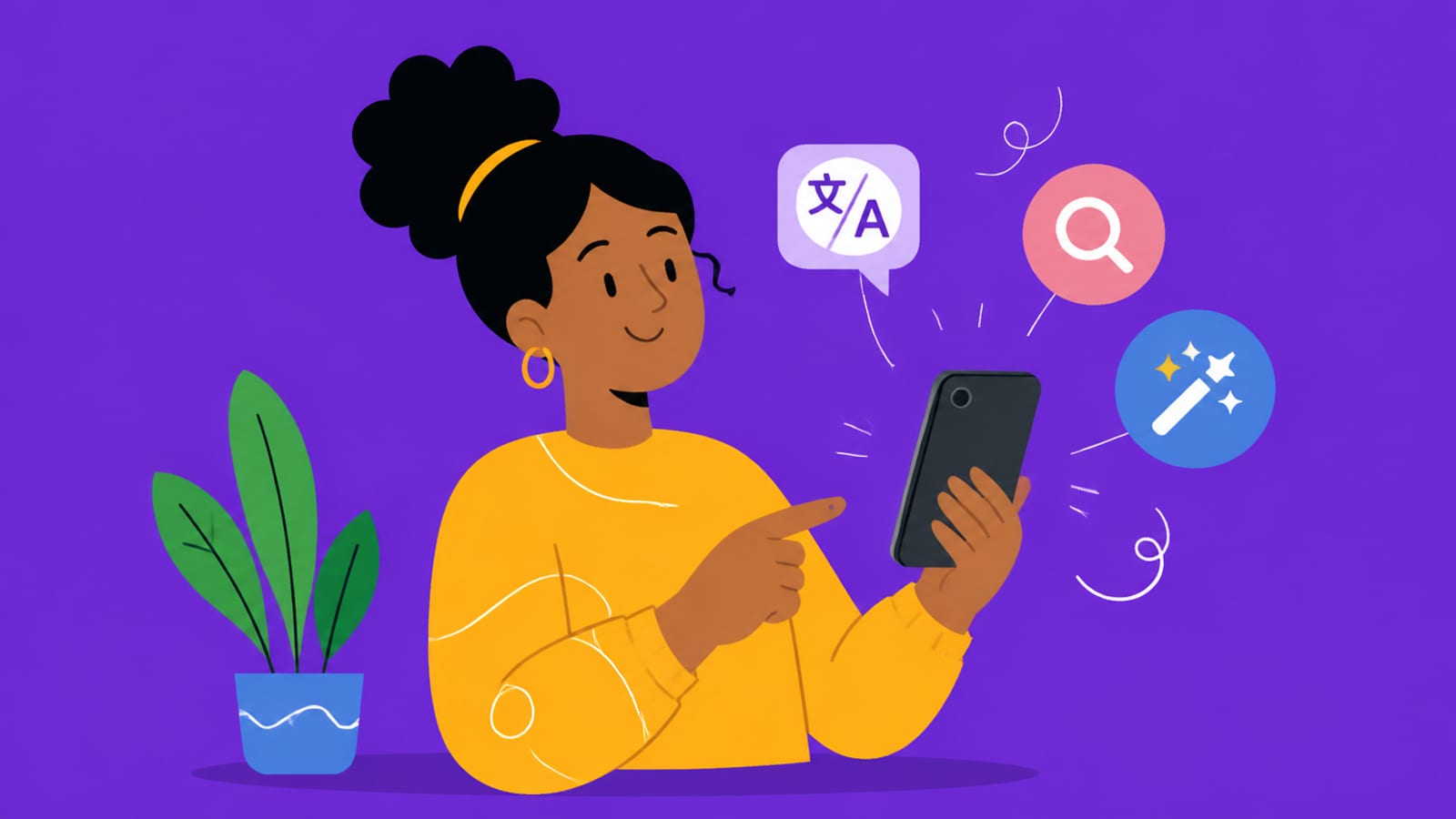
Galaxy AI landing on older phones shows AI becoming a software add-on, not just a new-hardware pitch. Illustration by Aliteq. · Illustration by Aliteq / generated with Higgsfield
What actually landed on the S23
Circle to Search — circle, scribble or tap anything on screen to run a search on it, without leaving the app you're in. A genuinely handy interaction.
Live Translate — real-time translation of phone calls, with the processing done on the device, so it works without a good signal and keeps the conversation private.
Note Assist — AI summaries, auto-formatting and translation inside the notes app.
Photo Assist / Generative Edit — move or remove objects and fill in backgrounds with generative AI in the gallery, the kind of editing that used to need a desktop.
Why 'on-device' is the part to watch
The most important detail isn't the feature list — it's where the computing happens. When an AI feature runs on the phone (like Live Translate), your data doesn't leave the device: it's more private, works offline, and has no per-use server cost. When it runs in the cloud, it can be more powerful but sends your data off and depends on a connection. This on-device-vs-cloud split is the central tension in all consumer AI right now, and it's the same idea, scaled down, behind the push to run AI locally on your own hardware instead of always calling an API. A phone doing translation locally is 'local AI' in your pocket.
Quick answers
Did the Galaxy S23 get Galaxy AI?
Yes — via the One UI 6.1 software update, the Galaxy S23 series (and the S23 FE, Z Fold5/Flip5 and some tablets) received the main Galaxy AI features, including Circle to Search, Live Translate, Note Assist and generative photo editing. You didn't need to buy a newer phone.
Which Galaxy AI features run on the phone vs the cloud?
It varies by feature. Some, like Live Translate, run on-device — better for privacy and offline use — while others rely on the cloud for more processing power. The mix is why some features work without signal and others don't, and why privacy varies feature to feature.
Is Galaxy AI free?
It was offered free for a period, but Samsung left open the possibility of charging for some AI features later on. So it's best treated as a bonus that may not stay free indefinitely, rather than a permanent free upgrade.
Why does it matter that AI came to older phones?
Because it signals a shift: AI is increasingly a software capability you can add to hardware you already own, not just a reason to upgrade. That's good for users — and part of a broader move toward on-device, local AI that keeps data private.
AI on your phone is the consumer face of a much bigger shift toward capable, private, on-device intelligence — the same idea, scaled up, drives running AI locally and the local-AI hardware we cover. For more gadgets and cool tech, our gadgets hub.