16GB of VRAM now runs gpt-oss-20b, Gemma 4 12B at Q8_0 and even Gemma 4 26B-A4B at a 4-bit quant. Here's the full list with fits at 8K and 32K context and speed estimates.
Some links on this page are referral links: we may earn a commission, at no cost to you.
Share
What can the RTX 5060 Ti 16GB actually run?
A lot, for a mid-range card. With 16GB of VRAM, the RTX 5060 Ti runs every 9B to 14B model at high quality, runs gpt-oss-20b at Q4_K_M with 32K context, and fits Google's Gemma 4 26B-A4B mixture-of-experts model at a 4-bit quant. The catch is bandwidth: 448 GB/s on a 128-bit bus, about half of what the 5070 Ti and 5080 have with the same 16GB, so it loads the same models but generates more slowly. The 27B-class dense models fit only at 3 to 4 bits and tight; to run them well you need 24GB.
The full list, on our numbers
Fits are the best-quality quant that fits 16GB at each context length, unless noted. Speed is our bandwidth-based upper bound for single-user generation; real numbers are usually lower. "Tight" means more than 90% of the card is used, so close other GPU apps.
RTX 5060 Ti 16GB model support (our VRAM engine, Oct 28, 2026)
Gemma 4 12B
Model
Q8_0, ~12.7GiB
Fit at 8K context
Q8_0, ~13.1GiB
Fit at 32K context
up to ~26 tok/s
Qwen3.5 9B
Model
Q8_0, ~10.6GiB
Fit at 8K context
Q8_0, ~11.3GiB
Fit at 32K context
up to ~33 tok/s
gpt-oss-20b
Model
Q4_K_M, ~13.0GiB
Fit at 8K context
Q4_K_M, ~14.1GiB
Fit at 32K context
MoE, see below
Qwen3 14B
Model
Q6_K, ~13.3GiB
Fit at 8K context
Q5_K_M, ~15.5GiB (tight)
Fit at 32K context
up to ~28 tok/s
Gemma 4 26B-A4B (MoE)
Model
IQ4_XS, ~14.1GiB
Fit at 8K context
IQ4_XS, ~14.5GiB (tight)
Fit at 32K context
MoE, see below
Qwen3.6 27B
Model
Q4_0, ~16.0GiB (tight)
Fit at 8K context
Q3_K_M, ~15.4GiB (tight)
Fit at 32K context
up to ~21 tok/s
Qwen3.6 35B-A3B / Gemma 4 31B
Model
Q2_K only
Fit at 8K context
Q2_K or IQ3_XS only
Fit at 32K context
Not worth it
Model
Fit at 8K context
Fit at 32K context
Speed estimate
Gemma 4 12B
Q8_0, ~12.7GiB
Q8_0, ~13.1GiB
up to ~26 tok/s
Qwen3.5 9B
Q8_0, ~10.6GiB
Q8_0, ~11.3GiB
up to ~33 tok/s
gpt-oss-20b
Q4_K_M, ~13.0GiB
Q4_K_M, ~14.1GiB
MoE, see below
Qwen3 14B
Q6_K, ~13.3GiB
Q5_K_M, ~15.5GiB (tight)
up to ~28 tok/s
Gemma 4 26B-A4B (MoE)
IQ4_XS, ~14.1GiB
IQ4_XS, ~14.5GiB (tight)
MoE, see below
Qwen3.6 27B
Q4_0, ~16.0GiB (tight)
Q3_K_M, ~15.4GiB (tight)
up to ~21 tok/s
Qwen3.6 35B-A3B / Gemma 4 31B
Q2_K only
Q2_K or IQ3_XS only
Not worth it
gpt-oss-20b and Gemma 4 26B-A4B are mixture-of-experts models: they only read a few billion parameters per token, so they generate much faster than their size suggests. Our simple bandwidth formula overstates MoE speed, so we don't quote a number for them. For speed on dense models, drop a step: Qwen3.5 9B at Q4_K_M is about 6.5GiB and roughly 57 tok/s on our estimate. Per-model detail: gpt-oss-20b, Gemma 4 12B, Gemma 4 26B-A4B, Qwen3.6 27B.
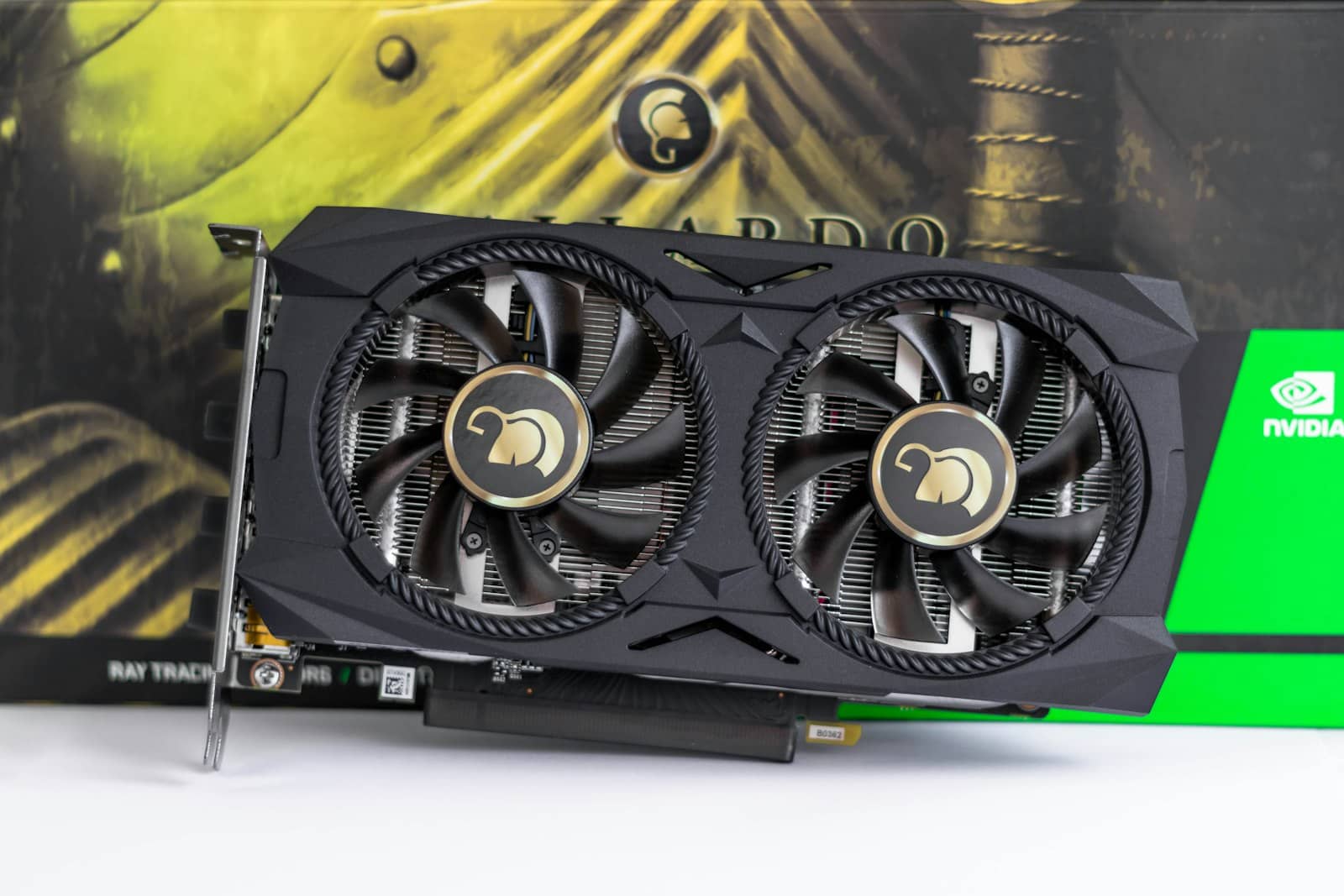
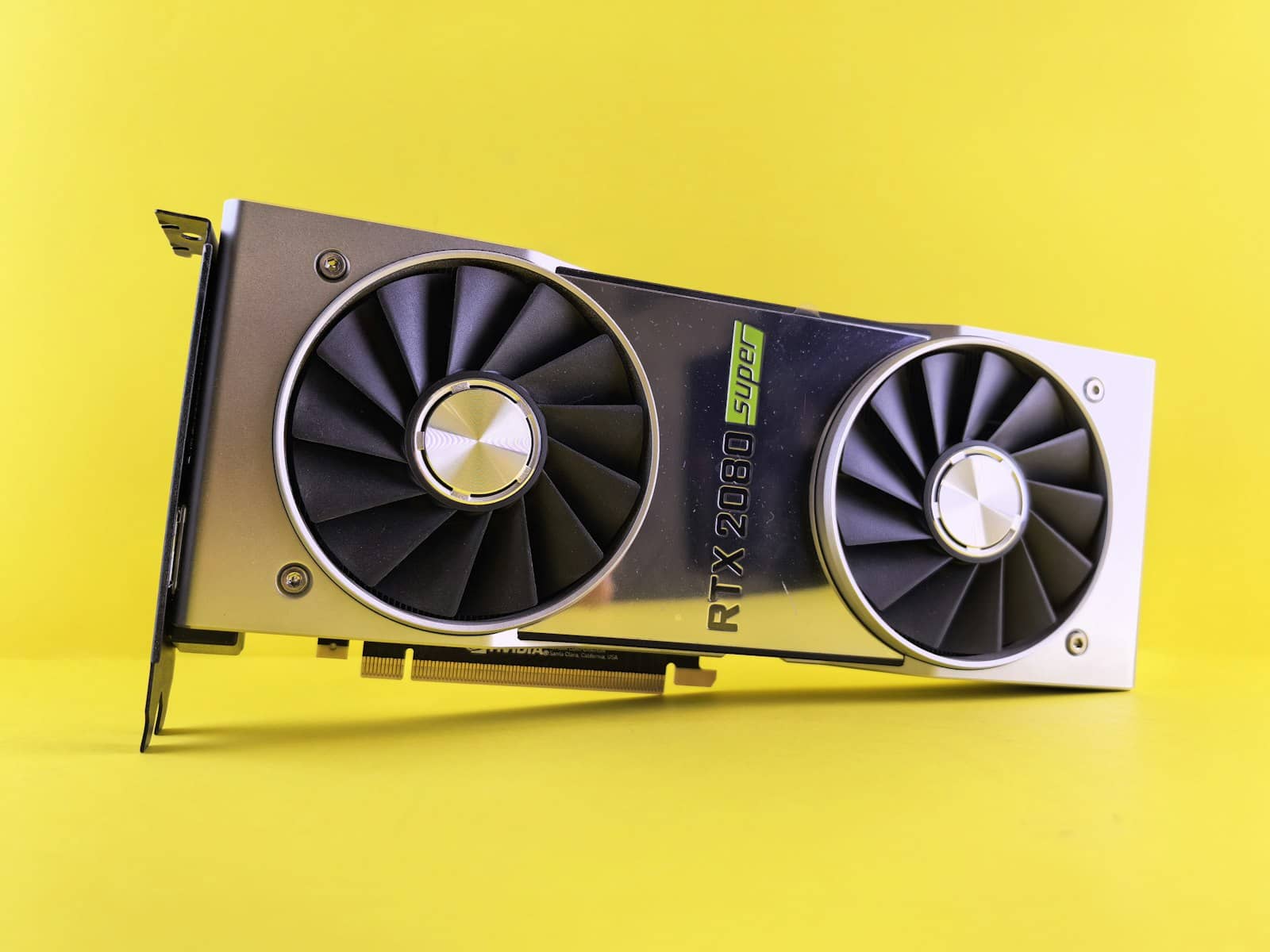
On 16GB, gpt-oss-20b, Gemma 4 12B at Q8_0 and Gemma 4 26B-A4B at 4-bit all fit; 27B dense models only just. · Unsplash
Where 16GB runs out
The 27B to 35B tier is where 16GB stops being enough. Qwen3.6 27B needs about 17GiB at Q4_K_M with 8K context on our numbers, so on this card it runs at Q4_0 (16.0GiB, right at the limit) or IQ4_XS (about 15.0GiB, tight). The Qwen3.6 35B-A3B MoE needs about 21.2GiB at Q4_K_M and only fits here at Q2_K, which we don't recommend. You can offload part of an MoE model to system RAM and keep it usable, or step up to a 24GB card or two 5060 Tis.
On long context, gpt-oss-20b at Q4_K_M fits 32K comfortably on our numbers. Our engine treats every one of its layers as full attention, which overstates its cache at very long context, so check the exact context length you need in the calculator rather than assuming 128K fits.
How to get the most out of it
Start with Gemma 4 12B or Qwen3.5 9B at Q8_0 for everyday chat and document work, and gpt-oss-20b at Q4_K_M when you want a stronger reasoning model. Use Q4_K_M as the floor for anything you rely on, and treat Q3 and below as a way to try a bigger model, not to live on. Use Ollama or LM Studio for downloads and quantization, and size any model in the VRAM calculator at the context length you'll actually use.
Verdict
What the RTX 5060 Ti 16GB can run (October 2026)
The RTX 5060 Ti 16GB runs gpt-oss-20b, Gemma 4 12B at Q8_0 and Qwen3 14B at Q6_K, plus Gemma 4 26B-A4B at a 4-bit quant. It's slower than other 16GB cards because of its 448 GB/s bandwidth, and 27B-class models need 24GB to run well.
Best for: RTX 5060 Ti 16GB owners, and anyone weighing it against a 12GB or used 24GB card
Quick answers
What size LLM can a 16GB GPU run?
On our VRAM numbers, 9B to 14B models at high quality (Q6_K to Q8_0), gpt-oss-20b at Q4_K_M with 32K context, and Gemma 4 26B-A4B at IQ4_XS. Dense 27B models such as Qwen3.6 27B fit only at Q4_0 or lower and tight.
Can the RTX 5060 Ti 16GB run gpt-oss-20b?
Yes. Our estimate is about 13.0GiB at Q4_K_M with 8K context and 14.1GiB with 32K, both comfortable on 16GB. Q5_K_M fits as well, at about 15.0GiB, but that leaves little headroom.
Can the RTX 5060 Ti run 27B or 35B models?
Only at reduced quality. Qwen3.6 27B fits at Q4_0 (about 16.0GiB at 8K context) or IQ4_XS (about 15.0GiB), both tight. The 35B MoE models fit only at Q2_K. For those, a 24GB card such as a used RTX 3090 runs them at Q4_K_M or better.
How fast is the RTX 5060 Ti for local LLMs?
Its 448 GB/s bandwidth sets the ceiling. Our upper-bound estimate is about 33 tok/s for Qwen3.5 9B at Q8_0 and about 26 tok/s for Gemma 4 12B at Q8_0. MoE models like gpt-oss-20b run faster than their size suggests. Real speeds depend on the runtime.
The RTX 5060 Ti 16GB covers everything up to gpt-oss-20b well; 27B-class is where it gets tight. Size models in the calculator, see the full review, or compare it with a used 3090.