Real case photos are often off-limits, stock footage is generic and expensive, and one wrong image gets a video limited. How true-crime channels build atmospheric, clearly illustrative visuals, and the ethics and disclosure rules that keep them monetized.
Some links on this page are referral links: we may earn a commission, at no cost to you.
Share
You narrate small-town cold cases. The research is the part you love: court records, old newspaper archives, the detail nobody else found. The visuals are the part that eats 25 hours a video. The real photos are often off-limits (a victim's family, licensing), stock footage is generic and expensive, and two of your videos came back with limited ads. You need images for the story that don't pretend to be the story.
This page is for the faceless true-crime creator who wants atmosphere, not fakery.
The rule before any tool
What to show instead
Setting and mood: a small town at night, a rural road in fog, a motel sign with no readable name
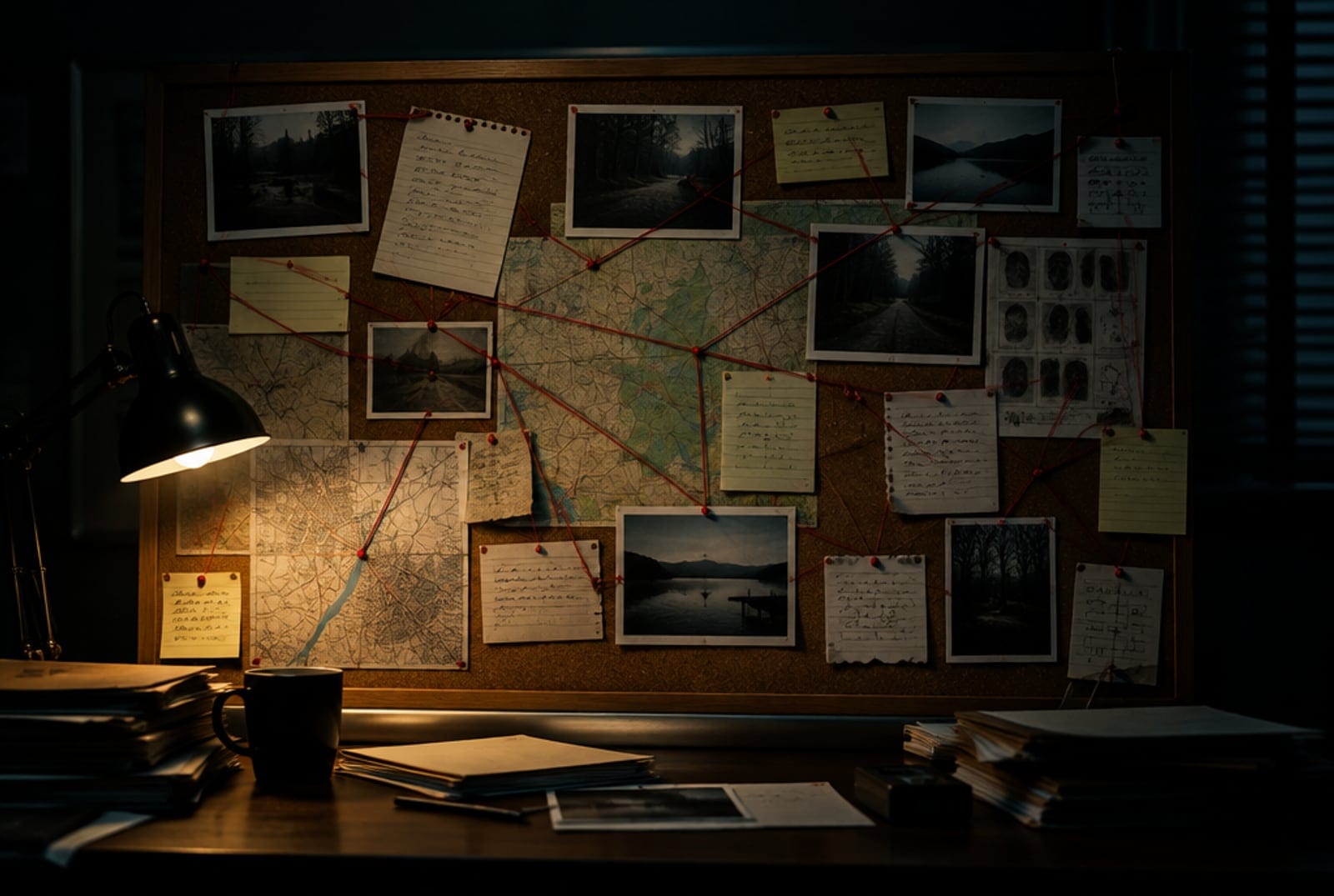
Process images: an investigation board, case files, a map with pins
Era and texture: a 1980s kitchen, a payphone, newspaper-style backgrounds without real headlines
Write the b-roll list from the script: for each paragraph, one setting image, never a person.
Generate the set in one consistent look (same light, same grade) so the episode feels filmed.
Add slow camera moves to the scenes that carry the most tension.
Tick YouTube's disclosure for altered or synthetic content when an image could be mistaken for real footage, and say "illustrative" on screen.
Monetization, honestly
YouTube allows AI-assisted videos but requires disclosure of realistic altered or synthetic content, and its policies penalise mass-produced, repetitive uploads. The channels that stay monetized add original research, narration and judgment to every video, which true crime done well already does. Results vary and nothing here guarantees ad revenue.
What it costs
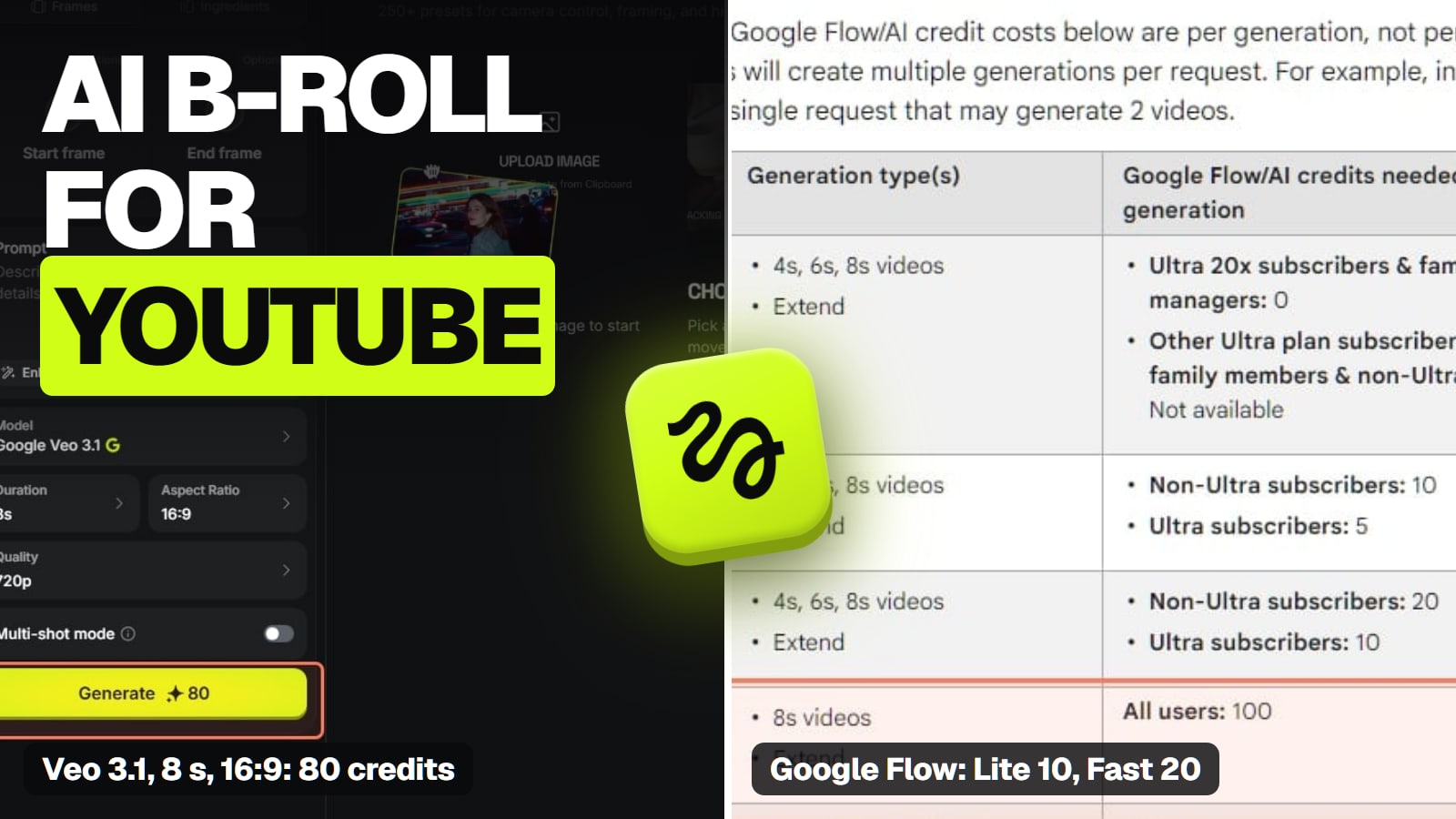
Motion clips cost more than stills, so animate only the key scenes. Twenty stills and a few moves per episode fit a modest plan. Plans are on Higgsfield's pricing page; top-ups expire 90 days after purchase and subscription credits don't roll over.
If you'd rather have one tool assemble the episode, invideo AI's agent turns a script into a cut with voiceover, stock footage and generated clips on a timeline you can edit (invideo's own pages, checked Nov 13, 2026). An agent picks shots for you, so review every scene against the rule above and remove anything that looks like a real person or a real place before you publish; when you want full control over each illustrative image, making them yourself as above is the safer fit. invideo for faceless YouTube covers the workflow, and our invideo hub has its plans.
Can I generate what the suspect might have looked like?
No. An invented face attached to a real case can defame a real person or mislead viewers. Use silhouettes, blank photos or nothing.
Do I have to disclose every AI image?
YouTube asks you to disclose realistic altered or synthetic content that viewers could mistake for real. Clearly stylised mood images are lower risk, but labelling them "illustrative" on screen is the safe habit.
Will this fix limited ads?
Limited ads usually come from graphic or sensitive content, not from AI use. Illustrative, non-graphic visuals can help; check YouTube's advertiser-friendly guidelines for your case.