Paste a script, pick a voice, let invideo AI lay stock or generated b-roll under it, then fix it on the timeline and export. The steps as invideo documents them, what each part costs in credits, and the YouTube labelling rule you still own.
Some links on this page are referral links: we may earn a commission, at no cost to you.
Share
To make a faceless YouTube video with invideo AI, you paste your script, pick a voice, let invideo lay b-roll and captions under it, fix the cut, and export. That's the flow invideo's own help center and docs describe, read on November 13, 2026. We didn't make a video with invideo for this page; every step below is from invideo's documentation, with the page named. The part most guides skip is cost: the editing is free, the generating isn't, and generated b-roll is where a long video gets expensive.
How do you make a faceless video in invideo AI, step by step?
A faceless YouTube video in invideo AI (per invideo's help center, Nov 13, 2026)
Pick Use my script
Or the Explainer or Script to Video workflow in Agent Two
Paste the script
One paragraph per scene works best, per invideo's docs
Set voice, media, music, subtitles
Settings, then Voice Actors, or name a voice in the prompt
Turn on Ask before generating
Agent Two defaults to Always allow
Generate and review
The credit cost shows before you confirm
Fix it in Script or Magic Box
Chapters, voice, shots, aspect ratio
Export and upload yourself
1080p MP4, then YouTube Studio
Pick Use my script
Or the Explainer or Script to Video workflow in Agent Two
Paste the script
One paragraph per scene works best, per invideo's docs
Set voice, media, music, subtitles
Settings, then Voice Actors, or name a voice in the prompt
Turn on Ask before generating
Agent Two defaults to Always allow
Generate and review
The credit cost shows before you confirm
Fix it in Script or Magic Box
Chapters, voice, shots, aspect ratio
Export and upload yourself
1080p MP4, then YouTube Studio
Steps from invideo's help center and docs.invideo.io, read Nov 13, 2026. We did not make a video in invideo for this page.
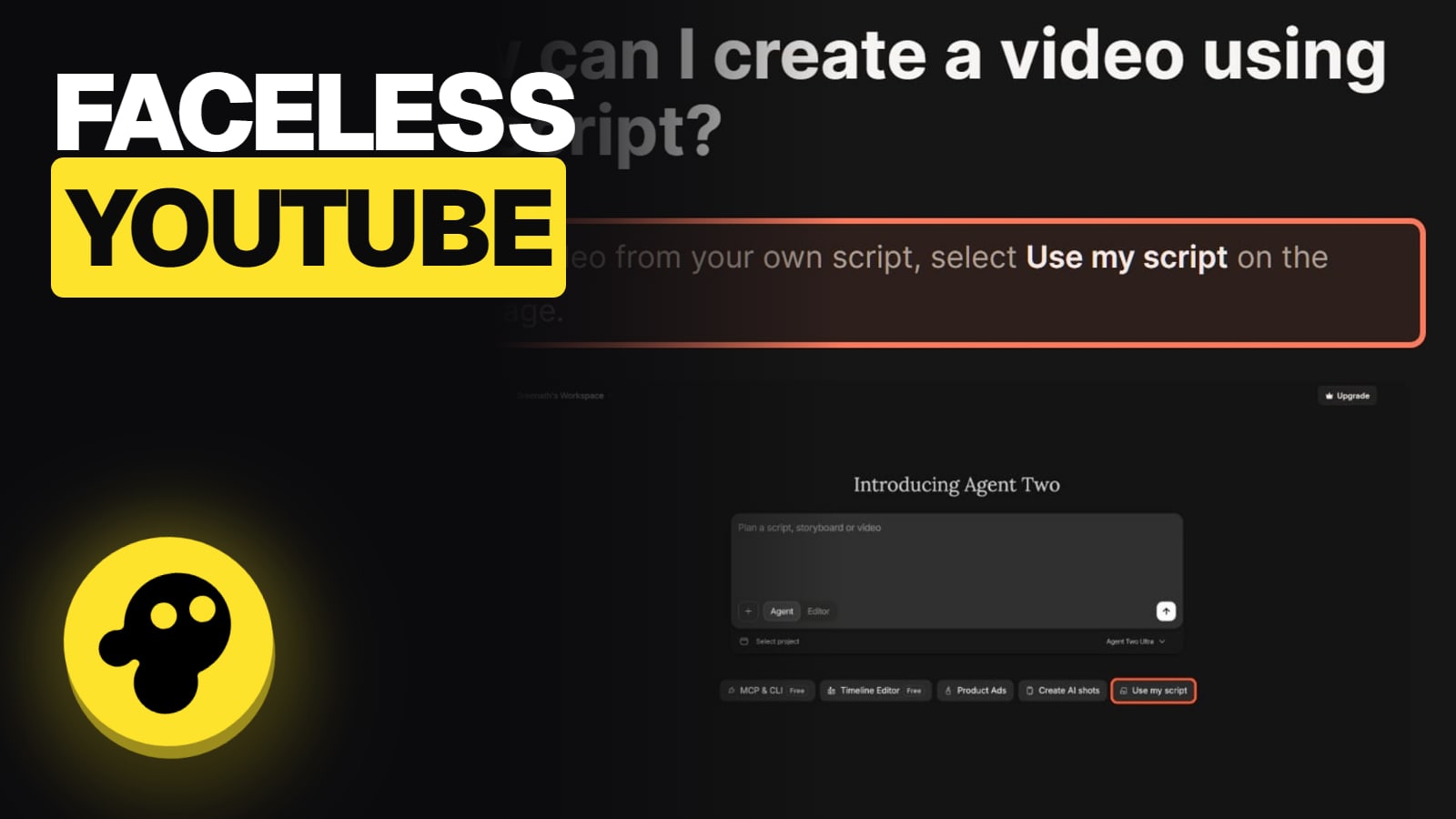
Choose the flow. Select Use my script on the prompt page. In Agent Two, invideo says workflows "like Explainer or Script to Video run in the conversational Agent flow", so the agent builds the video with you in chat. Or start any prompt with Create a video using exactly this script:.
Paste your script. invideo's faceless YouTube docs page asks for "plain text, one paragraph per scene", written by you or edited until it sounds like you.
Set the preferences. Media type, background music, subtitle style and language. For the voice, open Settings, then Voice Actors, or name one in your prompt ("Middle-aged British voice"). You can't preview a voice before you generate. Your own voice is a voice clone, covered on our invideo AI Twin page.
Switch on approval before you generate. invideo's credits article says Agent Two is "set to Always allow" by default. Pick Ask before generating videos and you get an Approve popup with the prompt, model, duration and aspect ratio before anything is made.
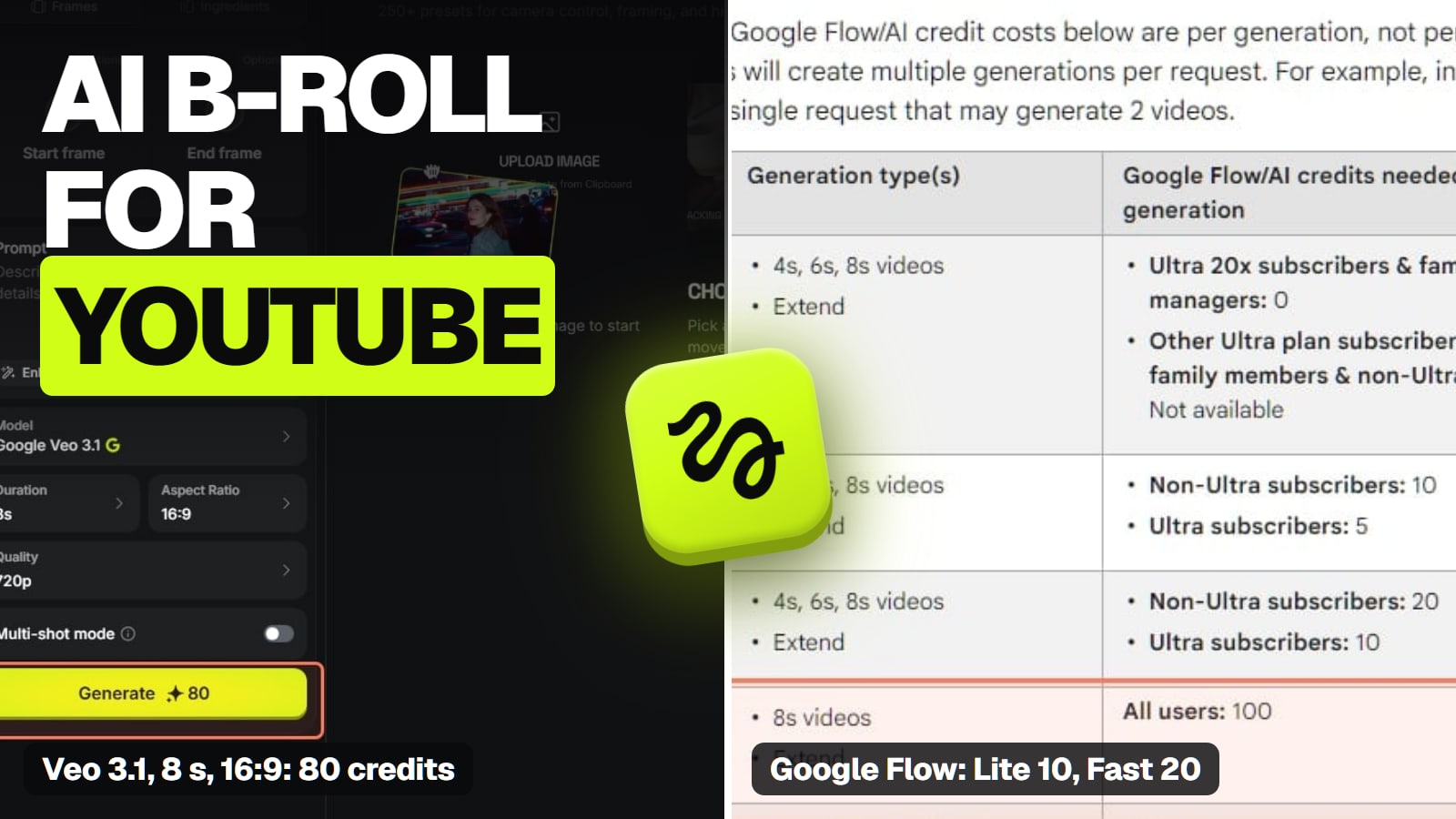
Generate, then review. The video generator shows the credits on the Generate button.
Fix the cut. Click Edit, then Script, to add or delete chapters; each new chapter takes media keywords that pick its shot. Type commands in the Magic Box to change the narrator voice, or "Change the aspect ratio to Portrait" for a Shorts cut.
Export and upload. invideo says Agent Two exports "are 1080p MP4 in every mode", and you download from the You section. Its docs page is blunt: "invideo does not upload to YouTube or pick titles and tags."
What does a faceless video cost in invideo credits?
Less than you'd fear if you use stock, much more if every shot is generated. invideo's credits page says "Edits and exports are free. Generation and transcripts cost credits." Stock search is free; paid stock uses credits or one of your plan's iStock licences. Here are the main line items, priced on invideo's own pages on November 13, 2026:
The voiceover. ElevenLabs Text to Speech costs 3.2 credits per 1,000 characters. A 1,500-word script runs to roughly 9,000 characters, so about 29 credits (our arithmetic; character counts vary).
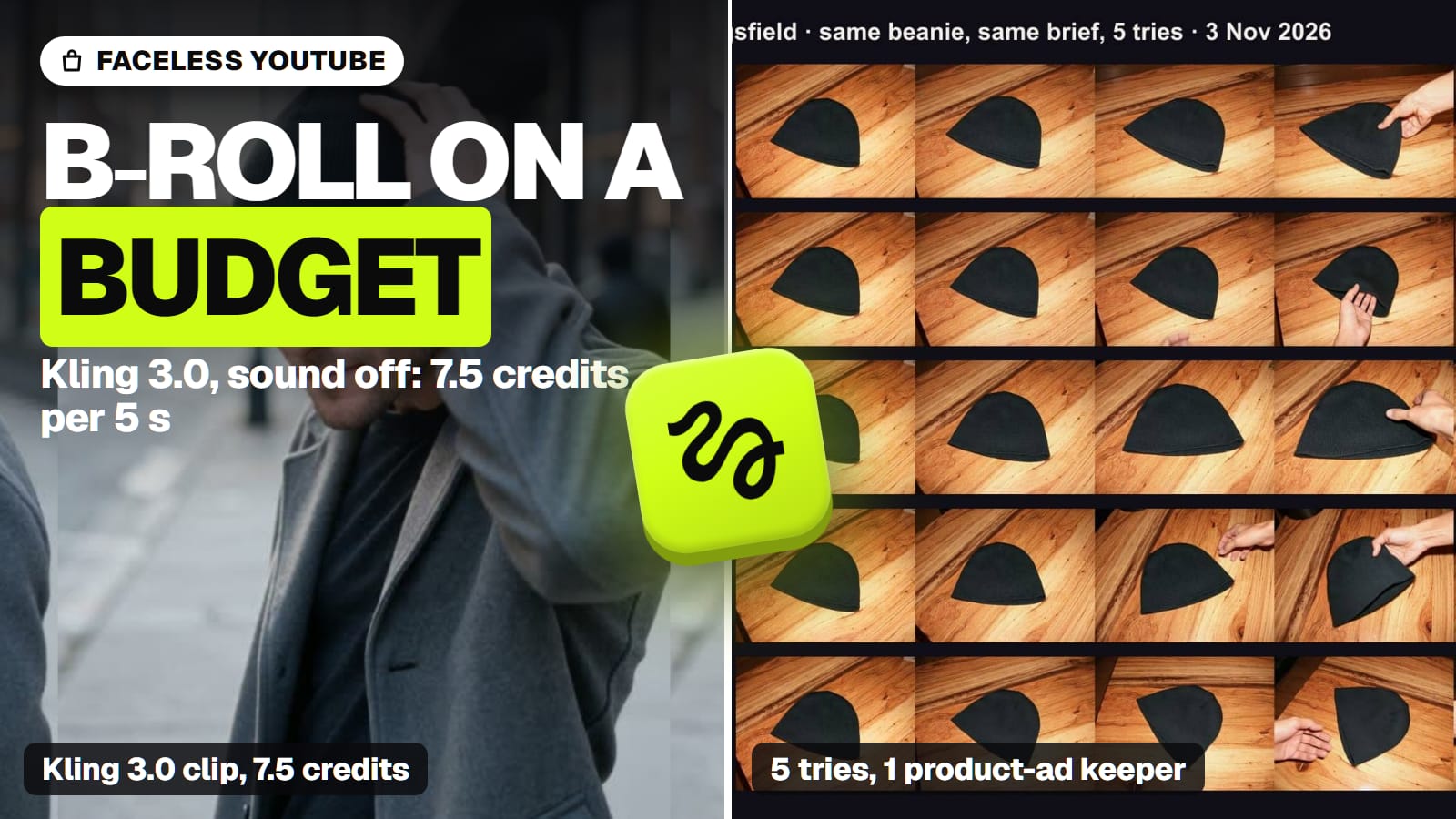
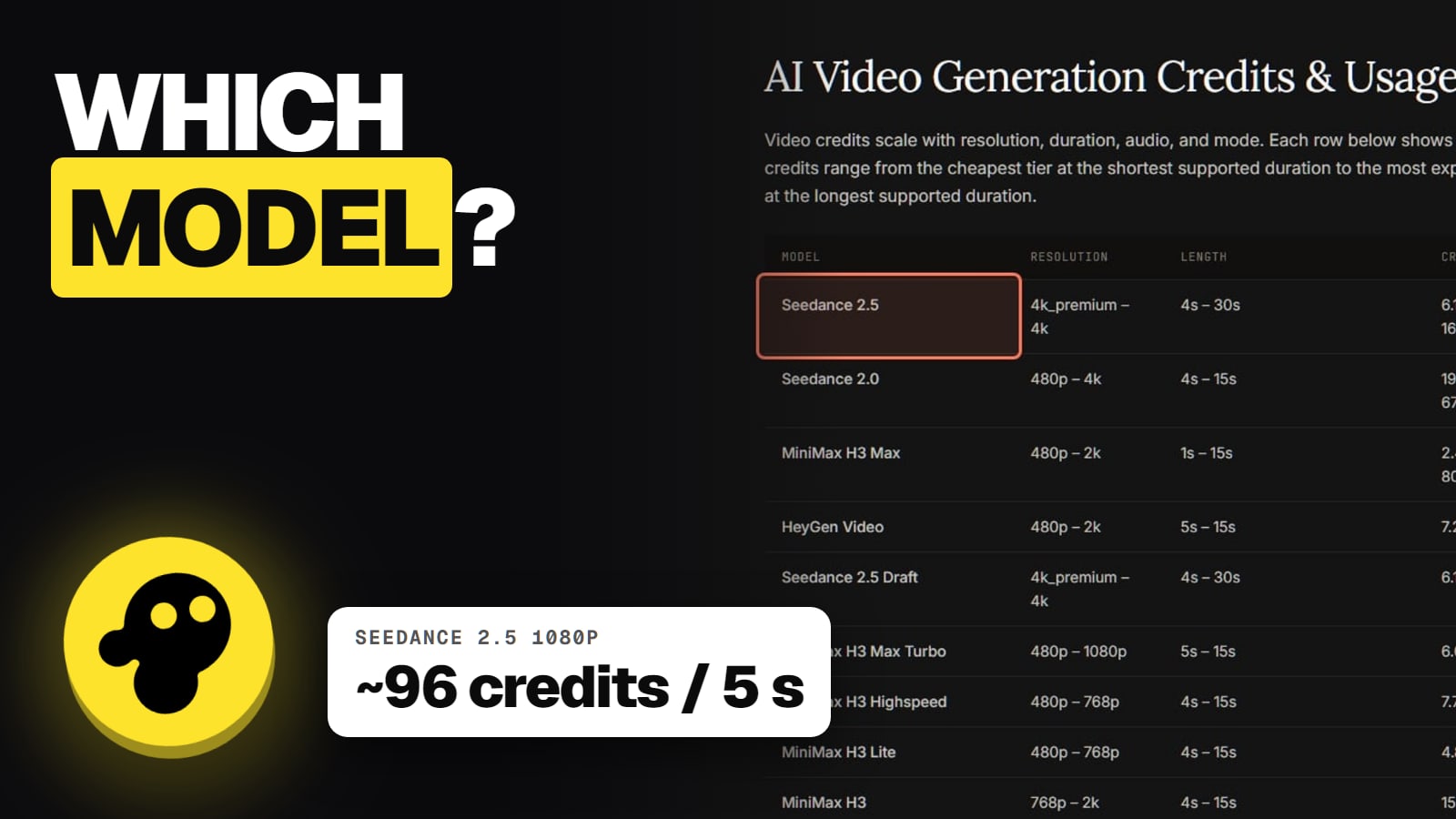
Generated b-roll. Seedance 2.5 at 720p is about 56 credits per 5 seconds; Kling 3.0 at 1080p about 22.4. Starter can't use Seedance 2.5 at all.
Agent Two's own work. invideo says one response "can include both work on your request and new media, so credits are not only for finished video clips."
Credits to cover a 10-minute video with generated b-roll (our arithmetic from invideo's pricing page, Nov 13, 2026)
All stock b-roll (free stock only)0 credits for b-roll
Stock search and edits cost nothing
All Kling 3.0, 1080p~2,688 credits
120 five-second clips at ~22.4 each
All Seedance 2.5, 720p~6,720 credits
120 five-second clips at ~56 each
Put that against the plans: Starter gives 400 credits a month, Plus 2,000 and Max 5,000 per seat. So a fully generated 10-minute Seedance video would eat more than a month of Max, before any retries. Our arithmetic ignores failed or discarded generations. The sensible pattern is the one invideo's own docs prompt shows: stock for most scenes, generated shots only for the two or three scenes stock can't show. Our invideo credits guide explains where the rest goes, and invideo pricing has every plan.
What do users complain about?
Credits, mostly. invideo's main Trustpilot profile, named "Invideo Studio", scored 1.8 out of 5 from 1,030 reviews on November 13, 2026 (a separate profile for ai.invideo.io showed 2.9). The theme that keeps coming back is credits burning fast with little usable output: on October 30, 2026, a US reviewer wrote that a one-minute video used about a quarter of their credits. Another, on October 26, said the balance kept falling while they were only chatting with the agent.
Can you monetize an invideo faceless channel on YouTube?
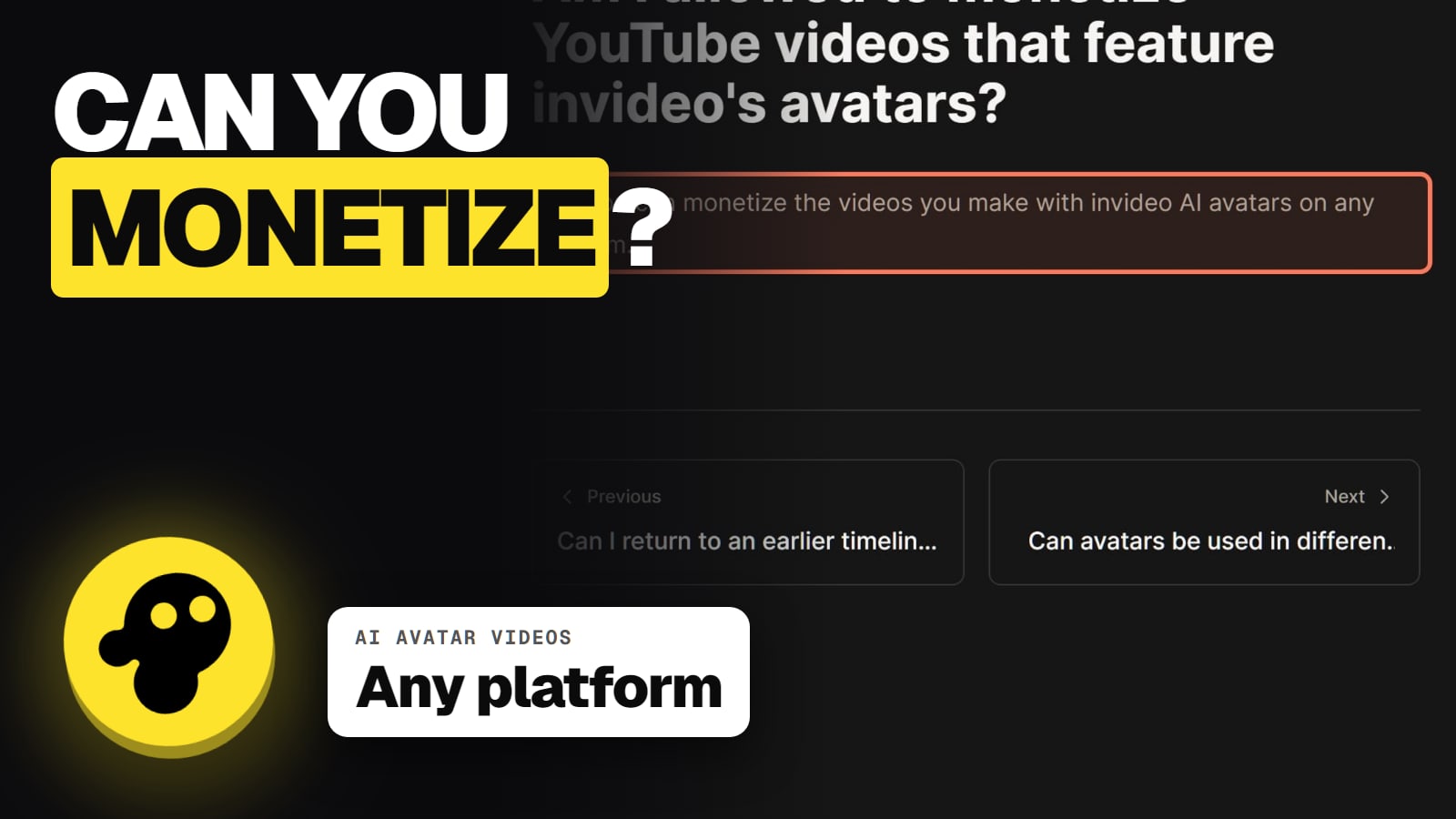
invideo allows it; YouTube decides. invideo's Terms of Service grant you a "perpetual, irrevocable, worldwide, royalty-free" licence to commercialise outputs, and its help center says videos with its AI avatars can be monetised on any platform. Two catches from invideo's own pages:
Stock stays under its own licence. invideo's licensing article lists "Whether a platform such as YouTube can raise a content claim on a stock music track" as something it doesn't settle.
Disclosure is on you. The terms say you're responsible for disclosing AI content "in a manner that is reasonably understandable" to your audience. invideo's docs add that YouTube asks you to label realistic AI-made content at upload.
YouTube's own monetisation rules still apply, whatever invideo permits. Our guide to YouTube's altered or synthetic content label covers when the box applies, and invideo commercial use covers the licence in full. We make no promise about views or income from any channel; invideo's docs page says the same.
Can invideo AI make a faceless YouTube video from my own script?
Yes. invideo's help center says to select Use my script on the prompt page, paste the script, set media, music, subtitles and language, and generate. You can also start any prompt with "Create a video using exactly this script:". Plans are on invideo's pricing page.
Does invideo upload the video to YouTube for me?
No. invideo's docs say it "does not upload to YouTube or pick titles and tags." You export the MP4 and upload it in YouTube Studio.
How do I make a Shorts version?
Type "Change the aspect ratio to Portrait" (or 9:16) in the Magic Box, per invideo's help center. invideo then generates the video in the new aspect ratio.
What does a faceless video cost in invideo credits?
Edits and exports are free. The voiceover costs about 3.2 credits per 1,000 characters with ElevenLabs, and generated b-roll costs per second, such as about 56 credits per 5 seconds for Seedance 2.5 at 720p (invideo's pages, Nov 13, 2026). Stock b-roll keeps it cheap.
Do I have to label an invideo video as AI on YouTube?
invideo's terms make disclosure your responsibility, and its docs note that YouTube asks you to label realistic AI-made content at upload. Read YouTube's rules in YouTube Studio before you publish.