Kling 3.0 with its sound switched off, on Higgsfield's Plus plan: a minute of AI B-roll in each of two videos a week comes to about 720 credits a month, inside Plus's 1,200. The monthly maths for seven models, how to keep shots consistent, and YouTube's rules on AI and monetisation.
Some links on this page are referral links: we may earn a commission, at no cost to you.
Share
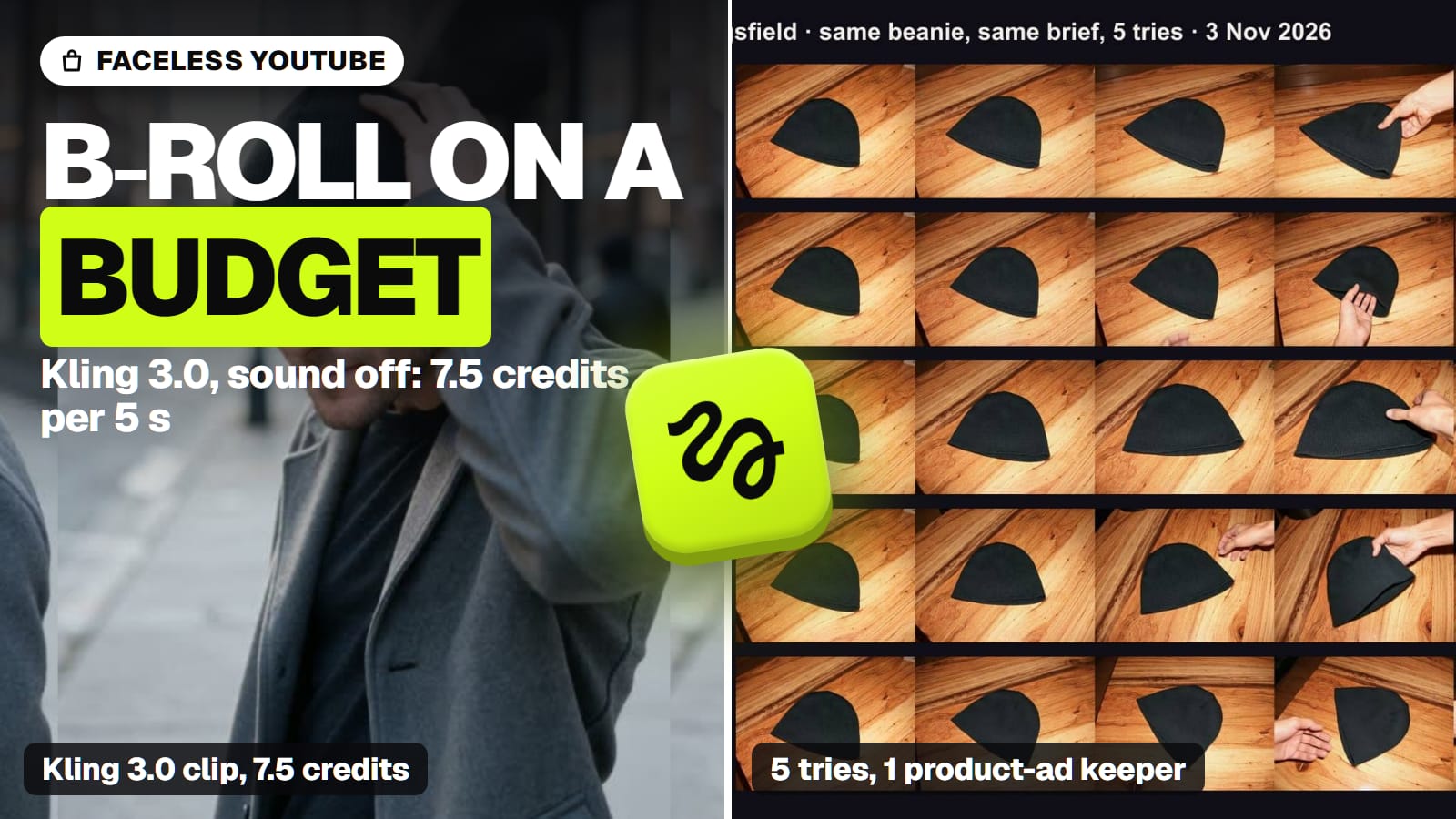
The best AI video generator for a faceless YouTube channel is Kling 3.0 with its sound switched off, run on Higgsfield's Plus plan, because a narrated channel needs a lot of cheap, steady B-roll and no generated audio. At 7.5 credits per 5-second 720p clip (Higgsfield's Generate button, Nov 3, 2026), two videos a week with a minute of AI B-roll each comes to about 720 credits a month, inside Plus's 1,200. We checked every price and rule below on the makers' and YouTube's own pages between November 3 and November 8, 2026. The other jobs in this series, from Shorts to music videos, are on our best AI video generator hub.
How many credits a month does a faceless channel need?
The number that decides your plan is seconds of AI footage per month, not the price of one clip. We worked it out for a channel that uploads two videos a week (eight a month) with 60 seconds of AI B-roll in each; the rest of each video is voiceover over stills, text and maps. That is 480 seconds a month. Each bar is that month at 720p, first tries only, from the credit price Higgsfield's Generate button showed on the date in the source list (our arithmetic).
A month of faceless B-roll on Higgsfield: 480 seconds, 8 videos (our arithmetic, Nov 2026)
Grok Imagine 1.5 Lite (5 s clips)480 credits
96 clips at 5 credits (read Nov 8)
Hailuo 2.3, 768p (6 s clips)480 credits
80 clips at 6 credits (read Nov 3)
Kling 3.0, sound off (5 s clips)720 credits
96 clips at 7.5 credits (read Nov 3)
Veo 3.1 Lite (8 s clips)720 credits
60 clips at 12 credits (read Nov 3)
Wan 3.0 (5 s clips)864 credits
96 clips at 9 credits (read Nov 3)
Kling 4.0, sound always on (5 s clips)1,080 credits
96 clips at 11.25 credits, a launch discount (read Nov 7)
Seedance 2.5 (5 s clips)3,360 credits
96 clips at 35 credits (read Nov 7)
Set those against Higgsfield's plans (read November 7): Starter is $19 for 270 credits and lists "selected models only"; Plus is $59 a month, or $47 billed yearly, for 1,200, and is the cheapest plan that lists all models; Ultra is $129 a month, or $99 billed yearly, for 3,000. Kling 3.0's 720 credits fit Plus with room for about 64 retries. Starter's 270 credits cover about a third of that month on Kling 3.0. Seedance 2.5 doesn't fit even Ultra.
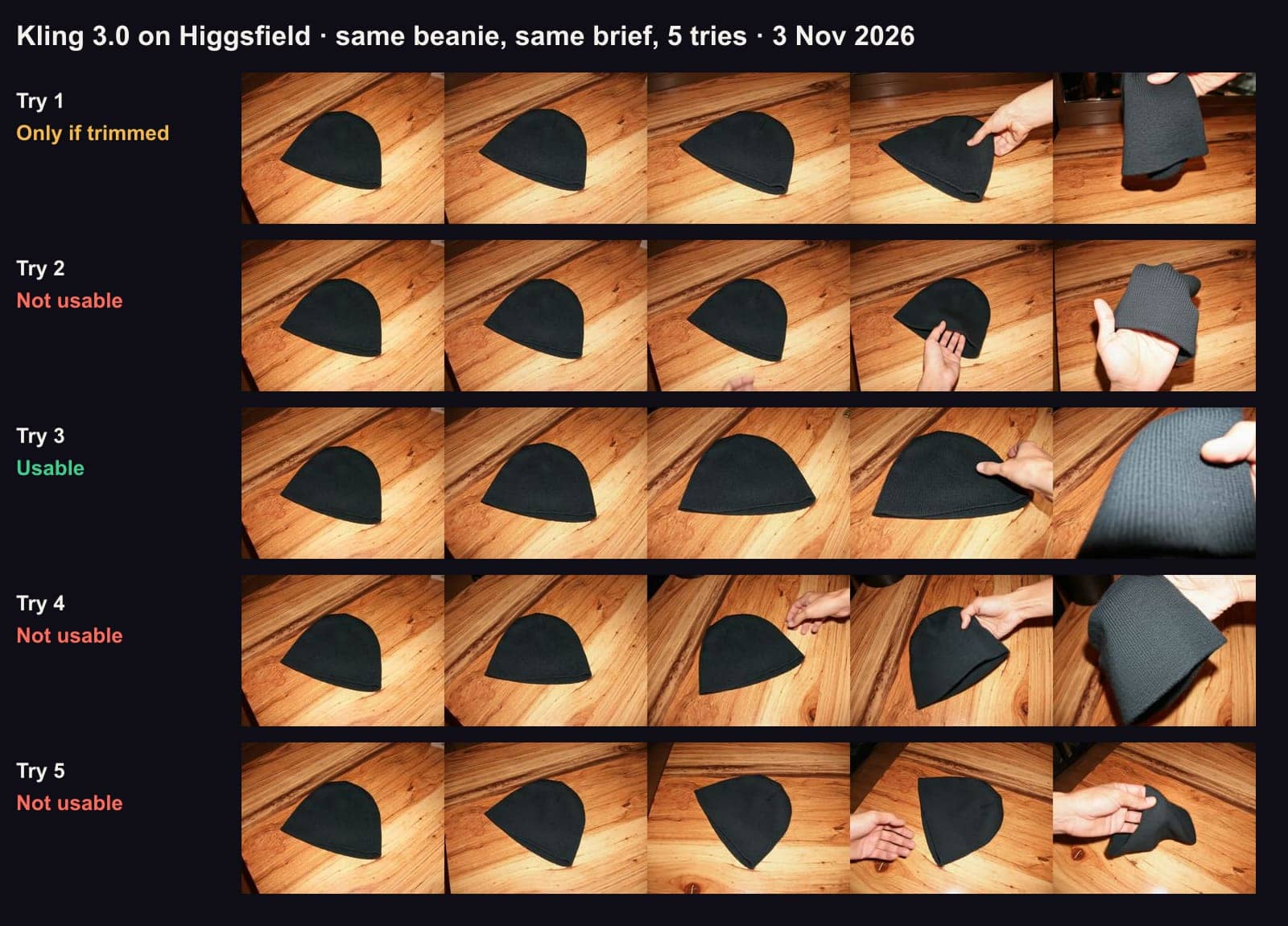
Retries are the part people forget. In our cost-per-usable-clip test on November 3, one of five Kling 3.0 tries and three of five Seedance 2.5 tries were good enough for a strict product ad. B-roll behind a voiceover is far more forgiving than a product close-up, but budget at least one retry per clip: that takes Kling 3.0 to about 1,440 credits, past Plus, so either cut the AI seconds per video or move to Ultra. How Higgsfield's credits work explains what a credit buys on each plan.
Why turn the sound off?
Because your narration replaces it, and on Kling 3.0 silence is cheaper. Higgsfield's catalogue lists a sound switch for Kling 3.0 ("Use 'off' for silent video and lower credits"), and the Generate button showed 7.5 credits for a 5-second 720p clip without sound against 10 with it (Nov 3). Over 96 clips a month that's 240 credits saved.
Other models charge for sound you will mute anyway:
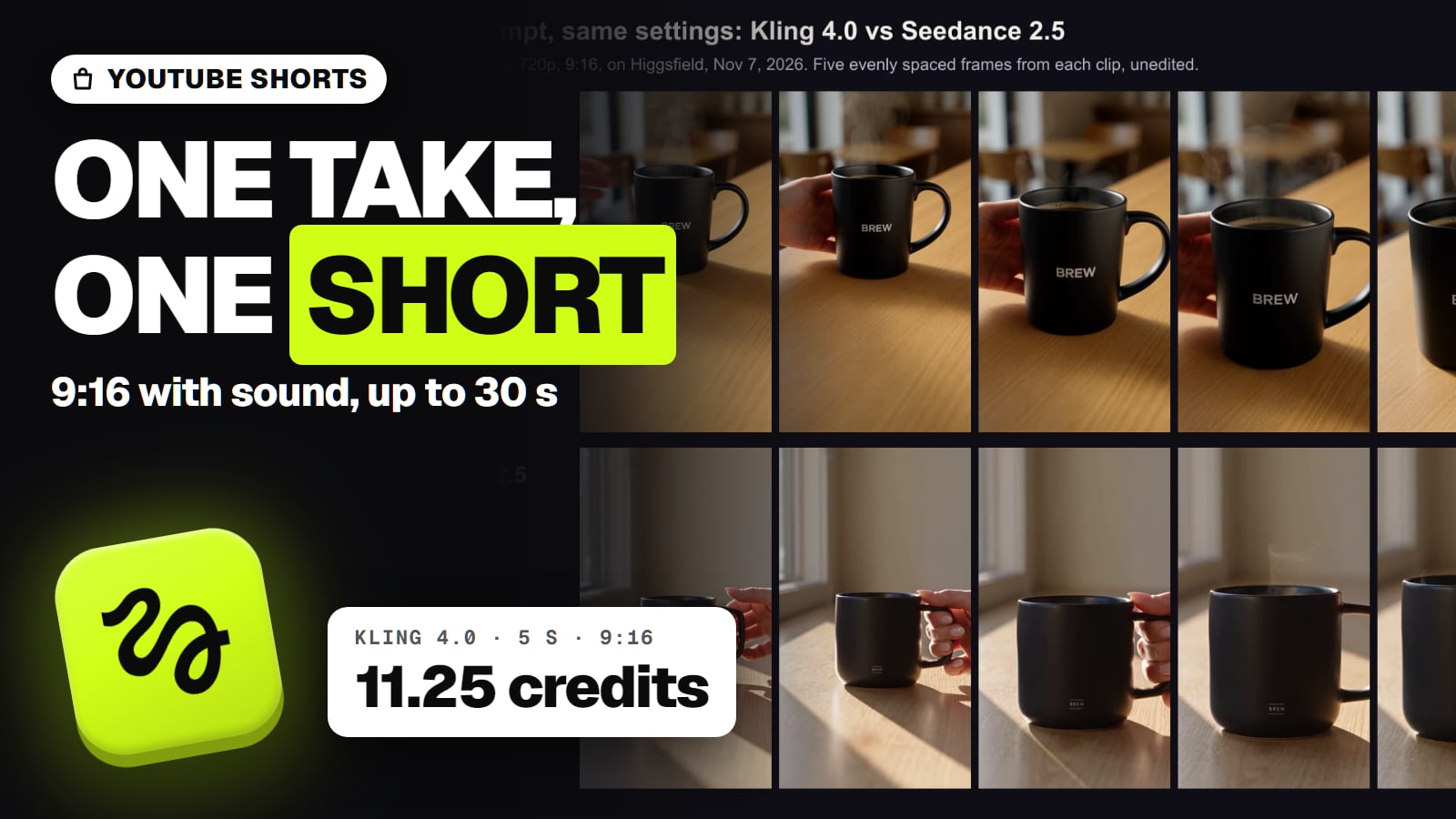
Kling 4.0 generates two-channel stereo with every clip and has no sound switch, and Kling's own 4.0 guide says it may add subtitles and background music by default. Subtitles burned into B-roll are hard to remove.
Seedance 2.5 has a sound toggle on Higgsfield, but switching it off doesn't lower the price.
Veo 3.1 Lite on Higgsfield has sound off by default, which suits B-roll.
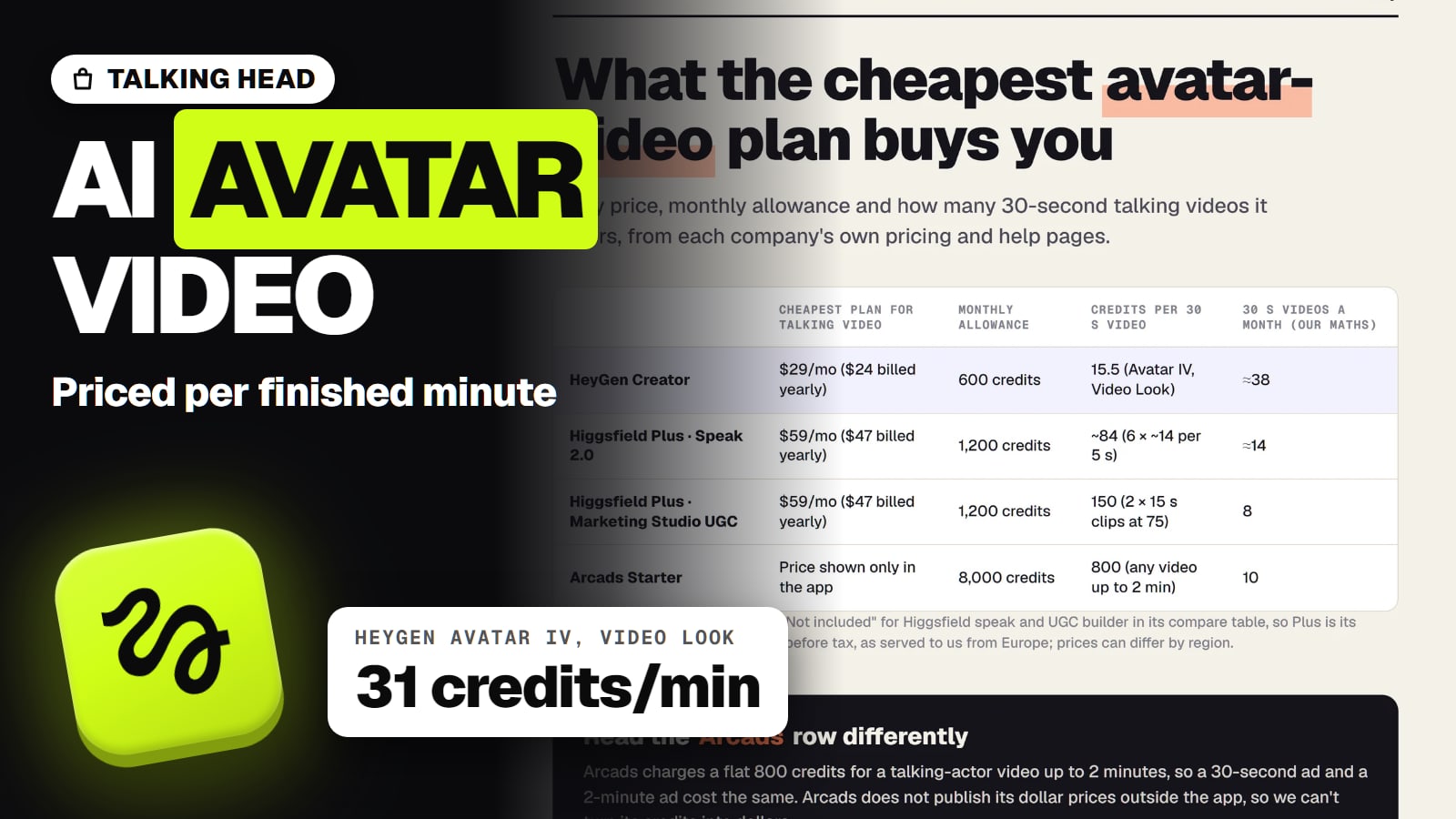
If you'd rather a model speak for you, that's a talking-avatar job, not B-roll: talking-avatar videos in Higgsfield covers it. For the narration itself, our AI voice generator comparison prices an hour of voiceover on each app and API, and which free plans allow commercial use.
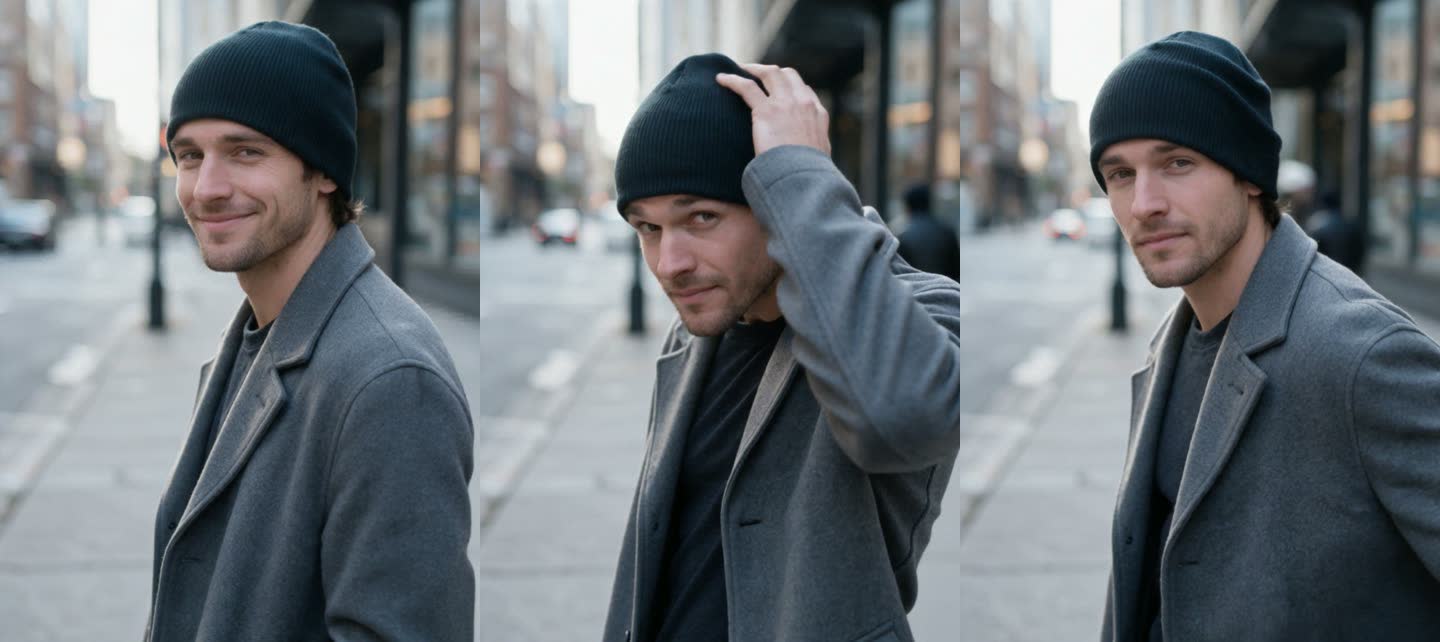
A 5-second Kling 3.0 clip we made from one photo on Higgsfield (standard mode, no sound, 7.5 credits, one attempt, no edits). The start frame fixes the person, clothes and street, which is what keeps B-roll shots looking like one video. · Generated with Higgsfield (Kling 3.0)
How do you keep B-roll shots consistent?
Make the stills first, then animate them. A faceless video falls apart when every clip has a different light, palette and face, and text-to-video invents a new scene each time. Image-to-video doesn't: you give the model the first frame.
Kling 3.0 takes a start frame and an end frame on Higgsfield, 3 to 15 seconds per clip. In our November 3 product test, Kling 3.0 given a photo as its start frame kept that photo's wooden table and framing in all five tries. For a product ad that was a problem; for B-roll that has to match the shot before it, it's the behaviour you want.
Kling 3.0 Omni takes up to seven reference images instead of a start frame, and can generate several shots in one go (Higgsfield catalogue, Nov 8), useful when the same room or object appears across scenes.
Seedance 2.0 is described in Higgsfield's catalogue as reference-driven with "consistent identity", taking up to nine images, three clips and three audio files per its help table.
Recurring characters. If your channel has a narrator figure or a reconstructed historical person, the face has to hold across stills. In our same-face test (Oct 27, images, not video), Seedream 5.0 Pro kept one fictional woman's five face details in 6 of 8 new scenes and Nano Banana 2 in 4 of 8.
Kling 3.0, five tries from one start photo, November 3, 2026. Every try kept the photo's table and framing; one in five was clean enough for a product ad. Budget for retries. · Aliteq test, made with Kling 3.0 on Higgsfield
Video models for faceless B-roll, by what the job needs (Nov 2026)
Kling 3.0
Clip length
3 to 15 s
Sound off?
Yes, and cheaper
First frame from your still
Start and end frame
5 s at 720p on Higgsfield
7.5 credits (Nov 3)
Kling 4.0
Clip length
3 to 30 s
Sound off?
No, stereo always on
First frame from your still
Start frame, keyframes, references
5 s at 720p on Higgsfield
11.25 credits, discounted (Nov 7)
Grok Imagine 1.5 Lite
Clip length
1 to 15 s
Sound off?
Not offered
First frame from your still
Start frame
5 s at 720p on Higgsfield
5 credits (Nov 8)
Hailuo 2.3 (MiniMax)
Clip length
6 or 10 s
Sound off?
Audio not verified
First frame from your still
Start and end frame
5 s at 720p on Higgsfield
6 credits for 6 s at 768p (Nov 3)
Wan 3.0
Clip length
2 to 30 s
Sound off?
Toggle (price effect not checked)
First frame from your still
First and last frame, references
5 s at 720p on Higgsfield
9 credits (Nov 3)
Veo 3.1 Lite (Google)
Clip length
4, 6 or 8 s
Sound off?
Off by default
First frame from your still
Start and end frame
5 s at 720p on Higgsfield
12 credits for 8 s (Nov 3)
Seedance 2.5
Clip length
4 to 30 s
Sound off?
Toggle, same price
First frame from your still
Start and end frame, references
5 s at 720p on Higgsfield
35 credits (Nov 7)
Clip length
Sound off?
First frame from your still
5 s at 720p on Higgsfield
Kling 3.0
3 to 15 s
Yes, and cheaper
Start and end frame
7.5 credits (Nov 3)
Kling 4.0
3 to 30 s
No, stereo always on
Start frame, keyframes, references
11.25 credits, discounted (Nov 7)
Grok Imagine 1.5 Lite
1 to 15 s
Not offered
Start frame
5 credits (Nov 8)
Hailuo 2.3 (MiniMax)
6 or 10 s
Audio not verified
Start and end frame
6 credits for 6 s at 768p (Nov 3)
Wan 3.0
2 to 30 s
Toggle (price effect not checked)
First and last frame, references
9 credits (Nov 3)
Veo 3.1 Lite (Google)
4, 6 or 8 s
Off by default
Start and end frame
12 credits for 8 s (Nov 3)
Seedance 2.5
4 to 30 s
Toggle, same price
Start and end frame, references
35 credits (Nov 7)
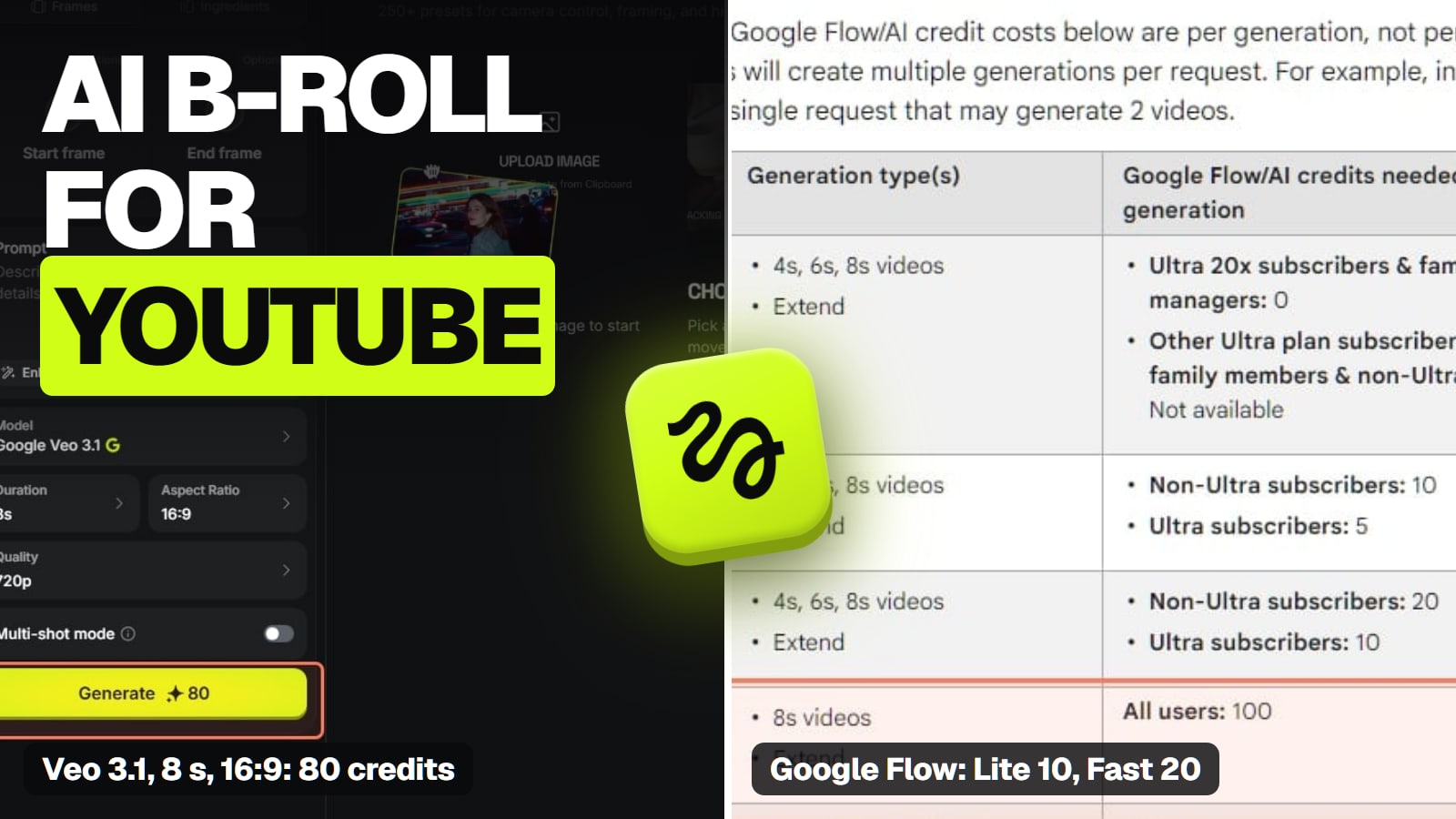
Google Flow with Veo 3.1 Lite is the one route that can beat Kling 3.0 on price per second, and Higgsfield doesn't sell it. Flow charges 10 credits for a Veo 3.1 Lite clip (up to 8 seconds) to subscribers below Ultra, and Google AI Pro is $19.99 a month for 1,000 Flow credits (read Nov 3), so the 60 eight-second clips above would use 600. The catch: Google's Pro plan FAQ calls it a "limited trial of Veo 3.1 Lite", and Flow's own pages disagree on whether the 50 free daily credits need a plan at all. Check what your account gets before you plan a channel on it; is Veo 3 free has the detail.
Seedance 2.5 is the model to use when a clip needs real people moving convincingly, and in our product test it followed the brief best. At 35 credits per 5 seconds, keep it for the two or three hero shots in a video, not the filler.
Sora 2 is gone. OpenAI closed the Sora app on April 26, 2026 and the API on September 24, 2026; nothing sells it now, Higgsfield included (is Sora 2 free).
Free routes come with a watermark: Kling's Basic plan, Hailuo, Dreamina, Wan and Higgsfield's free accounts all mark free output, and Kling's Basic plan isn't for commercial use. A monetised channel is commercial, so plan on a paid tier. Higgsfield's help center says paid plans carry no visible watermark.
What YouTube's rules mean for an AI-made channel
Two separate YouTube policies apply, and only one of them affects money.
1. Disclosure. YouTube's help page asks creators to disclose AI-generated or altered content that seems realistic, using the "AI use" setting in YouTube Studio. Its examples of what doesn't need it include clearly unrealistic content, animation, and production help such as using AI for an outline. The page also says: "Disclosing AI content alone won't limit a video's audience or impact its eligibility to earn money." Creators who keep skipping it can get a label added for them, and the page lists removal or suspension from the YouTube Partner Program among the penalties. A photorealistic reconstruction of a historical street needs the label; a stylised map animation doesn't. YouTube's altered or synthetic content label walks through where it shows.
2. Inauthentic content. This is the one that decides monetisation. On July 15, 2025 YouTube renamed its "repetitious content" policy to "inauthentic content" and clarified that it covers content that is repetitive or mass-produced. Among the examples YouTube lists as not monetisable: "AI-generated content made with generic or unoriginal templates giving the impression of mass production" and "Image slideshows, templated storylines, or scrolling text with minimal or no narrative, commentary, or educational value". A series with the same characters is fine when each video has a distinct storyline, and a shared intro and outro is fine when "the bulk of your content is different".
What that means for the generator you choose: none of them makes a channel monetisable. The script, research and voice carry the video, and the B-roll illustrates them. Spending your credits on a few precise shots per video that match the narration does more for you than a hundred generic ones. YouTube judges the channel as a whole, and no plan on any generator changes that. How to start a faceless YouTube channel with AI covers the rest of the workflow, from niche to upload.
The best AI video generator for other jobs
Each page below answers one job from the same checked facts. All of them, grouped by job, are in our best AI video generator guide.
Best free AI video generator: Google Flow's 50 daily credits are the biggest free allowance; Dreamina's 120 a day is the US runner-up.
What we couldn't verify
B-roll quality. Our only video tests are a product ad (Kling 3.0 and Seedance 2.5, Nov 3) and one prompt each on Kling 4.0 and Seedance 2.5 (Nov 7). We haven't run any model on faceless B-roll, so the pick rests on price, length, the sound switch and start-frame control, not on a quality comparison.
Which models Starter includes. Higgsfield's Starter card says "selected models only" and names Seedance 2.0 Fast and 2.0 Mini; it doesn't say whether Kling 3.0 is in.
How long the discounts last. Kling 4.0's 11.25 credits was a launch discount from 13.75; Higgsfield doesn't publish an end date.
Hailuo 2.3's sound and aspect ratios. Neither MiniMax nor Higgsfield's catalogue states them.
Whether Wan 3.0's sound toggle lowers the price. Not checked.
Veo 3.1 Lite on Google AI Pro. Google's pages list a per-clip credit price for subscribers but call Pro's access a limited trial.
How YouTube will judge a given channel. The policy wording is YouTube's; how it applies to your videos is YouTube's call, made on the channel as a whole.
4/ 10
Verdict
Kling 3.0, sound off, on Plus
For a faceless channel, the generator that wins is the one whose month fits your plan. Kling 3.0 with sound off is the pick: 7.5 credits per 5-second clip, about 720 credits a month for two videos a week, start frames that keep shots matching, and no paid-for audio under your narration. Use Grok Imagine 1.5 Lite or Hailuo 2.3 for cheap filler, Seedance 2.5 only for the few shots with people in them, and check Google Flow if your Google plan includes Veo 3.1 Lite.
Best for: Faceless YouTube creators who narrate their videos and need steady, matching B-roll every week
Faceless YouTube and AI video: common questions
What is the best AI video generator for a faceless YouTube channel?
For B-roll under a voiceover, Kling 3.0 with sound off on Higgsfield's Plus plan. It costs 7.5 credits per 5-second 720p clip (Nov 3, 2026), so a minute of B-roll in each of two weekly videos is about 720 credits a month, inside Plus's 1,200. Its start-frame mode animates your own stills, which keeps shots consistent.
Can you monetize a faceless YouTube channel that uses AI video?
YouTube's policy doesn't ban AI footage. It says AI content made with generic or unoriginal templates that gives the impression of mass production can't be monetised, and it judges the channel as a whole. Videos with real narrative, commentary or educational value, where the AI footage illustrates the script, are the kind it allows. Nothing here guarantees approval or earnings.
Do I have to label AI B-roll on YouTube?
Only when it seems realistic. YouTube asks creators to disclose realistic AI-generated or altered content through the AI use setting in YouTube Studio; clearly unrealistic content and animation don't need it. YouTube says disclosure alone won't limit a video's audience or its eligibility to earn money.
How many Higgsfield credits does a faceless channel need a month?
Count seconds, not clips. Two videos a week with 60 seconds of AI footage each is 480 seconds a month: about 720 credits on Kling 3.0 with sound off, 480 on Grok Imagine 1.5 Lite or Hailuo 2.3, and 3,360 on Seedance 2.5, before retries (our arithmetic from Higgsfield's prices, Nov 3 to Nov 8, 2026).
Is there a free AI video generator for a faceless channel?
Not one you can monetise cleanly. Kling, Hailuo, Dreamina, Wan and Higgsfield watermark free output, and Kling's free Basic plan isn't for commercial use. Google Flow gives 50 credits a day, but Google's own pages disagree on whether that needs a paid plan.
Can I use Sora for a faceless channel?
No. OpenAI discontinued the Sora app on April 26, 2026 and the Sora API on September 24, 2026, and Higgsfield doesn't host it.
The short version: work out your AI seconds per month first, then pick the cheapest model that turns its sound off and starts from your own frame. For most narrated channels that's Kling 3.0 on Plus.