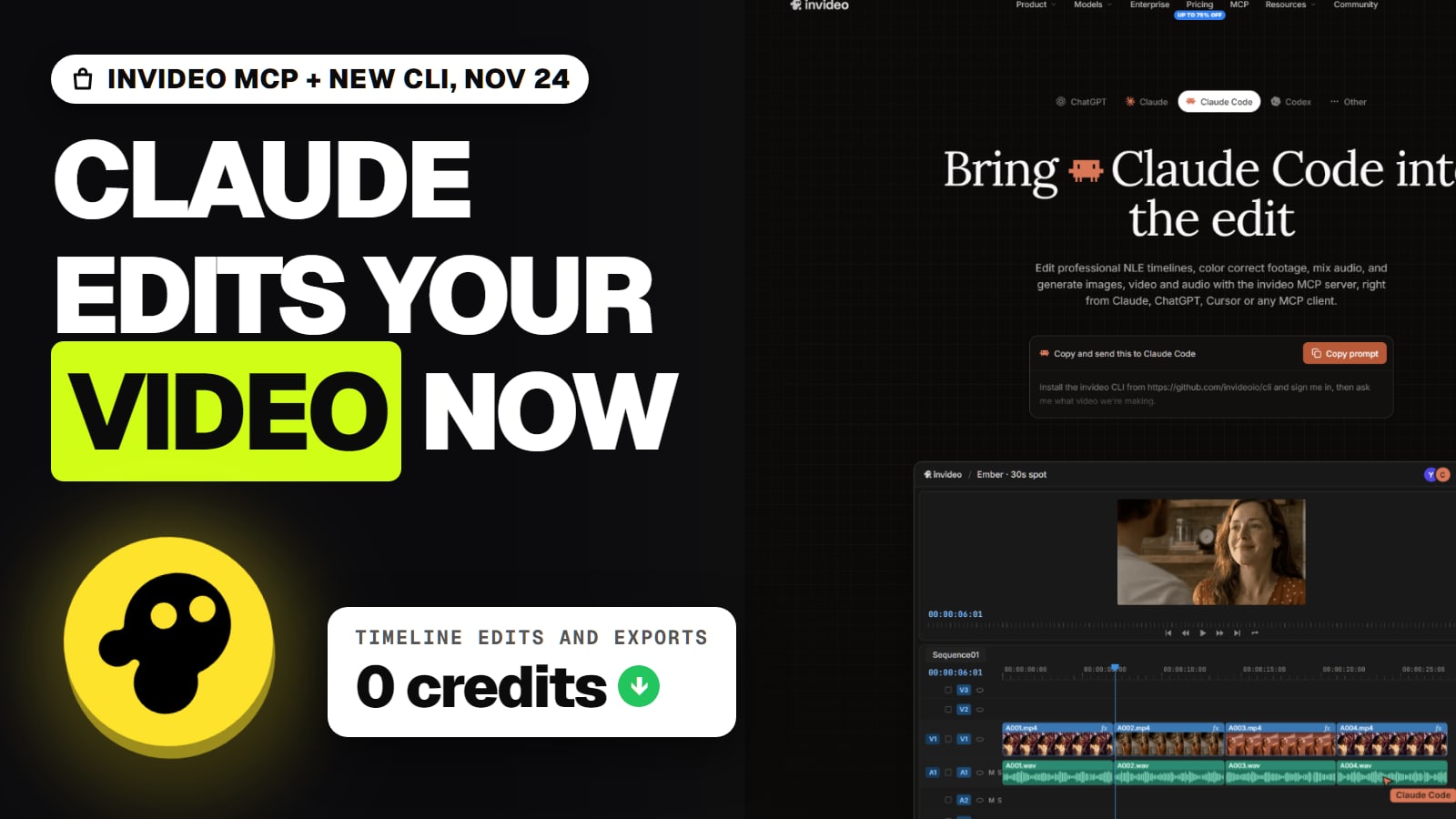
invideo's video editor is now a tool your AI agent can drive. Claude, ChatGPT, Cursor, Codex and Gemini cut a real timeline while you watch it live in the browser, and invideo shipped a CLI with 1,000+ skills on November 24, 2026. How to connect each app, what costs credits, and what's free.
invideo MCP turns invideo's video editor into a tool for your AI agent. You connect Claude, ChatGPT, Cursor, Gemini or any MCP app to https://mcp.invideo.io/mcp, sign in to your invideo account, and the agent opens projects, generates the shots, voices and music a video needs, and cuts them on a real multi-track timeline. You watch each edit land live in the browser and can edit by hand at the same time. Terminal agents like Claude Code use the invideo CLI instead, which invideo relaunched on November 24, 2026 with "1000+ skills". Edits and exports cost nothing; generation spends credits. We read invideo's MCP page and docs on November 25, 2026.
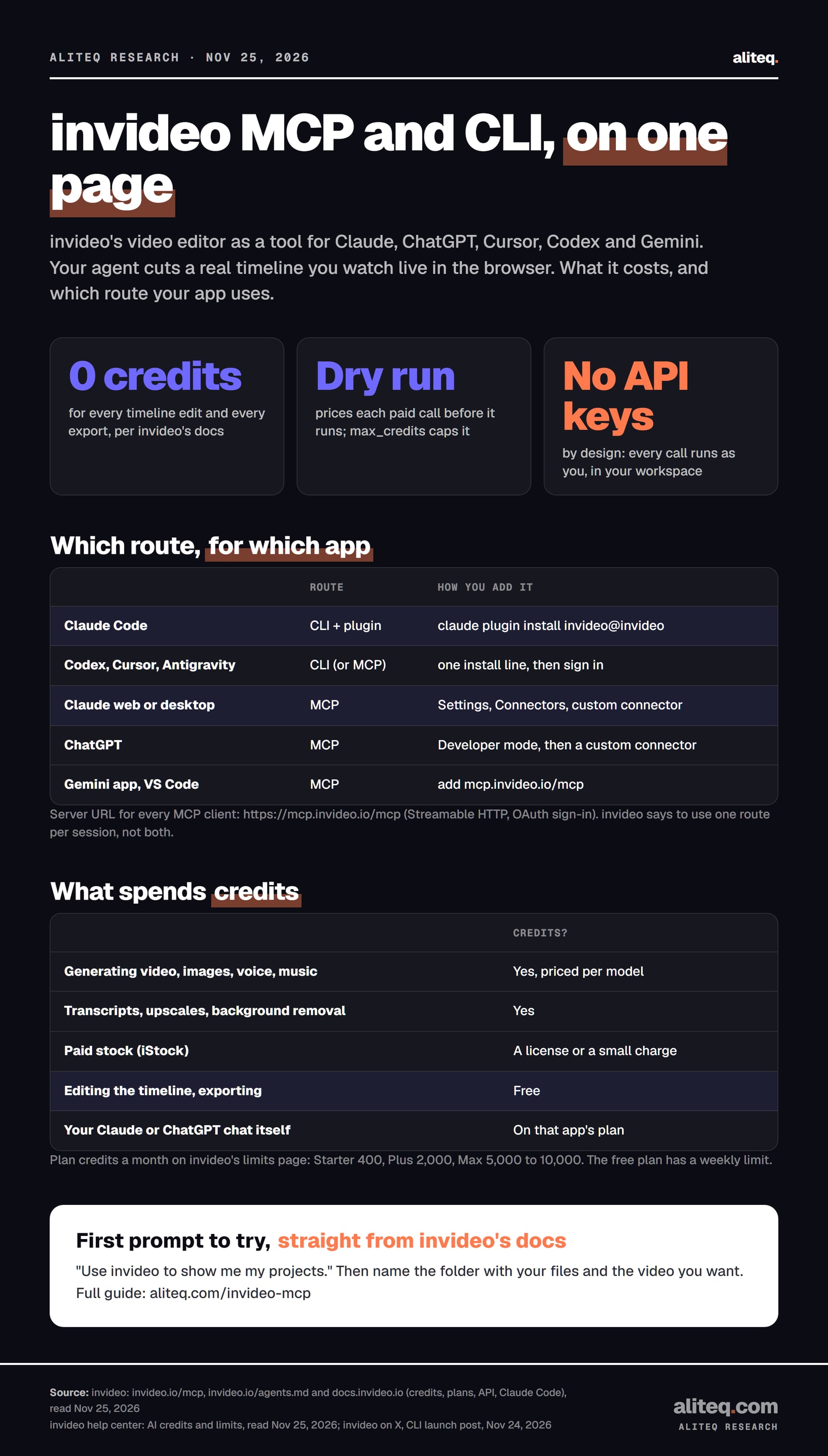
invideo MCP and CLI on one image, free to share with a link back. From invideo's MCP page, setup guide and docs, read Nov 25, 2026. · aliteq research
What is invideo MCP?
MCP (Model Context Protocol) is the standard way AI apps call outside tools. invideo runs an MCP server, so an AI app that speaks MCP can use invideo's editor the way you would. Per invideo's setup guide, a connected agent opens a project by its URL, brings media in, generates what the project lacks, edits timelines, and "the user watches every edit land live in the real editor".
invideo describes a project as "Figma and GitHub for video": it lives in the browser, several people (and agents) can work in it at once, and it has a main timeline, branches and a full edit history. So you can ask Claude for three versions of a hook, each on its own branch, and compare them before anything reaches the main cut.
How do I connect invideo to my AI app?
invideo splits it into two routes. Apps without a terminal use the MCP server. Agents that run shell commands use the CLI. Its docs say to pick one route per session, not both.
Claude Code
invideo's Claude Code guide installs a plugin that brings invideo's skills and the CLI:
In your terminal, run claude plugin marketplace add invideoio/skills, then claude plugin install invideo@invideo.
Give Claude Code a video job. On the first one it installs the invideo CLI (a single binary, no sudo) and runs invideo auth login.
A sign-in tab opens in your browser. Sign in to invideo and choose the workspaces your agent may use.
Back in Claude Code, try invideo's first prompt: "Use invideo to show me my projects." Then name the folder with your files and the video you want.
Prefer the MCP server in Claude Code? invideo's setup guide also lists claude mcp add --transport http --scope user invideo https://mcp.invideo.io/mcp, then /mcp, choose invideo and Authenticate.
Claude on the web or desktop
Settings, Connectors, Add custom connector. Name it invideo and paste https://mcp.invideo.io/mcp. Connecting opens invideo's sign-in. So Claude can upload files you attach in a chat, invideo's guide says to turn on "Create and edit files" and internet access under Settings, Capabilities, and allow m.invideo.io.
ChatGPT
Custom connectors in ChatGPT need Developer mode (Settings, Connectors, Advanced). Then create a connector named invideo with the same server URL. invideo notes that ChatGPT agents running in the cloud can't use connectors.
Codex, Cursor, VS Code, Gemini
Codex:codex mcp add invideo --url https://mcp.invideo.io/mcp, then start a new Codex session.
Cursor: add "invideo": { "url": "https://mcp.invideo.io/mcp" } under mcpServers in ~/.cursor/mcp.json.
VS Code:code --add-mcp with the same URL.
Gemini: a custom app in the Gemini app, or an MCP server in Gemini CLI, per invideo's docs.
What's the invideo CLI?
One program for macOS, Linux and Windows that does the same work as the MCP server from a shell, and saves files to disk. invideo announced it on X on November 24, 2026 as "invideo CLI with Integrated Skills", with "1000+ skills across marketing, content, film, learning and development". You describe the job in plain language and the CLI picks the skill.
The install script, per invideo's guide, writes one file to ~/.local/bin/invideo, with uv, pipx, npm and Homebrew as alternatives. invideo auth login opens a browser to sign in; on a server, INVIDEO_NO_BROWSER=1 invideo auth login prints a link and a code you approve from your phone. Every command is on invideo's GitHub.
Does invideo MCP cost extra?
No separate fee. invideo's plans page lists "invideo MCP and the invideo CLI" among what every plan includes. What you pay for is credits, the same credits you'd spend in the invideo app:
What spends invideo credits through MCP or the CLI (invideo docs, Nov 25, 2026)
Every timeline edit (yours or the agent's)
Credits?
Free
Every export (video, audio, still, project file)
Credits?
Free
Reading projects, model and price lookups, stock search
invideo's credit limits page lists Starter at 400 credits a month, Plus at 2,000 and Max at 5,000 to 10,000. The free plan has a weekly limit instead. Our invideo credits guide shows what each plan's credits buy.
The price check before every paid call
invideo's docs tell the agent to run every paid call as a dry_run first, which returns the price and spends nothing. It then tells you the price, and for anything 1 credit or more it waits for your yes. The real call carries max_credits, so nothing starts if the price came out higher. One catch, in invideo's words: "max_credits caps the estimate, not the final charge", so a generation priced as an estimate can end a little above it.
If you're worried about runaway spending, say so in your first prompt: "Tell me the credit cost of each step before you run it."
Is there an invideo API key?
No, and invideo says that's by design. Its API page says every call runs "as a signed-in person, in that person's workspace". For scripts and servers it uses device sign-in, where you approve a code on your phone once. If a tool asks you for an invideo API key, invideo says "it is not one of invideo's routes".
What can you make with it?
invideo's docs have a page per job, written as prompts. A few that show what the agent does:
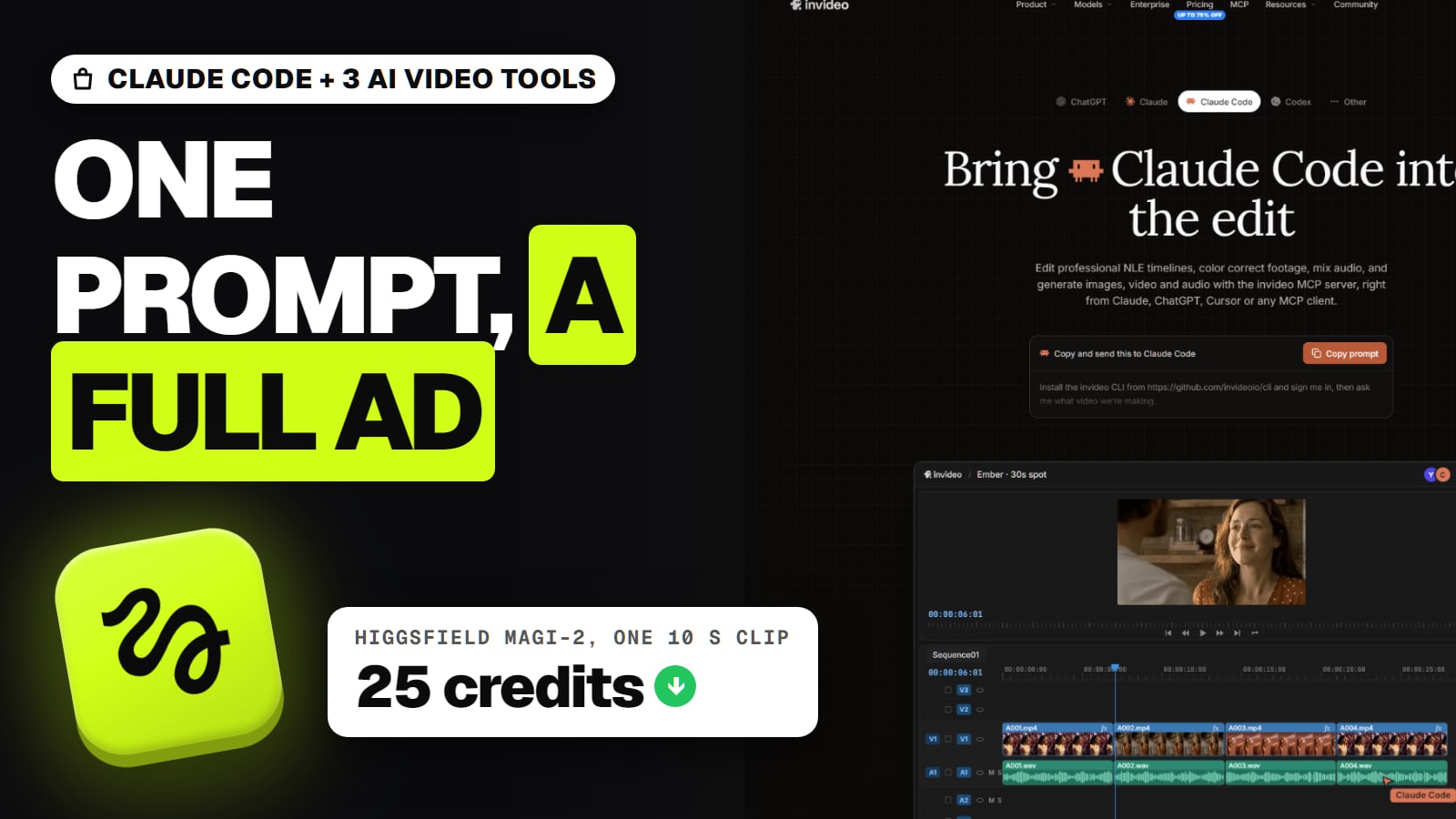
Finish an AI clip from Higgsfield: cuts, captions, music, sound effects and an upscale on clips you generated in Higgsfield.
Claude Code as your film editor: cut a film from its transcript, add sound design, caption, check and export.
Test ad hooks on branches: one branch per hook from a master ad, each exported with its own name.
A CSV into many videos: a script that loops over rows with the CLI, changes the text, and exports each one.
The agent can also look at frames and listen to the audio before it reports a video done, per invideo's docs, to catch cropped faces or silent clips before the export.
invideo MCP questions
What is the invideo MCP server URL?
https://mcp.invideo.io/mcp. It uses Streamable HTTP and asks you to sign in to invideo when your app connects.
How do I connect invideo to Claude?
In Claude on the web or desktop, Settings, Connectors, Add custom connector, name it invideo, and paste https://mcp.invideo.io/mcp. In Claude Code, install the invideo plugin (claude plugin install invideo@invideo), which uses the invideo CLI.
Can I use invideo in ChatGPT?
Yes, as a custom connector, which needs ChatGPT's Developer mode (Settings, Connectors, Advanced). ChatGPT agents that run in the cloud can't use connectors, per invideo.
Does invideo MCP cost money?
There's no separate fee; invideo's docs say every plan includes MCP and the CLI. Timeline edits and exports are free. Generation, transcripts, upscales and paid stock spend your plan's credits.
Does invideo have an API key?
No. invideo says there are no API keys by design; you use MCP, the CLI, or device sign-in for servers.
What is the invideo CLI?
One program for macOS, Linux and Windows that does the same work as the MCP server from a terminal and saves files to disk. invideo relaunched it with integrated skills on Nov 24, 2026.
Can my agent spend all my credits?
invideo's docs tell agents to price every paid call with a dry run, ask you before anything that costs 1 credit or more, and cap the real call with max_credits. A call that needs more credits than you have is refused before it starts.
Get an email when an AI creator tool cuts its price
Sales and plan changes on the AI video, voice and editing tools we cover (Higgsfield, ElevenLabs, invideo, Filmora and others), read on each vendor's own pricing page.
Written and sent by hand. One-click unsubscribe in every email. Emails may contain referral links.