An invideo AI twin is a digital version of you, made from a recording of yourself, that presents videos you type. How invideo's help center says to make one, how to clone your voice, what you can't change afterwards, and who else can use it.
Some links on this page are referral links: we may earn a commission, at no cost to you.
Share
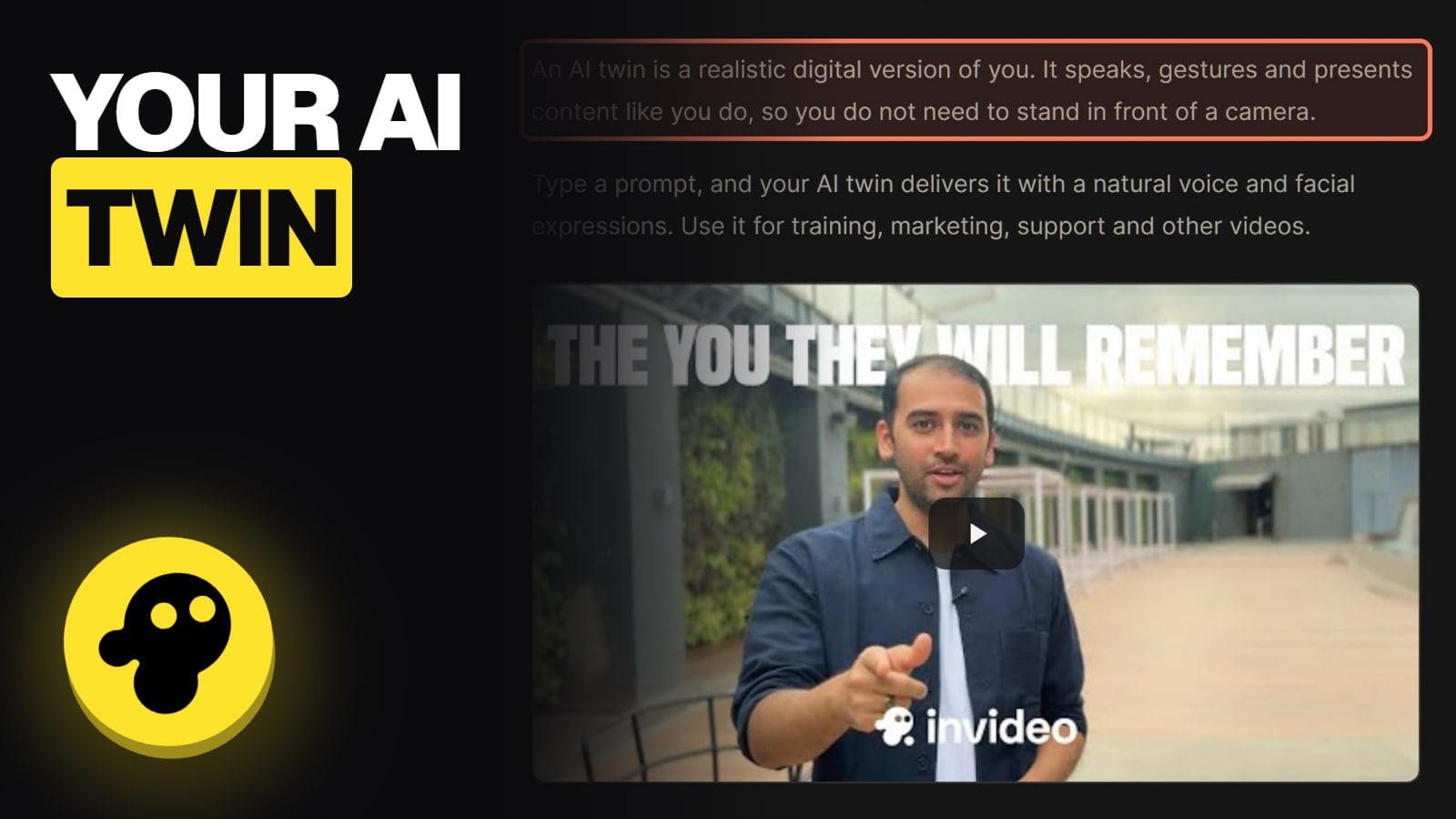
invideo AI Twin is a realistic digital version of you that presents videos from a typed prompt, so you don't have to stand in front of a camera. invideo's help center says it "speaks, gestures and presents content like you do", and suggests it for training, marketing and support videos. You make it from a photo or video of yourself, the recording has to include your consent, and only you can use it. We didn't make a twin ourselves; this page is built from invideo's help articles, read on November 13, 2026.
How do you create your AI twin in invideo?
From the AI twins menu, which invideo's help center says now sits behind Older versions: "The homepage opens the newest agent flow by default. To use AI twins, click Older versions to switch to the previous flow." The steps, from invideo's How to create my avatar article:
Creating an invideo AI twin (per invideo's help center, Nov 13, 2026)
Click Older versions
AI twins live in the previous flow
Open AI twins
In the prompt box
Choose Free or Pro
A Pro avatar uses credits
Record or upload, with consent
Without consent you're asked to record again
Click Looks good, tick the boxes
invideo analyses the video and builds your twin
Click Older versions
AI twins live in the previous flow
Open AI twins
In the prompt box
Choose Free or Pro
A Pro avatar uses credits
Record or upload, with consent
Without consent you're asked to record again
Click Looks good, tick the boxes
invideo analyses the video and builds your twin
From invideo's help articles How to create my avatar and How to create your AI twin, read Nov 13, 2026. We did not make a twin ourselves.
invideo describes two kinds of avatar clone, Create pro avatar and Create free avatar, and it doesn't spell out the quality difference on the pages we read. It does say the consent check is enforced: "If you use the Free avatar option and do not give consent in the recording, a message asks you to record again with consent."
In the prompt box, click AI twins, then Create voice clone.
Upload a voice file in a format the uploader accepts, "such as MP3, WAV or M4A".
Follow the on-screen instructions and "read the permission statement at the start of the recording."
Click Looks good and tick all the checkboxes.
Click Finalize to keep the take, or Redo to record it again. invideo says finalizing "takes a few minutes."
The clone then shows under Your voice only clones. To use it, click it in AI twins, then Continue, and type your prompt. For a video you already made, type Change narrator voice to [name of your voice] in the Magic Box. The three-dot menu next to a voice renames or deletes it.
What can you change after your twin is made?
Less than you might expect. Here's what invideo's avatar articles say, all read November 13, 2026:
What you can and can't change on an invideo avatar (invideo's help center, Nov 13, 2026)
Placement
What invideo says
Yes: Full Screen, Picture in Picture or Split screen, in the Script panel
Voice speed
What invideo says
Yes, and a longer video can use more credits
Voice tone
What invideo says
No
Outfit
What invideo says
No
Emotions
What invideo says
No
Swap the avatar after generating
What invideo says
No: pick it before you generate
Show it in more segments
What invideo says
Yes: Enable avatar in the Script panel
Background
What invideo says
Only by switching to Picture in Picture
What invideo says
Placement
Yes: Full Screen, Picture in Picture or Split screen, in the Script panel
Voice speed
Yes, and a longer video can use more credits
Voice tone
No
Outfit
No
Emotions
No
Swap the avatar after generating
No: pick it before you generate
Show it in more segments
Yes: Enable avatar in the Script panel
Background
Only by switching to Picture in Picture
The speed change has a cost note worth knowing: invideo says a slower voice makes the video longer, and "invideo AI adds more media so no scene is blank. This media uses credits." Two avatars can also appear together through the multi-actor options in the Pro actors library.
What are the rules for an invideo AI twin?
Four, from invideo's own pages:
Consent from the person in the recording. invideo says you "cannot clone or impersonate public figures, such as celebrities or politicians", and the same rule covers any real person's likeness or voice.
Your twin is private. "Only you can use your cloned avatar. It is not added to the shared avatar library."
Banned topics apply to your twin too. invideo says some content "is not allowed with any actor, your own or one from the library": alcohol, tobacco, cannabis, gambling, crypto, adult products, political commentary, war, weapons and religion are on its list. Our invideo UGC ads guide has the full list.
It survives cancelling. "Your cloned avatar stays available after you cancel your plan."
Can you make money with it? invideo says you can monetize videos made with its avatars "on any platform", and if invideo ever removes a library avatar, videos you already posted aren't affected. YouTube's own rules on AI labels still apply; see YouTube's altered or synthetic content label and our invideo commercial use guide.
What does a twin cost, and what we couldn't verify
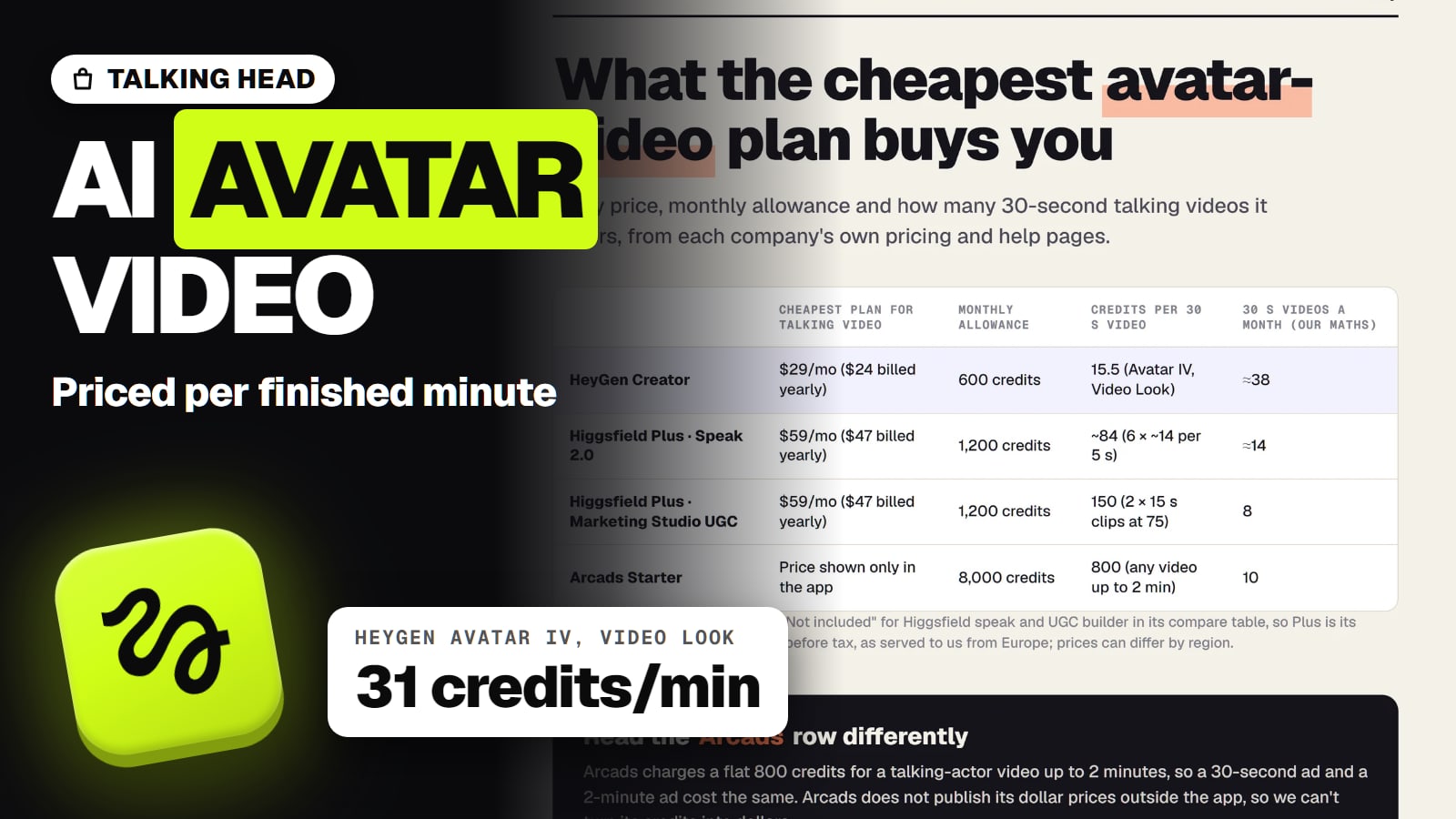
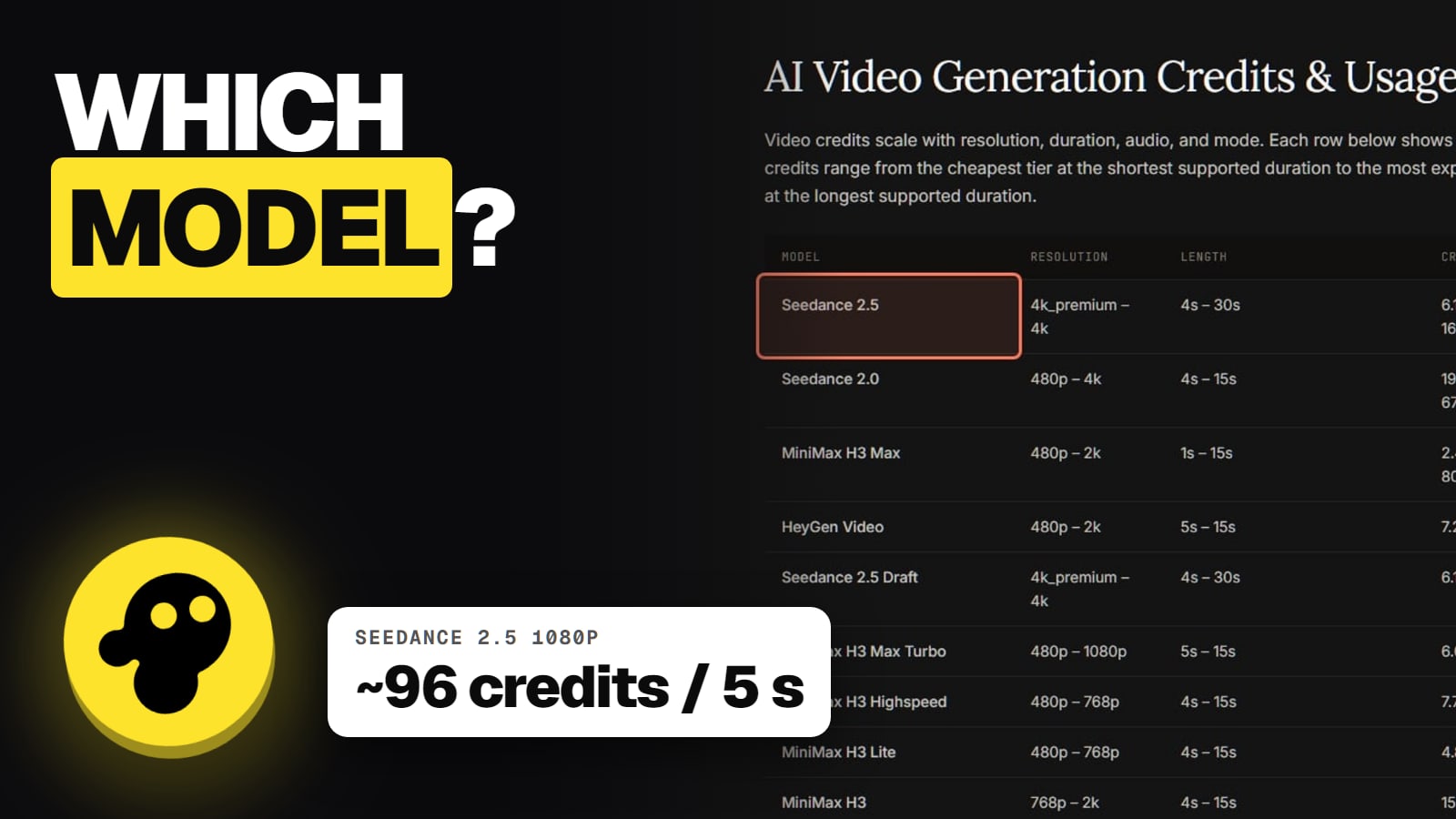
invideo says a Pro avatar "uses credits" and that Pro avatars use credits "for each minute of video", but it doesn't publish a single per-minute price for an AI twin. For a sense of scale only: invideo's video-model price list shows its avatar and lip-sync models at 2.2 to 4.5 credits a second (Kling Avatar) and 2.4 a second (HeyGen Photo Avatar). We can't confirm which model a twin runs on.
Plans start at 400 credits a month on Starter, 2,000 on Plus and 5,000 on Max per seat; invideo pricing has the rest, and invideo credits explained shows why balances drop faster than people expect. invideo's main Trustpilot profile, "Invideo Studio", scored 1.8 out of 5 from 1,030 reviews on November 13, 2026, with credit drain the most common complaint.
invideo twin, HeyGen or Higgsfield?
invideo's twin makes sense when the presenter is one part of a full video, with b-roll, captions and music built around it. If the talking head is the whole product, an avatar-first tool may suit better: see invideo vs HeyGen and our best AI avatar video generator roundup. For a short, directed talking clip of a character, our AI talking avatar with Higgsfield guide shows the shot-level route.
Frequently asked
What is an invideo AI twin?
A realistic digital version of you that "speaks, gestures and presents content like you do", per invideo's help center. You type a prompt and the twin delivers it. Plans are on invideo's pricing page.
Where is AI twins in invideo?
invideo's help center says the homepage opens the newest agent flow by default; click Older versions, then AI twins in the prompt box.
Is invideo AI twin free?
There's a Free avatar option and a Pro avatar that uses credits. invideo doesn't publish a per-minute price for a Pro twin or how many twins each plan includes.
Can someone else use my invideo twin?
No. invideo says your cloned avatar is available only to you and isn't added to the shared library.
Can I make an AI twin of a celebrity?
No. invideo requires explicit consent from the person in the recording, so celebrities and politicians are ruled out.
Does my twin stay if I cancel?
Yes. invideo's help center says your cloned avatar stays available after you cancel your plan.
Can my twin speak other languages?
Yes. invideo says you can use your AI twin in any language invideo AI supports, and its video translator page lists 50+ languages.