Cancelling invideo stops the next charge, but it doesn't give money back, and your credits die when the plan ends. The click path, the app-store route, the 24-hour refund window in invideo's terms, and the help page that says something different.
Some links on this page are referral links: we may earn a commission, at no cost to you.
Share
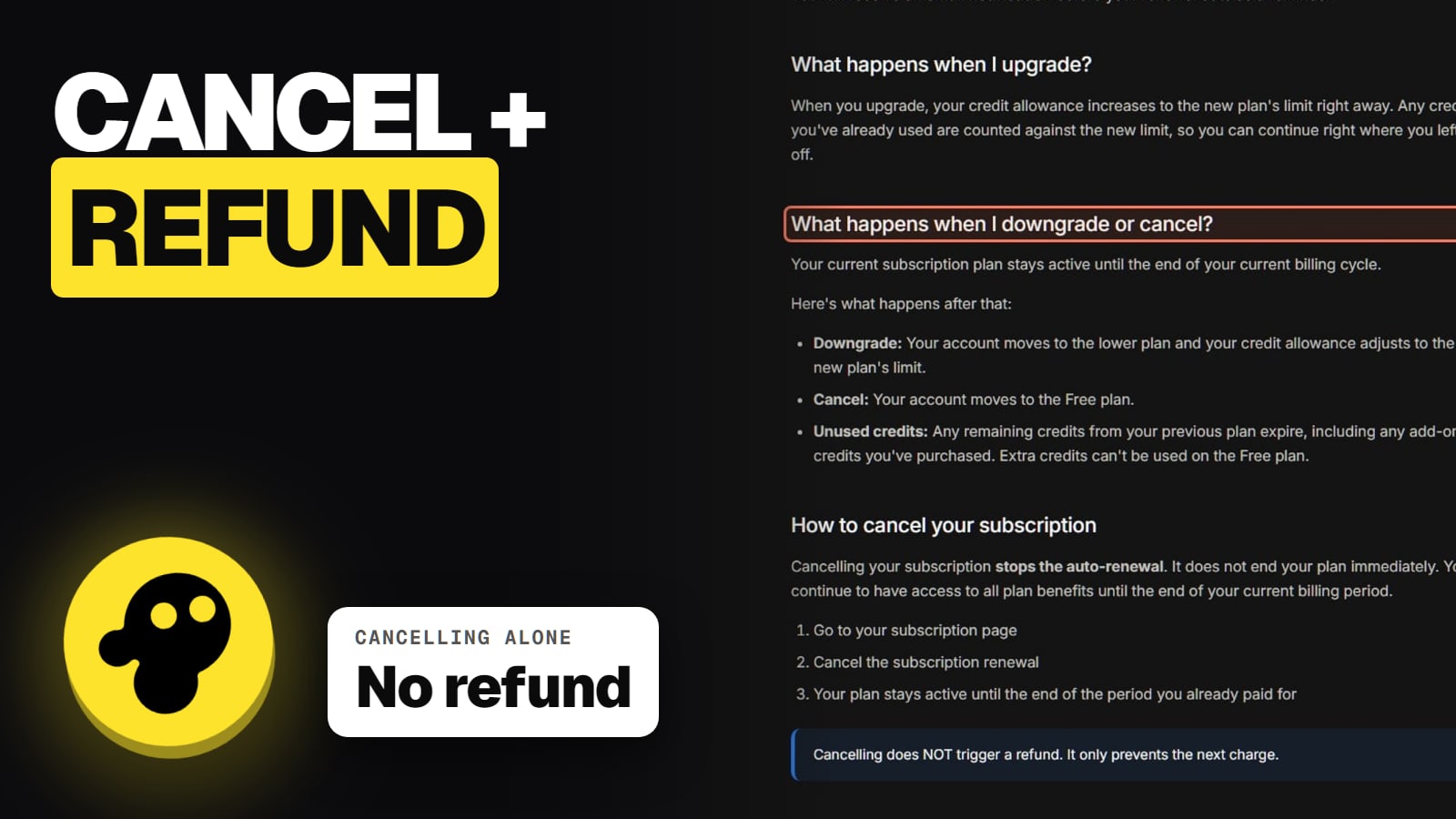
To cancel invideo on the web, click your profile picture in the top right, open Subscriptions, click Cancel and follow the steps. Your plan stays active until the end of the period you paid for, then the account moves to Free and any unused credits expire, including extra credits you bought. Cancelling never refunds anything by itself. invideo's terms, updated November 6, 2026, allow a refund only within 24 hours of a purchase or renewal, and only if you haven't used any credits or premium features. Checked on invideo's own pages on November 13, 2026.
How to cancel invideo on the web
invideo's help center gives a short path. We read it on November 13, 2026:
Cancelling invideo, click by click
Click your profile picture
Top right corner of invideo
Open Subscriptions
Your current plan and billing
Click Cancel
Follow the steps to the end, then screenshot the confirmation
Click your profile picture
Top right corner of invideo
Open Subscriptions
Your current plan and billing
Click Cancel
Follow the steps to the end, then screenshot the confirmation
From invideo's help article "How can I cancel my subscription?", read November 13, 2026.
invideo says the plan stays active until the end of the billing period, and then it removes your card. Nothing is cut off early.
Subscribed in the app? Cancel with Apple or Google
If you paid through the iPhone or Android app, invideo can't cancel it for you. Its billing help says "Cancellation must be done through the App Store/Play Store". On an iPhone that's Settings, then your name, then Subscriptions, then invideo, then Cancel. Refunds for app-store purchases also go through Apple or Google, though invideo's help center says that for Google Play refunds you should start with support@invideo.io.
What happens after you cancel
Here is what invideo's own pages say happens, piece by piece:
Your plan runs to the end of the period. Then the account moves to the Free plan.
Unused credits expire. invideo says "Any remaining credits from your previous plan expire, including any add-on credits you've purchased." Spend them before the date. Our invideo credits explainer covers how fast they go.
Your videos stay yours. invideo says "After your plan ends, you can still use the videos you made while you had an active plan." The commercial licence in its terms survives cancellation; see can you use invideo videos commercially.
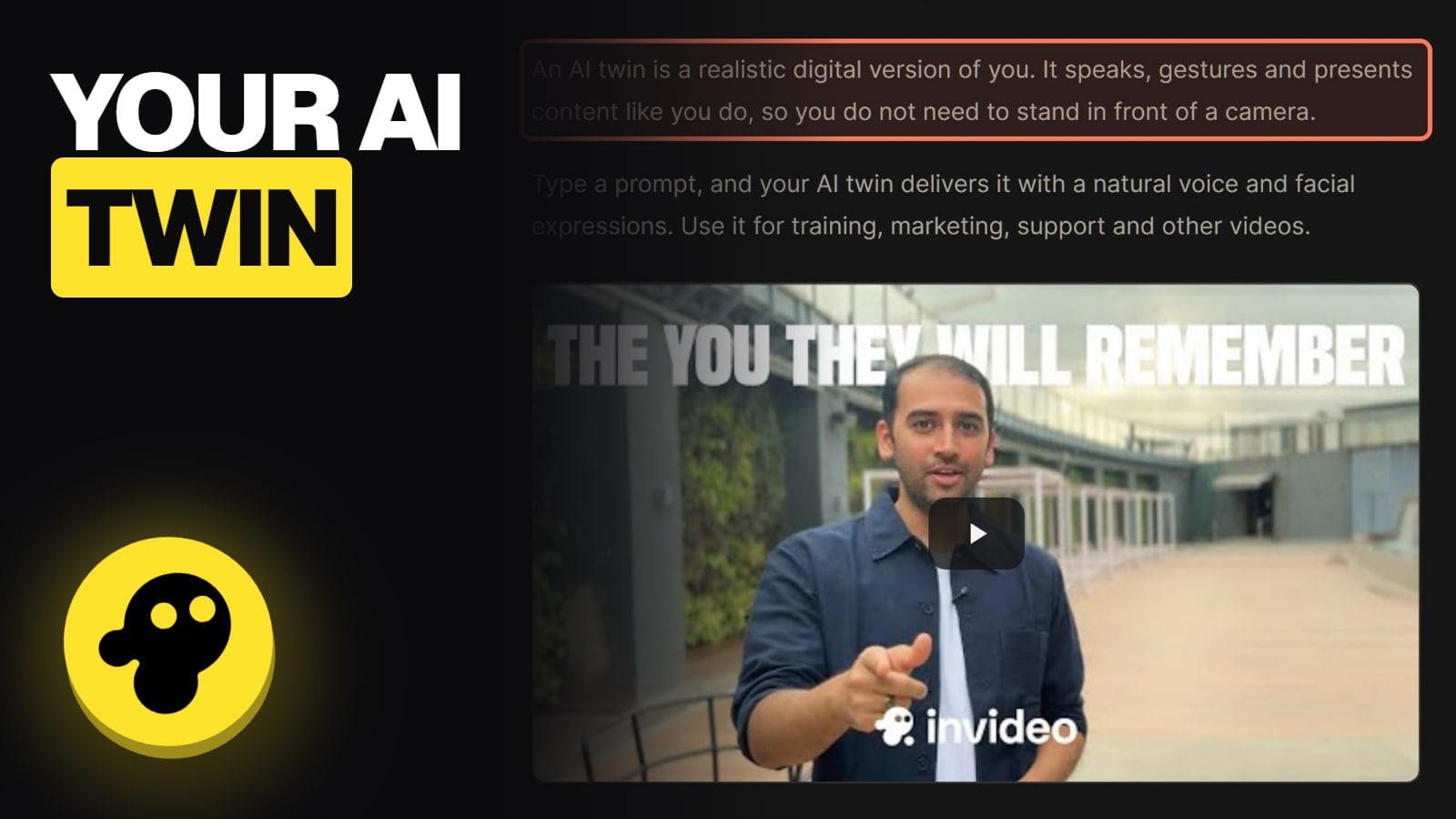
Your projects stay, and so does an AI twin you made, per invideo's help pages.
There's no pause button
invideo says "Subscriptions can't be paused today, but you can downgrade to Free and re-upgrade later." The free plan has a weekly limit, and extra credits can't be used on it.
invideo's refund policy: two pages, two answers
This is where invideo's own pages disagree, so here are both, with dates.
The Terms of Service (last updated November 6, 2026) say fees are non-refundable, with one exception: "you may request a refund within 24 hours of an initial purchase or renewal ... provided you have not used any credits or premium features." The terms also say invideo does not offer pro-rata or partial refunds. Local law can give you a longer window where it requires one.
invideo's billing help page (read November 13, 2026) says "The refunds are pro-rated and usage based" and that refunds are handled case by case. That contradicts the terms.
Which one counts? invideo's help center says the terms are the final word. So plan on the strict version: 24 hours, nothing used, the whole charge or nothing. Asking outside it costs nothing, but don't count on the help-page wording.
invideo refunds at a glance (Nov 13, 2026)
First purchase, nothing used, within 24 hours
Refundable?
Yes, per the terms
The rule
Ask support@invideo.io with your account email
Renewal, nothing used, within 24 hours
Refundable?
Yes, per the terms
The rule
The 24-hour window applies to renewals too
Any credits or premium features used
Refundable?
No, per the terms
The rule
The help page's "usage based" line conflicts
Part of a month or year left after cancelling
Refundable?
No
The rule
"Cancelling does NOT trigger a refund"
App Store or Google Play purchase
Refundable?
Through Apple or Google
The rule
For Google Play, start with support@invideo.io
Refundable?
The rule
First purchase, nothing used, within 24 hours
Yes, per the terms
Ask support@invideo.io with your account email
Renewal, nothing used, within 24 hours
Yes, per the terms
The 24-hour window applies to renewals too
Any credits or premium features used
No, per the terms
The help page's "usage based" line conflicts
Part of a month or year left after cancelling
No
"Cancelling does NOT trigger a refund"
App Store or Google Play purchase
Through Apple or Google
For Google Play, start with support@invideo.io
How to ask for a refund
There's no refund button. invideo's refunds page says to email support@invideo.io, or use the chat on the site, with the email address on your account and the reason. It says an approved refund is processed at once, and your bank can take several business days to show it. The 24 hours start at the charge, not when you notice it.
Annual plans and renewals: the charge people miss
All paid invideo plans renew automatically, and invideo says it emails a reminder before renewal. Two more details:
Monthly to annual is immediate. invideo charges the full annual price at once and resets the cycle.
A failed renewal isn't a free exit. After a few days of retries, the account drops to Free and unused paid credits expire.
invideo's Trustpilot profile named "Invideo Studio" (invideo.io) scored 1.8 out of 5 from 1,030 reviews when we read it on November 13, 2026. A separate profile for ai.invideo.io showed 2.9. Refunds are a recurring complaint. On October 12, 2026, a reviewer in New Zealand warned about annual-plan charges and said it took persistence to reach a human for a refund. That's one user's account; we didn't ask invideo for a refund ourselves. Set a calendar reminder a few days before your renewal date. The is invideo legit page looks at the reviews in more detail, and invideo not working covers what to do when credits disappear.
What we couldn't verify
Chargebacks. No invideo page we read on November 13, 2026 describes what happens after a chargeback. We won't guess.
Credits back for failed generations. invideo's terms say credits are non-refundable, and no page says failed or unusable generations are refunded in credits.
On the web, click your profile picture in the top right, open Subscriptions, click Cancel and follow the steps. If you subscribed in the iPhone or Android app, cancel through the App Store or Google Play.
Does cancelling invideo give me a refund?
No. invideo's billing help says "Cancelling does NOT trigger a refund. It only prevents the next charge." You keep the plan until the period you paid for ends.
What is invideo's refund policy?
invideo's Terms of Service (updated Nov 6, 2026) allow a refund request within 24 hours of a first purchase or a renewal, only if you haven't used any credits or premium features, and say there are no pro-rata or partial refunds. A billing help page says refunds are "pro-rated and usage based"; invideo's help center says the terms are the final word. You can read the plan details on invideo's pricing page.
What happens to my invideo credits when I cancel?
They expire when the paid period ends, extra credits included. Your projects and videos stay.
How do I request an invideo refund?
Email support@invideo.io, or use the site chat, with your account email and the reason.
I was charged for an annual renewal. Can I get it back?
Only within 24 hours of the renewal, with no credits or premium features used, per the terms.