Most invideo not-working moments are billing rules, not bugs: a paywall means low credits, a pay prompt at download means extra iStock, a refused model isn't in your plan, and a held job is waiting on a safety check. Here is each message, what invideo's help center says it means, and the fix.
Some links on this page are referral links: we may earn a commission, at no cost to you.
Share
Most "invideo not working" problems aren't bugs: they're invideo's billing and safety rules showing up as a paywall, a refused model or a held job. invideo's help center says a paywall while you create usually means you don't have enough credits, a pay prompt at download means the video uses more iStock than your plan includes, and a held job is waiting for a safety review without charging again. The biggest drain on credits is a default setting, "Always allow", that you can switch off. Checked on invideo's help pages on November 13, 2026.
Find your problem
invideo problems and what they mean (help center, Nov 13, 2026)
A paywall pops up while I create or edit
What it means
Not enough credits
What to do
Buy extra credits, or switch the scene to stock media
invideo asks me to pay when I download
What it means
Too much iStock for your plan
What to do
Swap premium clips for standard stock or your own files
A model is refused (plan_model_not_included)
What it means
Model not in your plan
What to do
e.g. Seedance 2.5 on Starter; pick another model or upgrade
My job says held
What it means
Safety review
What to do
Not a refusal; no extra charge while it waits
Seedance blocks my image reference
What it means
Realistic face in the reference
What to do
The model provider blocks clearly visible realistic faces
Credits keep disappearing
What it means
Agent work and Always allow
What to do
Switch to Ask before generating; set member limits
A clip cost more than I expected
What it means
Settings change the rate
What to do
Model, resolution, duration, video input, audio, voice control
My extra credits aren't being used
What it means
Plan credits come first
What to do
Or the toggle is off, a monthly cap is hit, or the balance is empty
Weekly limit reached on Free
What it means
Free plan limit
What to do
Wait for the weekly reset or upgrade; extra credits don't work on Free
Card declined or payment error
What it means
Payment problem
What to do
Email support@invideo.io with a screenshot and the payment method
What it means
What to do
A paywall pops up while I create or edit
Not enough credits
Buy extra credits, or switch the scene to stock media
invideo asks me to pay when I download
Too much iStock for your plan
Swap premium clips for standard stock or your own files
A model is refused (plan_model_not_included)
Model not in your plan
e.g. Seedance 2.5 on Starter; pick another model or upgrade
My job says held
Safety review
Not a refusal; no extra charge while it waits
Seedance blocks my image reference
Realistic face in the reference
The model provider blocks clearly visible realistic faces
Credits keep disappearing
Agent work and Always allow
Switch to Ask before generating; set member limits
A clip cost more than I expected
Settings change the rate
Model, resolution, duration, video input, audio, voice control
My extra credits aren't being used
Plan credits come first
Or the toggle is off, a monthly cap is hit, or the balance is empty
Weekly limit reached on Free
Free plan limit
Wait for the weekly reset or upgrade; extra credits don't work on Free
Card declined or payment error
Payment problem
Email support@invideo.io with a screenshot and the payment method
"Asked to pay" when you already subscribe
This is the most common confusion, and invideo has a help page for it with two answers.
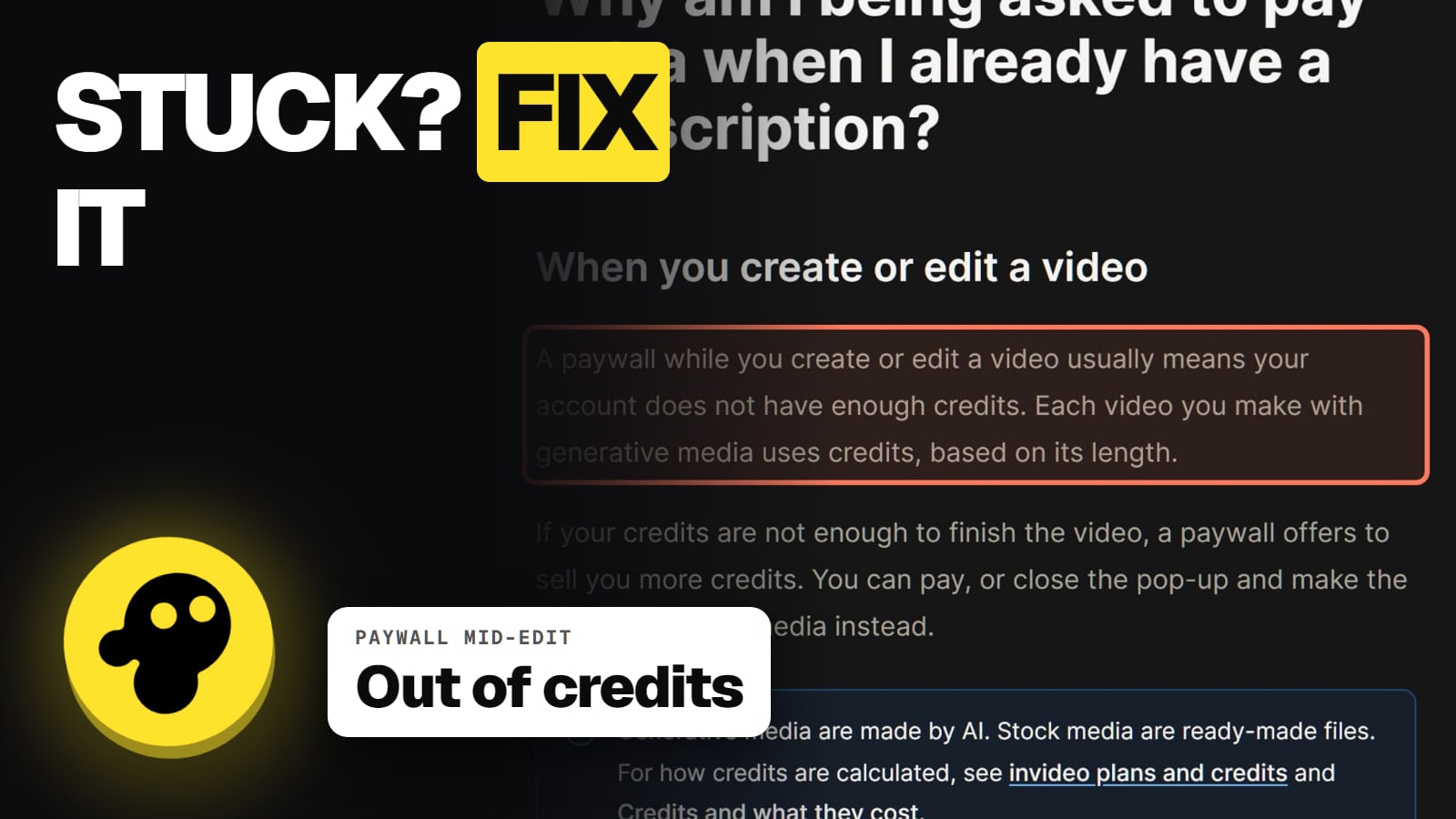
While you create or edit: "A paywall while you create or edit a video usually means your account does not have enough credits." You can buy extra credits (minimum $5, used only after your plan credits run out) or switch to stock media, which doesn't need generation. Our invideo credits explainer shows how fast plans run down.
When you download: "If you are asked to pay when you download a video, the video likely uses more iStock than your plan includes." Each plan has a monthly premium-stock allowance. Replace the extra premium clips with standard stock or your own footage, and the export renders without the stock mark. The invideo watermark guide covers this in detail.
A model is refused, or a generation is blocked
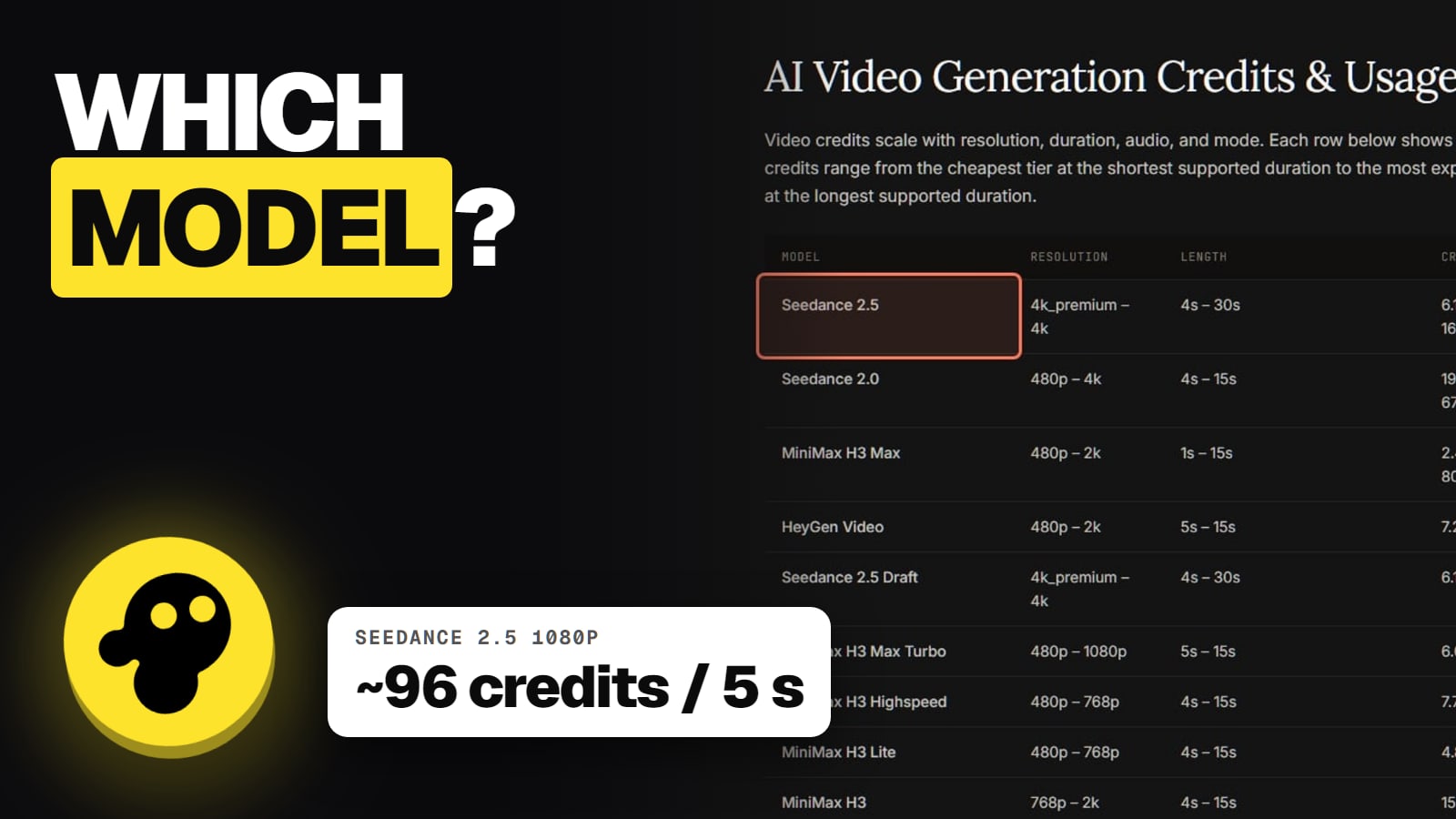
plan_model_not_included. invideo's plans page says generation "refuses a model your plan does not include, with plan_model_not_included." The usual case is Starter, which per invideo's pricing page has Seedance 2.0 Fast and 2.0 Mini but no Seedance 2.5. See which AI video models invideo has for the full list.
Seedance and faces. invideo's Seedance 2.0 help page says: "If your reference shows a clearly visible face, the provider is likely to block the generation." That block comes from the model provider, not your account. Use a reference without a realistic face, or a different model.
Held for review. invideo says a job can be held for a safety review. It isn't a refusal, and "It does not charge again while it waits."
Why your credits disappear
This is the top complaint about invideo. Its Trustpilot profile named "Invideo Studio" scored 1.8 out of 5 from 1,030 reviews on November 13, 2026 (a separate ai.invideo.io profile scored 2.9), and credits are the biggest theme. On October 30, 2026, a US reviewer said a one-minute video used about a quarter of their credits. On October 26, another said the agent told them chatting wouldn't spend credits, but their balance kept dropping.
invideo's own help pages explain why, and how to stop it:
Agent Two's work costs credits, not just finished clips. invideo says "One Agent Two response can include both work on your request and new media, so credits are not only for finished video clips."
The default is "Always allow". "By default, the agent is set to Always allow. It generates without asking for permission." Change it to "Ask before generating videos" or "Always ask before generating". You then get an Approve popup with the prompt, model, duration and aspect ratio before anything is spent.
Teams: set a member limit. Workspace owners can set a per-member credit limit under Members, then Set limit. "Agent Two stops generating for that member when they reach it."
Cheaper settings exist. invideo says cost depends on "the agents, model, resolution, duration, and features (video input, audio generation, voice control)". A draft or 720p pass before 1080p saves credits. The exact cost shows before you confirm.
What's free, per invideo: timeline edits, exports and downloads, stock search and bringing your own files. Also note invideo can "update credit costs at any time, without prior notice."
Stuck generating, or a failed export
No invideo help page we read on November 13, 2026 covers "stuck generating" or a failed export by name. What the help center does say:
Closing the tab doesn't stop the job. "Jobs you assign to Agent Two run in the cloud and continue after you close the browser tab." Refreshing or reopening is safe.
Check for a hold. A job held for safety review looks stalled but isn't charging again.
Then contact support. Email support@invideo.io with the project name and a screenshot.
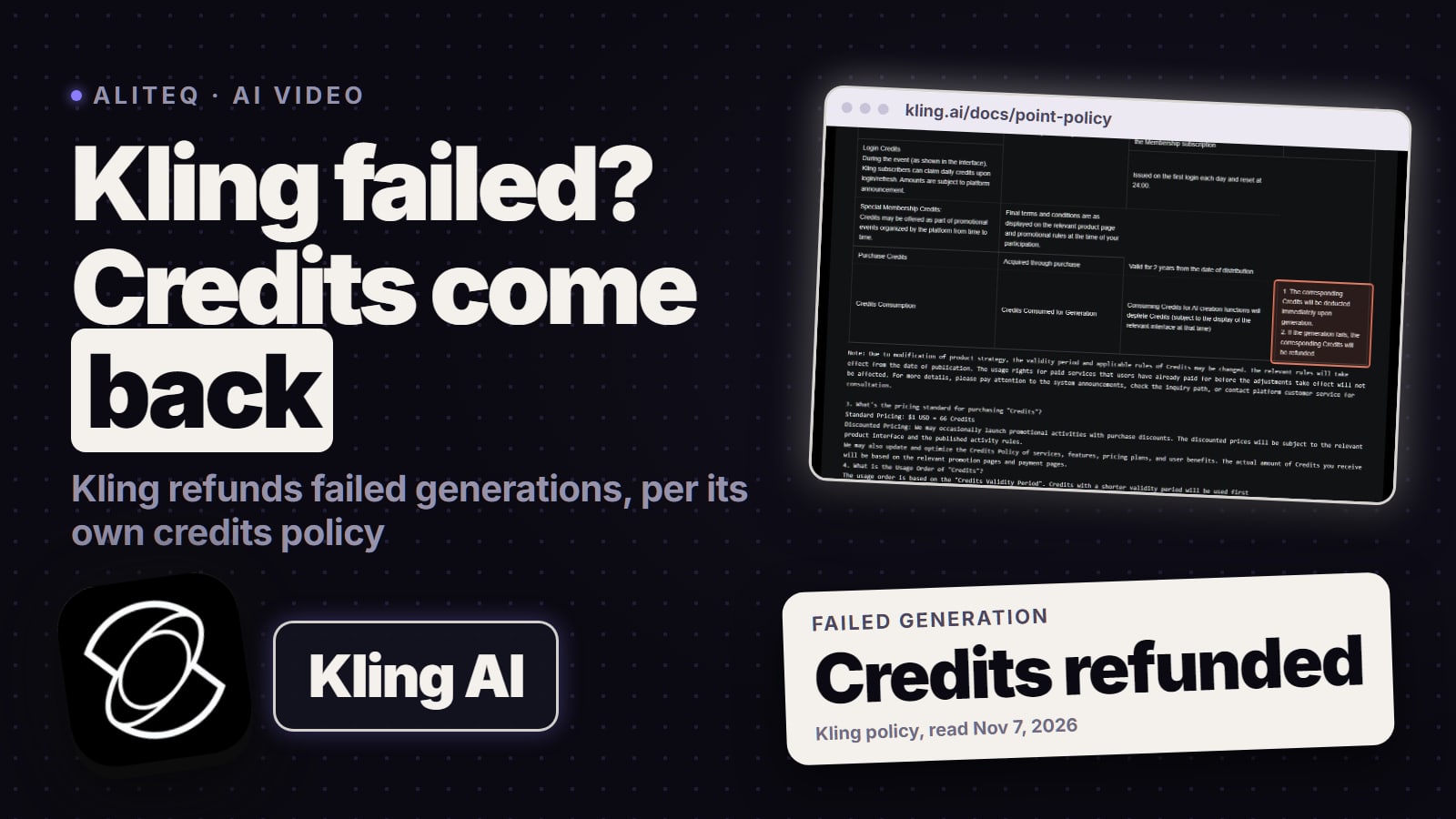
Do failed generations give credits back? invideo doesn't say. Its terms call credits "non-refundable", and no page we read promises credits back for a failed or unusable result. Plan for some misses, and use "Ask before generating" so each attempt is your choice.
Payment and plan problems
Card declined, 3D Secure failed, wrong CVC, address mismatch or unsupported currency are the errors invideo lists. If one persists, it says to email support@invideo.io "with a screenshot of the error and the payment method used."
A failed renewal is retried for a few days; then the account drops to Free and unused paid credits expire.
Free plan stopped working? Free has a weekly limit; invideo says to "Wait for the next weekly reset or upgrade". See is invideo free.
Why is invideo asking me to pay when I already have a plan?
invideo's help center gives two reasons. A paywall while you create or edit usually means not enough credits. A pay prompt at download means the video uses more iStock than your plan includes.
Why are my invideo credits disappearing so fast?
Agent Two's own work uses credits, not just finished clips, and the agent defaults to Always allow. Switch it to Ask before generating so you approve each generation first.
What does plan_model_not_included mean?
The model isn't in your plan. On Starter, for example, Seedance 2.5 isn't available. Model access by plan is listed on invideo's pricing page.
Why was my Seedance generation blocked?
invideo's Seedance 2.0 help page says the model provider is likely to block a reference that shows a clearly visible realistic face.
My invideo job says held. Is it stuck?
It's waiting for a safety review. invideo says a held job isn't a refusal and doesn't charge again while it waits.
Does invideo refund credits for failed generations?
invideo doesn't say so. Its terms call credits non-refundable, and no page we read promises credits back for a failed or unusable result.
If I close the tab, does my invideo video stop?
No. invideo says Agent Two jobs run in the cloud and continue after you close the browser tab.