A local coding model gives you a private, offline, unlimited Copilot, but the good coding models are big and your codebase eats context. Here's what each VRAM tier runs at 8K and 32K context, and how to test a card for an hour before you buy.
Some links on this page are referral links: we may earn a commission, at no cost to you.
Share
What's the best GPU for running an AI coding assistant locally?
A 24GB card: a used RTX 3090 or an RTX 4090. The coding model most people want to run, Qwen3-Coder 30B-A3B, needs about 21.0GiB at Q4_K_M with 32K tokens of context on our VRAM calculator, and 32K is roughly what it takes to keep several source files in view. A local coding assistant is a private, offline, unlimited Copilot that never sends your code anywhere, but VRAM is the gate. On a 16GB card you get a strong 14B coder; on 12GB, smaller models for autocomplete and quick help. Here's what each tier runs, on our numbers.
Why coding needs more VRAM
Two things make local coding assistants VRAM-hungry. First, the best coding models are big: Qwen3-Coder 30B-A3B keeps about 30.5B parameters in VRAM, even though only about 3.3B do the work for each token. Second, coding uses long context: the assistant needs to see your files, and every token of context sits in the KV cache on top of the weights. Qwen3-Coder 30B-A3B keeps that cache in all 48 of its layers, so every 32K tokens adds about 3GiB. That's why 24GB is the sweet spot: it fits the 30B coder with 32K tokens of your codebase in view.
What each VRAM tier runs for coding (our VRAM engine, Oct 28, 2026)
12GB (RTX 3060)
VRAM
Qwen2.5-Coder 14B
Coding model
Q5_0, ~11.8GiB (tight)
At 8K context
Does not fit
16GB (RTX 5060 Ti, 5070 Ti)
VRAM
Qwen2.5-Coder 14B
Coding model
Q6_K, ~13.6GiB (comfortable)
At 8K context
Q4_K_M, ~15.1GiB (tight)
24GB (RTX 3090, 4090)
VRAM
Qwen3-Coder 30B-A3B
Coding model
Q4_K_M, ~18.8GiB (comfortable)
At 8K context
Q4_K_M, ~21.0GiB (comfortable)
32GB (RTX 5090)
VRAM
Qwen3-Coder 30B-A3B
Coding model
Q8_0, ~31.7GiB (tight)
At 8K context
Q6_K, ~27.1GiB (comfortable)
48GB (RTX A6000)
VRAM
Qwen3-Coder-Next 80B-A3B
Coding model
Q4_K_M, ~46.0GiB (tight)
At 8K context
Q4_K_M, ~46.5GiB (tight)
VRAM
Coding model
At 8K context
At 32K context
12GB (RTX 3060)
Qwen2.5-Coder 14B
Q5_0, ~11.8GiB (tight)
Does not fit
16GB (RTX 5060 Ti, 5070 Ti)
Qwen2.5-Coder 14B
Q6_K, ~13.6GiB (comfortable)
Q4_K_M, ~15.1GiB (tight)
24GB (RTX 3090, 4090)
Qwen3-Coder 30B-A3B
Q4_K_M, ~18.8GiB (comfortable)
Q4_K_M, ~21.0GiB (comfortable)
32GB (RTX 5090)
Qwen3-Coder 30B-A3B
Q8_0, ~31.7GiB (tight)
Q6_K, ~27.1GiB (comfortable)
48GB (RTX A6000)
Qwen3-Coder-Next 80B-A3B
Q4_K_M, ~46.0GiB (tight)
Q4_K_M, ~46.5GiB (tight)
"Tight" means the model uses more than 90% of the card: it loads, but anything else on the GPU can push it over. "Comfortable" leaves at least 10% free. On a 24GB card you can also go up to Q5_K_M at 8K context (about 21.7GiB, tight), but Q4_K_M with more context is usually the better trade for code. Per-GPU detail: Qwen3-Coder 30B-A3B, Qwen2.5-Coder 14B and Qwen3-Coder-Next.
A general model is also worth a try on 24GB. Qwen3.8 27B uses linear attention in three of every four layers, so its context is cheap: about 18.5GiB at Q4_K_M with 32K context on our estimate. On a 12GB card, Qwen3.5 9B fits at Q8_0 with 32K context (about 11.3GiB, tight), which leaves more room than a 14B coder.
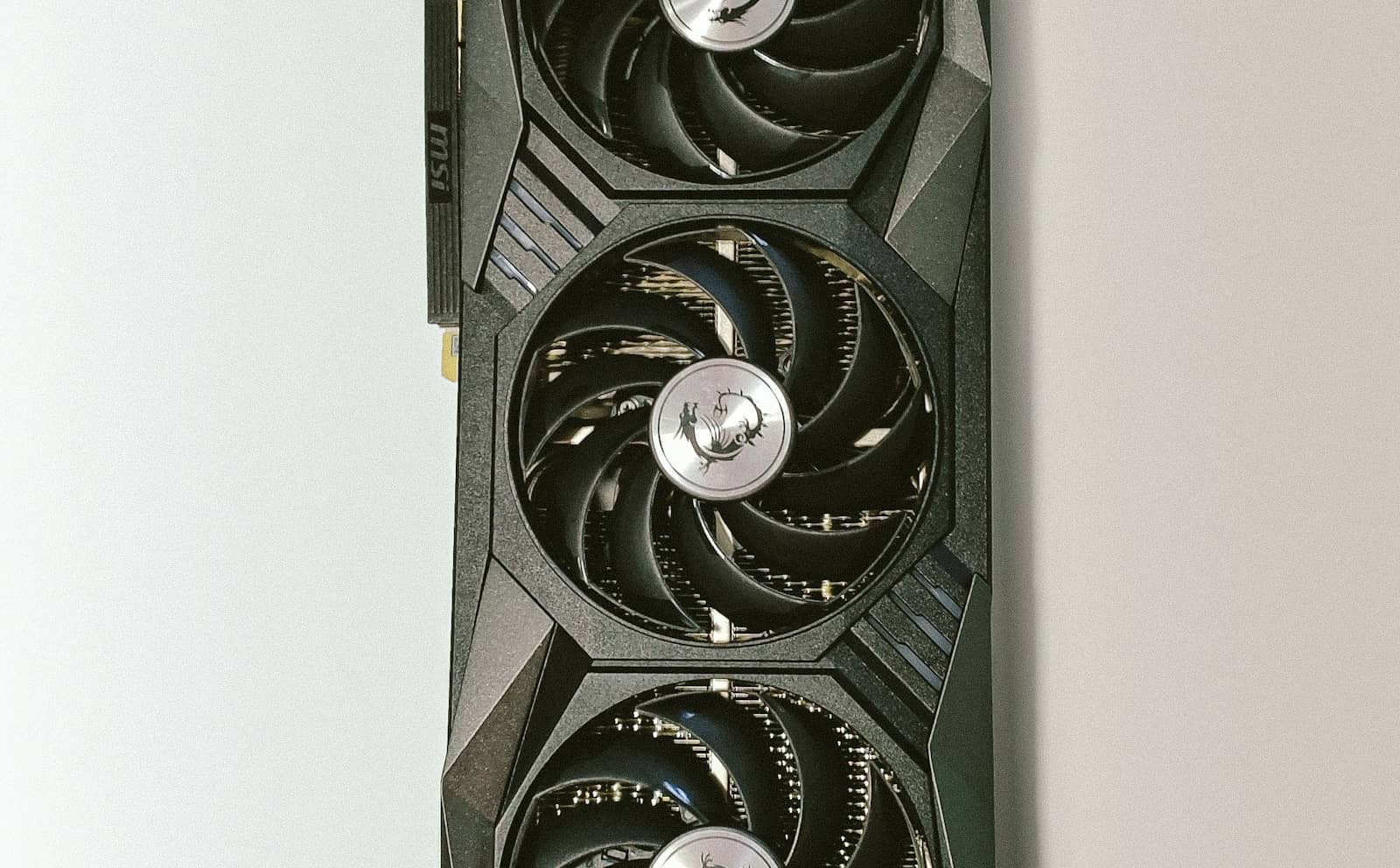
24GB is the coding sweet spot, enough to run a 30B coder with 32K tokens of your codebase in context. · Unsplash
Rent a 24GB card for an hour first
Speed matters more for coding than for chat, because autocomplete has to keep up with your typing. Test it before you buy. At 11:20 UTC on October 28, 2026, Vast.ai listed an RTX 3090 from $0.12 an hour (spot, so the machine can be interrupted), and Runpod listed one from $0.22 an hour on-demand. Point your editor at the rented card, work through a real task, and see whether it feels quick enough.
Which should you buy?
For a genuinely useful local Copilot that can reason about your code, buy a 24GB card: a used RTX 3090 is the value pick, an RTX 4090 the faster one with the same capacity (our 4090 vs 3090 comparison has the detail). That runs Qwen3-Coder 30B-A3B with 32K context, where local coding stops feeling like a compromise. If your budget caps at 16GB, an RTX 4070 Ti Super or 5070 Ti runs Qwen2.5-Coder 14B well. On 12GB (an RTX 3060 12GB), smaller models are fine for autocomplete and quick questions, not deep multi-file work. Pair the GPU with Ollama or an IDE extension that points at your local model, and you've got a private Copilot.
9/ 10
Verdict
Best GPU for local AI coding (October 2026)
A 24GB card, a used RTX 3090 or an RTX 4090, is the best GPU for a local AI coding assistant. It runs Qwen3-Coder 30B-A3B at Q4_K_M with 32K context. 16GB runs Qwen2.5-Coder 14B; 12GB handles autocomplete; Qwen3-Coder-Next needs 48GB.
Best for: Developers who want a private, offline, unlimited AI coding assistant on their own hardware.
Quick answers
What GPU do I need to run a local AI coding assistant?
For a genuinely useful one, a 24GB card such as a used RTX 3090 or an RTX 4090. On our VRAM engine, Qwen3-Coder 30B-A3B at Q4_K_M needs about 18.8GiB at 8K context and 21.0GiB at 32K. A 16GB card runs Qwen2.5-Coder 14B, and a 12GB card handles smaller models for autocomplete.
Can I run a local coding assistant on 12GB of VRAM?
Yes, with smaller models. A 12GB card fits Qwen2.5-Coder 14B only at Q5_0 with 8K context (about 11.8GiB, tight), and not at 32K. Smaller models such as Qwen3.5 9B leave more room for context. For the 30B-class coders, you need 24GB.
What do I need for Qwen3-Coder-Next?
A 48GB card such as an RTX A6000, and even then it's tight: about 46GiB at Q4_K_M on our estimate. On a 24GB card, most of the model has to be offloaded to system RAM.
Is a local AI coding assistant worth it?
For many developers, yes. Your code never leaves your machine, there are no per-use fees, and it works offline. The trade-off is the GPU, ideally 24GB, and the best cloud coding models still lead on the hardest tasks.