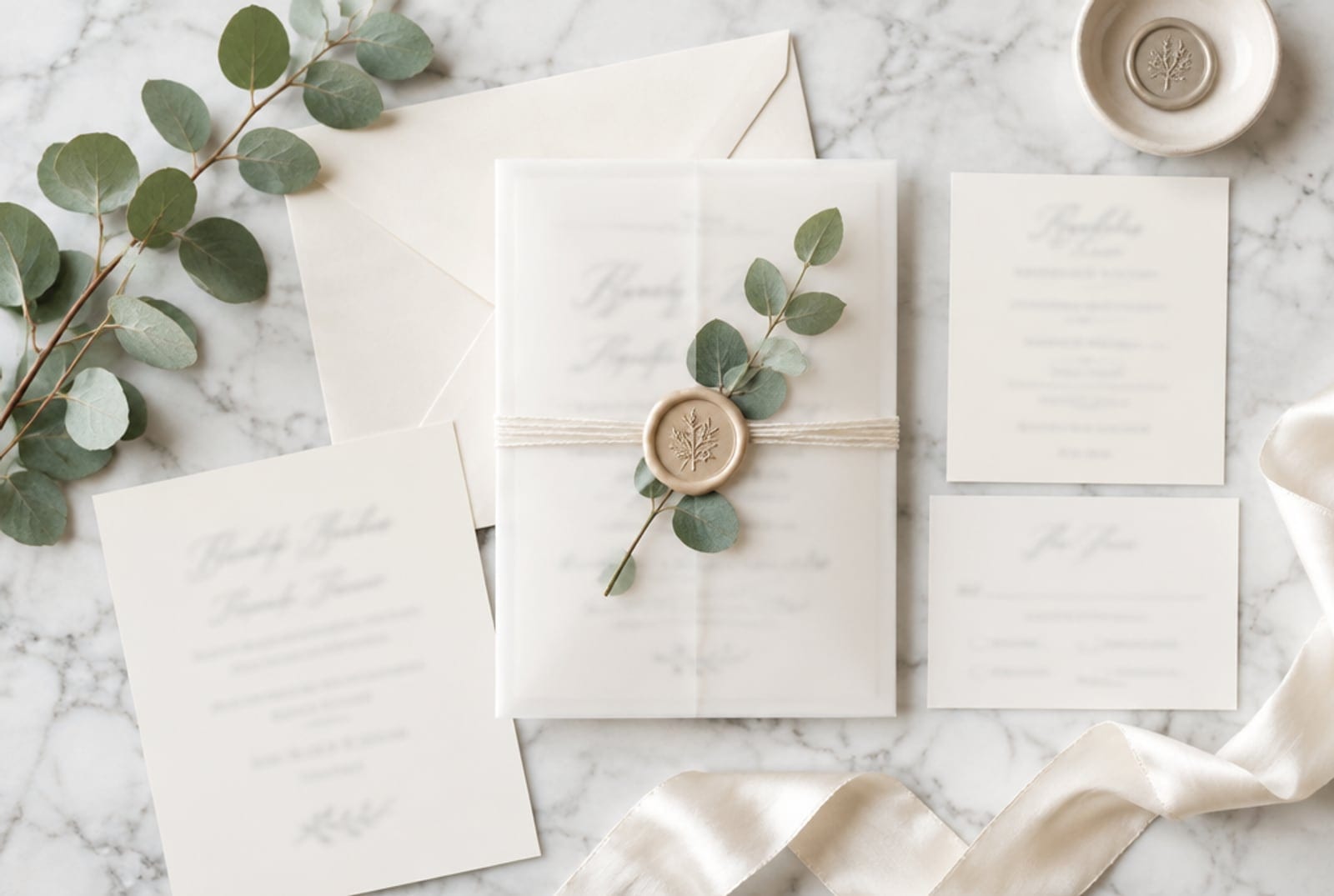
You sell editable invitation templates. The design takes you an evening. The listing photo, the styled flat lay with vellum, a wax seal, a ribbon and a sprig of eucalyptus, is what actually sells it, and it takes longer than the design. So you buy mockup bundles, and every shop in your niche buys the same bundles, and every listing looks the same.
This page is for the stationery seller who wants a fresh, on-brand mockup for every new design without the bundle habit.
What a stationery mockup has to do
A couple scrolling Etsy at midnight is not buying a PDF. They are buying the feeling of the suite on the table. The mockups that get clicked show:
- A styled flat lay, not a flat JPG of the design
- Real textures: vellum, deckled edges, wax, ribbon, linen
- A palette that matches a venue (sage and cream, terracotta, dusty blue)
- The editable preview, shown, so they know what they get
The weekly workflow
- Export the design clean at print size, with your placeholder names.
- Generate the scene, not the design. Prompt the surface, the props and the light: "cream invitation suite on marble, vellum wrap, gold wax seal, eucalyptus sprig, soft morning window light, overhead." Keep every word of your actual design out of the prompt.
- Composite your real design onto the generated card in a free editor. Thirty seconds, and the lettering is yours, crisp, and exactly what the buyer downloads.
- Make three variants per design: overhead, angled, and a detail crop of the seal. That is three fresh pins for Pinterest from one evening.

Higgsfield · Higgsfield image generation
SponsoredHiggsfield's image models build the styled scene; you drop your real template on top. Test it on one suite from the free tier and compare it against the mockup bundle you are using now.
Try one mockup, free →