The AI-image prompts that work follow one formula: subject + setting + lighting + style. 12 working examples — product shots, portraits, scenes — each with its real result and exact prompt.
Some links on this page are referral links: we may earn a commission, at no cost to you.
Share
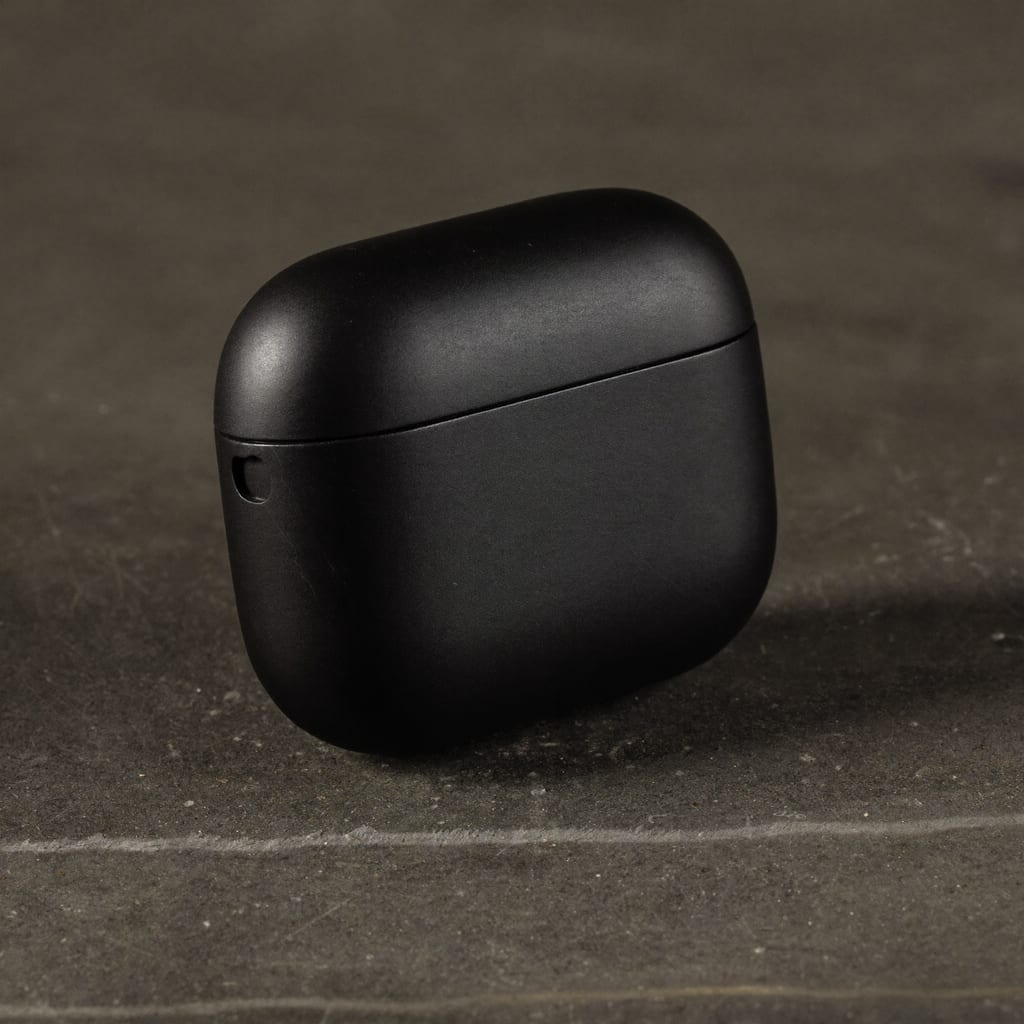
A Higgsfield prompt works when it is specific: name the subject, the setting, the lighting and the photo style, and for video add the camera move and the mood. Higgsfield's own prompt guide says the same thing, that a short, vague prompt "leaves the model to guess, and it will guess differently every time." Here is one that worked for us, Prompt 1 below: "A matte black wireless earbuds charging case, blank and unlabeled, on a raw concrete surface with dramatic side lighting, premium product photography, shallow depth of field, no text, no logos."
A good AI image comes down to a good prompt, and the ones that work share a pattern: a clear subject, a setting, a lighting cue, and a photography style. Below are 12 prompts that reliably produce clean, usable images, each shown with its real result (generated with Higgsfield). Copy the structure, swap the subject, and you've got a repeatable recipe for product shots, portraits and scenes.
Product shots
The recipe: name the product, the surface, the lighting and the style — and add 'no text, no logos' so labels don't come out garbled. Start from a blank product and add branding later.
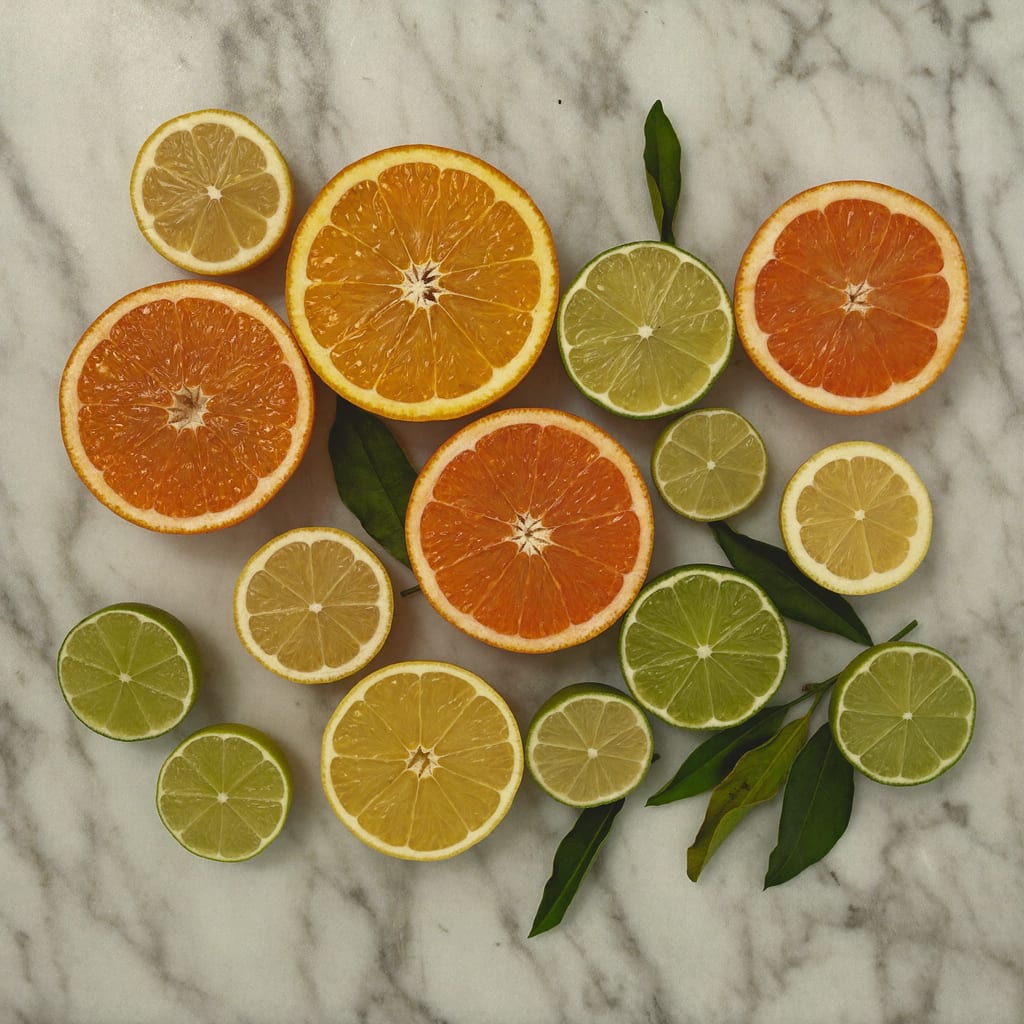
Generated with Higgsfield — prompt below. · Generated with Higgsfield
Generated with Higgsfield — prompt below. · Generated with Higgsfield
Generated with Higgsfield — prompt below. · Generated with Higgsfield
Generated with Higgsfield — prompt below. · Generated with Higgsfield
Portraits & characters
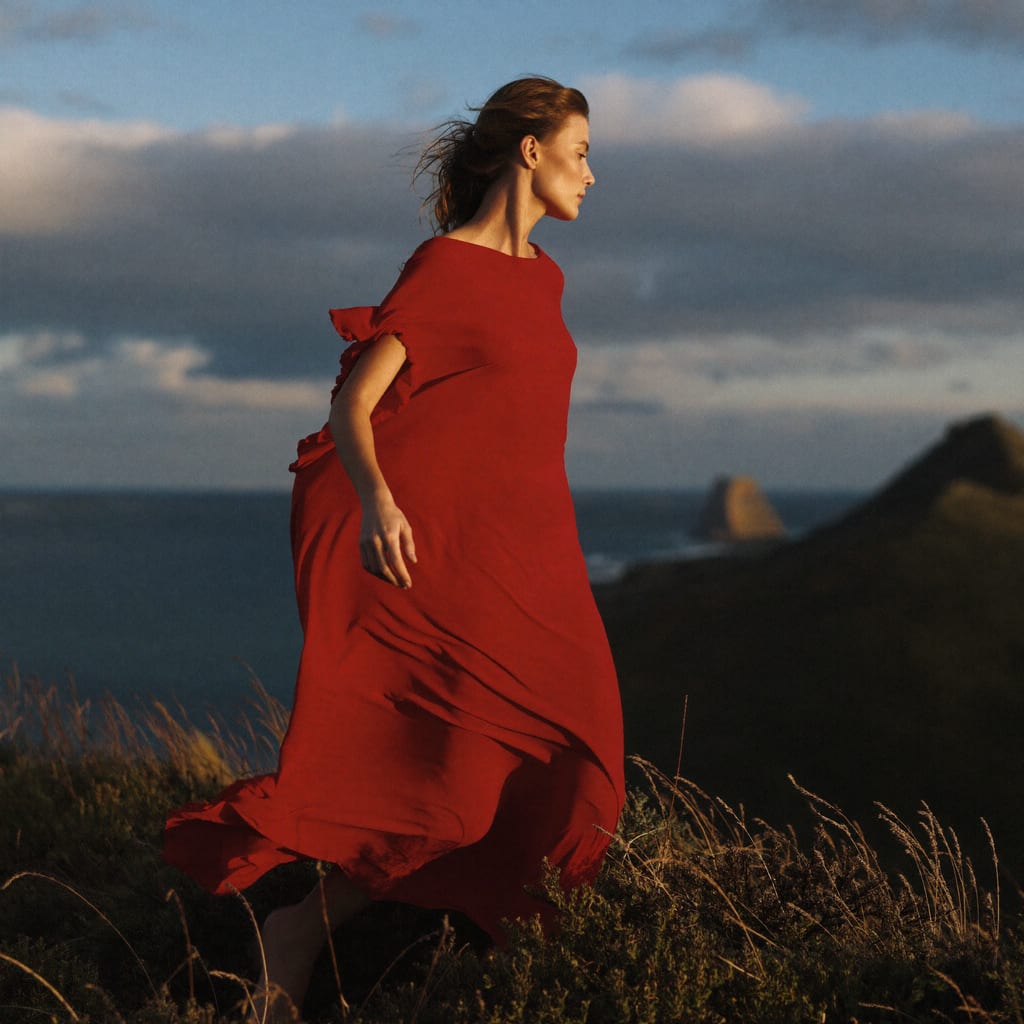
The recipe: describe the person and outfit, then name a lighting style and a backdrop. Lighting terms (Rembrandt, soft key, golden hour) do a lot of the work. To keep the same person across many images, see Higgsfield's guide to creating a Soul ID character.
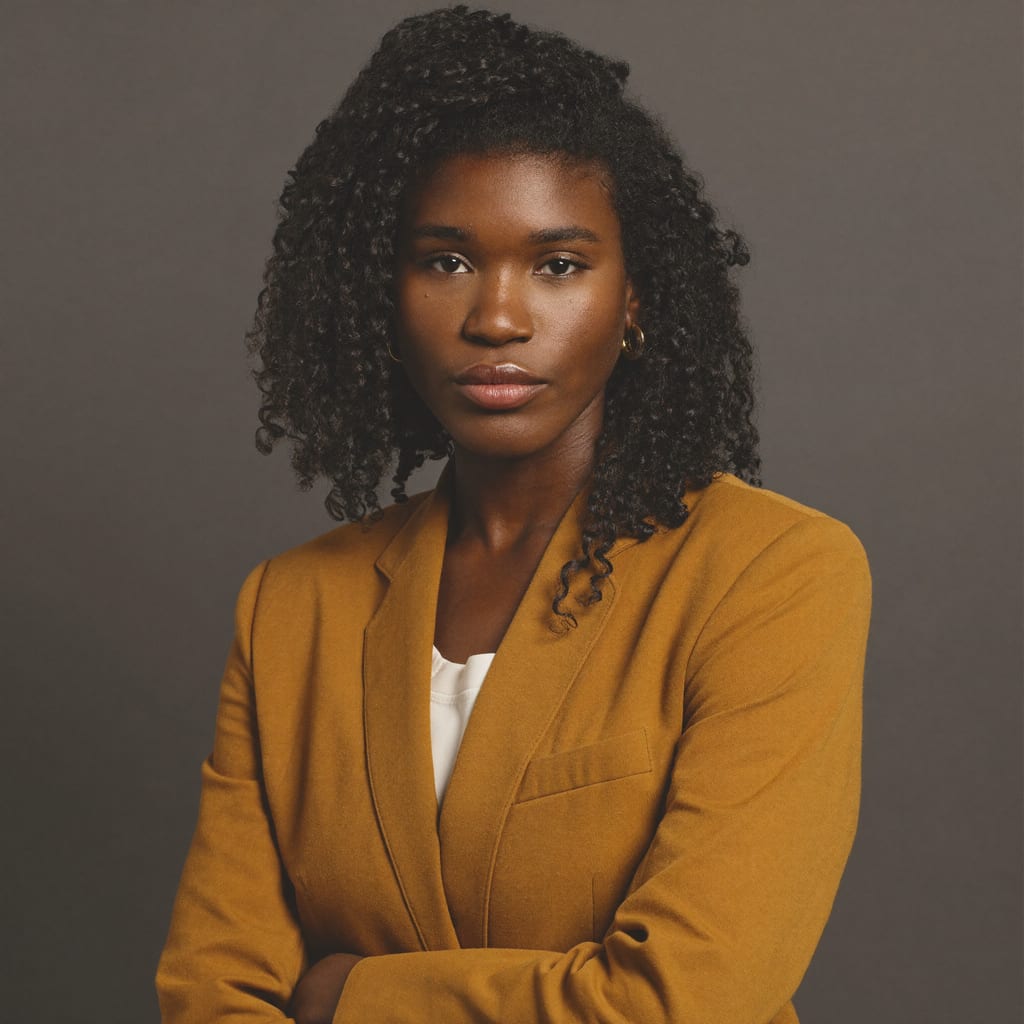
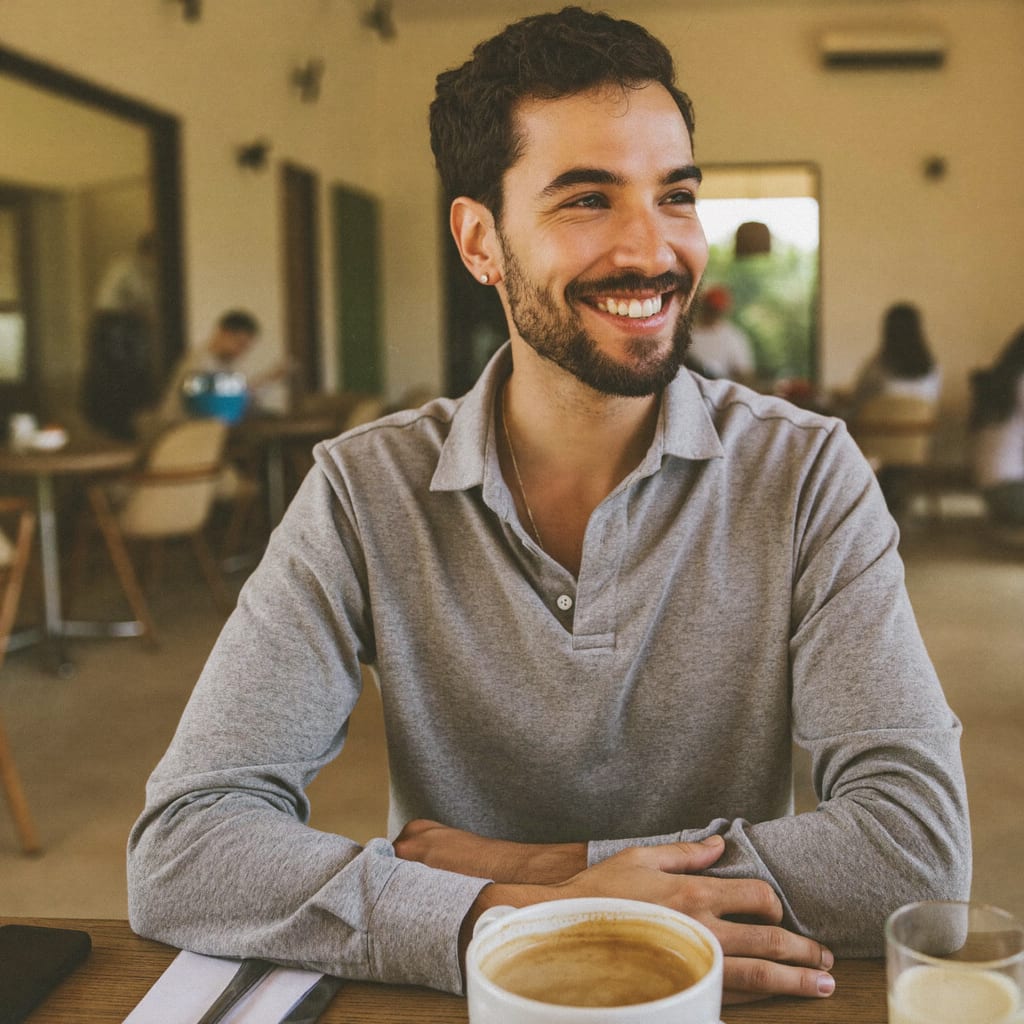
Generated with Higgsfield — prompt below. · Generated with Higgsfield
Generated with Higgsfield — prompt below. · Generated with Higgsfield
Generated with Higgsfield — prompt below. · Generated with Higgsfield
Generated with Higgsfield — prompt below. · Generated with Higgsfield
Scenes, food & atmosphere
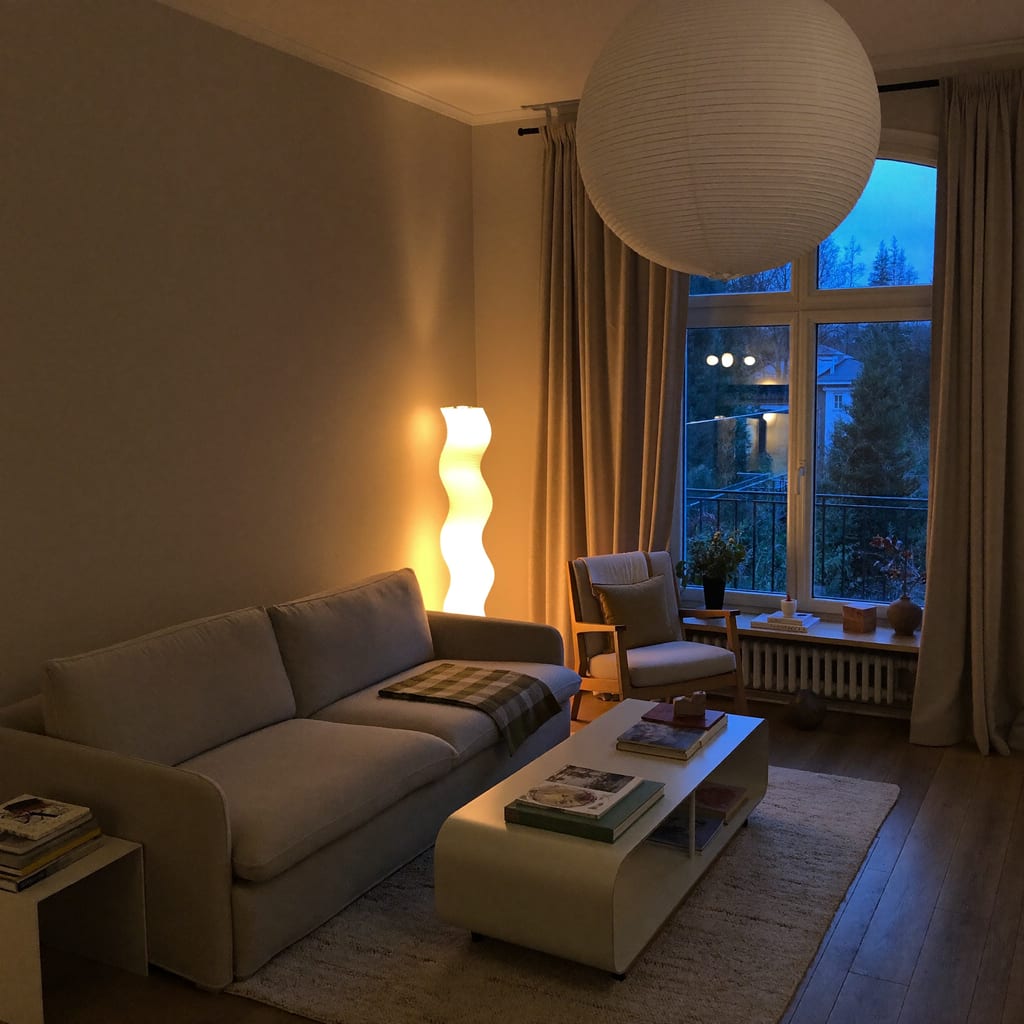
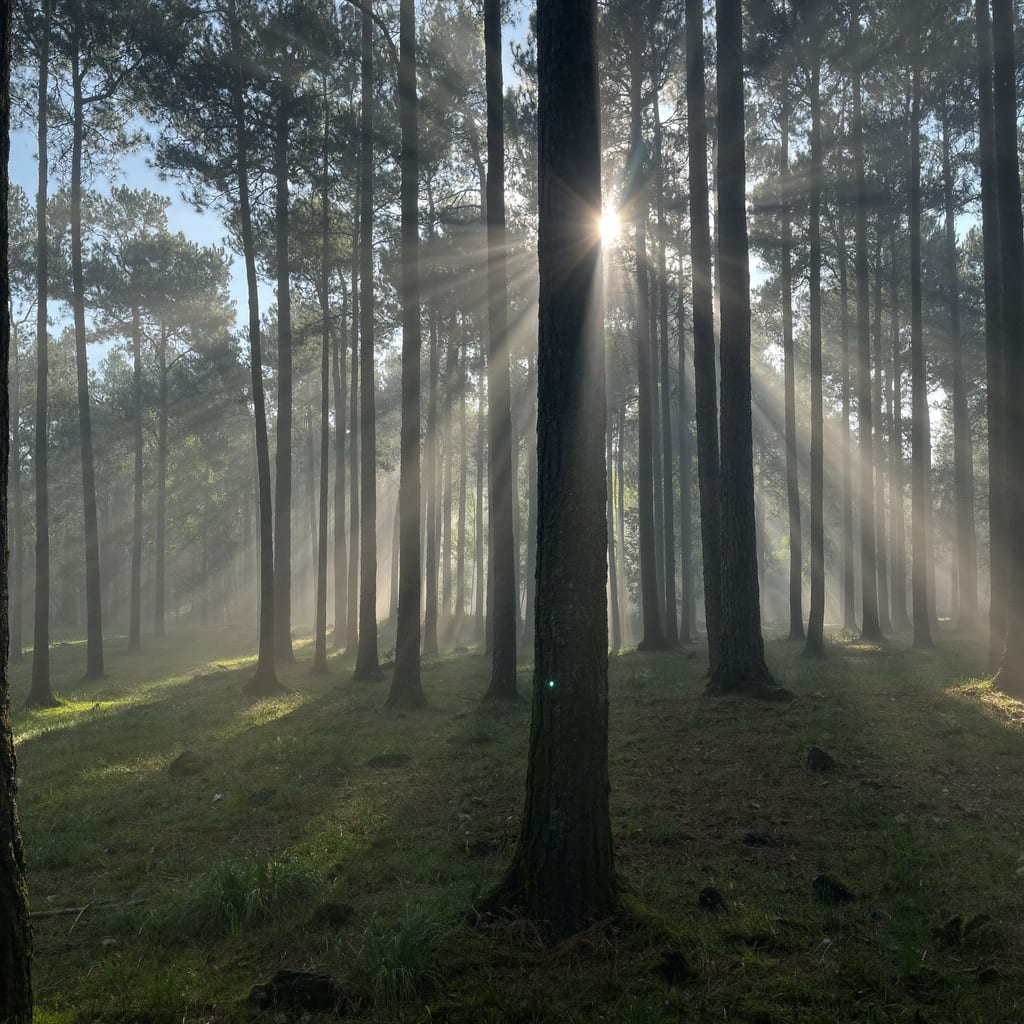
The recipe: set the scene, the time of day and the mood, then name the photography genre (food, interior, nature).
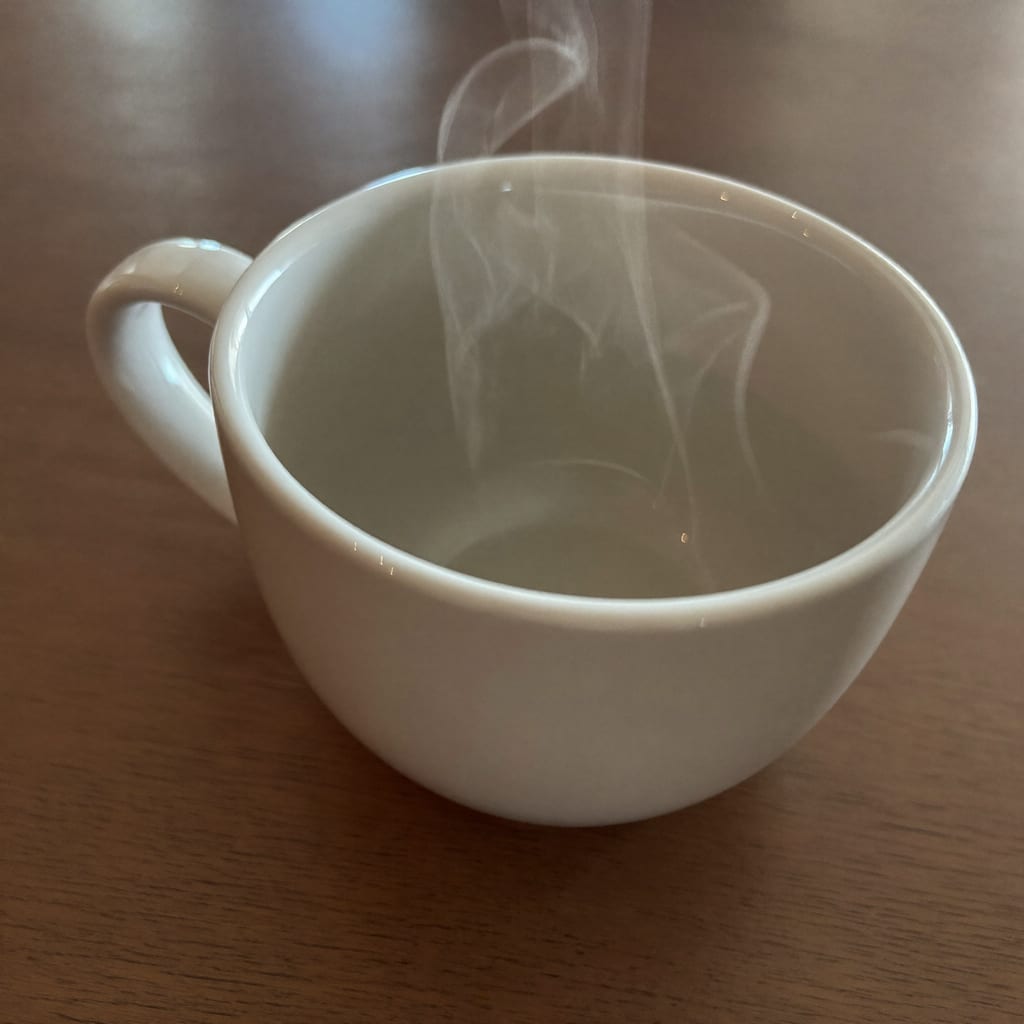
Generated with Higgsfield — prompt below. · Generated with Higgsfield
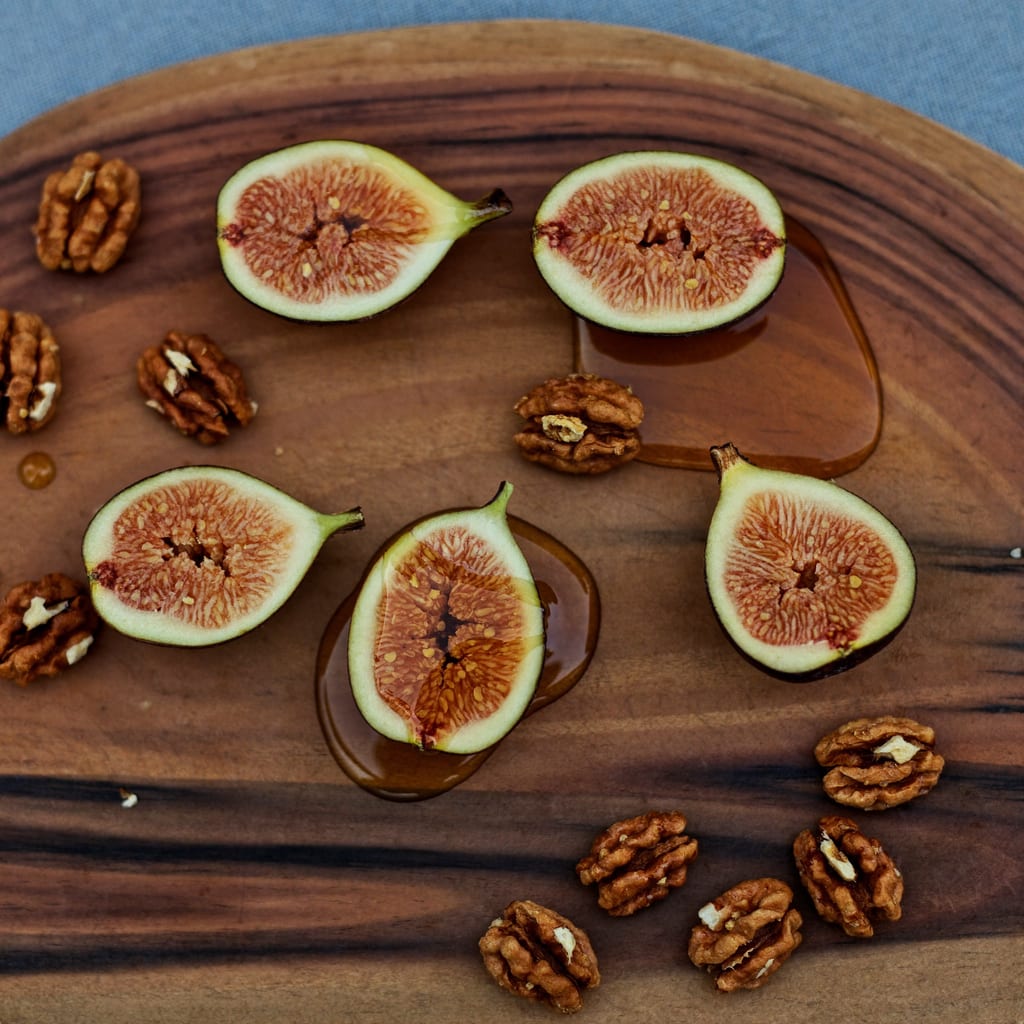
Generated with Higgsfield — prompt below. · Generated with Higgsfield
Generated with Higgsfield — prompt below. · Generated with Higgsfield
Creative & abstract
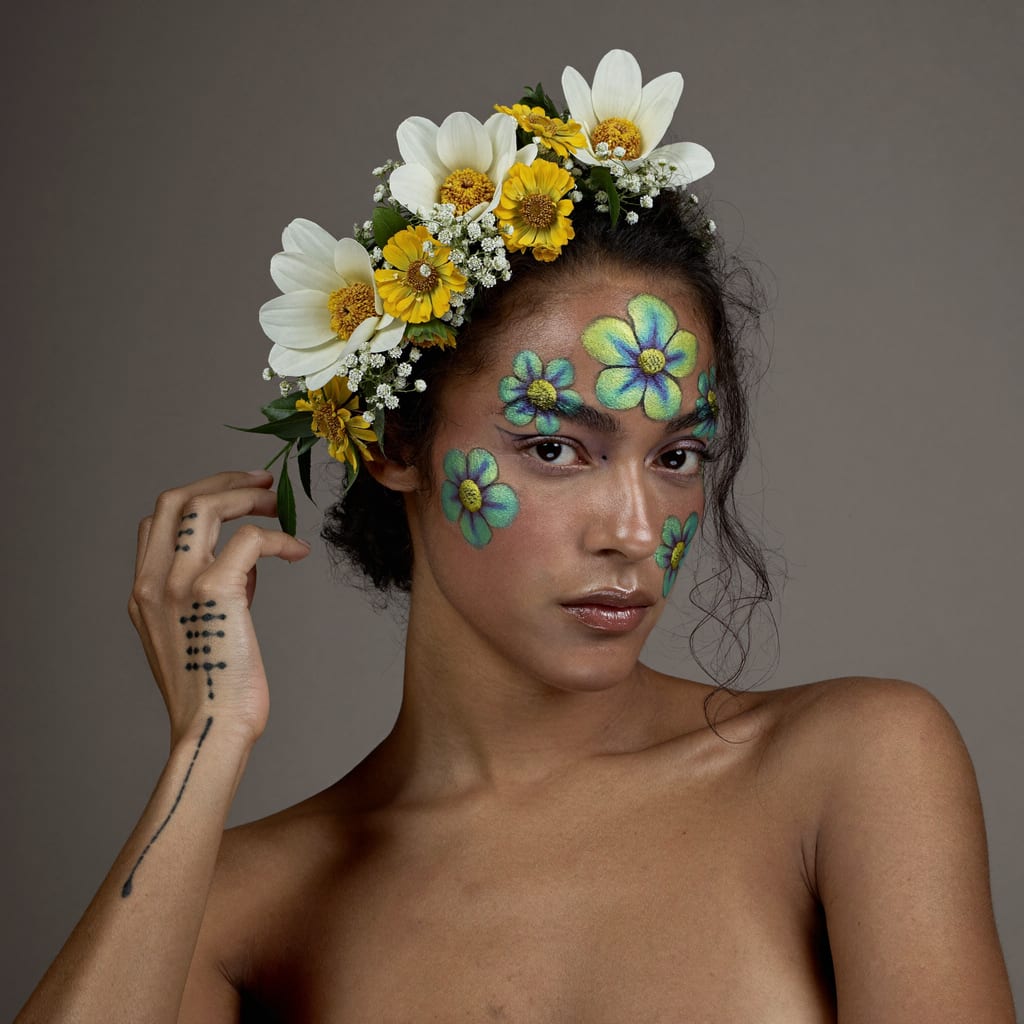
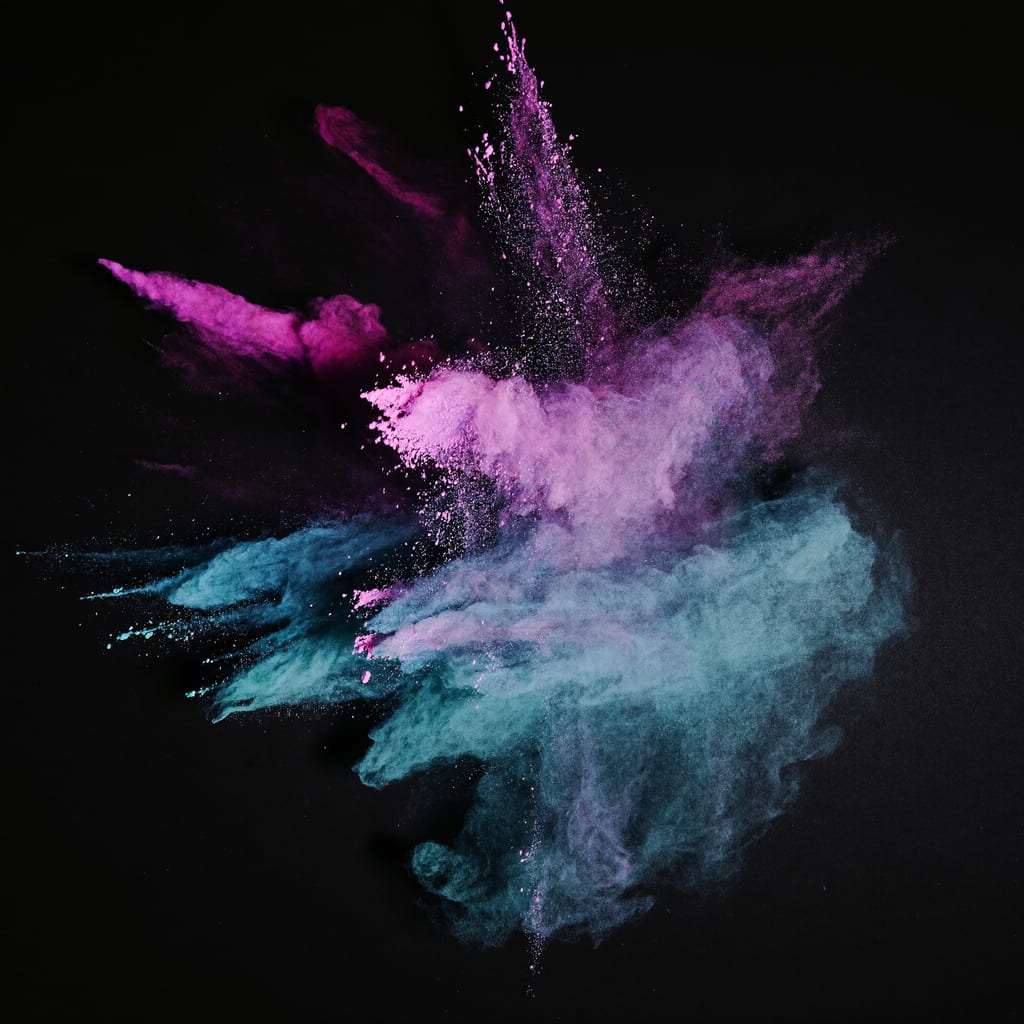
Generated with Higgsfield — prompt below. · Generated with Higgsfield
Video prompts: describe what happens, not what it looks like
Everything above is an image prompt. When you animate an image in Higgsfield, the job changes. Higgsfield's help center (read October 29, 2026) puts it plainly: once you start from an image, your prompt "stops describing what things look like and starts describing what happens: action, camera movement, timing, and mood." The picture already holds the subject, the setting and the light.
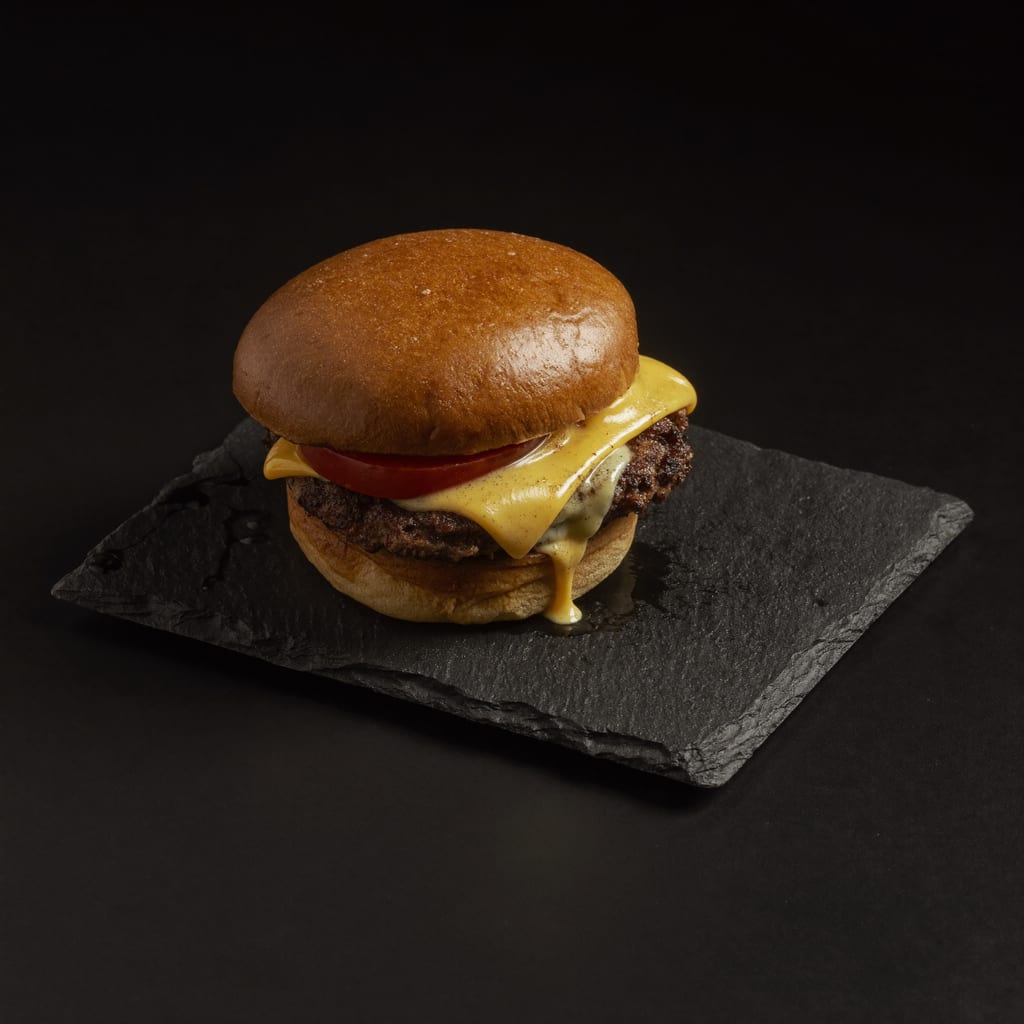
So a video prompt for the burger shot above isn't a longer description of the burger. It's the motion: what moves, how the camera moves, and how fast. For a simple clip, one line of motion is enough. Higgsfield's guide shows a 15-second cinematic example written as blocks (style and mood, camera, lighting and colour, action, audio, shot list), and says you only need that structure for longer sequences. Higgsfield's free Academy beginner course covers shot sizes and prompting on video in its lesson 5.
What Higgsfield's own prompt guide adds
Higgsfield's guide describes a detailed prompt in layers: subject, details (appearance, clothing, expression), environment and style, plus camera and mood for video. That is the same formula the 12 prompts above use. Its other habits, read October 29, 2026:
"Say what you want, not what you don't." Positive descriptions work better than long "no this, no that" lists, though naming a few key things to avoid, like "no readable text", can help on detailed shots. That's why the prompts above end with a short "no text, no logos" and nothing more.
Keep it focused for simple tasks. Match the prompt's length to the result you want.
Avoid contradictions. A "still, calm" instruction fights a motion-blurred source image.
Write in English. Higgsfield says models are trained mostly on English, with one exception: Seedance and Kling "sometimes respond better to Chinese for nuanced motion."
Change one thing at a time. Its advice for a result you don't like is to "generate, look, change one thing, generate again."
Keep a character the same by reusing it as a reference: Soul ID for a real person, a saved Element for video, attached reference images for image models.
Choosing which model gets the prompt? The best text to video AI compares what one prompt controls in Kling 4.0, Seedance 2.5 and Veo 3.1: length, shots and sound.
Frequently asked
What makes a good AI image prompt?
A clear structure: subject + setting + lighting + photography style. Name the thing, where it is, how it's lit, and the genre of photo you want (product, portrait, food, editorial). Adding 'no text, no logos' avoids garbled labels, especially on products. The 12 prompts above all follow this pattern — swap the subject and the rest holds up.
How do I stop AI adding gibberish text to my images?
Add 'no text, no logos, no writing' to the prompt, and start products blank/unlabeled — then add real branding afterward in an editor. Text-heavy subjects (packaging, signs) are where AI image tools most often produce garbled letters, so avoid asking for on-image text and overlay it later instead.
How do I write a Higgsfield video prompt?
Start from an image and describe what happens rather than what things look like: the action, the camera movement, the timing and the mood. Higgsfield's own guide says the image already holds the subject, setting and lighting. One line of motion is enough for a simple clip; use blocks (style, camera, lighting, action, audio, shot list) only for longer cinematic sequences.
Should I write Higgsfield prompts in English?
Yes, as a default. Higgsfield's prompt guide says models are trained mostly on English, so it gives the most predictable results. Its one exception is Chinese-developed models like Seedance and Kling, which it says sometimes respond better to Chinese for nuanced motion.
How do I keep the same character across Higgsfield images?
Reuse the character as a reference instead of re-describing it. Higgsfield's guide points to Soul ID for a real person, a saved Element for video, and attached reference images for image models. When restyling, say explicitly what to keep, for example "keep the exact same man, same face, same pose", and what to change.
Can I use these prompts for commercial work?
The prompts are just templates — the images you generate are yours to use per your tool's licence, so check the current terms of whichever tool you use. Starting from blank, unbranded products keeps them flexible for adding your own branding. This is how-to information, not legal advice; confirm commercial-use terms before selling.