Nvidia still owns local AI because of CUDA. But AMD's ROCm has quietly grown up — and in 2026 it's a genuine option, with caveats. Here's the honest state of Radeon vs GeForce for running LLMs.
Some links on this page are referral links: we may earn a commission, at no cost to you.
Share
AMD or Nvidia for local AI?
The honest 2026 answer: Nvidia still wins on ease, but AMD is finally a real option. Nvidia's CUDA is mature and works with every major framework out of the box — Ollama, llama.cpp, vLLM, everything — so a GeForce card is the path of least friction. But AMD's ROCm has quietly grown up: ROCm 7.2 (March 2026) was the first release with official RDNA 4 support (RX 9070 / 9070 XT) and one installer for both Windows and Linux with Ollama/LM Studio/llama.cpp/vLLM parity. AMD has shipped newer releases since: ROCm 10.1 (Oct 5, 2026) is current and lists the RX 9070 and RX 9070 XT (AMD release notes, checked Nov 12, 2026). On performance, in llama.cpp's community benchmark tables (Llama 2 7B Q4_0, read Nov 12, 2026), an RX 7900 XTX generates about 167 tokens/second on ROCm and 183 on Vulkan, roughly 90-97% of an RTX 4090 (186-188) and faster than an RTX 3090 (158). Prompt processing is the weak spot: about 3,550 tokens/second against the 4090's 12,000 on CUDA, under a third, so long prompts and big documents feel the gap more than chat replies do. So Radeon works now. The question is whether the savings are worth the remaining friction. Here's the breakdown.
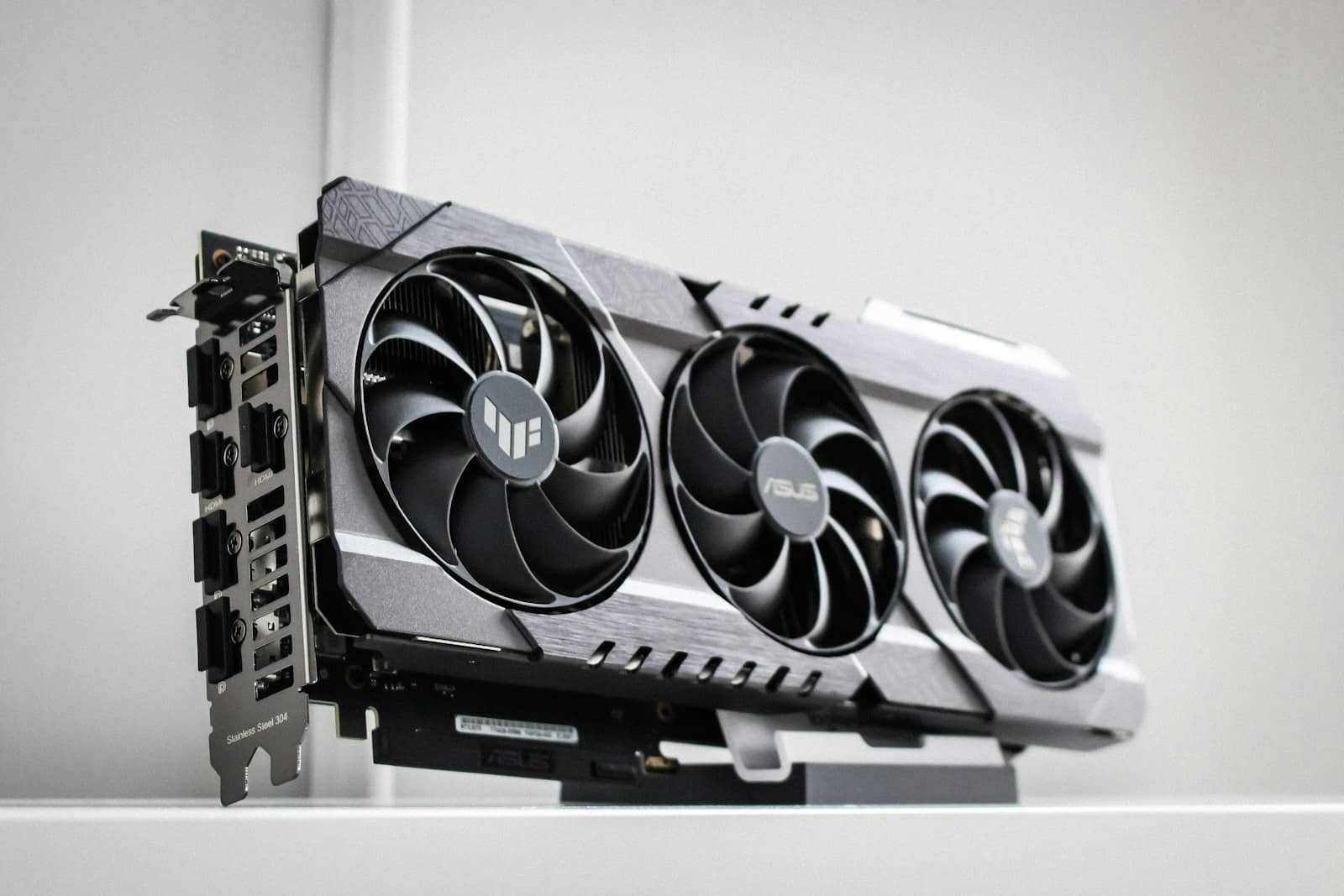
ROCm 7.2 (March 2026) brought RDNA 4 support and Windows/Linux parity — AMD is a genuine local-AI option now. · Unsplash
Which should you buy?
Our steer. Buy Nvidia if you want it to just work — CUDA is universal, every tutorial assumes it, long-context and cutting-edge features land there first, and you never fight your drivers. For most people, especially on Windows or doing heavy/experimental work, a GeForce card is the safe, frictionless choice, and the used RTX 3090 or a current RTX card is the default recommendation for good reason. Buy AMD if you're comfortable on Linux, you're targeting an RX 7900 XTX or the newer RX 9070, and you want more VRAM per dollar for running mainstream models — ROCm 7.2 made that path genuinely viable, and near-4090 generation speed at a lower price is a real deal for inference. What we would not do is buy an older or oddball Radeon expecting a smooth ride — the good ROCm experience is concentrated on the supported cards. So: Nvidia for zero-hassle and the heaviest work; AMD for value if you'll stay on the well-trodden path. Both run local AI well in 2026 — which is a genuine change from a couple of years ago, when this wasn't even a real question.
As an Amazon Associate we earn from qualifying purchases.
ASRock Radeon RX 9070 Challenger 16GB OC
An RX 9070 with 16GB of GDDR6 on AMD's RDNA 4, per ASRock. It is the newer Radeon this page names for the AMD path.
Yes, finally — with caveats. AMD's ROCm platform has matured, and ROCm 7.2 (March 2026) was the first release with official RDNA 4 support (RX 9070 / 9070 XT) and a single installer for both Windows and Linux, with Ollama, LM Studio, llama.cpp, and vLLM parity; the current release is ROCm 10.1 (Oct 5, 2026, checked Nov 12, 2026). In llama.cpp's community benchmark tables (Llama 2 7B Q4_0, read Nov 12, 2026), an RX 7900 XTX generates about 167 tokens/second on ROCm and 183 on Vulkan, roughly 90-97% of an RTX 4090 (186-188) and faster than an RTX 3090 (158). Prompt processing is the weak spot: about 3,550 tokens/second against the 4090's 12,000 on CUDA, under a third (llama.cpp's ROCm, CUDA and Vulkan scoreboards; community-submitted runs). The smoothest experience is on Linux with an RX 7900 XTX or RX 9070. Other cards and Windows setups still have more friction, so AMD is a real option now but concentrated on the supported hardware.
Is Nvidia or AMD better for running LLMs?
Nvidia is better for ease and the heaviest work: CUDA is mature and works with every framework out of the box, long-context features like Flash Attention land there first, and you rarely fight drivers — it's the frictionless default. AMD is better for value: it often offers more VRAM per dollar, and it runs mainstream models well, generating text at about 90% of an RTX 4090's speed in llama.cpp's benchmarks (prompt processing is much slower), especially on Linux with a supported card. Choose Nvidia if you want zero hassle or do experimental work; choose AMD if you're comfortable on Linux, targeting an RX 7900 XTX or RX 9070, and want the better price per gigabyte of VRAM.
Does Ollama work with AMD GPUs?
Yes. Ollama supports AMD GPUs through ROCm, and AMD publishes its own guide for running LLMs locally on Radeon cards with Ollama. Support improved substantially with ROCm 7.2 in March 2026, which brought a single Windows/Linux installer and parity across Ollama, LM Studio, llama.cpp, and vLLM. It works most reliably on Linux with a supported card like the RX 7900 XTX or the newer RX 9070; some other configurations have had inconsistent GPU detection in the past. If you're buying an AMD card specifically for Ollama, stick to the officially supported GPUs for the smoothest experience.