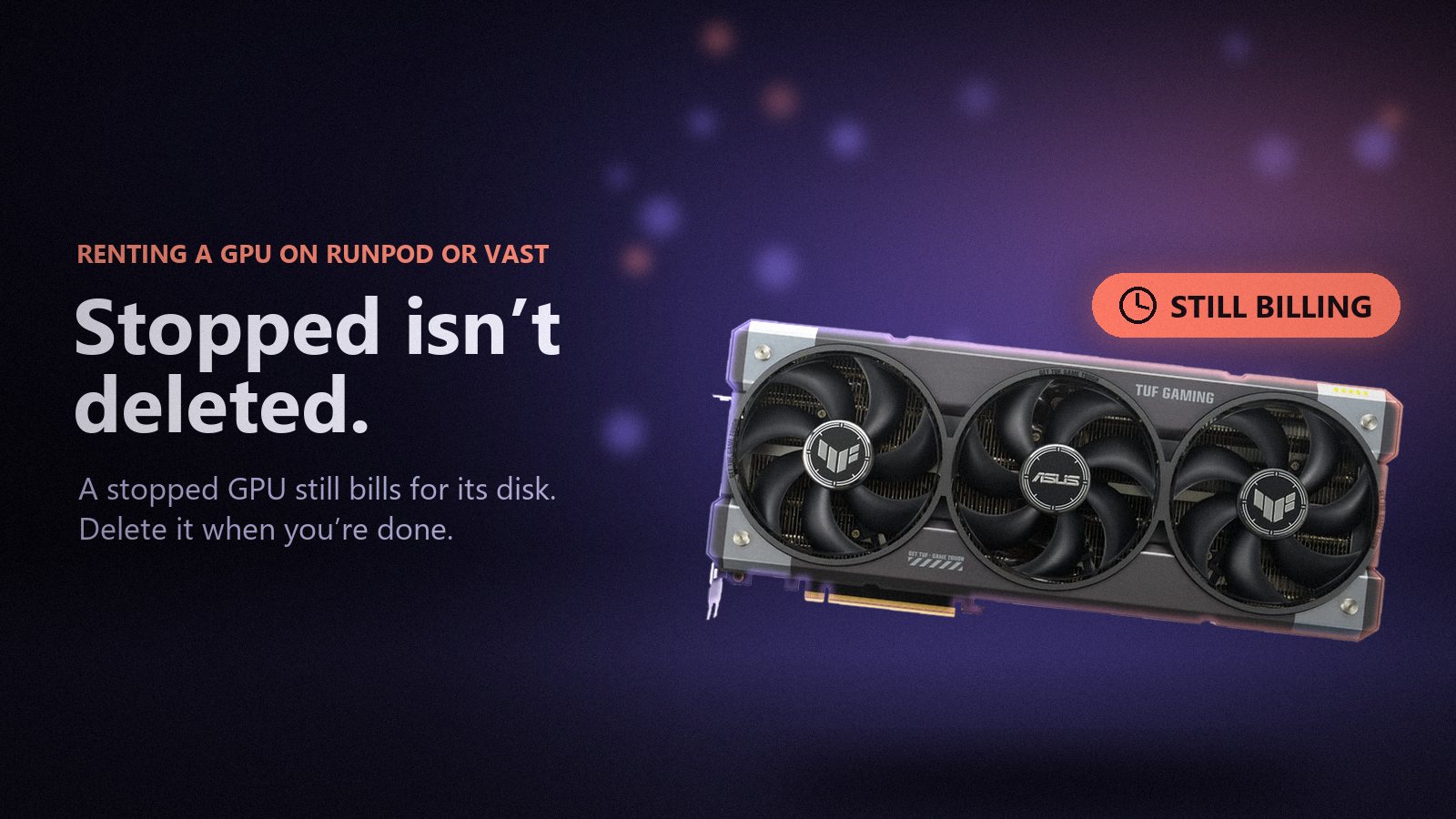
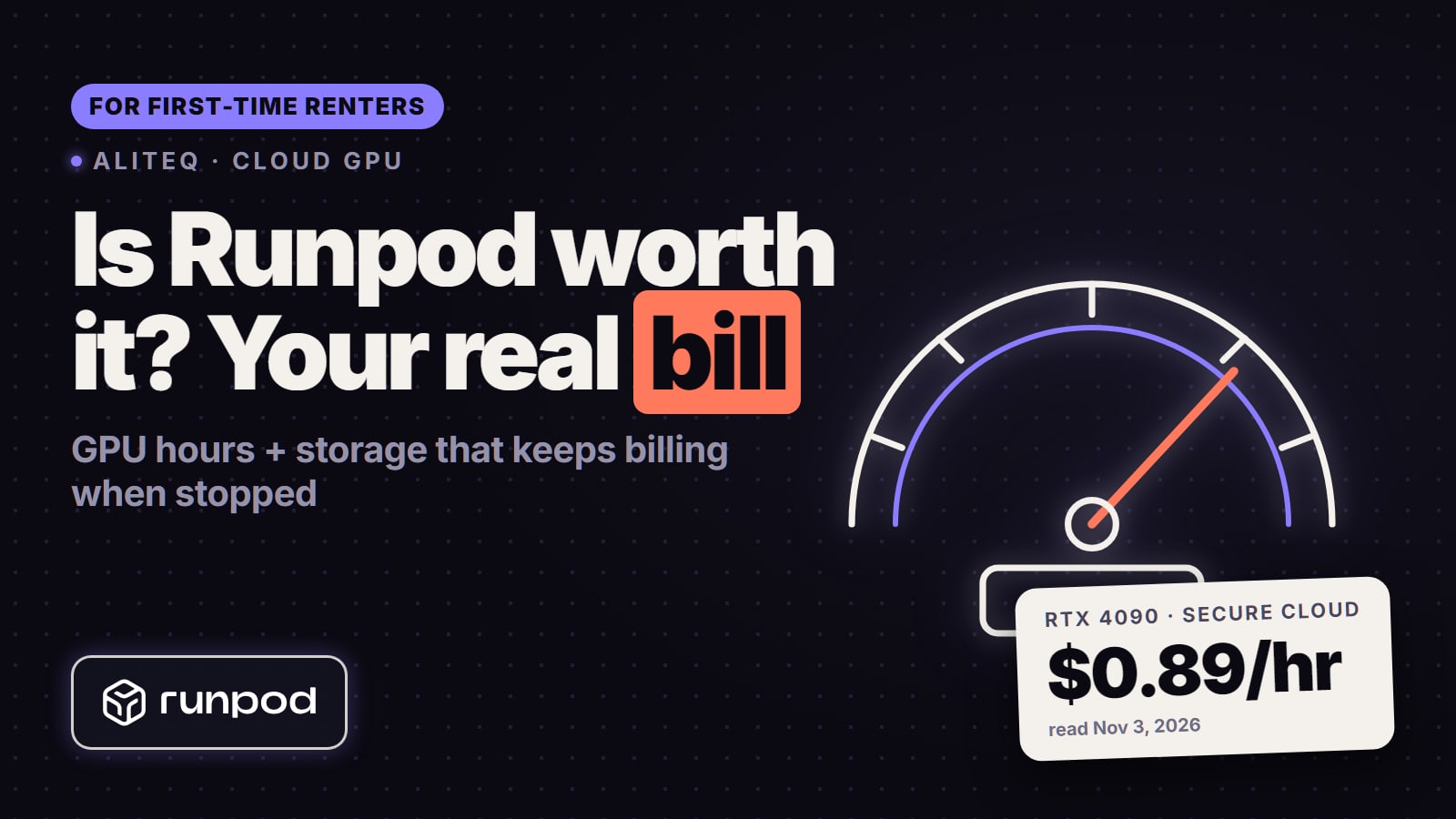
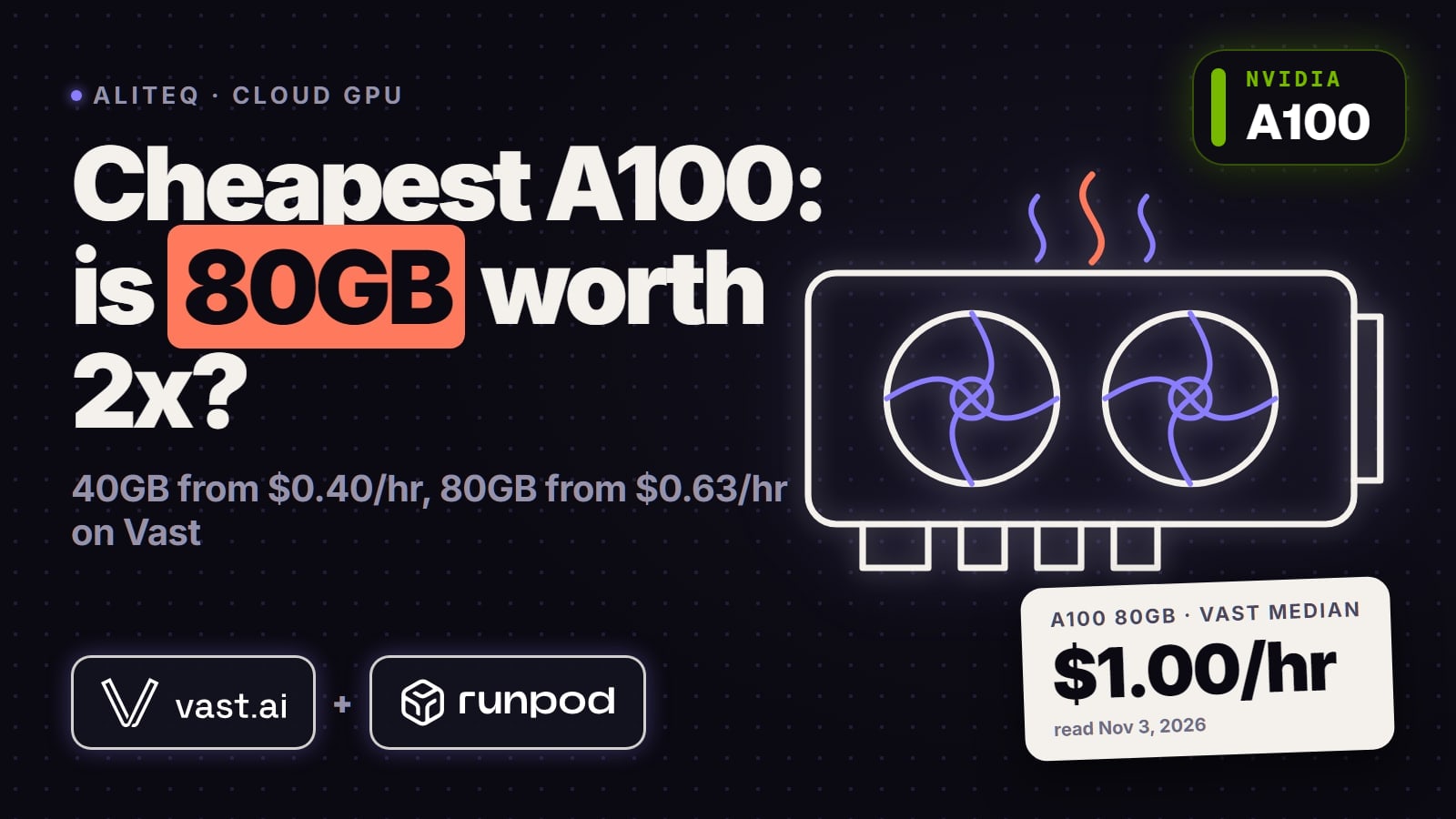
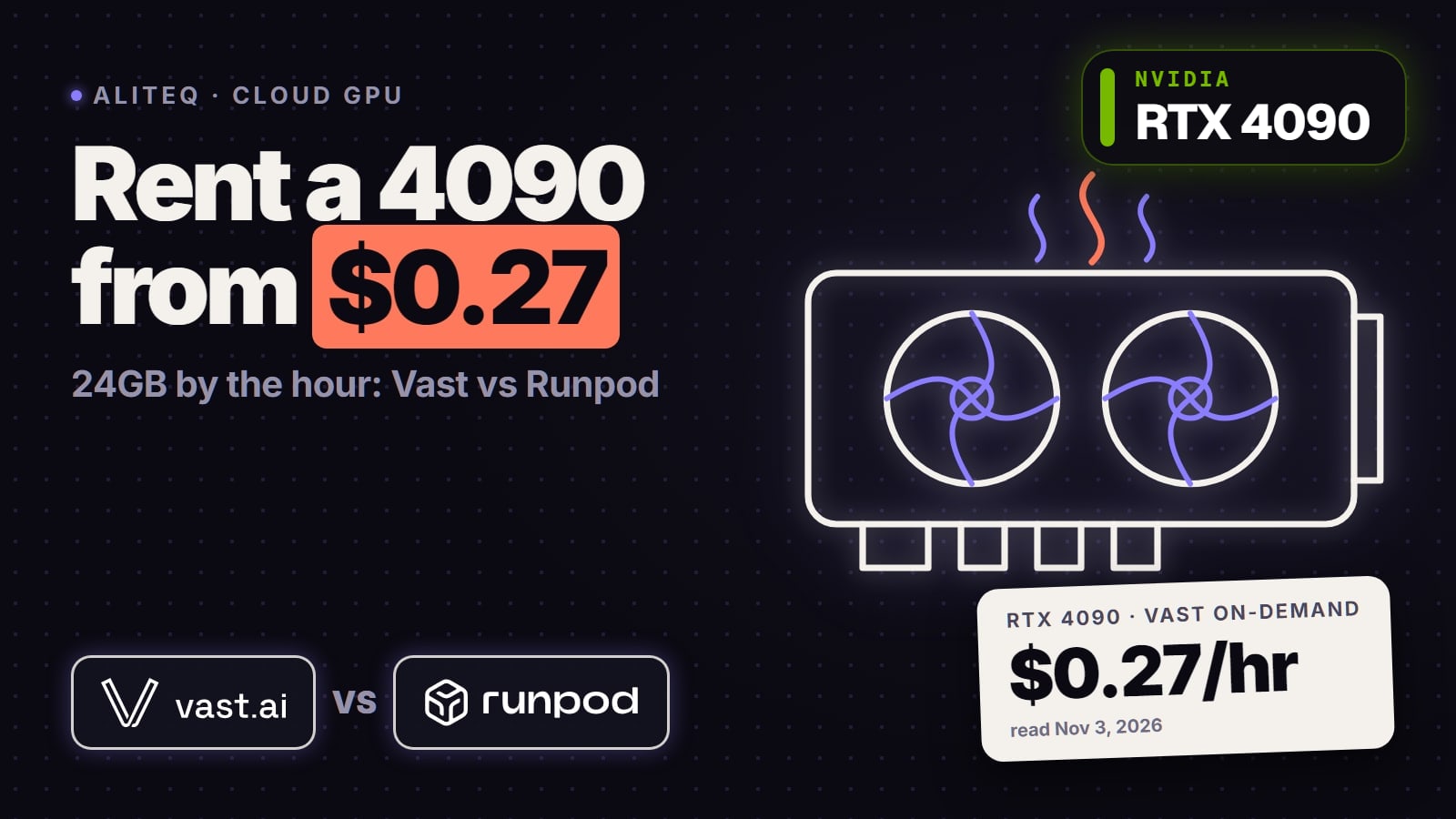
Stopping a rented GPU doesn't stop every charge. Here is each charge that keeps running on Runpod and Vast.ai after you walk away, from their own docs, and how to shut each one off.
Some links on this page are referral links: we may earn a commission, at no cost to you.
Share
How do you rent a GPU on Runpod or Vast.ai without a surprise bill? Save your outputs, then delete the machine instead of just stopping it. On both providers a stopped machine still pays for its disk: Runpod bills a stopped Pod's volume disk at $0.20 per GB a month, twice the running rate, and Vast.ai says storage charges continue until you destroy the instance. Network volumes on Runpod bill every hour whether a Pod is attached or not, Vast.ai hosts set their own bandwidth price per GB, and a running Pod bills by the second whether ComfyUI is busy or sitting idle.
What keeps charging after you stop?
Every number below is from Runpod's and Vast.ai's own docs and pricing pages, read on November 18, 2026, except the Vast.ai bandwidth and storage prices, which come from our own read of Vast's public offers API at 00:23 UTC the same day (on-demand, single-GPU, the first 64 offers per card). Vast.ai is a marketplace, so its storage and bandwidth prices are set by each host, not by Vast.
What keeps charging after you stop (read Nov 18, 2026)
GPU while running
Runpod
Billed by the second, busy or idle
Vast.ai
Billed by the second while running
Disk on a stopped machine
Runpod
Volume disk $0.20/GB a month (running $0.10); container disk erased, not billed
Vast.ai
Storage keeps billing until you destroy; docs say it is typically higher when stopped
Storage price
Runpod
Volume disk $0.10/GB a month running
Vast.ai
Set by host; median $0.20 to $0.27/GB a month in our read
Network volume
Runpod
$0.07/GB a month under 1 TB, $0.05 over 1 TB, billed hourly whether a Pod runs or not
Vast.ai
-
Download and upload
Runpod
No ingress or egress fees
Vast.ai
Per byte at the host's rate; median $0.003 to $0.009/GB, worst about $0.04 to $0.05/GB in our read
When your balance hits $0
Runpod
Pods stop; Pods without a network volume are terminated and their data is lost
Vast.ai
Instances stop; with no saved payment method they are scheduled for deletion
What ends every charge
Runpod
Terminate the Pod (and delete any network volume you no longer need)
Vast.ai
Destroy the instance
Runpod
Vast.ai
GPU while running
Billed by the second, busy or idle
Billed by the second while running
Disk on a stopped machine
Volume disk $0.20/GB a month (running $0.10); container disk erased, not billed
Storage keeps billing until you destroy; docs say it is typically higher when stopped
Storage price
Volume disk $0.10/GB a month running
Set by host; median $0.20 to $0.27/GB a month in our read
Network volume
$0.07/GB a month under 1 TB, $0.05 over 1 TB, billed hourly whether a Pod runs or not
-
Download and upload
No ingress or egress fees
Per byte at the host's rate; median $0.003 to $0.009/GB, worst about $0.04 to $0.05/GB in our read
When your balance hits $0
Pods stop; Pods without a network volume are terminated and their data is lost
Instances stop; with no saved payment method they are scheduled for deletion
What ends every charge
Terminate the Pod (and delete any network volume you no longer need)
Destroy the instance
A dash means the provider has no such product. To put the disk numbers in money: a 100 GB volume disk on a stopped Runpod Pod costs about $20 a month at $0.20 per GB, and a 100 GB network volume about $7 a month. That's our arithmetic from the list prices, not a quote.
Does a stopped pod still cost money?
Yes, for its disk. Runpod's docs say "Stopping a Pod releases the GPU and preserves data in /workspace" and "You'll still be charged for volume disk storage while stopped." That disk costs $0.20 per GB a month while stopped against $0.10 while running, so a large disk you forgot about costs more stopped than running. The container disk is the opposite: it's "erased when Pod stops" and isn't billed while stopped.
Vast.ai works the same way. Its CLI docs describe stop as "pauses compute, disk charges continue", and its pricing docs say "Storage charges continue even when instances are stopped" and "Delete instances completely to cease storage billing."
There's a second catch with stopping: you may not get the GPU back. Runpod warns that starting a stopped Pod can leave you with zero GPUs "if capacity has changed", and Vast.ai says a stopped instance's "GPU may be reassigned to other users." Stopping is a pause button for a short break, not a cheap way to keep a machine for next week. Our Runpod review and Vast.ai review cover what each one costs over a month.
How do I stop paying when I'm not using ComfyUI?
Close the session the same way every time:
Copy your outputs (images, videos, LoRA files) to your own computer or cloud storage.
If you want your models and custom nodes ready next time, keep them on a Runpod network volume, and accept its monthly storage charge.
Terminate the Pod on Runpod, or destroy the instance on Vast.ai. Don't just stop it.
Check the billing page an hour later to confirm the hourly spend is zero, or only the network volume.
A running Pod bills by the second whether the ComfyUI queue is busy or empty, so lunch with the browser tab open costs the same as an hour of rendering. If you're renting only a few hours a month, re-downloading models each session is often cheaper than paying to store them; if you rent most days, a network volume saves the setup time. Weigh the hours on our rent vs buy guide, and if your own card has 8GB or more, ComfyUI runs free on your own PC for lighter image work. Our cloud GPU guide for ComfyUI picks the card and the template.
What is the bandwidth trap on Vast.ai?
On Vast.ai, data transfer "Charges apply per byte transferred", and the costs "vary by host and include both upload and download traffic." The hourly price on an offer card doesn't show it. In our read of Vast's offers on November 18, 2026, the median download price was $0.003 to $0.009 per GB depending on the card, but the most expensive hosts charged about $0.04 to $0.05 per GB, which is $40 to $50 per TB. That's the "$40/TB bandwidth trap" people complain about on r/vastai.
It matters most for AI work because the files are big. Downloading 100 GB of video-model weights costs about $0.50 on a median host and about $4 to $5 on the worst ones, by our arithmetic, and you pay it again every time you set up a fresh instance and pull your results back out. Vast's docs add that copying data between instances also "accrues internet bandwidth usage charges."
Before you rent, open the offer's details and check the upload and download price per GB, not just the hourly rate. If you'll move a lot of data, pick a host with a low bandwidth price even when the GPU is a few cents dearer. Runpod has no ingress or egress fees, which is one reason to pick it for download-heavy jobs.
How do I save my work before I shut it down?
Copy it out first, because deleting is permanent. Runpod's docs say "Terminating permanently deletes all data not stored in a network volume. Export important data first." Vast.ai's say destroy "Permanently deletes instance and all data."
The documented ways out:
Runpod:runpodctl send <file> on the Pod, then runpodctl receive <code> on your computer with the code it prints; or scp and rsync over SSH; or Cloud Sync from the My Pods page to a cloud storage provider.
Vast.ai: Cloud Sync to a cloud storage provider (it works "even when the instance is stopped"), vastai copy to your own machine, or scp over SSH. Vast recommends the proxy SSH connection only for transfers under 1 GB.
On Vast.ai every one of these counts as bandwidth at the host's rate, so check that price before you pull a 50 GB folder of renders. For anything you want to keep between sessions on Runpod, a network volume holds it: its data is kept when Pods terminate. It lives in one datacenter, though, so you can only attach it to Pods there.
Can a pod shut itself down when the job finishes?
Runpod documents a timer for it. Its docs show runpodctl pod stop $RUNPOD_POD_ID to stop a Pod and runpodctl pod delete $RUNPOD_POD_ID to remove it, plus a scheduled version, sleep 2h; runpodctl pod stop $RUNPOD_POD_ID &, that stops the Pod two hours later. Remember that a stopped Pod still pays for its volume disk, so pod delete is the command that ends the charges once your outputs are safe. runpodctl needs your API key set first (runpodctl config --apiKey).
On Vast.ai the CLI has vastai stop instance INSTANCE_ID and vastai destroy instance INSTANCE_ID, and its docs say "When you're done, destroy the instance to stop all billing." The docs we read don't describe running these from inside the instance itself, so the safe pattern is to run destroy from your own computer once your results are copied off.
Both providers also have a hard floor: Runpod stops Pods when your balance reaches $0 and has a default limit of $80 an hour across all resources, and Vast.ai stops instances at zero credit. A small prepaid balance caps the damage of a forgotten machine, but on Runpod a Pod without a network volume is terminated at $0 and "their data cannot be recovered", so don't rely on it as an off switch.
Pod or serverless for occasional use?
For a few image or chat requests a week, Runpod Serverless can cost less than a Pod because flex workers "Scale to zero when there are no requests." You pay from when a worker starts until it stops, including the cold start while the model loads into GPU memory and a short idle timeout after each job (5 seconds by default). Active workers are the opposite: "Always running (24/7)", so they bill like a Pod you never turn off. Serverless needs an endpoint set up, which is more work than a one-click ComfyUI template. For a long session of hands-on work, a Pod you terminate at the end is simpler. Compare live per-hour prices for both providers on /cloud-gpu, and see how they stack up on price in our Runpod vs Vast.ai vs Lambda comparison.
Before you click Rent
Check the full price, not the GPU line: disk size × storage price, plus bandwidth per GB on Vast.ai.
On Vast.ai, open the offer and read the upload and download price per GB; skip hosts near $0.04/GB if you'll move big model files.
Size the disk to what you need; a bigger disk keeps costing after you stop.
Know where your outputs go before you start (runpodctl, scp, Cloud Sync) and test it with one file.
Decide up front whether you need a network volume, and remember it bills every hour until you delete it.
Keep only as much credit as you're willing to lose to a forgotten machine.
When you're done, terminate (Runpod) or destroy (Vast.ai), then confirm on the billing page that the hourly spend has dropped.
Delete network volumes you no longer use.
Common questions
How can I avoid paying for Runpod when I'm not actually using ComfyUI?
Copy your outputs off and terminate the Pod. A running Pod bills by the second even when idle, and a stopped one still pays $0.20 per GB a month for its volume disk.
How do I close Runpod automatically after a workflow is completed?
Runpod's docs show runpodctl pod stop $RUNPOD_POD_ID, and a timed version with sleep before it. Stopping still bills the disk, so use runpodctl pod delete $RUNPOD_POD_ID once your files are saved.
What is the $40/TB bandwidth trap on Vast.ai?
Vast.ai hosts set their own upload and download price per GB. In our Nov 18, 2026 read most charged under $0.01 per GB, but the worst charged about $0.04 to $0.05, so check the offer's bandwidth price before you download big models.
Does a stopped Vast.ai instance still cost money?
Yes. Vast.ai's docs say storage charges continue while an instance is stopped and stop only when you destroy it.
About to start fine-tuning on Runpod. What should I know to not waste money?
Keep checkpoints on a network volume or copy them off as you go, because terminating deletes everything else. Remember a network volume ties you to one datacenter and bills until you delete it.
How would I save my work before shutting down?
On Runpod use runpodctl send and receive, scp, rsync or Cloud Sync. On Vast.ai use Cloud Sync, vastai copy or scp, and remember those transfers are billed at the host's bandwidth rate.