Which retro handheld should you buy? For most people, the Retroid Pocket 6, $244 for the 8GB model on Retroid's own store (read Nov 3, 2026), with a Snapdragon 8 Gen 2 and a 5.5-inch 1080p 120Hz AMOLED. Emulation itself is simple: install a free emulator for each console, load games you dumped from your own cartridges and discs, and map the controls. The emulators are legal in the US; downloading ROMs, even of games you own, is not protected.
Which retro handheld to buy
Start with the newest console you want to play, because that sets the chip you need. NES through PS1 runs on almost anything; PS2, GameCube and Switch need a Snapdragon 8 Gen 2 class chip. Eden, the Switch emulator, names a Snapdragon 865 with 8GB of RAM as its floor and an Adreno 740 with 12GB as recommended, as our chip guide explains.
Retroid Pocket 6
- Price (maker's store)
- $244 (8GB), $279 (12GB)
- Chip
- Snapdragon 8 Gen 2
- Screen
- 5.5-inch 1080p 120Hz AMOLED
- Best for
- Most people, NES to PS2 and GameCube
AYN Odin 2 Portal
- Price (maker's store)
- $259 (Base)
- Chip
- Snapdragon 8 Gen 2
- Screen
- 7-inch OLED
- Best for
- The biggest screen for less
AYN Odin 3
- Price (maker's store)
- from $369
- Chip
- Dragonwing Q8
- Screen
- 6-inch AMOLED
- Best for
- Newest chip, 8000mAh battery
Retroid Pocket Duo
- Price (maker's store)
- $269
- Chip
- Dragonwing Q-7790
- Screen
- 5.5-inch + 4.5-inch AMOLED, both 120Hz
- Best for
- DS and 3DS on a budget
AYN Thor
- Price (maker's store)
- Base $329, Pro $409
- Chip
- Snapdragon 8 Gen 2
- Screen
- 6-inch + 3.92-inch
- Best for
- DS, 3DS and the most power
Prices read on Retroid's and AYN's own stores on Nov 3 and Nov 14, 2026. They have moved several times since launch, so check the listing before you buy. A 4:3 screen for older consoles is Anbernic's niche, covered in the Retroid vs Odin vs Anbernic guide.
As an Amazon Associate we earn from qualifying purchases.
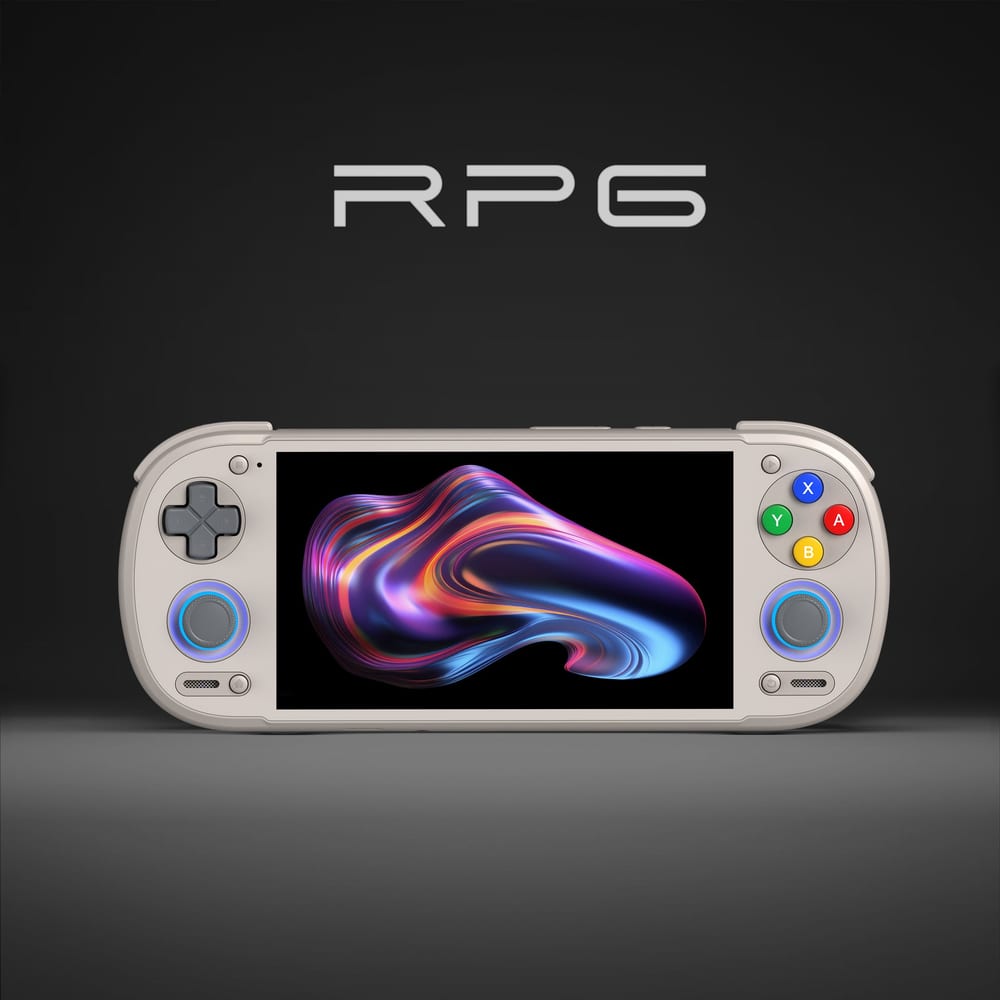
Our pick for most people
Retroid Pocket 6
Snapdragon 8 Gen 2, a 5.5-inch 1080p 120Hz AMOLED and active cooling. Also sold on Amazon: compare the price with Retroid's own store before you buy.
Best for: NES through PS2 and PSP, plus most GameCube, without paying Odin 3 money.
Today's price shows on Amazon
How emulation works, in four steps
- Install the emulator for each console. On Android handhelds that is mostly Google Play or the project's own releases page. Our best emulator for every console gives one pick per system, checked on each project's site.
- Add your own games and BIOS files. Dump them from cartridges and discs you own. Emulators ship without games or console firmware.
- Set up the screens and controls. On a dual-screen handheld, Azahar's Secondary Screen Layout sends the 3DS bottom screen to the second display, step by step in how to set up Azahar and melonDS.
- Fix the hard cases. On Snapdragon handhelds, GameCube, 3DS and Switch often run better with the community Turnip GPU driver, loaded inside the emulator, see how to install Turnip drivers.
Prefer a PC or a big screen? The same emulators run on Windows, and our PC gaming guide covers the hardware side.
Whichever handheld you buy
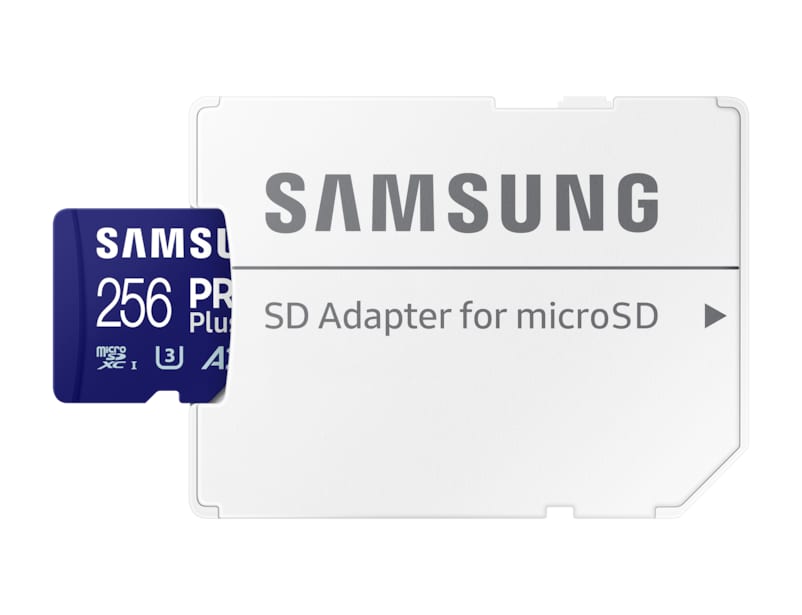
Samsung PRO Plus microSDXC card
The one add-on every one of these handhelds needs: a fast microSD card for your game library, so the built-in storage stays free for apps and saves.
Best for: anyone keeping more than a handful of PS2, GameCube or 3DS games on the device.
Today's price shows on Amazon