invideo has a Free plan with a weekly limit, and its manual Editor is free with no cap on projects. What invideo doesn't publish is the size of that weekly allowance. Here's what its own pages say, what costs credits, and what the cheapest paid plan adds.
Some links on this page are referral links: we may earn a commission, at no cost to you.
Share
Is invideo AI free? Partly: there's a $0 Free plan with a weekly limit, and the manual invideo Editor is free. invideo's help center, read on November 13, 2026, lists the Free plan's credits as "Limited" and says that when you hit the cap you wait for the next weekly reset or upgrade. It doesn't say how big that weekly allowance is. Steady AI video work needs a paid plan, which starts at $20 a month.
What does invideo's Free plan include?
A small, weekly-resetting allowance of credits for invideo AI. That's as specific as invideo gets. The plan table on its subscriptions help page lists Free at $0 with credits marked "Limited". The plan-limits page says what happens at the cap: "Weekly limit reached", then "Wait for the next weekly reset or upgrade."
What invideo doesn't publish:
How many credits a week. No number on the pricing page or the help center.
Minutes, exports or resolution caps on Free. Third-party blogs quote figures like a set number of minutes or exports a week. None of those appear on invideo's own pages, so we don't repeat them.
A watermark rule for invideo AI's Free plan. invideo's old help article on watermarks now redirects to a licensing page, and no current page says whether free AI videos are watermarked. Our invideo watermark guide tracks what is stated.
So treat the Free plan as a sample. Sign up, look at the credit counter in your profile menu, and read the cost invideo shows before each generation.
What's free to do inside invideo?
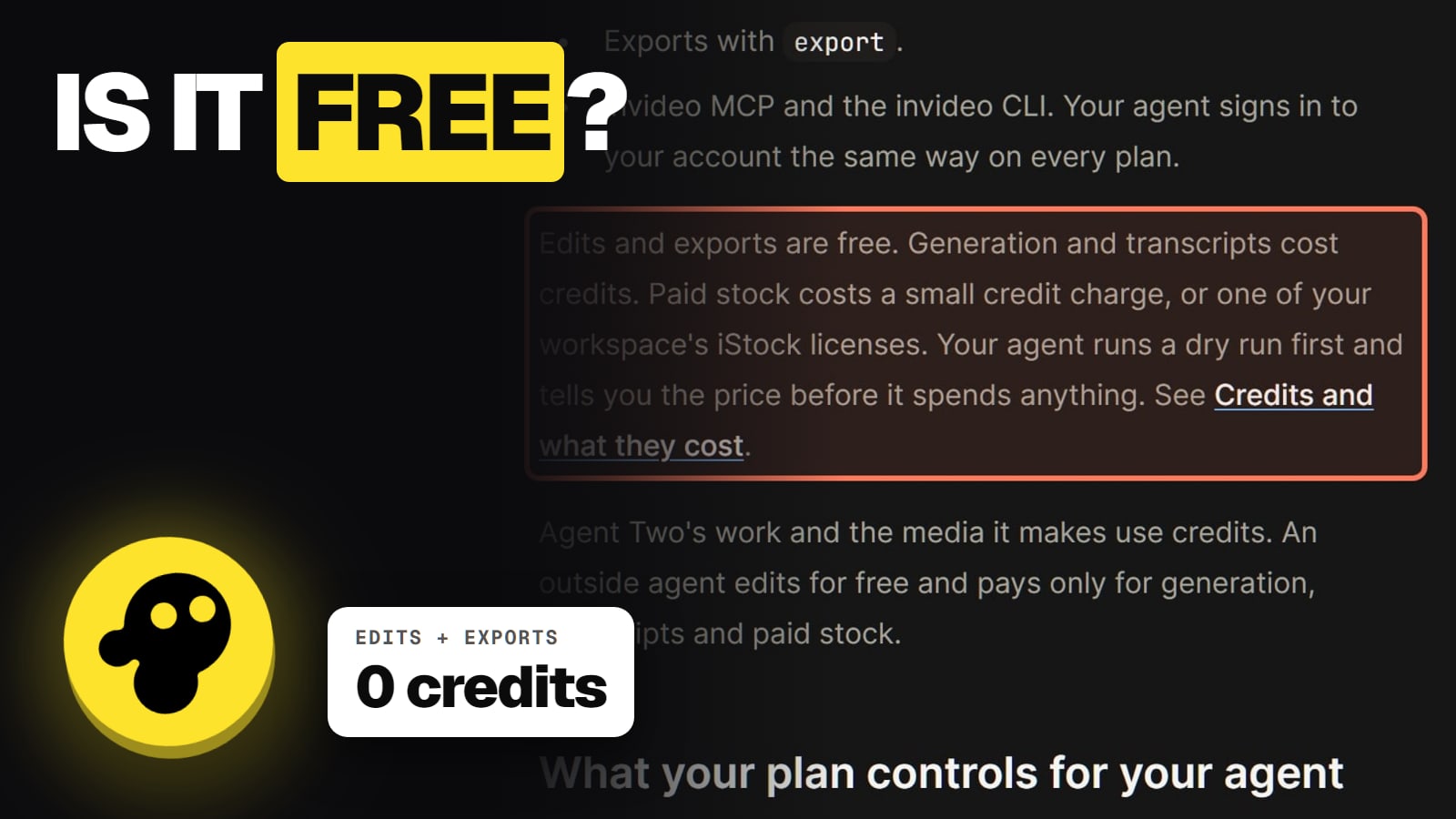
More than you'd guess, because invideo charges credits for generating, not for editing. Its credits help page splits actions into two lists:
What costs credits in invideo (help.invideo.io, read Nov 13, 2026)
Timeline edits
Cost
Free
Exports and downloads
Cost
Free
Searching stock
Cost
Free
Bringing your own files
Cost
Free
Generating video, images or voice
Cost
Credits
Transcripts
Cost
Credits
Paid stock
Cost
Credits
Agent Two's own work
Cost
Credits
Cost
Timeline edits
Free
Exports and downloads
Free
Searching stock
Free
Bringing your own files
Free
Generating video, images or voice
Credits
Transcripts
Credits
Paid stock
Credits
Agent Two's own work
Credits
The last row catches people out. invideo's help center says Agent Two's own work, not just the finished clips, uses credits. On a small free allowance, a long back-and-forth with the agent can use it up before you get a video. Our guide to why invideo credits run out so fast explains the "Ask before generating" setting that puts a stop on that.
Is the invideo Editor free?
Yes. When invideo launched its Editor on September 1, 2026, it said the manual editor is free, "with no limit on projects or footage", and that edits and exports cost no credits. invideo's own blog also says the Editor exports finished videos without a watermark for free. That's invideo describing itself, so it's worth checking on your own first export.
The Editor is a browser video editor. It exports MP4, audio or a still frame, or an editable project for Premiere Pro, Final Cut Pro or DaVinci Resolve. The AI models inside it still cost credits; cutting, arranging and exporting your own footage doesn't.
invideo AI vs invideo Studio: two different free plans
invideo sells two products, and searches mix them up. invideo AI is the agent that makes videos from a prompt. invideo Studio is the older template editor, still sold on its own pricing page. Studio's Free plan is $0 too, and its pricing page says premium and iStock media on Free come "With Watermark"; its paid Business and Unlimited plans say "No Watermark on Videos". That's a Studio rule. Don't read it as an invideo AI rule.
invideo's phone app, "invideo: AI Video Editor", is free to download with in-app purchases; on November 13 it showed 4.5 stars from 28K ratings on the US App Store. App-store prices are set by Apple and Google and can differ from the website.
What do you get when you pay?
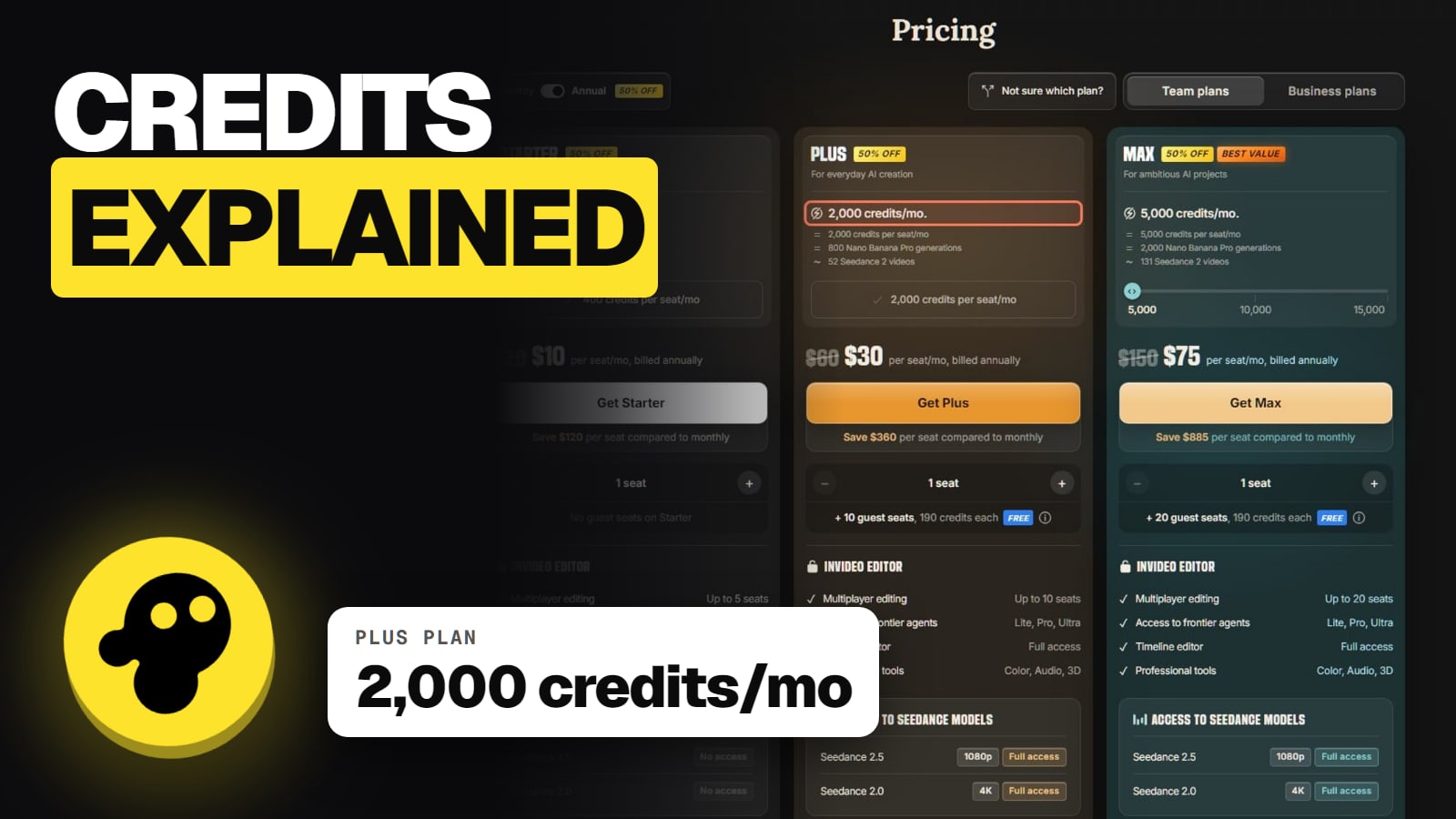
The jump from Free is a fixed monthly credit allowance, and on Plus and up, the full model list. Here's the bottom of the ladder, from invideo's pricing page on November 13, 2026:
Free vs the two cheapest invideo AI plans (Nov 13, 2026)
Price
Free
$0
Starter
$20 a month, or $10 billed yearly
Plus
$60 a month, or $30 billed yearly
Credits
Free
Limited, weekly reset
Starter
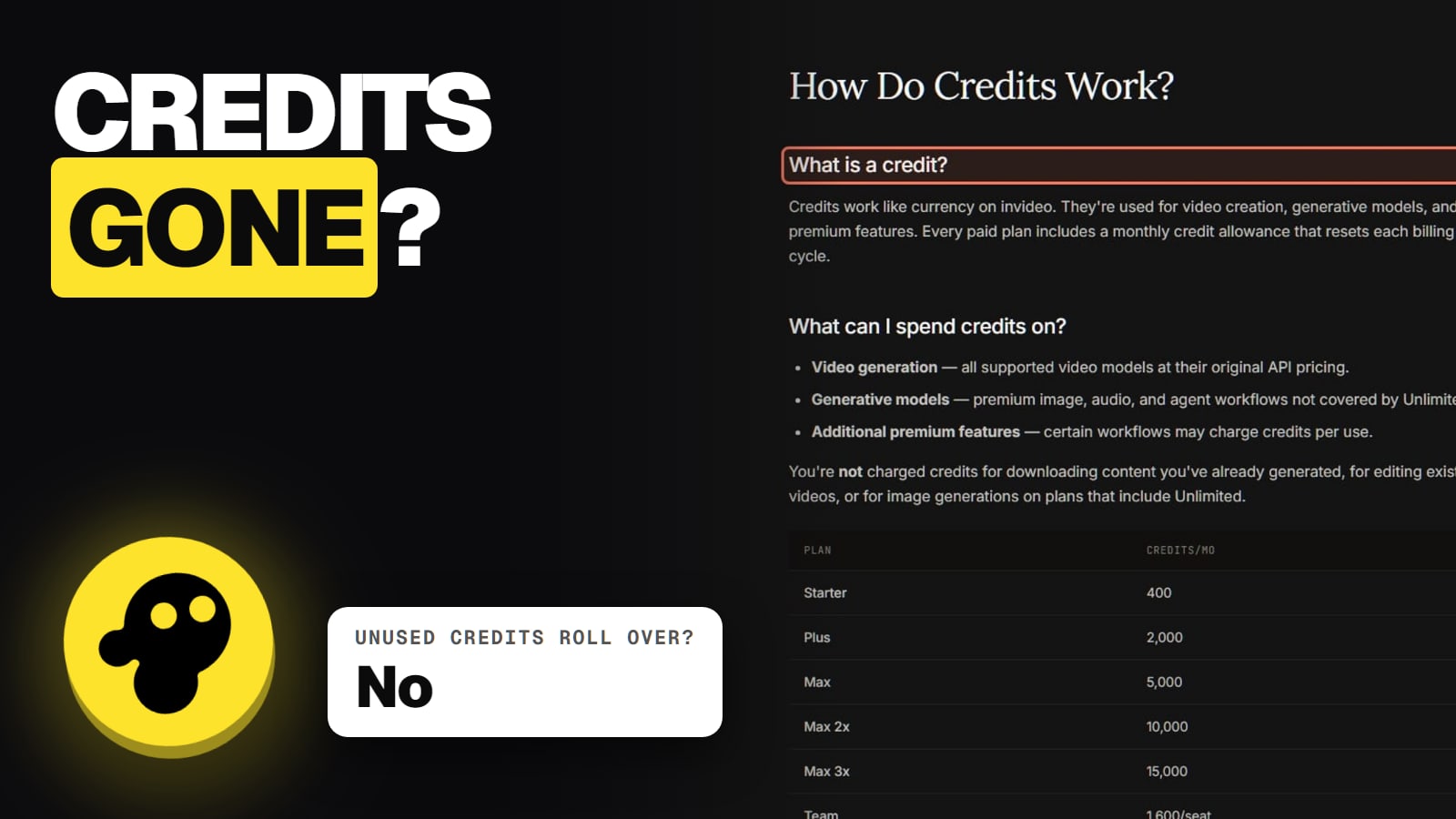
400 a month
Plus
2,000 a month
Extra credits
Free
Not available
Starter
From $5
Plus
From $5
Agent Two modes
Free
Not published
Starter
Lite only
Plus
Lite, Pro, Ultra
Seedance 2.5
Free
Not published
Starter
No
Plus
Yes
Free
Starter
Plus
Price
$0
$20 a month, or $10 billed yearly
$60 a month, or $30 billed yearly
Credits
Limited, weekly reset
400 a month
2,000 a month
Extra credits
Not available
From $5
From $5
Agent Two modes
Not published
Lite only
Lite, Pro, Ultra
Seedance 2.5
Not published
No
Yes
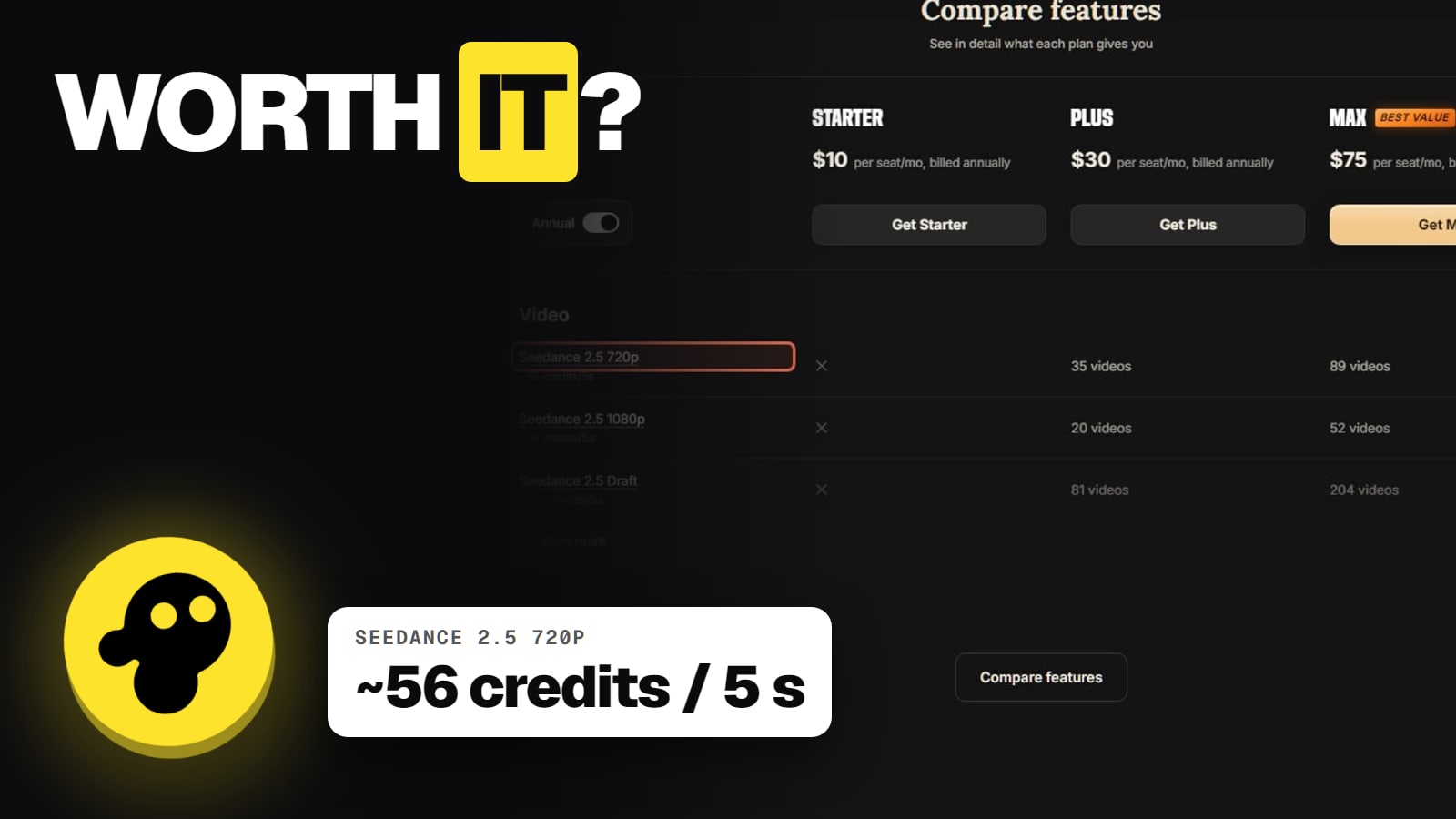
Starter's 400 credits buy about 17 five-second Kling 3.0 clips at 1080p, by invideo's own table, and no Seedance 2.5 at all. Plus buys about 35 Seedance 2.5 clips at 720p. Our invideo pricing guide breaks down every plan, and is invideo worth it covers who should pay.
Is there an invideo free trial?
Not as a named trial on the pages we read. The Free plan is the trial. Two offers sit on the pricing page instead: annual billing at half the monthly price, and Max at $135 for the first month before $150. invideo's homepage also says you can "Get an additional discount on premium plans after signing up", without showing the amount while signed out. Our invideo promo code check tracks which offers are real.
If you pay and change your mind, move fast: invideo's terms allow a refund only within 24 hours of a purchase or renewal, and only if you haven't used credits or premium features. See how to cancel invideo.
Free alternatives if invideo's allowance is too small
If you mostly want free clips from one model, a model's own free tier may go further: see is Seedance free. If you want to try several models side by side, Higgsfield's free account is a showroom for that, with its own limits. For whole faceless videos from a script, our best AI video generator for faceless YouTube compares the free tiers that exist.
6/ 10
Verdict
Free to try, not free to use
invideo's Free plan is real but unmeasured. invideo says it's limited and resets weekly, and stops there, so you can't plan a channel on it. The free manual Editor is the more useful free part if you already have footage. For AI-made videos, the Free plan is a test drive; the work starts on a paid plan.
Best for: Anyone deciding whether to sign up for invideo AI, or pay for it
Frequently asked
Is invideo AI completely free?
No. There's a Free plan with limited credits that reset weekly, and the manual Editor is free, but AI generation beyond the free allowance needs a paid plan. See invideo's pricing page.
How many free credits does invideo give?
invideo doesn't publish a number. Its help center lists Free plan credits as Limited, with a weekly reset.
Does invideo's free plan add a watermark?
invideo's current pages don't say for invideo AI. invideo's blog says its Editor exports without a watermark for free, and invideo Studio's Free plan watermarks premium media.
Can I buy extra credits on the free plan?
No. invideo's help center says extra credits can't be used on Free; you need a paid plan.
Is the invideo Editor free?
Yes. invideo says the manual Editor is free with no limit on projects or footage, and edits and exports cost no credits. AI generations inside it still cost credits.
What's the cheapest paid invideo plan?
Starter: $20 a seat a month, or $10 a month billed yearly, for 400 credits (Nov 13, 2026). It doesn't include Seedance 2.5.