The mark you see depends on which invideo product you're in. invideo's own pages explain the stock mark on the timeline, Studio's free-plan watermark and the free Editor's clean exports. Here is each one, and the one thing invideo doesn't say.
Some links on this page are referral links: we may earn a commission, at no cost to you.
Share
The invideo watermark you're most likely seeing is the stock mark: paid stock footage shows invideo's mark on the timeline, and the export renders it clean once that stock is licensed under your plan. If invideo asks you to pay when you download, its help center says the video uses more iStock than your plan includes. invideo Studio, the older template editor, is different: its Business and Unlimited plans say "No Watermark on Videos", and premium media on its Free plan is watermarked. Checked on invideo's own pages on November 13, 2026.
First, which invideo are you using?
invideo sells more than one product, and the watermark rules differ. That's where most of the confusion online comes from.
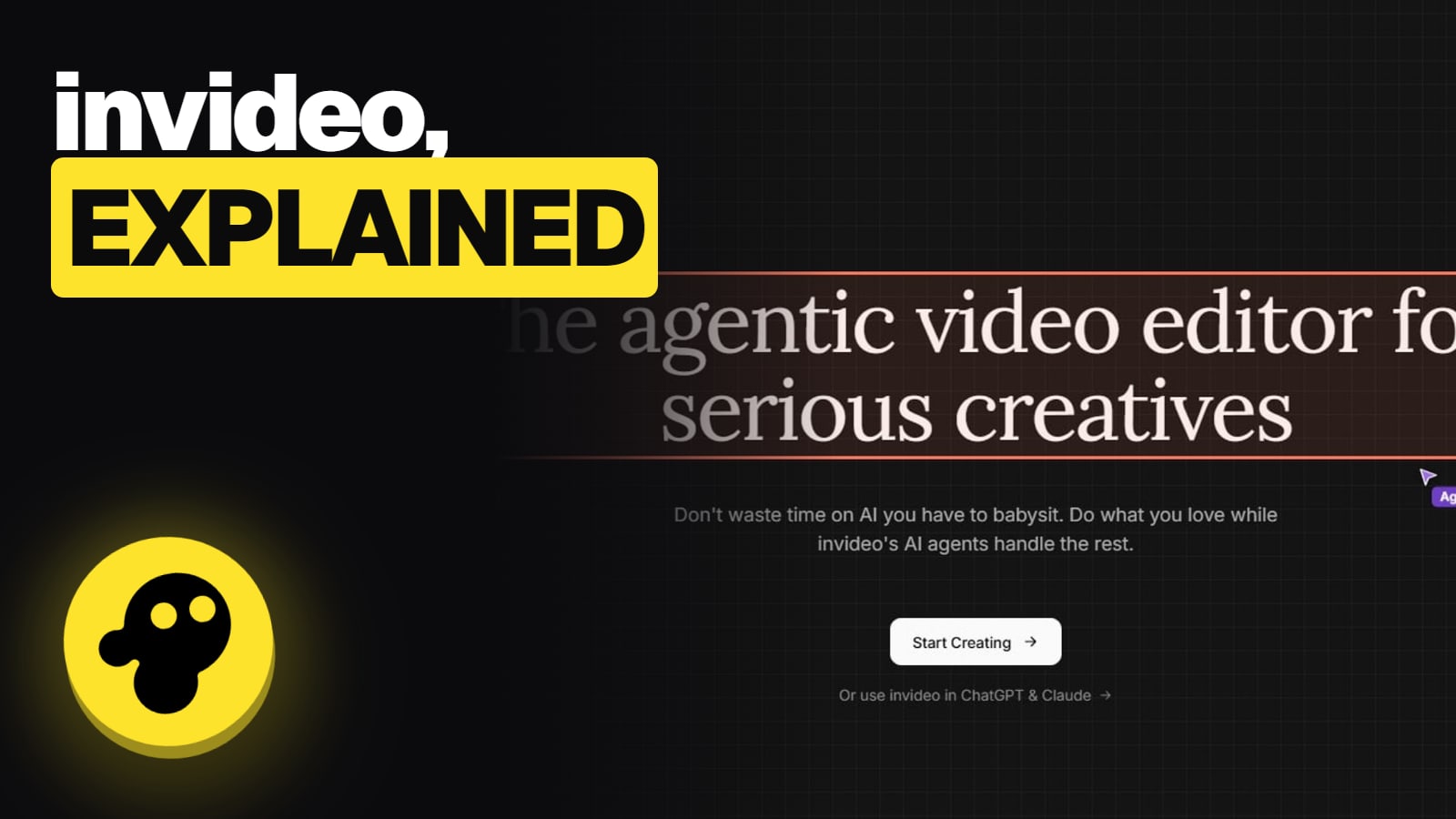
invideo AI is the agent-led tool: you describe a video, and Agent Two writes, generates and assembles it. Our what is invideo AI page explains the parts.
invideo Editor, launched September 1, 2026, is a browser timeline editor with an AI assistant. invideo says the manual editor is free "with no limit on projects or footage".
invideo Studio is the older template editor. It's still sold, on its own pricing page, with its own plans (Free, Business, Unlimited). Those aren't invideo AI plans.
If the URL or app says Studio, read the Studio section. Otherwise, read the stock-mark section first.
The stock mark in invideo AI and the Editor
invideo's help page on commercial use says it plainly: "On the timeline, paid stock shows invideo's stock mark. export renders it clean, without the mark." In other words, the mark you see while editing is a preview marker, not what ends up in your file, as long as the stock is licensed.
So when does it not render clean? When the stock isn't covered. invideo's help center says: "If you are asked to pay when you download a video, the video likely uses more iStock than your plan includes."
Getting a clean export when stock is marked
See the mark on the timeline
Paid stock shows invideo's stock mark while you edit
Asked to pay at download?
The video uses more iStock than your plan includes
Swap or cover the extra clips
Replace them with standard stock or your own files, or pay for them
Export
invideo says licensed stock renders clean, without the mark
See the mark on the timeline
Paid stock shows invideo's stock mark while you edit
Asked to pay at download?
The video uses more iStock than your plan includes
Swap or cover the extra clips
Replace them with standard stock or your own files, or pay for them
Export
invideo says licensed stock renders clean, without the mark
From invideo's help center pages on commercial use and download paywalls, read November 13, 2026.
Three ways to fix it
Swap the premium clips. invideo's paid plans also include standard stock (Storyblocks, Shutterstock, Pexels and Pixabay are named on invideo's pages). Replacing the extra iStock clips keeps you inside your allowance.
Use your own footage. Bringing your own files is one of the actions invideo lists as free. Your own clips carry no stock mark.
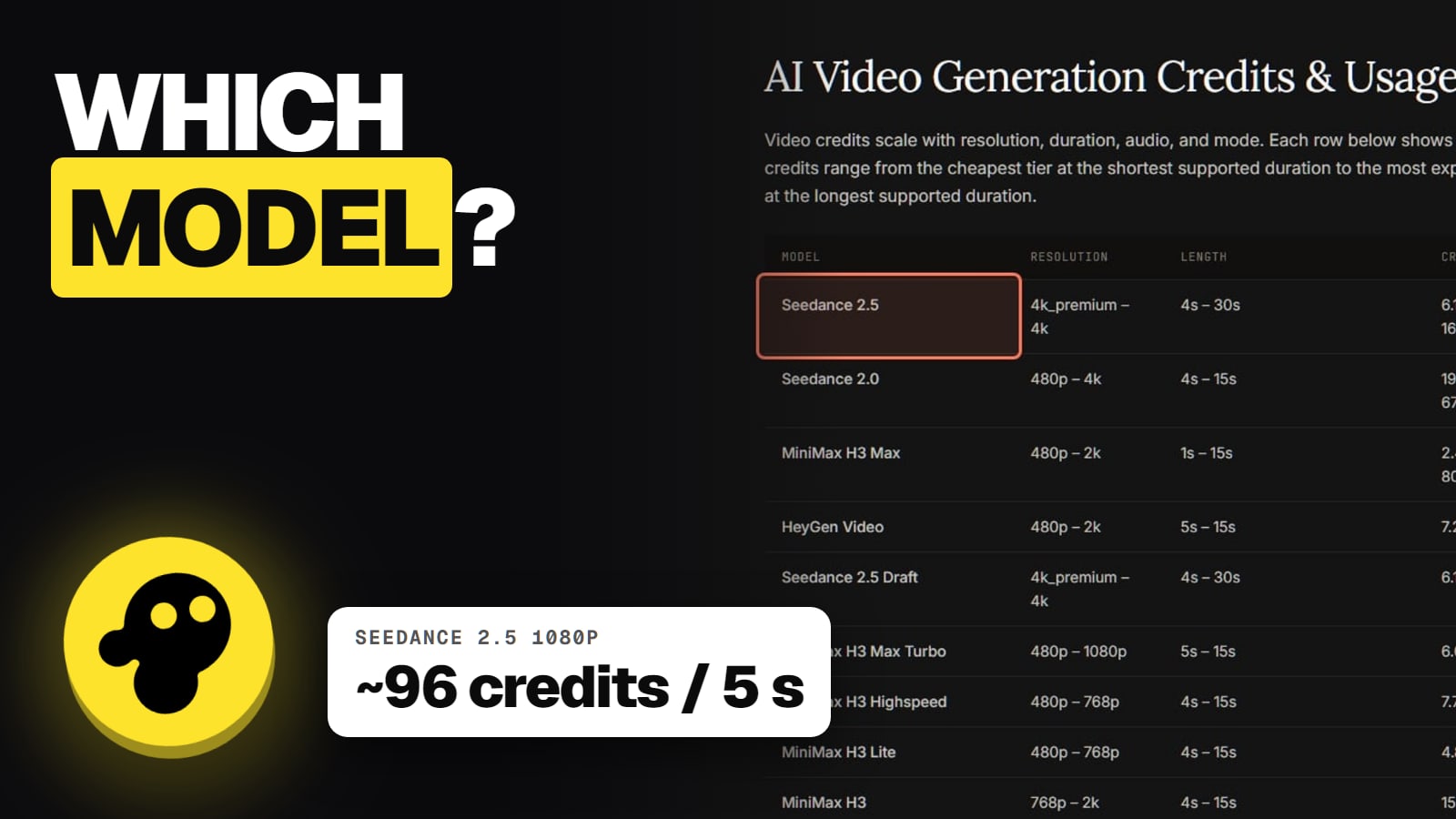
Cover the stock. Either pay at the download prompt, or move to a plan with a larger monthly premium-stock count. invideo's pricing page lists 100 on Starter, 200 on Plus and 500 on Max per month (read November 13, 2026). The iStock allowance resets monthly and doesn't roll over, per invideo's help center.
invideo's own blog, describing the Editor, says you can "Export finished videos without a watermark, or send an editable project with media to Premiere Pro, Final Cut Pro or Resolve." invideo's launch post adds that edits and exports in the manual Editor cost no credits.
Two catches. First, that's invideo describing its own product; we haven't exported from it ourselves. Second, "free" covers the manual editor. The AI assistant and generative models inside it use credits, and paid stock still follows the stock rules above. Our is invideo free page covers what the free tier includes.
invideo Studio: Business and Unlimited export clean
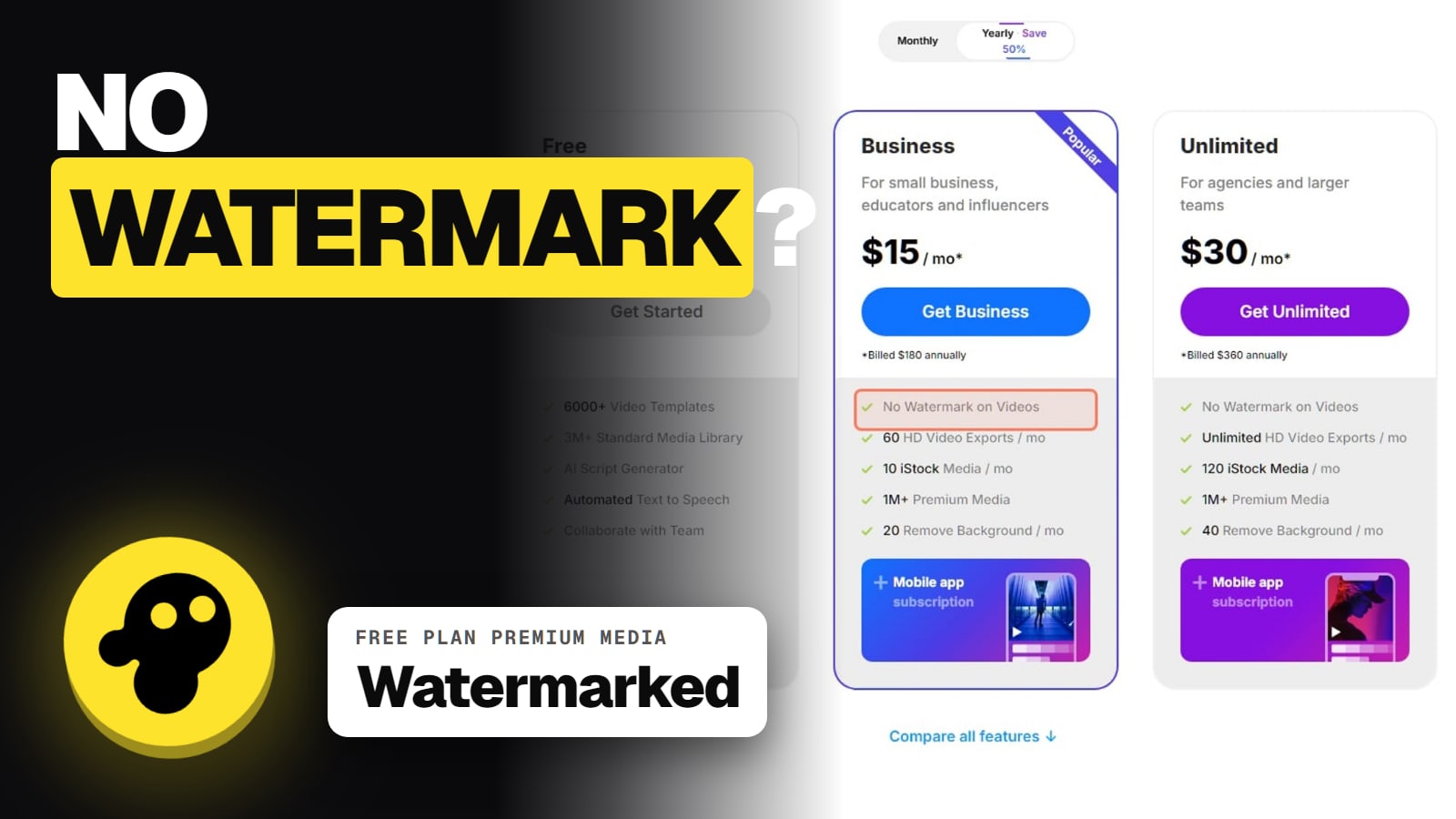
On invideo's Studio pricing page (read November 13, 2026), both paid Studio plans list "No Watermark on Videos". Studio's Free plan lists premium and iStock media "With Watermark".
invideo watermark rules by product (Nov 13, 2026)
invideo AI / Editor, licensed stock
Watermark?
No mark on export
What invideo's page says
"export renders it clean, without the mark"
invideo AI / Editor, more iStock than your plan includes
Watermark?
Pay prompt at download
What invideo's page says
Swap clips, use your own, or cover the stock
invideo Editor, manual editing
Watermark?
No watermark
What invideo's page says
Per invideo's blog; exports cost no credits
invideo Studio, Business or Unlimited
Watermark?
No watermark
What invideo's page says
"No Watermark on Videos"
invideo Studio, Free plan
Watermark?
Watermark on premium media
What invideo's page says
Premium and iStock media "With Watermark"
invideo AI, Free plan generations
Watermark?
Not stated
What invideo's page says
No current invideo page says either way
Watermark?
What invideo's page says
invideo AI / Editor, licensed stock
No mark on export
"export renders it clean, without the mark"
invideo AI / Editor, more iStock than your plan includes
Pay prompt at download
Swap clips, use your own, or cover the stock
invideo Editor, manual editing
No watermark
Per invideo's blog; exports cost no credits
invideo Studio, Business or Unlimited
No watermark
"No Watermark on Videos"
invideo Studio, Free plan
Watermark on premium media
Premium and iStock media "With Watermark"
invideo AI, Free plan generations
Not stated
No current invideo page says either way
What invideo doesn't say: the free invideo AI plan
Many third-party blogs say invideo AI free-plan exports carry a watermark. We couldn't confirm that on invideo's own pages on November 13, 2026: its old help article on watermarks now redirects to its licensing page, and no current page describes a watermark on free invideo AI generations. So we won't tell you there is one, or that there isn't.
The practical move: on the free plan, export a short test video and check the file before you plan a whole project around it.
Should you use a watermark remover?
We'd skip it. The mark on paid stock exists because that stock is licensed footage. invideo's terms say your rights in outputs that include licensed content "are subject to the licence terms applicable to that Licensed Content." Cropping or blurring the mark doesn't license the clip. Can you use invideo videos commercially explains the licence and the stock-music caveat, and the invideo credits guide covers what costs credits (exports are free).
If it's the stock mark on paid stock, invideo says the export renders it clean once the stock is licensed. If you're asked to pay at download, the video uses more iStock than your plan includes: swap those clips, use your own footage, or cover them. In invideo Studio, the Business and Unlimited plans export without a watermark.
Why is there a watermark on my invideo video when I'm paying?
Usually it's the stock mark on the timeline, which invideo says disappears on export once the stock is licensed. If a paywall appears at download, invideo's help center says the video uses more iStock than your plan includes. Plan allowances are on invideo's pricing page.
Does the free invideo Editor add a watermark?
invideo's blog says the Editor exports finished videos without a watermark, and its launch post says the manual editor is free. AI generation inside it uses credits.
Does invideo AI's free plan add a watermark?
invideo's current pages don't say. Third-party blogs claim it does, but we couldn't confirm it on invideo's own site on Nov 13, 2026. Export a short test first.
Which invideo Studio plans have no watermark?
Business and Unlimited. invideo's Studio pricing page lists "No Watermark on Videos" on both; the Free plan's premium media is watermarked.
Is it okay to crop out the invideo stock mark?
We wouldn't. The mark sits on licensed stock, and invideo's terms say rights in videos with licensed content follow that content's licence. Cropping doesn't license the clip.