invideo AI is worth it if you make whole videos from a script, often, and you're on Plus or above. It's a poor deal if you want a few cinematic shots, or if you'd be stuck on Starter. Here's the case each way, with invideo's own numbers, user complaints and the alternatives by job.
Some links on this page are referral links: we may earn a commission, at no cost to you.
Share
invideo AI is worth it if you turn scripts into whole videos every week and you'll pay for Plus or above; it's not worth it for a few directed AI shots, or on Starter. That's our reading of invideo's own pricing and help pages, checked on November 13, 2026. We haven't used invideo ourselves, so this is a judgement on what invideo publishes, what it charges and what its users report, not a hands-on review.
Who is invideo AI worth paying for?
People whose job is a finished video, not a single shot. invideo AI is agent-led: you describe the video, and Agent Two builds it, with the free Editor to fix it after. That fits:
Faceless YouTube channels. Script in, narrated video out, with stock or generated scenes. Our step-by-step faceless YouTube guide walks through invideo's own docs.
Explainers and long multi-scene videos. The agent plans the scenes; you approve and edit.
Script-driven UGC ads. invideo's virtual actors "work best in the UGC ad workflow", per its help center. See invideo UGC ads.
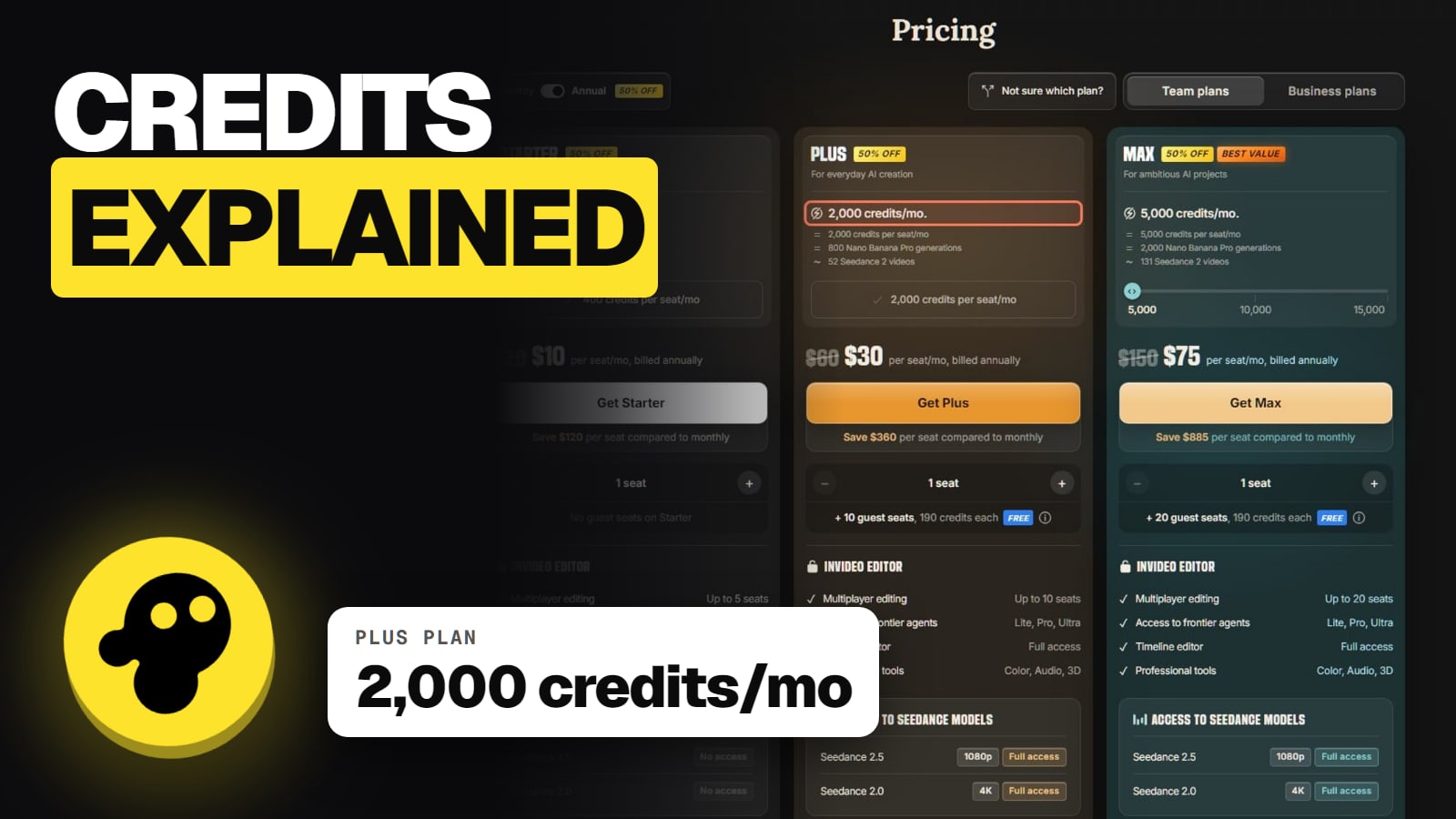
Teams. Plus has up to 10 seats plus 10 free guest seats; Max up to 20 plus 20 guests. Owners can cap credits per member. invideo announced a SOC 2 Type II attestation on August 26, 2026.
Translation. invideo's video translator lists "50+ languages" with AI dubbing.
You own your outputs, and invideo's terms grant a perpetual, worldwide, royalty-free licence to use them commercially, which survives cancelling. Our commercial use guide covers YouTube monetization and stock music claims.
Who should skip invideo AI?
Anyone who'd be on Starter for AI scenes. Starter's 400 credits buy about 17 five-second Kling 3.0 clips at 1080p by invideo's table, and no Seedance 2.5. It suits stock-footage videos with voiceover more than generated footage.
People who want a few cinematic shots. If you direct camera moves, keep a character consistent, or want to pick the model per shot, a shot-level tool fits better (more below).
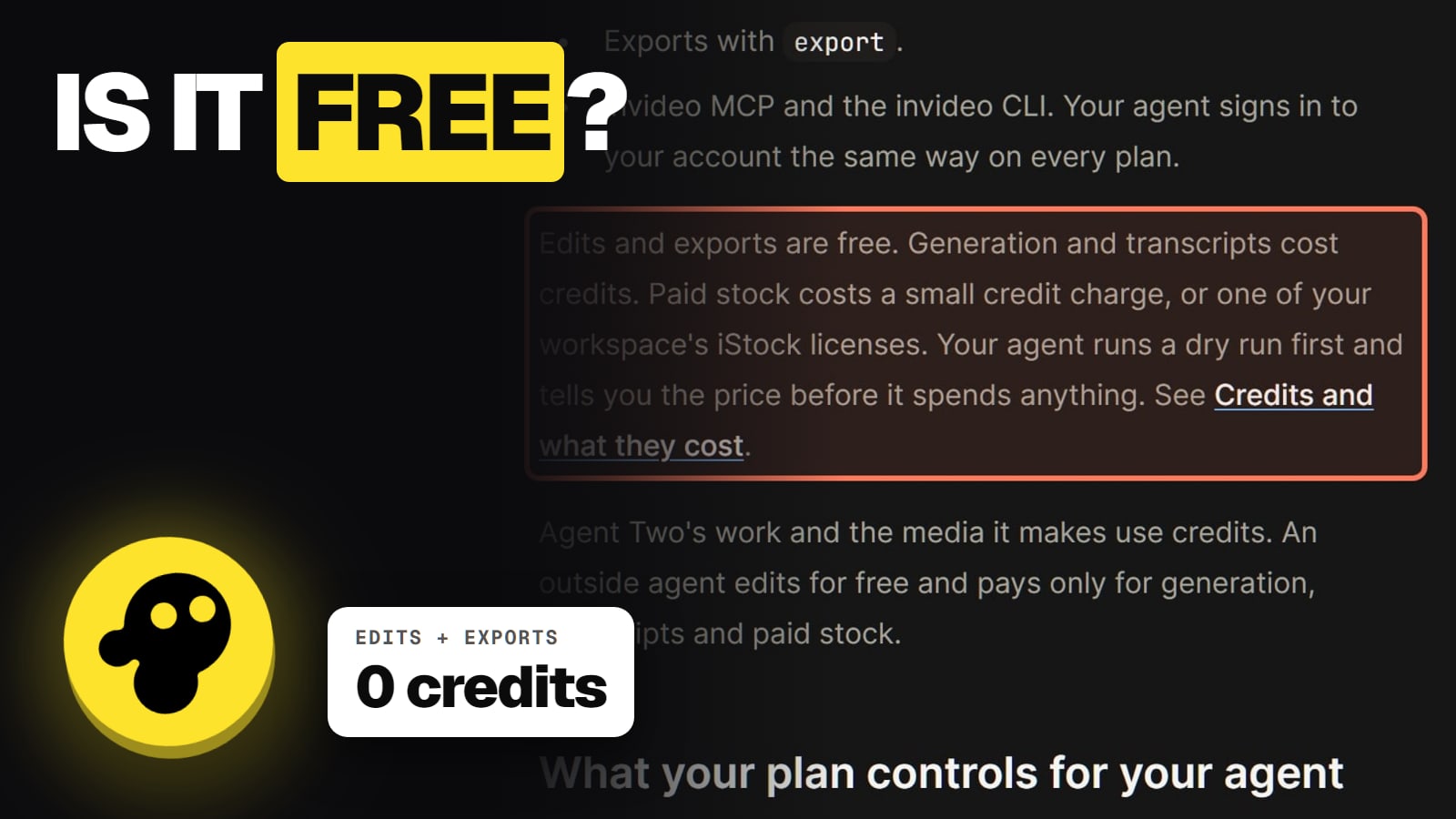
Anyone who can't watch credits. Agent Two's own work spends credits, its default is "Always allow", and credits are non-refundable.
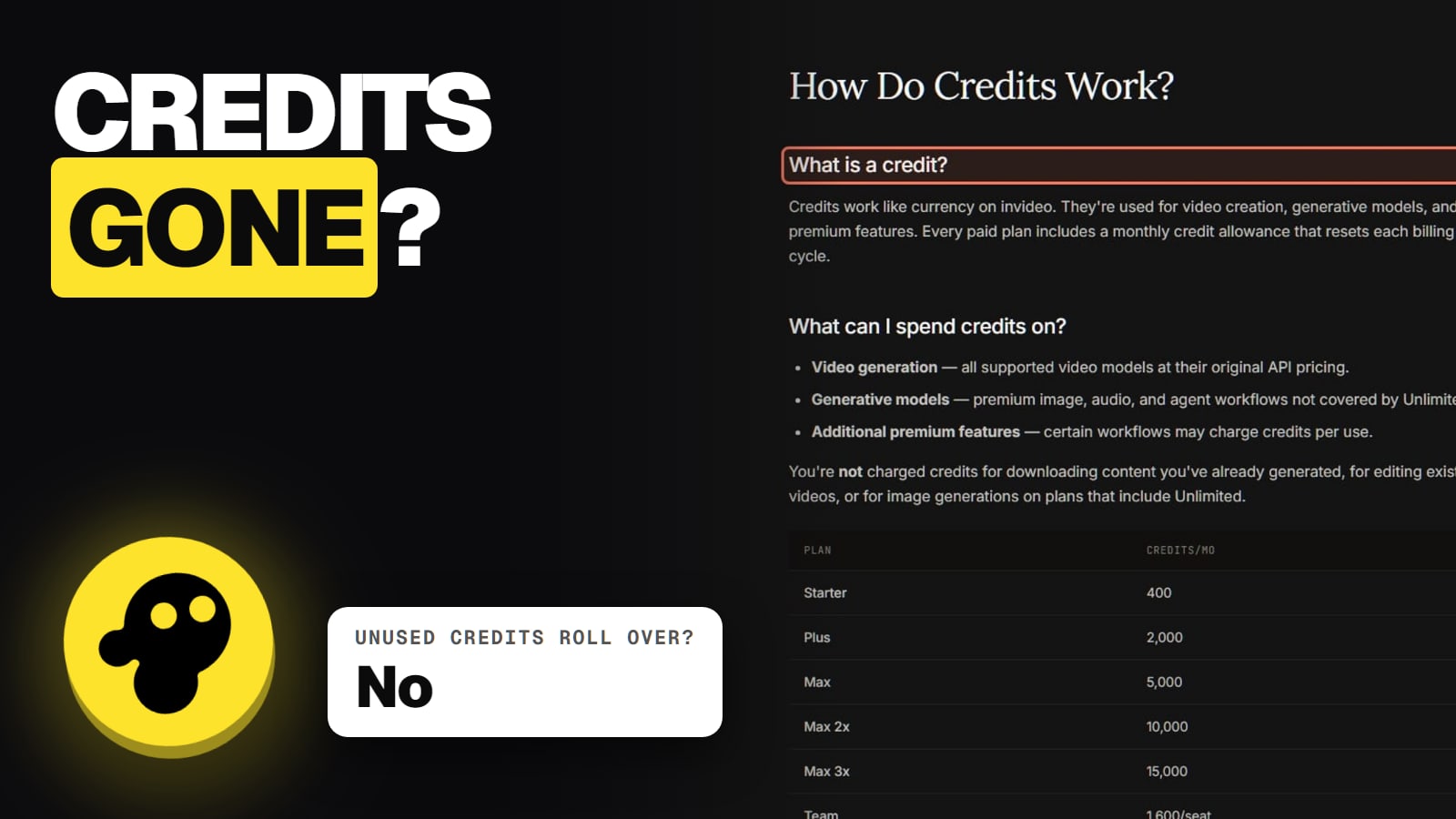
Occasional users. Plan credits don't roll over. A month you don't use is money gone.
What does invideo AI actually cost per clip?
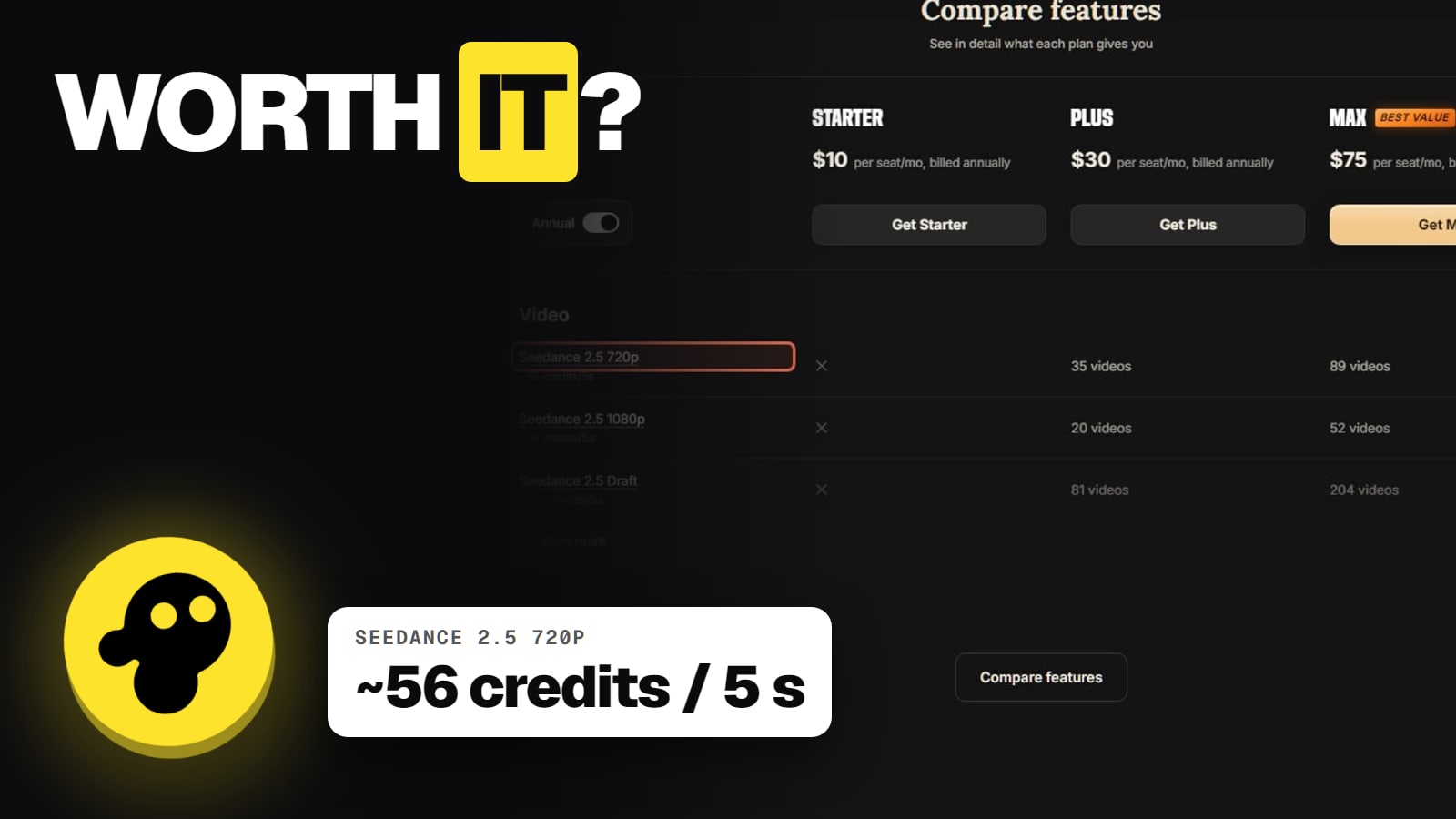
Plans on invideo's pricing page, November 13, 2026: Starter $20, Plus $60, Max $150 a seat a month, or $10, $30 and $75 billed yearly, for 400, 2,000 and 5,000 credits. The model you pick sets the real price:
What a month on invideo AI buys (invideo.io/pricing, Nov 13, 2026)
Price, monthly / yearly
Starter
$20 / $10 a month
Plus
$60 / $30 a month
Max
$150 / $75 a month
Seedance 2.5 clips, 5 s, 720p
Starter
0 (not included)
Plus
35
Max
89
Kling 3.0 clips, 5 s, 1080p
Starter
17
Plus
89
Max
223
Agent Two modes
Starter
Lite only
Plus
Lite, Pro, Ultra
Max
Lite, Pro, Ultra
Starter
Plus
Max
Price, monthly / yearly
$20 / $10 a month
$60 / $30 a month
$150 / $75 a month
Seedance 2.5 clips, 5 s, 720p
0 (not included)
35
89
Kling 3.0 clips, 5 s, 1080p
17
89
223
Agent Two modes
Lite only
Lite, Pro, Ultra
Lite, Pro, Ultra
By our math, one 5-second Seedance 2.5 clip at 720p is about $1.68 on Plus monthly and $0.84 billed yearly, before retries. Plus and Max cost the same per credit at the listed prices, so Max is for volume and seats, not a cheaper clip. The full breakdown is in our invideo pricing guide, and invideo credits explained covers where credits go.
What do users complain about?
Credits, mostly. invideo's main Trustpilot profile, named "Invideo Studio" (invideo.io), showed 1.8 out of 5 from 1,030 reviews on November 13, 2026, with 57% five-star and 32% one-star reviews. A separate profile for ai.invideo.io showed 2.9. The themes:
Credits burn fast for little usable output. On October 30, 2026 a US reviewer said a one-minute video used about a quarter of their credits.
The agent's chat costs credits. On October 26, a reviewer said the agent told them chatting wouldn't spend credits, but the balance kept falling.
Refunds are hard to get. On October 12, a New Zealand reviewer warned about annual-plan charges and needing persistence to reach a human.
Paying to fix AI mistakes. On September 10, a reviewer's mascot came out with six legs, and support said fixes cost more credits.
The app stores read kinder: 4.5 stars from 28K ratings on the US App Store, 3.9 from 140K reviews on Google Play. Most complaints trace back to credits, and the fix exists: switch Agent Two to "Ask before generating videos" so an Approve popup shows the prompt, model, duration and aspect ratio before anything is spent. Our is invideo legit page covers the company itself.
How to test invideo without wasting money
Start on the Free plan. It has a weekly limit; invideo doesn't publish the size. See is invideo free.
Turn on "Ask before generating videos" before your first real project.
Pay monthly first. Switching to yearly is instant, but yearly can't go back to monthly until the year ends.
Draft cheap. Seedance 2.5 Draft is about 24.5 credits per 5 seconds against 56 at 720p.
Know the refund window. invideo's terms (effective November 6, 2026) allow a refund only within 24 hours of a purchase or renewal, and only if no credits or premium features were used. A help page calls refunds "pro-rated and usage based"; the terms say no pro-rata refunds. Plan on the terms.
invideo or something else?
Route by job, not by brand. invideo builds a whole video from a script; other tools do one part better.
Directed shots and characters: Higgsfield.Higgsfield is built for shot-level generation: camera direction, character and product consistency, short social clips and images, model by model. On November 13 its Starter was $19 a month for 270 credits. Many of the same models sit on both; invideo vs Higgsfield compares cost per Seedance clip.
Script or blog to stock video: Pictory or Fliki. Pictory Starter was $25 a month billed yearly; Fliki Standard $28 monthly or $21 yearly. See invideo vs Pictory.
Our invideo alternatives page matches each tool to the reason people leave, and the invideo hub has every answer in one place.
7/ 10
Verdict
Worth it for script-to-video on Plus
invideo AI is worth paying for when the product you sell is a finished video and you make many of them, like faceless channels, explainers, ads and team content. On Plus or Max, with the approval setting on, the credit maths works. It's not worth it on Starter for AI scenes, for a few cinematic shots, or if you won't watch credits, which is exactly where the 1.8 Trustpilot score comes from.
Best for: Creators and teams deciding whether to pay for invideo AI
Frequently asked
Is invideo AI worth the money?
For script-to-video work on Plus or Max, often yes. On Starter, or for a few directed shots, usually not. Compare invideo's plans by the model you need.
Is invideo Plus worth it over Starter?
For AI-generated scenes, yes. Plus adds Seedance 2.5, the Pro and Ultra agent modes and five times the credits (2,000 vs 400).
Why is invideo rated so low on Trustpilot?
The 1.8 profile is named Invideo Studio (invideo.io); ai.invideo.io has its own 2.9 profile. The top complaint is credits draining fast, including from the agent's own work.
Can I get a refund if invideo isn't worth it for me?
Only within 24 hours of a purchase or renewal, and only if you haven't used credits or premium features, per invideo's terms of November 6, 2026. See how to cancel invideo.
Is invideo better than Higgsfield?
For different jobs. invideo makes whole videos from a script; Higgsfield is built for directing single shots and images model by model.
Can I make money with invideo videos?
invideo's terms let you use outputs commercially, but no tool guarantees views or income. YouTube's own policies on AI content still apply; see YouTube's altered or synthetic content rule.