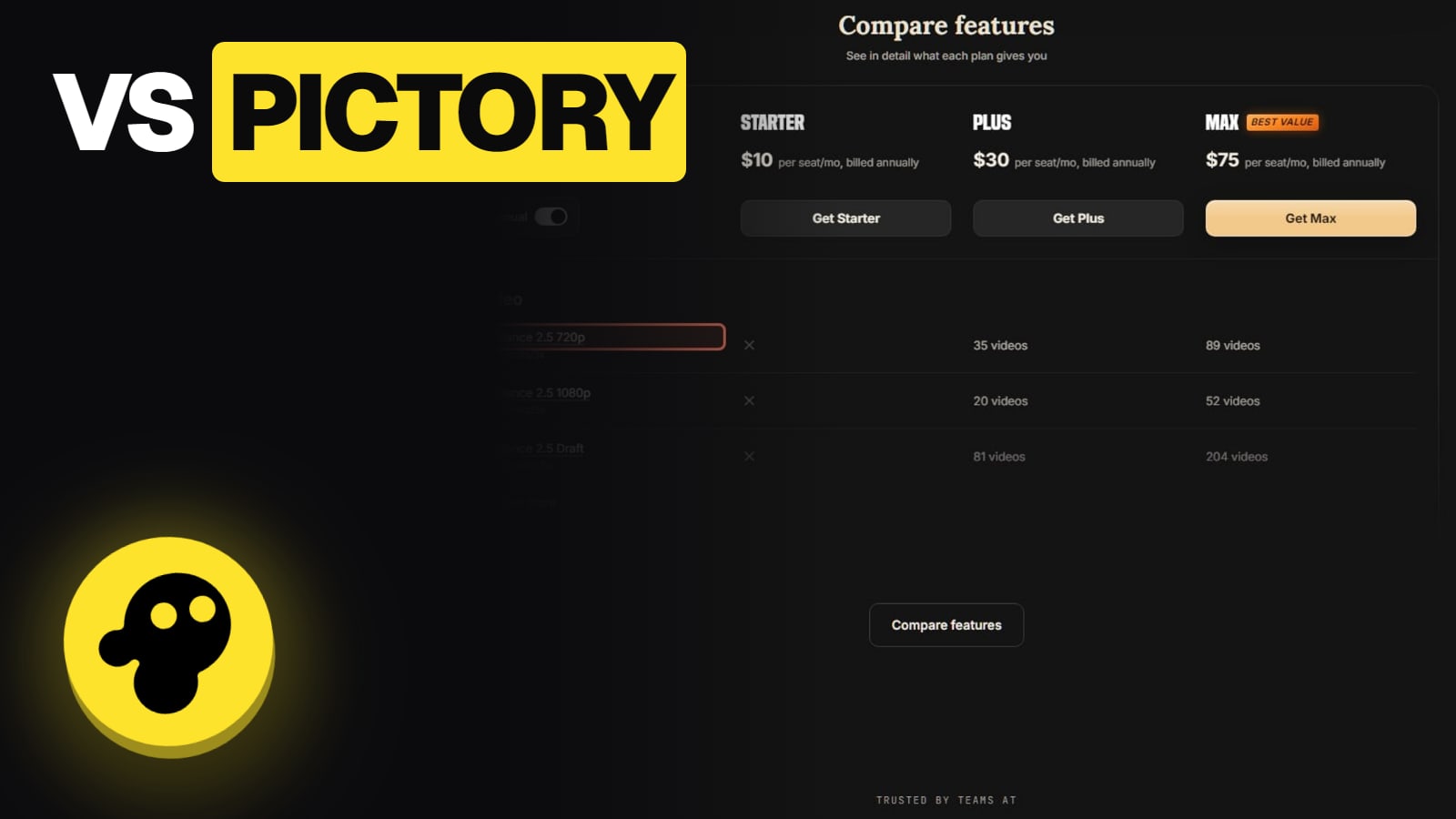
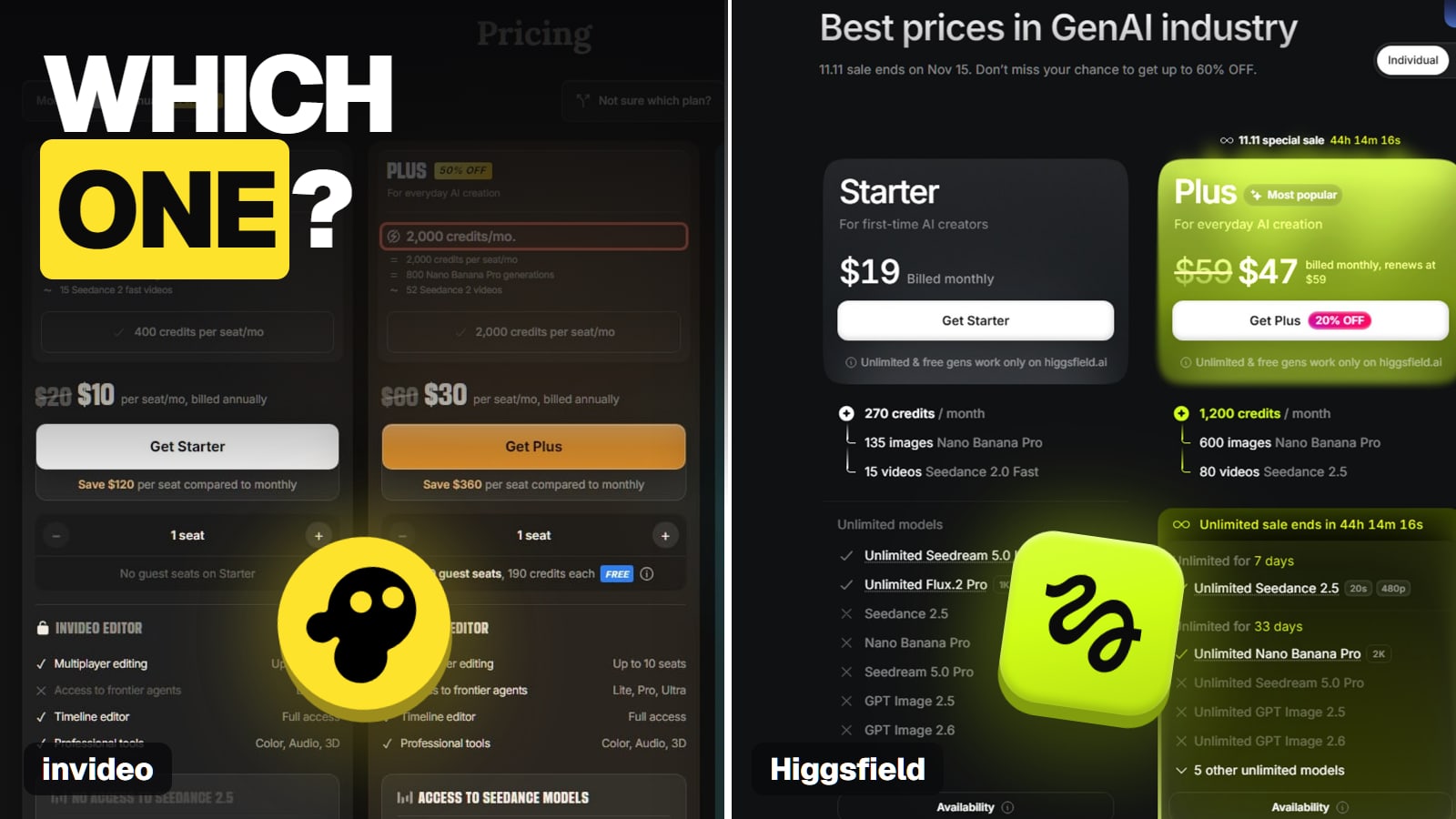
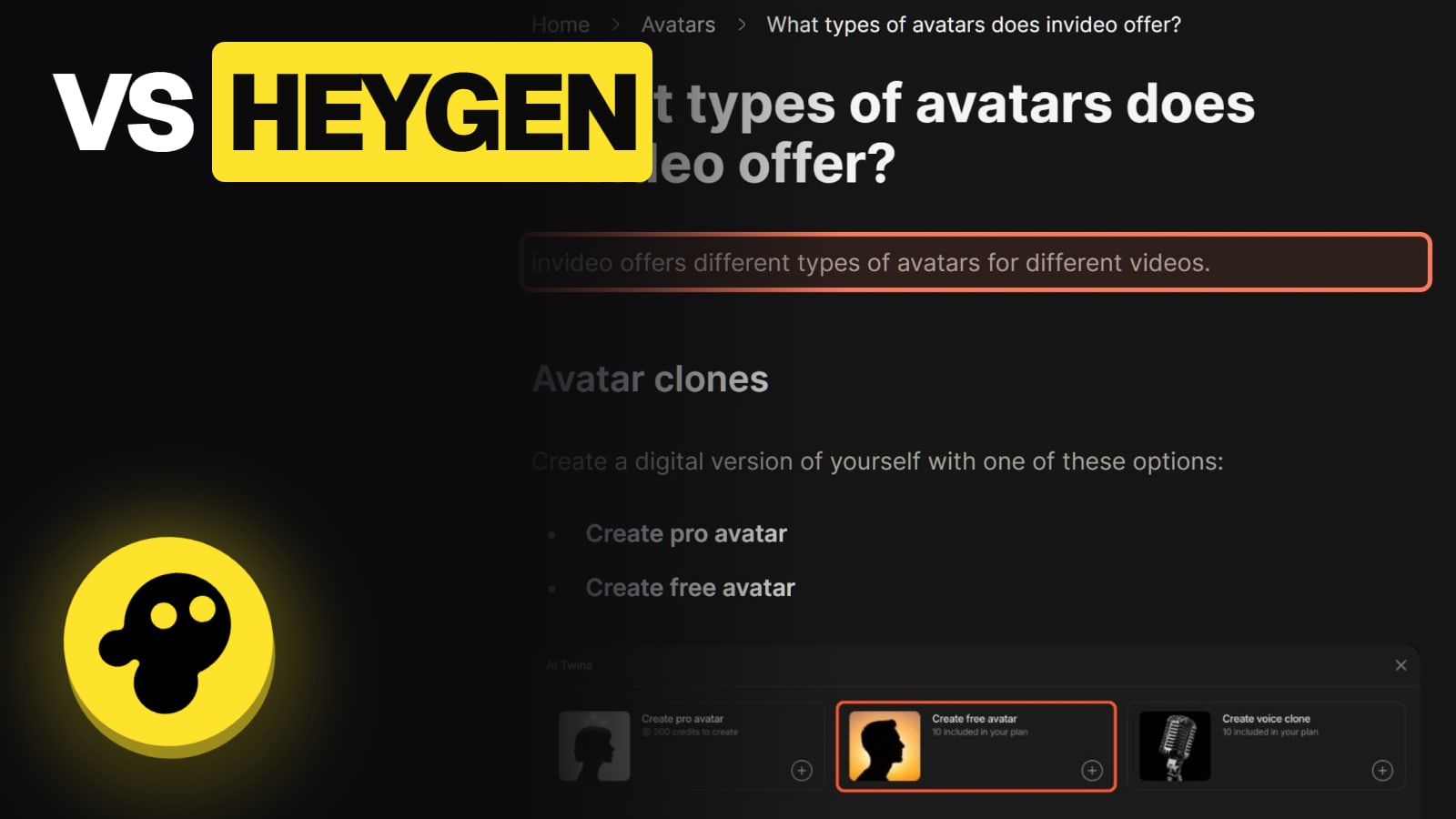
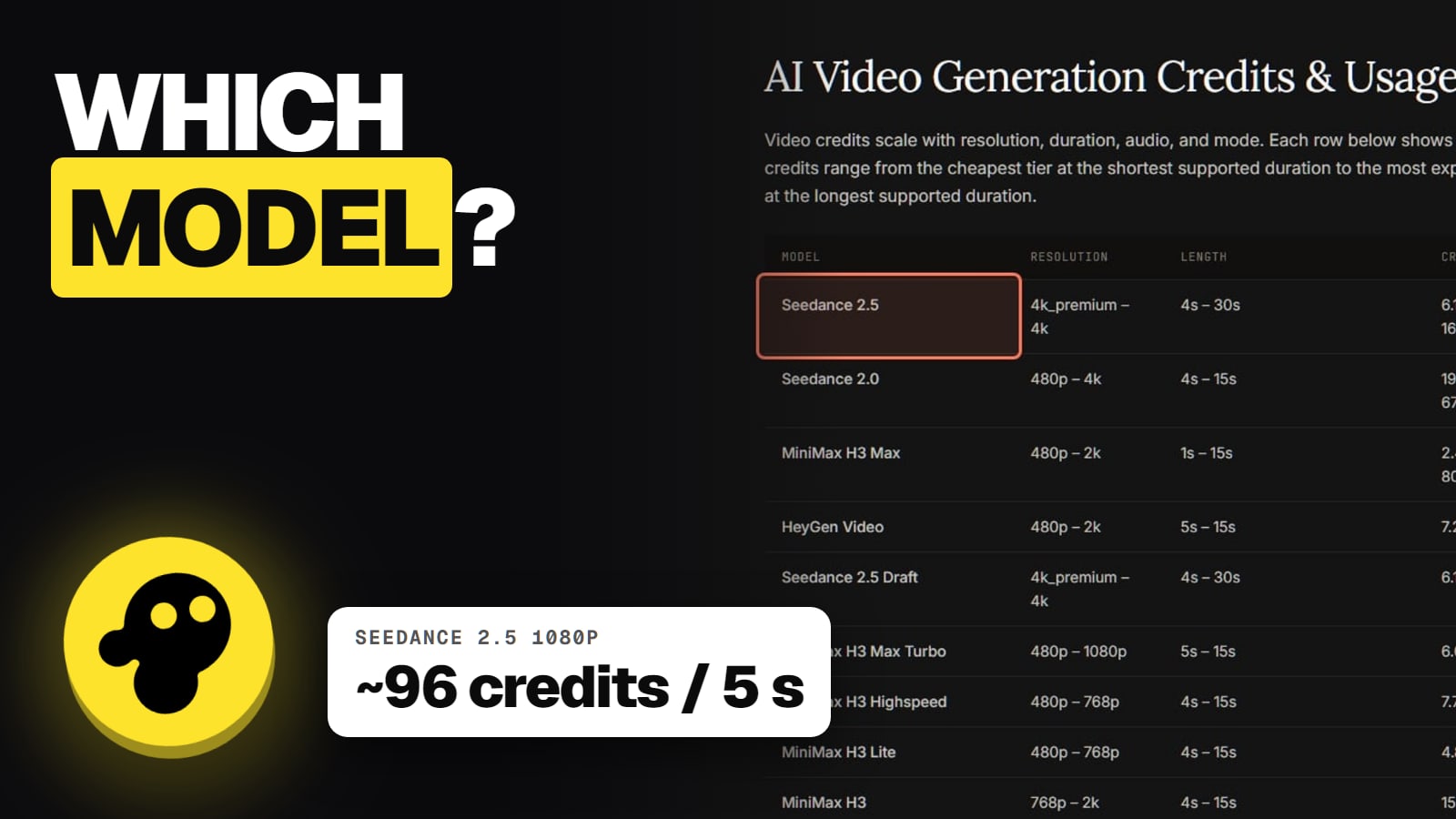
All three turn text into a video with stock and an AI voice. Pictory and Fliki price in minutes and keep it simple; invideo adds an agent, generative AI shots and team seats, and bills in credits. Plans and limits read on each vendor's own pricing page on Nov 13, 2026.
Some links on this page are referral links: we may earn a commission, at no cost to you.
Share
For simple script-to-video with stock footage and an AI voice, Pictory and Fliki are easier to budget, because they state limits in minutes; invideo is the stronger tool when you want generated AI shots, multi-scene direction by an agent, or seats for a team. All three take text and give back a narrated video. invideo's plans start lower, at $20 a seat a month or $10 billed yearly, but it bills in credits that also pay for AI generation and agent work. Every figure below was read on each vendor's own pricing page on November 13, 2026.
How are invideo, Pictory and Fliki different?
They overlap on the basics and split on everything after. All three put an AI voice over stock visuals from a script. Here's what each adds.
Pictory is the stock-footage workhorse. Its pricing page sells credits that map straight to minutes ("2,000 credits (up to 30 mins/month)" on Starter), with ElevenLabs voices and stock avatars on every paid plan, and two custom avatars plus voice clones on Professional.
Fliki is voice-first. Its pricing page lists 300 voices across 80+ languages on the free plan, 1,000 voices with voice cloning on Standard, and 2,000+ on Premium, with stock avatars on Standard and "All AI avatars" on Premium.
invideo is an agent. You give Agent Two a script or prompt and it plans the scenes, adds voiceover, pulls stock from Storyblocks, Shutterstock, Pexels and Pixabay, and can generate shots with Seedance, Kling, Veo and other models. Its free Editor exports an MP4 or a Premiere Pro, Final Cut Pro or DaVinci Resolve project. More in what is invideo AI.
Free option
invideo
Free plan, weekly limit (amount not published)
Pictory
14-day trial: up to 10 minutes, 720p, watermark
Fliki
Free plan: watermark, 5-minute videos
Entry plan, monthly
invideo
Starter $20 a seat
Pictory
Starter $29
Fliki
Standard $28
Entry plan, yearly
invideo
$10 a seat a month
Pictory
$25 a month
Fliki
$21 a month ($252 a year)
Next plan, monthly / yearly
invideo
Plus $60 / $30 a seat
Pictory
Professional $59 / $29.50 (Black Friday offer)
Fliki
Premium $88 / $66
How limits are set
invideo
Credits (400 on Starter, 2,000 on Plus)
Pictory
Minutes (30 on Starter, 90 on Professional)
Fliki
Credits (180 on Standard, 600 on Premium)
Generated AI video shots
invideo
Yes, many models
Pictory
Not its focus
Fliki
Not its focus
Teams
invideo
Seats on every plan; up to 5, 10 or 20
Pictory
Teams $199, or $119 yearly
Fliki
Enterprise, custom
invideo
Pictory
Fliki
Free option
Free plan, weekly limit (amount not published)
14-day trial: up to 10 minutes, 720p, watermark
Free plan: watermark, 5-minute videos
Entry plan, monthly
Starter $20 a seat
Starter $29
Standard $28
Entry plan, yearly
$10 a seat a month
$25 a month
$21 a month ($252 a year)
Next plan, monthly / yearly
Plus $60 / $30 a seat
Professional $59 / $29.50 (Black Friday offer)
Premium $88 / $66
How limits are set
Credits (400 on Starter, 2,000 on Plus)
Minutes (30 on Starter, 90 on Professional)
Credits (180 on Standard, 600 on Premium)
Generated AI video shots
Yes, many models
Not its focus
Not its focus
Teams
Seats on every plan; up to 5, 10 or 20
Teams $199, or $119 yearly
Enterprise, custom
Pictory's Professional annual price was labelled a "Black Friday Offer" on November 13, 2026, struck from $59, so expect it to go back up. invideo's pricing page labelled its own annual billing "50% OFF" the same day, while an older invideo help page lists annual prices equal to monthly; we use the pricing page. Fliki's page has its own mismatches: its FAQ calls Standard's allowance "180 minutes of credits" where the plan card says 180 credits, and lists Premium videos at 30 minutes where the card says 40.
Which gives you more video for the money?
Pictory is the easiest to work out; invideo is the hardest. Pictory says up front how many minutes you get: on Starter billed annually, $25 buys up to 30 minutes a month, about $0.83 a minute at the cap, by our arithmetic. Billed monthly it's about $0.97.
invideo doesn't publish a per-minute price for a stock-and-voice video, because several things draw on the same credits. Its audio pricing page lists ElevenLabs text-to-speech at 3.2 credits per 1,000 characters. Paid stock, transcripts and AI generation use credits, and its help center says Agent Two's own work does too. Timeline edits, exports, stock search and your own uploads are free. So a stock-only video can be cheap on invideo, and one full of AI-generated shots can use a month's credits fast. Our invideo credits explained page covers the "Ask before generating videos" setting, which shows an Approve popup before any video is generated.
Fliki sits in between: limits in credits, but its FAQ ties them to minutes.
Which is best for a faceless YouTube channel?
It depends on how the channel looks. If it's narration over stock clips, Pictory or Fliki keep the bill steady and the workflow short. If it needs scenes no stock library has (a historical moment, a product that doesn't exist yet, a stylised character), invideo can generate them in the same project. Our invideo faceless YouTube guide walks through invideo's own steps, and how to start a faceless YouTube channel with AI covers the channel side.
Two rules apply whichever tool you use. YouTube asks creators to disclose realistic altered or synthetic content. And stock music can still draw a claim: invideo's own commercial-use help lists whether YouTube can raise a claim on a stock music track as unsettled. See invideo commercial use.
Pictory: its 14-day free trial includes a Pictory watermark; paid plans list the watermark as "Not included".
Fliki: its free plan "Includes Fliki watermark"; the FAQ says paid plans include watermark removal.
invideo: invideo's current pages don't say whether invideo AI free-plan videos are watermarked. Its blog says the invideo Editor exports without a watermark for free. Details in invideo watermark and is invideo free.
One more difference worth knowing: invideo's Trustpilot profile for invideo.io, named "Invideo Studio", showed 1.8 out of 5 from 1,030 reviews on November 13, 2026, mostly about credits draining and refunds. Its terms allow a refund request only within 24 hours of a purchase or renewal, and only if nothing was used. We didn't read Pictory's or Fliki's review profiles for this page.
7/ 10
Verdict
Pictory or Fliki for simple, invideo for more
Pictory and Fliki are the simpler, more predictable script-to-video tools, Pictory for stock-footage minutes and Fliki for voices. invideo costs less to start and does more, with generated AI shots, an agent and team seats, but its credit billing takes watching. Turn on Ask before generating if you choose it.
Best for: Anyone turning scripts or articles into narrated videos
invideo vs Pictory vs Fliki: common questions
Is invideo better than Pictory?
For videos with AI-generated shots, an agent that plans scenes, or team seats, yes. For predictable stock-footage videos from a script or blog post, Pictory is simpler because it states limits in minutes. Compare invideo's plans with Pictory's pricing.
Which is cheapest: invideo, Pictory or Fliki?
At entry level billed yearly, invideo Starter at $10 a seat a month, then Fliki Standard at $21 and Pictory Starter at $25 (all read Nov 13, 2026). What each buys differs: credits on invideo and Fliki, minutes on Pictory.
Does Pictory have a free plan?
It has a 14-day free trial with 300 credits (up to 10 minutes), 3 projects, 720p and a Pictory watermark, per its pricing page.
Is Fliki good for voiceovers?
Voices are Fliki's focus: its pricing page lists 1,000 voices with voice cloning on Standard and 2,000+ on Premium. invideo uses ElevenLabs and other voice models priced in credits.
Can I use these videos on YouTube?
invideo's terms grant a perpetual, royalty-free licence to commercialise your outputs, and its help center says videos with its avatars can be monetised. Check Pictory's and Fliki's own terms, and follow YouTube's AI-disclosure rule on all three.