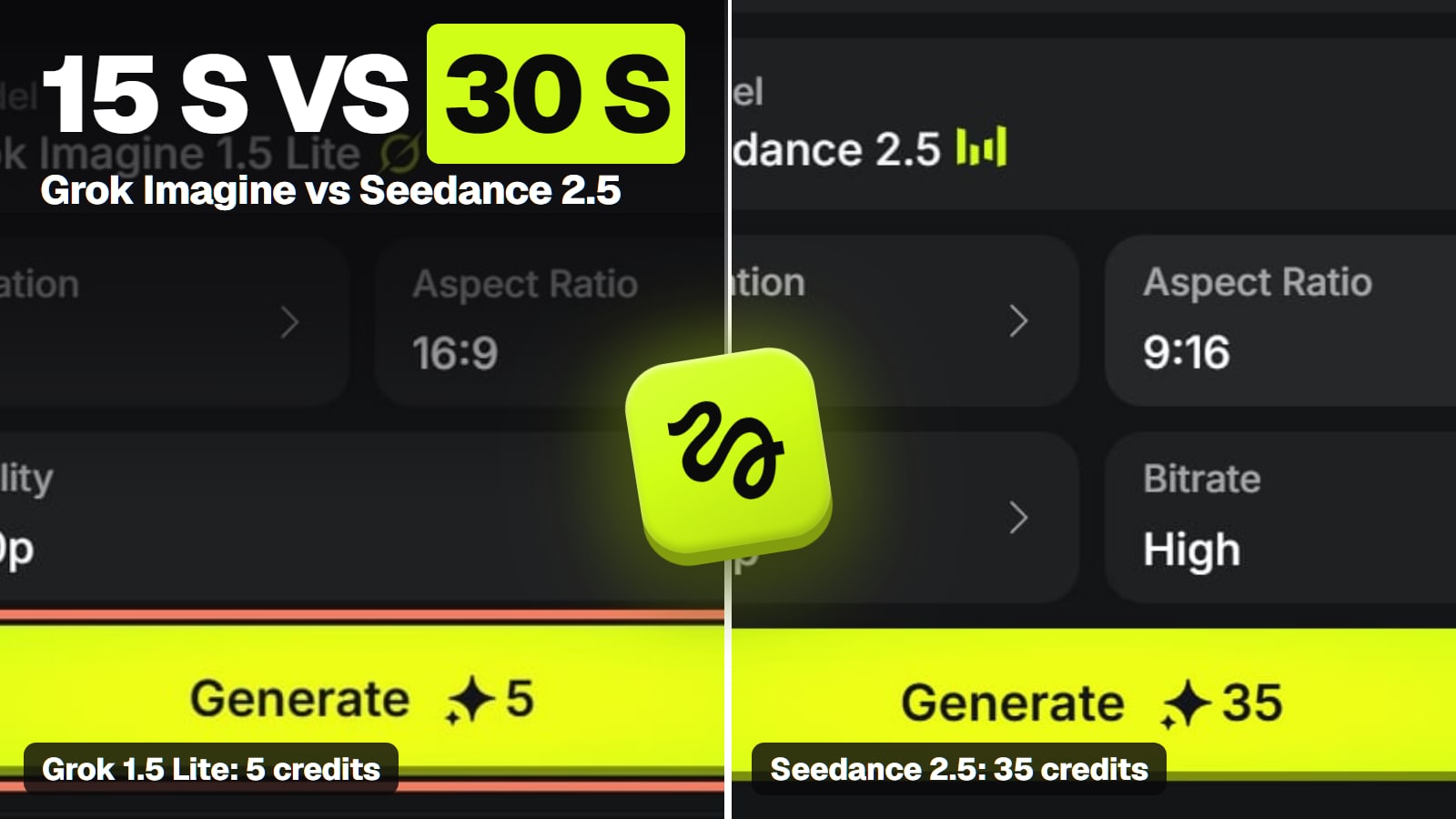
Grok Imagine 1.5 Lite makes a 5-second 720p clip for 5 Higgsfield credits; Seedance 2.5 costs 35 but runs 30 seconds and takes far more references. Grok is the one with documented lip-synced speech, and a watermark you can't remove in its own app. Plus Grok vs Nano Banana Pro for images.
Some links on this page are referral links: we may earn a commission, at no cost to you.
Share
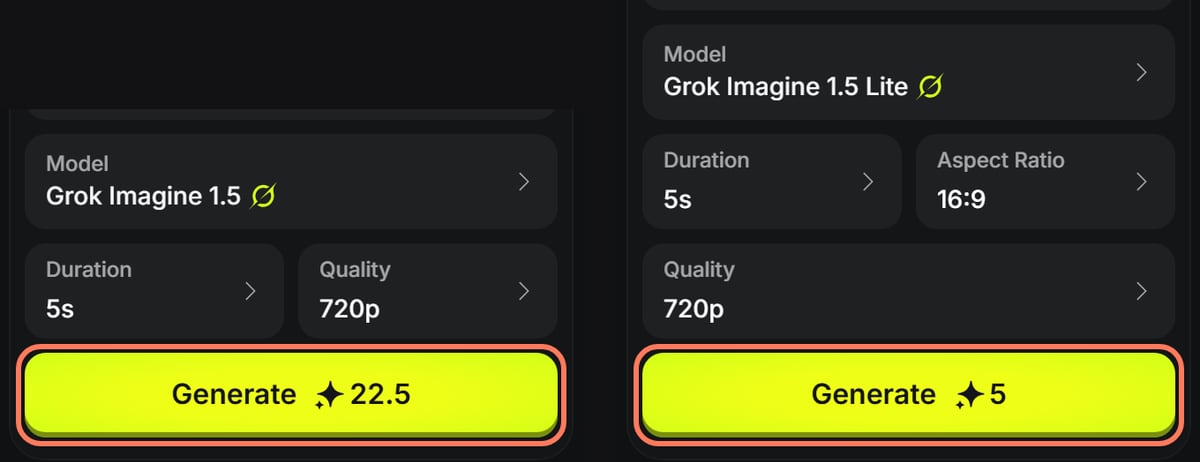
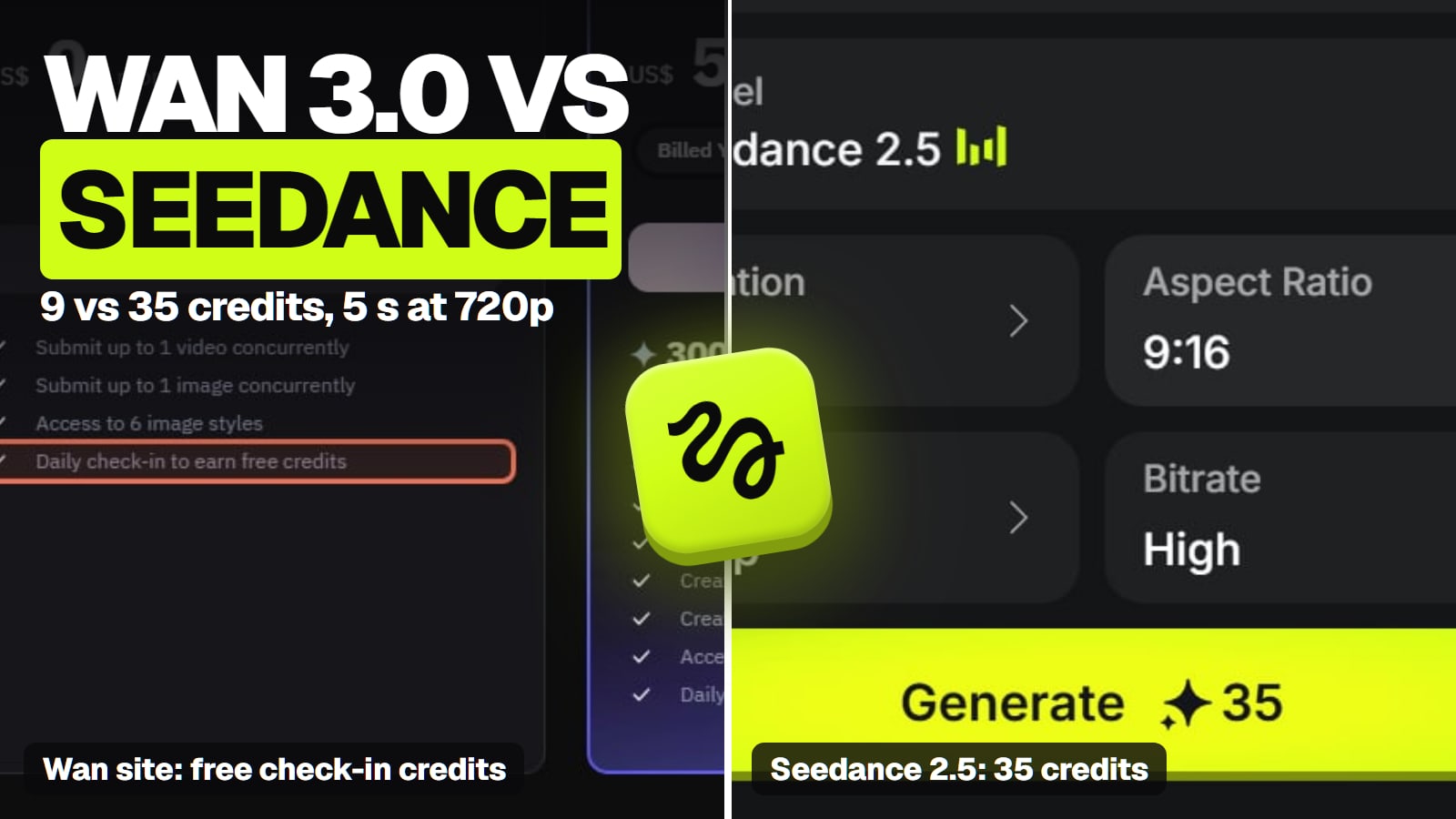
Grok Imagine vs Seedance, checked November 8, 2026: Grok Imagine is the cheap, short, talking-clip option, and Seedance 2.5 is the long-take, reference-heavy one. On Higgsfield, a 5-second 720p clip cost 5 credits on Grok Imagine 1.5 Lite and 22.5 on Grok Imagine 1.5, against 35 on Seedance 2.5. Grok, from xAI, makes up to 15 seconds, and its API docs promise "Native audio with lip-synced speech". Seedance, from ByteDance, makes up to 30 seconds with two extensions and takes up to 30 images, 10 videos and 10 audio clips as references. Grok's own app gives no free video and stamps every clip with a watermark you can't switch off.
Which is cheaper per clip, Grok Imagine or Seedance?
Grok, by a wide margin. One 5-second clip at 720p, by route:
One 5-second 720p clip: Grok Imagine vs Seedance 2.5, by route (Nov 2026)
Grok Imagine 1.5 Lite, xAI API$0.15
$0.03 a second
Grok Imagine 1.5 Lite, Higgsfield Plus monthly (5 credits)about $0.25
Grok Imagine 1.5, xAI API$0.70
$0.14 a second
Grok Imagine 1.5, Higgsfield Plus monthly (22.5 credits)about $1.11
Seedance 2.5, Higgsfield Plus monthly (35 credits)about $1.72
API prices are xAI's per-second rates times five, our arithmetic. Higgsfield credits are from its Generate button, read signed out with nothing generated (Grok on November 8, Seedance on November 7), priced at the monthly Plus rate; on Ultra billed yearly ($99 a month for 3,000 credits) they come to about $0.17, $0.74 and $1.16. ByteDance's own API, BytePlus, isn't sold in the US, so it's not on the chart.
Grok Imagine 1.5 and 1.5 Lite at 5 seconds and 720p on Higgsfield (signed out, nothing generated, November 8, 2026). Outlines ours. · Screenshot of higgsfield.ai by aliteq
At 1080p the order holds: 20 credits on Lite, 40 on Grok Imagine 1.5 and 80 on Seedance 2.5 for 5 seconds. Two catches cut into Grok's lead:
A failed Grok clip still costs you on Higgsfield. Its help center says failed generations are refunded automatically, but Grok "generations are charged the moment they start".
Lite isn't native 1080p. xAI's docs say 1.5 Lite reaches 1080p by upscaling 720p; Grok Imagine 1.5 renders 1080p natively.
Dreamina, 120 credits a day in the US (about 3 s of 2.5)
Visible watermark
Every image and video in Grok's app
Every image and video in Grok's app
Free Dreamina downloads; removed on paid plans
Failed clip on Higgsfield
Charged at start
Charged at start
Refunded automatically
Tested by us
No
No
Yes, Nov 3 and Nov 7, 2026
Grok's specs are from xAI's video overview, read November 8, 2026; Seedance's from ByteDance Seed's model page and launch post, read November 7 and 8. ByteDance doesn't publish Seedance 2.5's aspect ratios, so that row is Higgsfield's. The 14 reference images on Grok Imagine 1.5 come with limits: xAI lists that mode at up to 15 seconds and 720p, and xAI's July 31 post says references launched in the US first.
Which one makes longer videos?
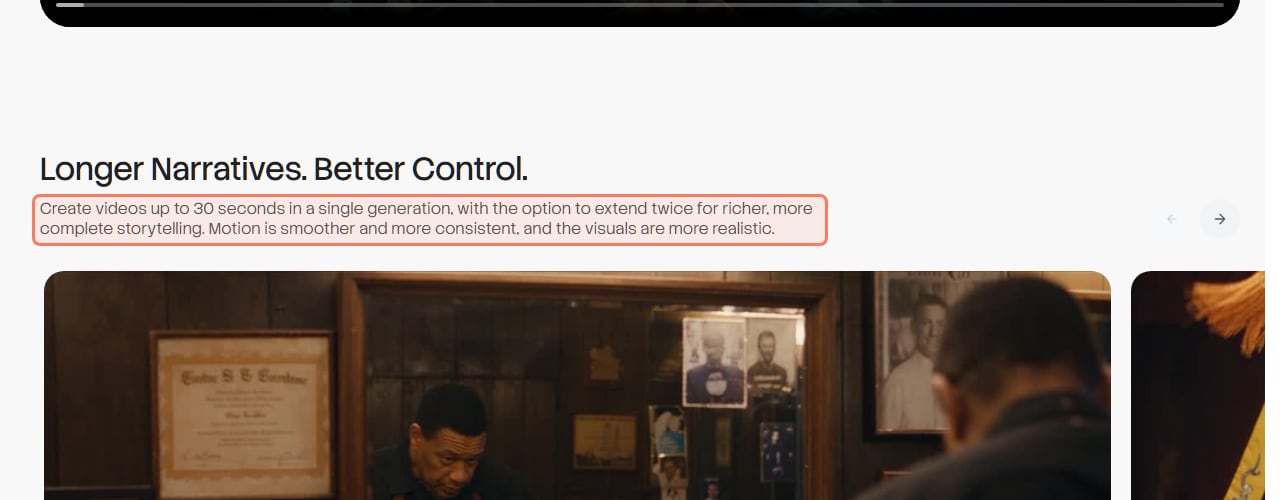
Seedance 2.5. ByteDance's model page says it can "Create videos up to 30 seconds in a single generation, with the option to extend twice", and Higgsfield sells it at 4 to 30 seconds. Grok Imagine stops at 15 seconds on every model, per xAI's docs, and in Grok's own app xAI's pricing page lists "1080p, 15-second videos" as a feature of the $100 Super plan.
ByteDance Seed's Seedance 2.5 page (seed.bytedance.com), read November 3, 2026. Outline ours. · Screenshot of seed.bytedance.com by aliteq
For a 30-second scene in one take, Seedance is the only one of the two that does it. Our guide to AI video for long clips lines up every model that goes past 15 seconds.
Which one does lip-sync and dialogue?
Grok documents it; Seedance doesn't claim it. xAI's API docs list "Native audio with lip-synced speech" for both Grok Imagine 1.5 and 1.5 Lite (read November 8). ByteDance calls Seedance 2.5 "a next-generation audio-video joint generation model", but its model page says nothing about lip-sync, dialogue or speech (checked November 8). That doesn't prove Seedance can't do it; it means only xAI puts it in writing. We haven't generated a talking clip on either.
Both make sound with the picture, so neither needs a separate soundtrack. How the other models handle audio is in the best AI video generator with audio.
Can you remove the Grok Imagine watermark? And Seedance's?
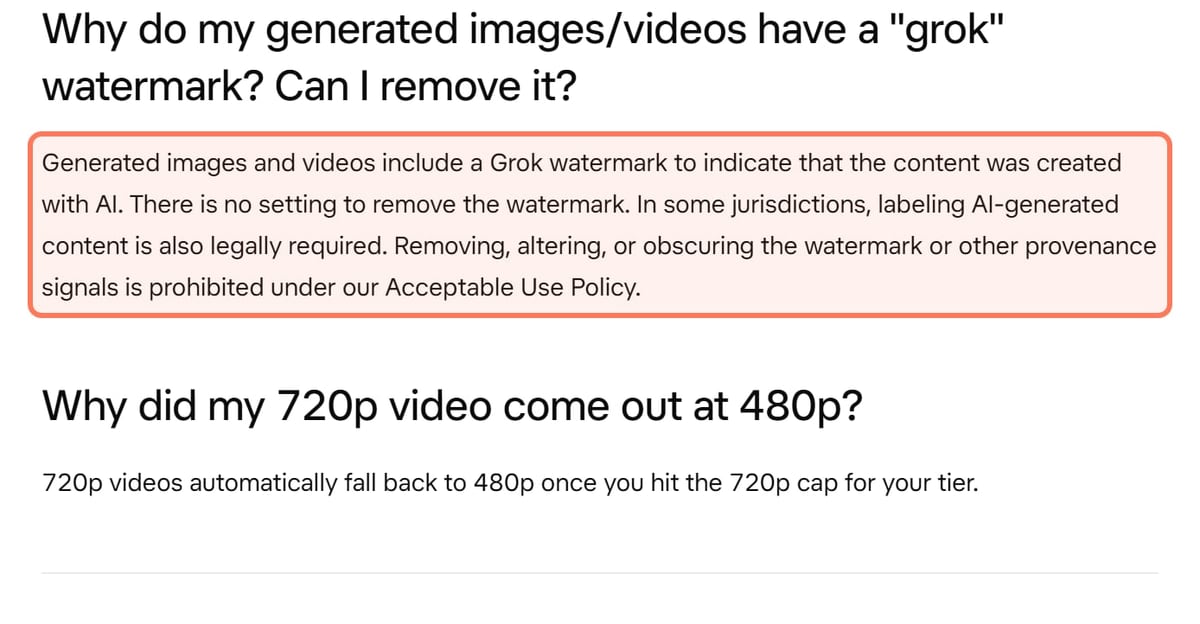
Not Grok's, in Grok's app. xAI's help page says generated images and videos include a Grok watermark and "There is no setting to remove the watermark", with no exception for paid plans, and its Acceptable Use Policy bans stripping it.
xAI's Grok Help & FAQ (docs.x.ai/grok/faq), read November 8, 2026. Outline ours. · Screenshot of docs.x.ai by aliteq
Seedance is the other way round. Dreamina's paid plans list "Remove the Dreamina watermark in downloads", so only free downloads carry it. On Higgsfield, its help center says every generation on a free account carries a Higgsfield watermark and paid plans add no visible one; we didn't check whether a Grok mark also appears on Grok output made there, or whether xAI's API adds one. If a clean file decides it, our no-watermark AI video guide covers every model.
Can you use Grok Imagine or Seedance for free?
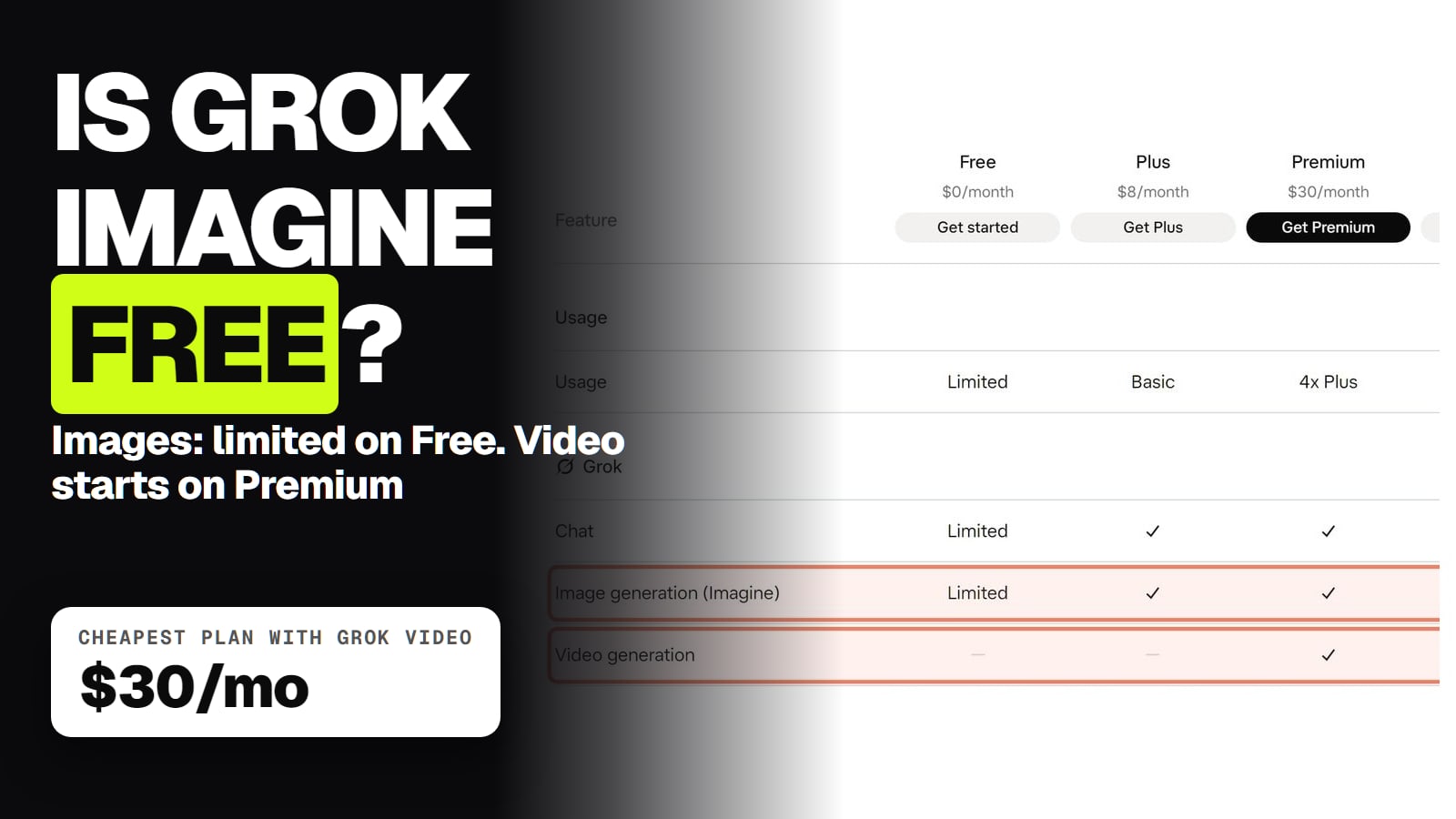
Seedance, a few seconds a day; Grok, not for video. xAI's plan table lists video generation as not included on Free or the $8 Plus plan; it starts on Premium at $30 a month ($25 billed yearly). Dreamina says free US accounts get 120 credits a day, and at 37 credits a second for Seedance 2.5 at 720p that's about 3 seconds; Dreamina's own pages disagree on whether free credits cover 2.5 or only 2.0. Free Dreamina output carries a watermark and its terms bar commercial use. Details: is Seedance free and is Grok Imagine free.
On commercial use, xAI's two pages disagree: its consumer FAQ says you own outputs "including for commercial use" with a "Created with Grok" credit, while its terms (updated October 27, 2026) say you're "required to obtain our permission and attribute". Read both before client work.
What about Grok Imagine vs Kling?
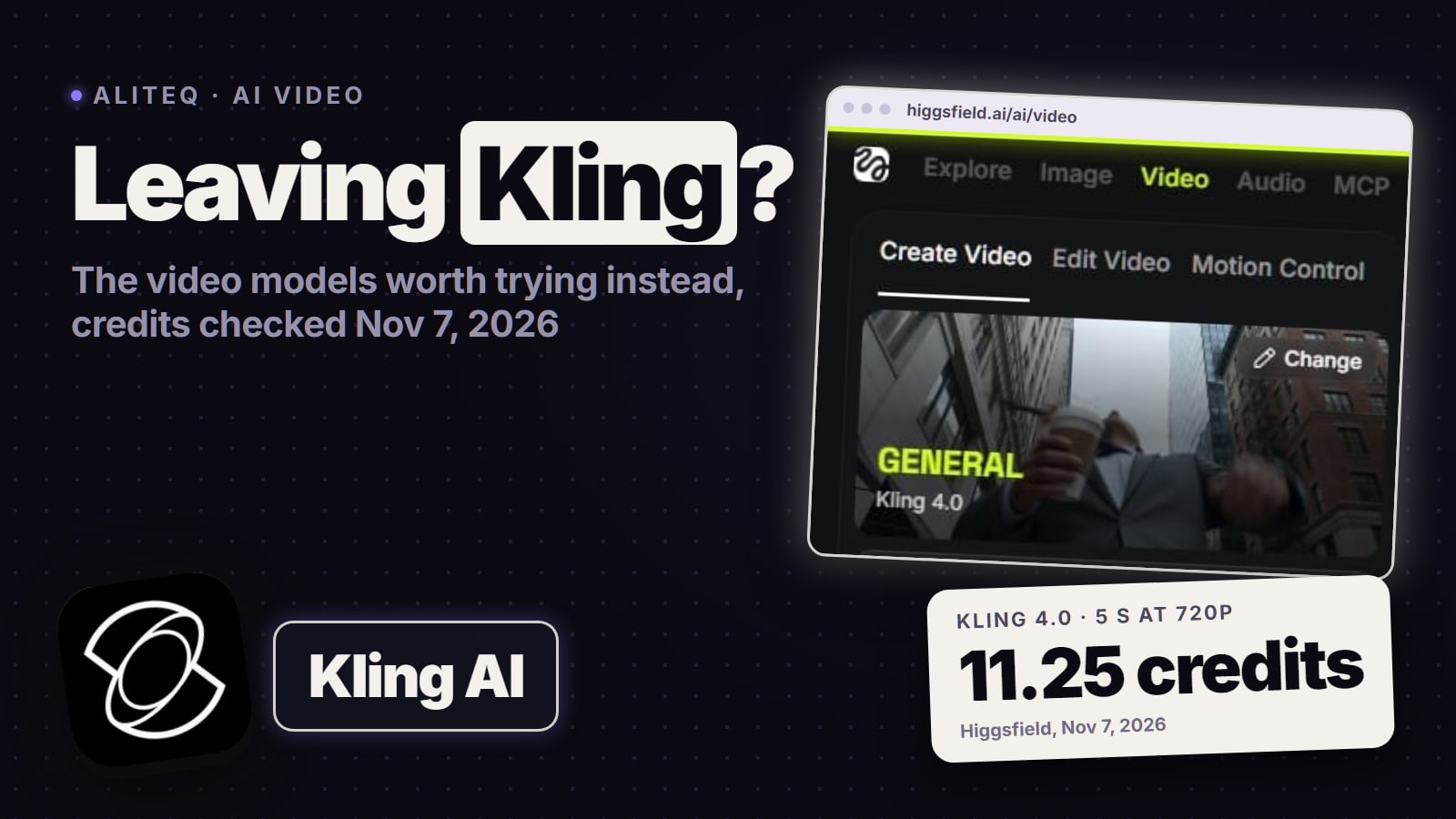
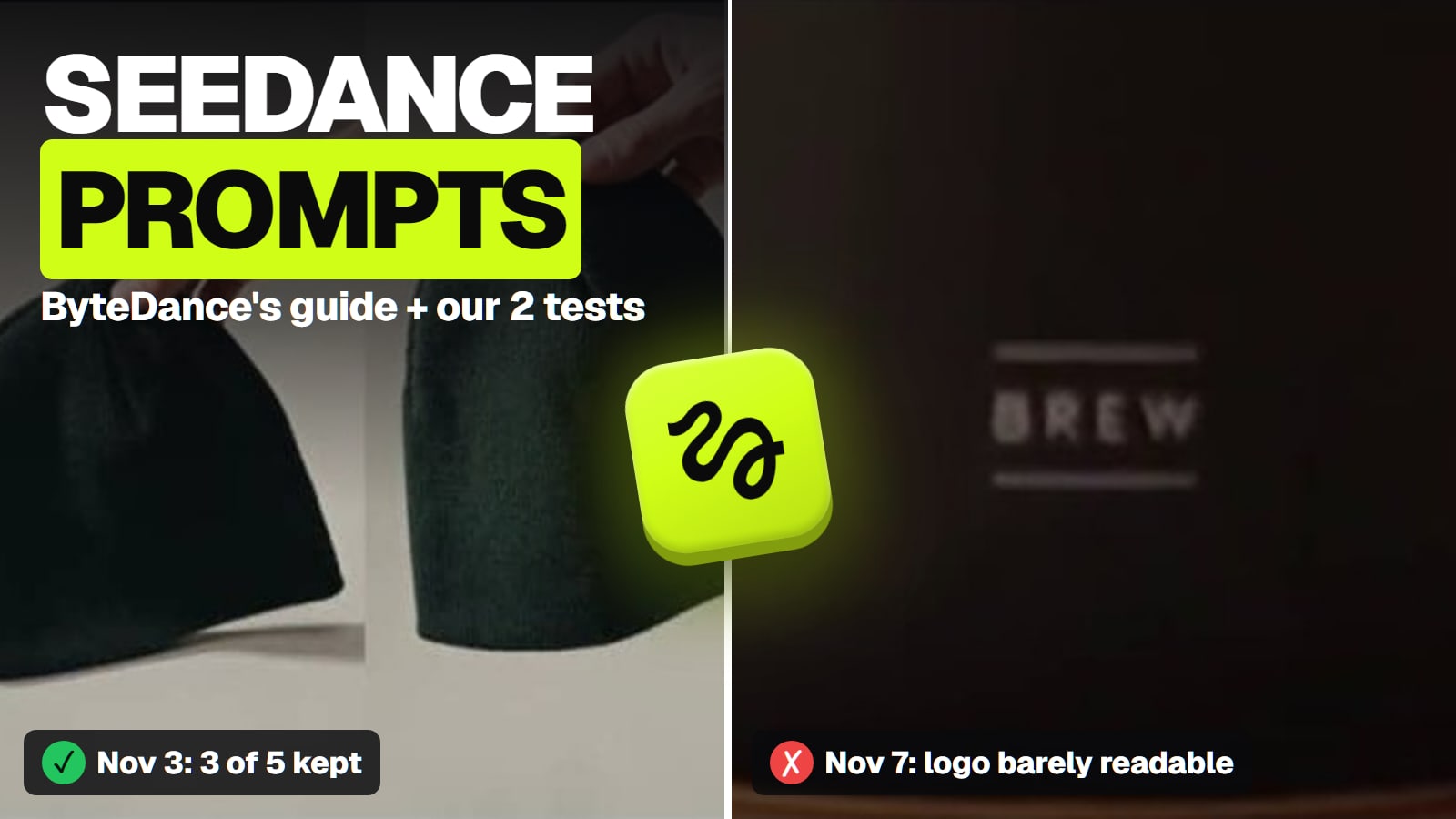
Kling 4.0 sits between them on price and matches Seedance on length. On Higgsfield a 5-second 720p Kling 4.0 clip cost 11.25 credits on November 7, shown as a launch discount. Higgsfield sells it at 3 to 30 seconds, and Kling's guide says it generates stereo sound with the video. It's the model we've seen keep a small logo readable: in our one same-prompt try on November 7, Kling 4.0's logo read clearly and Seedance 2.5's barely did. Kling vs Seedance shows the frames, and the Kling hub has its plans and fixes. We haven't run Grok against either.
Grok Imagine vs Nano Banana Pro: which is better for images?
Different strengths, and we haven't tested either one. Nano Banana Pro is Google's Gemini 3 Pro Image model; Grok Imagine's newest image model is Imagine Image 2.0, the one behind Grok's Quality Mode since August 7, 2026. The documented differences:
Grok Imagine images vs Nano Banana Pro (makers' and Higgsfield's pages, Nov 2026)
Free route
Grok Imagine (Image 2.0)
Limited on Grok's $0 plan; xAI publishes no number
Nano Banana Pro
Up to 20 a day in Google Flow without a Google AI plan
Largest size
Grok Imagine (Image 2.0)
Up to 2K
Nano Banana Pro
Up to 4K
Reference images
Grok Imagine (Image 2.0)
Not verified
Nano Banana Pro
Up to 14 (5 with high fidelity), per Google's API docs
Maker's API price
Grok Imagine (Image 2.0)
$0.04 (1K, low) to $0.08 (2K, medium); older model $0.02
Nano Banana Pro
$0.134 at 1K or 2K, $0.24 at 4K; no free tier
Higgsfield credits
Grok Imagine (Image 2.0)
1.25 (1K, low) to 2.5 (2K, medium)
Nano Banana Pro
2 at 2K
Watermark
Grok Imagine (Image 2.0)
Visible Grok watermark in Grok's app
Nano Banana Pro
Invisible SynthID on every image; visible mark depends on the app and plan
Grok Imagine (Image 2.0)
Nano Banana Pro
Free route
Limited on Grok's $0 plan; xAI publishes no number
Up to 20 a day in Google Flow without a Google AI plan
Largest size
Up to 2K
Up to 4K
Reference images
Not verified
Up to 14 (5 with high fidelity), per Google's API docs
Maker's API price
$0.04 (1K, low) to $0.08 (2K, medium); older model $0.02
$0.134 at 1K or 2K, $0.24 at 4K; no free tier
Higgsfield credits
1.25 (1K, low) to 2.5 (2K, medium)
2 at 2K
Watermark
Visible Grok watermark in Grok's app
Invisible SynthID on every image; visible mark depends on the app and plan
Grok figures are from xAI's Grok page and API price list and Higgsfield's image page, read November 8, 2026. Nano Banana Pro's free allowance and API price are from Google's Flow help and Gemini API pricing pages, read November 3; its reference limits from Google's AI Studio docs, read November 8; its Higgsfield price from the Generate button on November 7.
Nano Banana Pro, 2K, one image: 2 credits on Higgsfield (signed out, nothing generated, November 7, 2026). Outline ours. · Screenshot of higgsfield.ai by aliteq
Pick Nano Banana Pro for text on the image, 4K and multi-image references: Google's Gemini help pitches it for "images that use text rendering or for infographics". Pick Grok if you're already paying for Grok or want the cheapest API image. Everything else about Google's model is on our Nano Banana Pro hub.
Which should you pick?
A talking character or a cheap 5-second test: Grok Imagine. 1.5 Lite at 5 credits is the cheapest way to try an idea, and xAI documents lip-synced speech on both 1.5 models.
A 15 to 30-second scene in one take: Seedance 2.5.
An ad built from product photos, video or a soundtrack: Seedance 2.5, for its references. In our November 3 test it kept the product right in 3 of 5 tries (cost per usable clip).
A logo that has to read: Kling 4.0, from our one-try test, at about a third of Seedance's credits.
A clean file without a watermark: Seedance on a paid Dreamina plan, or either model on a paid Higgsfield plan (Grok's own mark on Higgsfield not checked). Not Grok's app.
Many retries: Grok, or Seedance on Higgsfield, where failed Seedance clips are refunded. Seedance stuck or blocked? See Seedance not working.
What we couldn't verify
Quality. We've never generated a Grok Imagine clip or image, so nothing here says which looks better.
Seedance 2.5 lip-sync. ByteDance's page doesn't mention it; we didn't test a talking clip.
Grok's watermark outside Grok's app. Whether xAI's API or Higgsfield's Grok output carries a visible Grok mark.
How many Grok clips a paid plan covers. xAI's plans share a weekly usage pool and publish no clip count.
How many free Grok images you get. xAI says Limited and gives no number.
Whether Dreamina's free credits run Seedance 2.5. Its pages disagree.
Grok Imagine image references. We didn't find a reference-image limit for Imagine Image 2.0.
7/ 10
Verdict
Grok for short and cheap, Seedance for long
Grok Imagine wins on price and on documented lip-sync: 5 credits for a 5-second Lite clip on Higgsfield, against 35 for Seedance 2.5. Seedance wins on length and references: 30 seconds plus two extensions, and up to 30 images, 10 videos and 10 audio clips to steer it. Pick Grok for short talking clips and cheap tests, Seedance for longer product and story shots, and remember Grok's own app watermarks every clip.
Best for: Anyone choosing between Grok Imagine and Seedance 2.5 for AI video
Frequently asked
Is Grok Imagine better than Seedance?
It's cheaper and documents lip-synced speech; Seedance 2.5 runs longer and takes more references. On Higgsfield a 5-second 720p clip cost 5 credits on Grok Imagine 1.5 Lite, 22.5 on Grok Imagine 1.5 and 35 on Seedance 2.5 (Nov 7 and 8, 2026). We've tested Seedance, not Grok, so we can't rank their output.
How long can Grok Imagine videos be?
Up to 15 seconds on Grok Imagine 1.5, 1.5 Lite and the older model, per xAI's API docs (Nov 8, 2026). Seedance 2.5 makes up to 30 seconds and can extend a clip twice.
Does Seedance 2.5 do lip-sync?
ByteDance's model page doesn't say. It calls Seedance 2.5 an audio-video joint generation model but makes no lip-sync or dialogue claim (checked Nov 8, 2026). xAI's docs list native audio with lip-synced speech for Grok Imagine 1.5 and 1.5 Lite.
Is Grok Imagine free?
Images are, in limited amounts on Grok's $0 plan. Video starts on Premium at $30 a month. xAI's API and Higgsfield charge for every clip.
Is Grok Imagine better than Nano Banana Pro for images?
Neither is proven better; we haven't tested them. Nano Banana Pro goes up to 4K, takes up to 14 reference images and is free up to 20 a day in Google Flow. Grok's image model goes up to 2K, and its older API model is cheaper at $0.02 an image.
Does Seedance have a watermark?
On free Dreamina downloads, yes; Dreamina's paid plans remove it. On Higgsfield, free accounts get a Higgsfield watermark and paid plans add no visible one. Grok's app watermarks every image and video, paid or not.
The short version: Grok Imagine is the cheap, 15-second option with documented lip-sync and a permanent watermark in its own app; Seedance 2.5 costs more and gives you 30-second takes and the deepest reference inputs.